- Age rating4+
- CategoryProductivity
- DeveloperDavid M. Reed Software
- LanguagesEnglish
- Size3.5 MB
Links to the official App Store page
Download.org hosts no file of reDraw Whiteboard. The button opens its official App Store page, published by David M. Reed Software. Listing last checked on Nov 20, 2026.
Screenshots

About
In addition to App Store video, there is a longer Introductory video (but with older UI style) at http://dave256apps.com/redraw
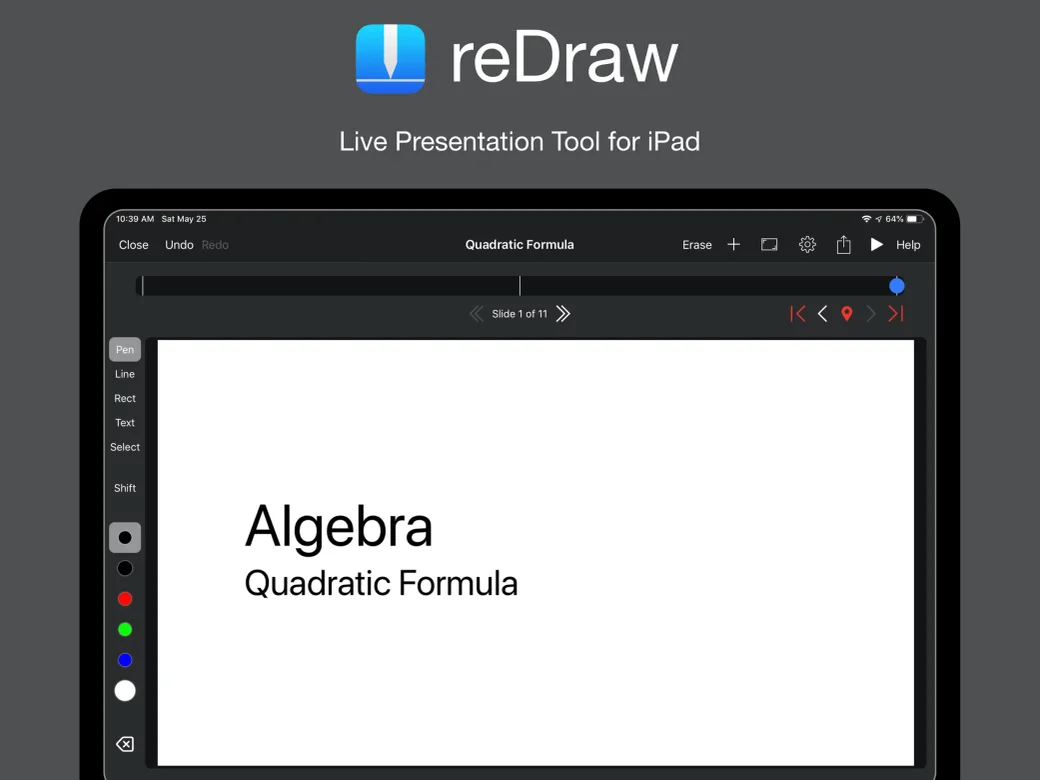
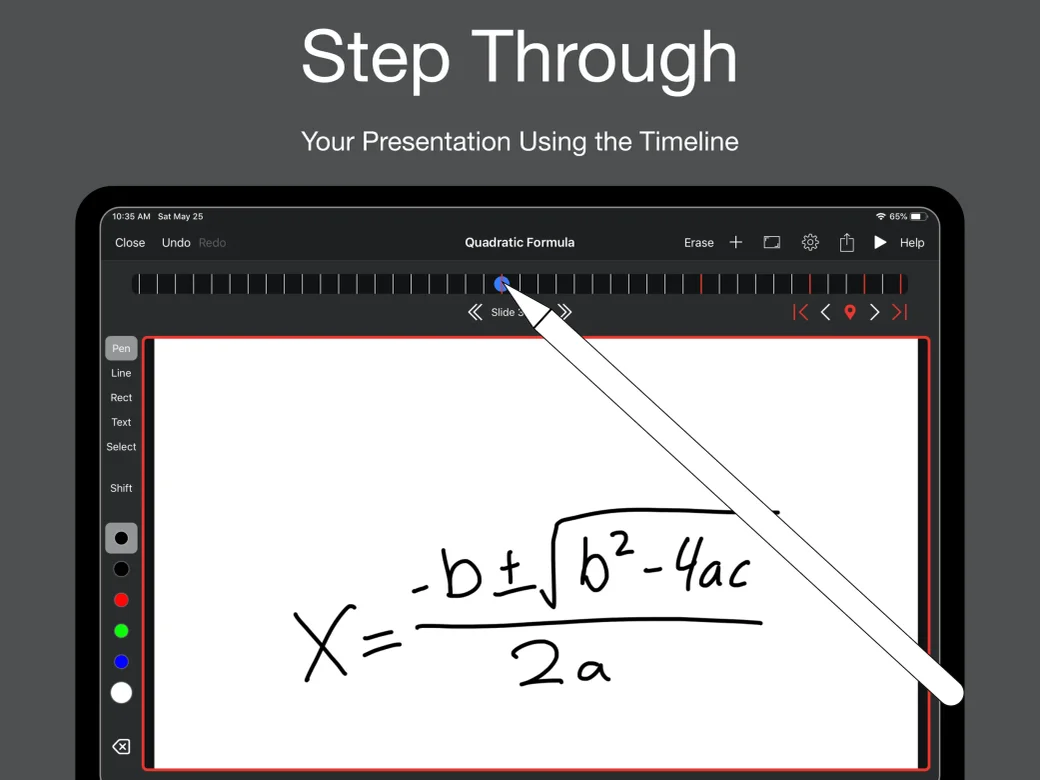
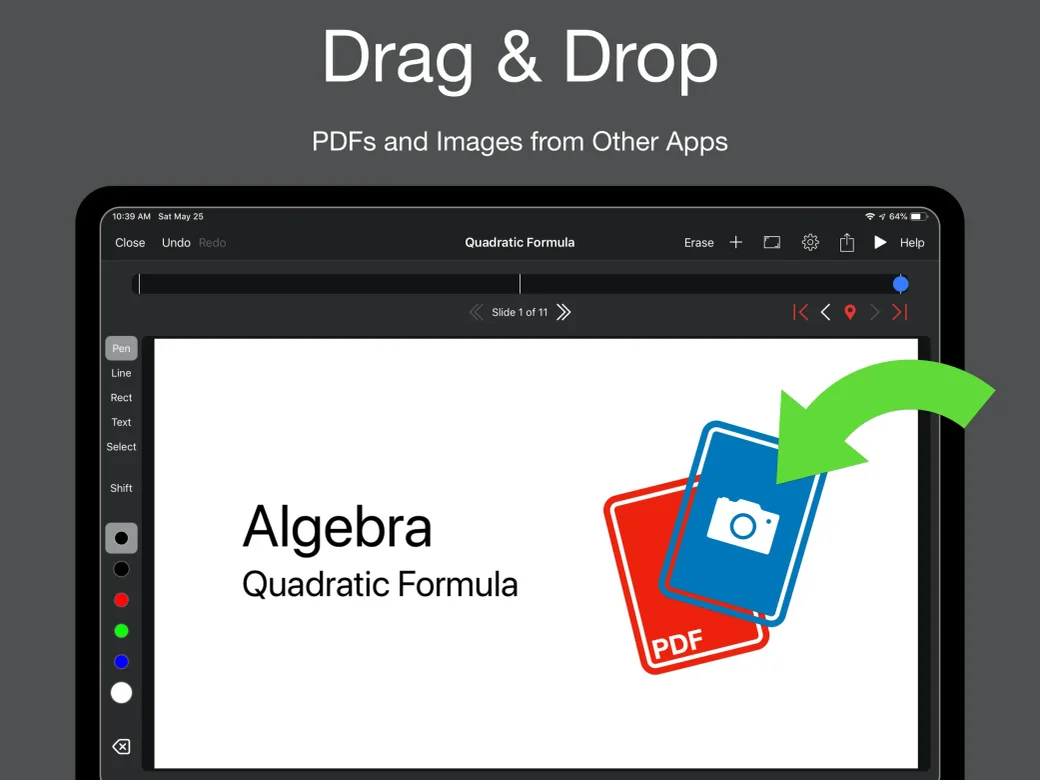
reDraw is a full-featured note-taking / presentation app for the iPad. It supports freehand drawing, text entry via a keyboard, pasting images, and importing PDFs that can be marked up using the drawing tools. reDraw was designed for use in a classroom, but is versatile enough to be used as a general purpose drawing or note taking app. A timeline with mark points allows you to step through the text and diagrams you’ve drawn before class, and you can add additional drawings / text based on discussion and questions. You can share your document with other reDraw users or export as PDF.
DRAW AND TYPE
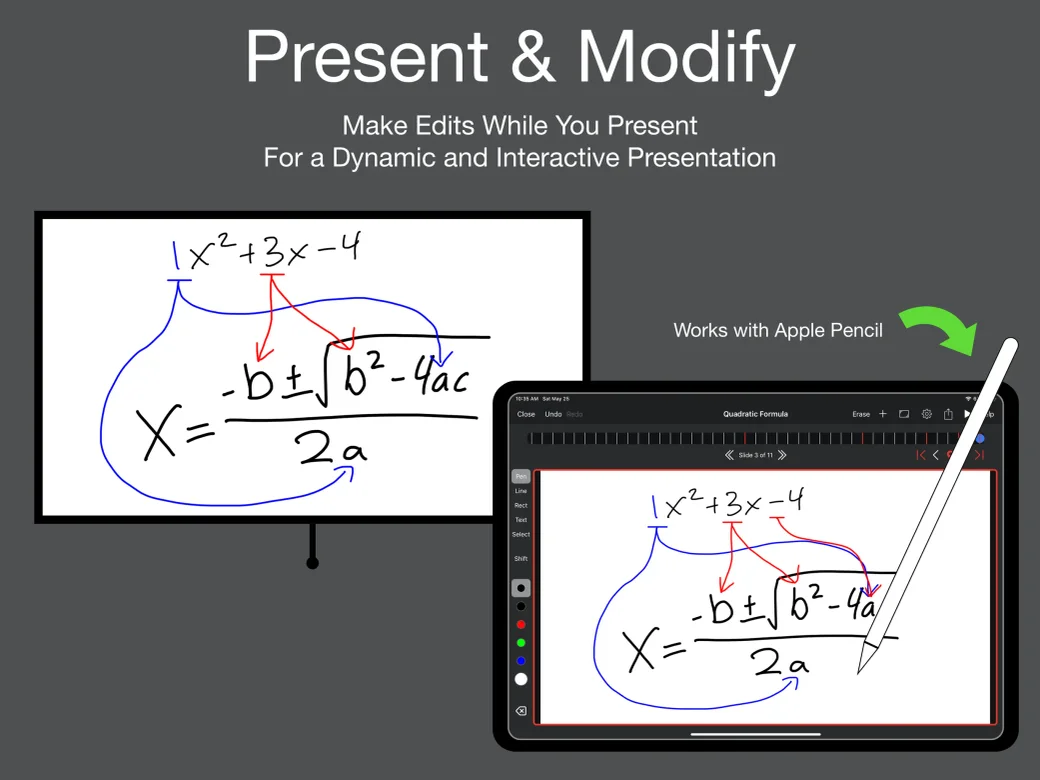
Create presentations using traditional text, or create hand written presentations using the built in drawing tools. Create drawings using your finger, a stylus, or the Apple Pencil for added precision (full support for Apple Pencil with palm rejection).
PRESENT YOUR WAY
Connect your iPad to a projector or second screen to share your presentations with a Lightning to HDMI adapter or AirPlay Mirroring. While presenting, you can make live changes to your presentation without exiting presentation mode, making a seamless experience for your audience.
TIMELINE AND MARK POINTS
The timeline is the backbone of a reDraw presentation. The timeline shows the history for each slide in your document. Set mark points to quickly move to points on the timeline during a presentation.
STAY ORGANIZED
Organize your reDraw documents in folders within the app.
NEED HELP?
reDraw includes help within the app to describe how each feature works. Still need help? Send us an email at reDraw.app@gmail.com for additional support.
EDITING FEATURES
Freehand Drawing
Straight Lines and Rectangles
Text
Images
PDFs
SHARING OPTIONS
Export to PDF or reDraw Document
Share with Email, AirDrop, and more
Record video on iPad Air, Air 2, Pro, or new iPad.
QUESTIONS OR COMMENTS?
Send us an email at reDraw.app@gmail.com
What’s new
Version 5.6 · Nov 19, 2026
Now requires iPadOS 26 or higher as adjustments for new UI style.
Improvements to PDF importing.
Bug fixes.
Updated help text - open/create a document and press Help button for more information on Keyboard Shortcuts options.
App privacy
What David M. Reed Software declares on the App Store about how this app handles data.
-
Data not collected
The developer does not collect any data from this app.
Privacy practices may vary, for example with the features you use or your age.
Information
- Seller
- David Reed
- Category
- Productivity
- Version
- 5.6
- Updated
- Nov 19, 2026
- Released
- Jan 3, 2017
- Size
- 3.5 MB
- Requires
- iOS 26.6 or later
- Age rating
- 4+
- Price
- $4.99
- Languages
- English
- Copyright
- © David Reed and Jeremy Kemery 2016-
You might also like
-
 Octo Notes - infinite canvasNotes, Ideas, Schedules, Memos
-
 Stylus Labs Write ProHandwritten notes
-
 Columns.appThe Lists Manager
-
 Vesper AIThe AI Coach That Calls You
-
 Upriser: Wake Up Alarm ClockFor Heavy Sleepers. No Snooze.
-
 NoteApp, Mindmap, PDF: InkNodeNote-taking & Handwriting App
-
 EazyDrawDrawings that communicate.
-
 Whiteboard Infinite PDF CanvasDrawing, Diagrams & Markup
-
 Outliner: ScrollOutline List Nodes & Mind Map
-
 SymEditor - Formula editorIME, Latex, MathML, Keyboard