- 対象年齢4+
- カテゴリ仕事効率化
- 開発元David M. Reed Software
- 言語英語
- サイズ3.5 MB
App Storeの公式ページにリンクしています
Download.orgはreDraw Whiteboardのファイルを一切ホストしていません。ボタンを押すと、David M. Reed Softwareが公開しているApp Storeのアプリページが開きます。ページの最終確認:2026/11/20。
スクリーンショット

概要
開発元はこのテキストをお使いの言語で提供していません。
In addition to App Store video, there is a longer Introductory video (but with older UI style) at http://dave256apps.com/redraw
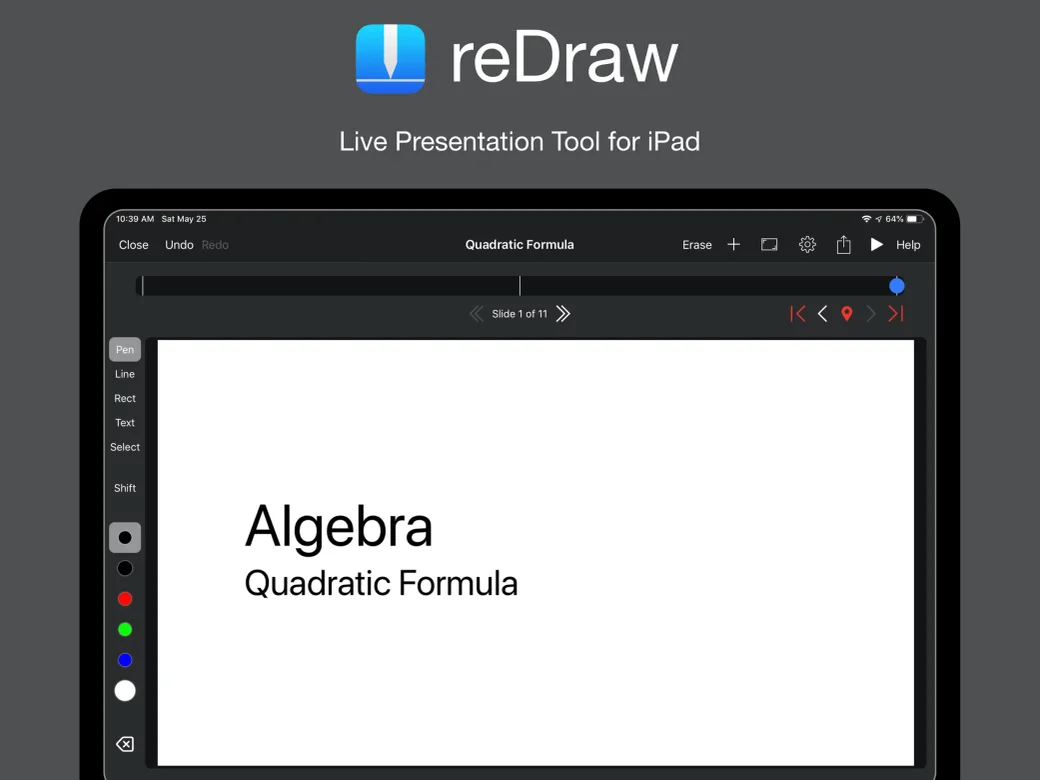
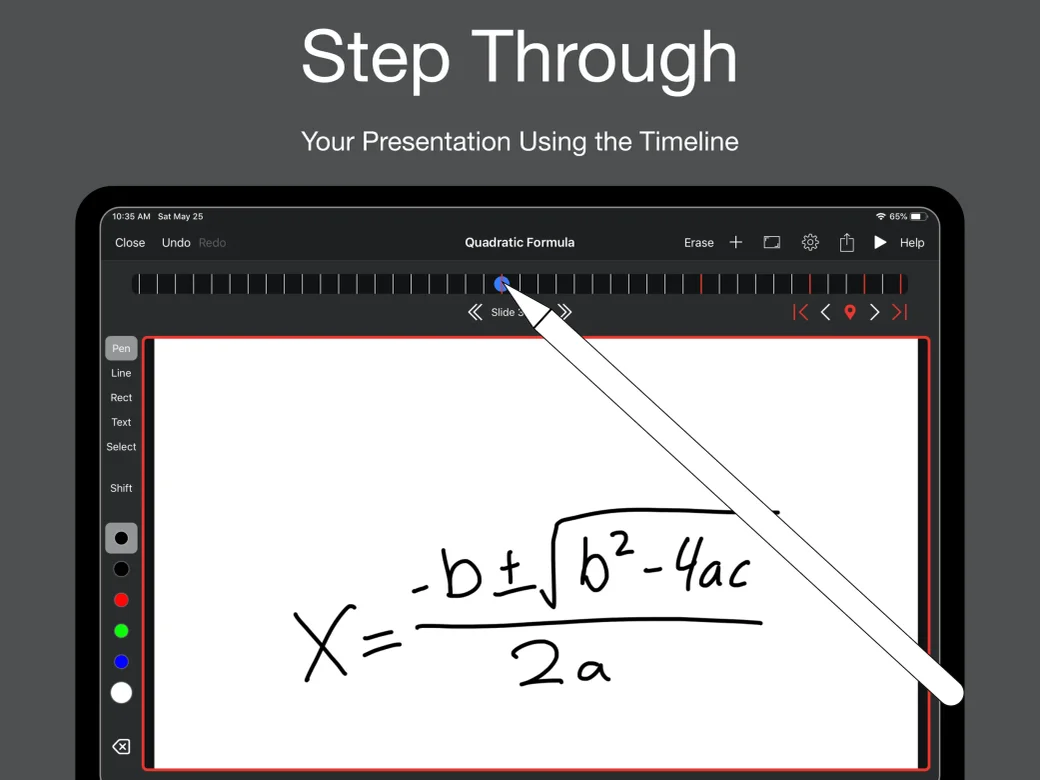
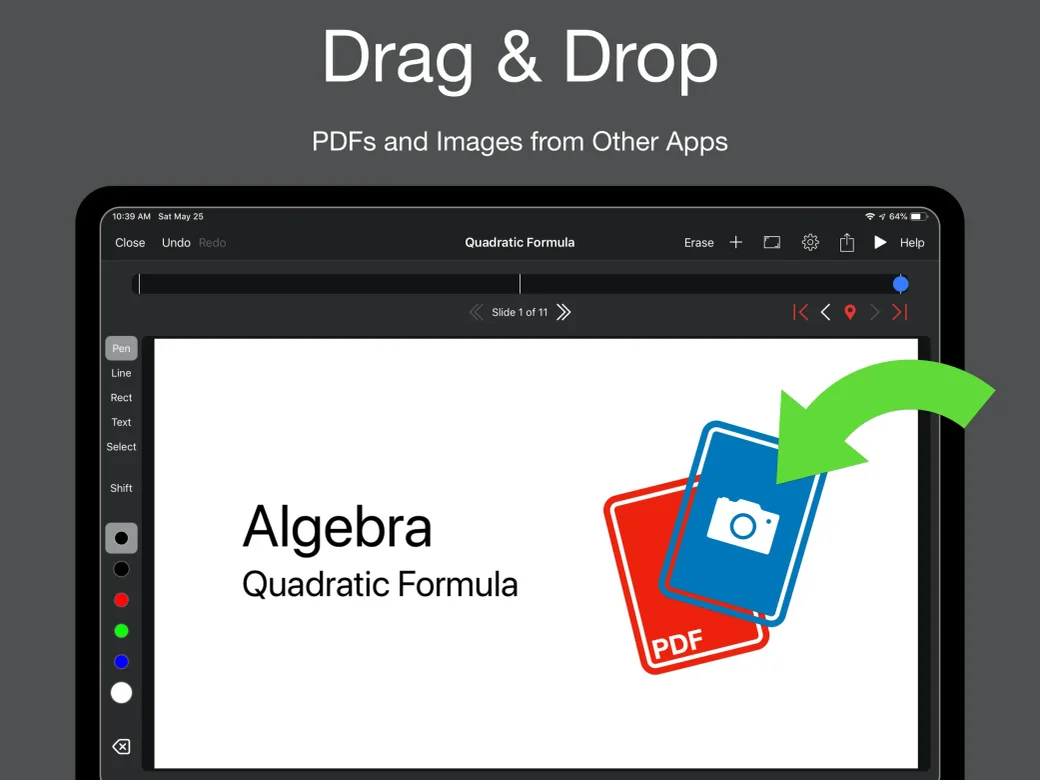
reDraw is a full-featured note-taking / presentation app for the iPad. It supports freehand drawing, text entry via a keyboard, pasting images, and importing PDFs that can be marked up using the drawing tools. reDraw was designed for use in a classroom, but is versatile enough to be used as a general purpose drawing or note taking app. A timeline with mark points allows you to step through the text and diagrams you’ve drawn before class, and you can add additional drawings / text based on discussion and questions. You can share your document with other reDraw users or export as PDF.
DRAW AND TYPE
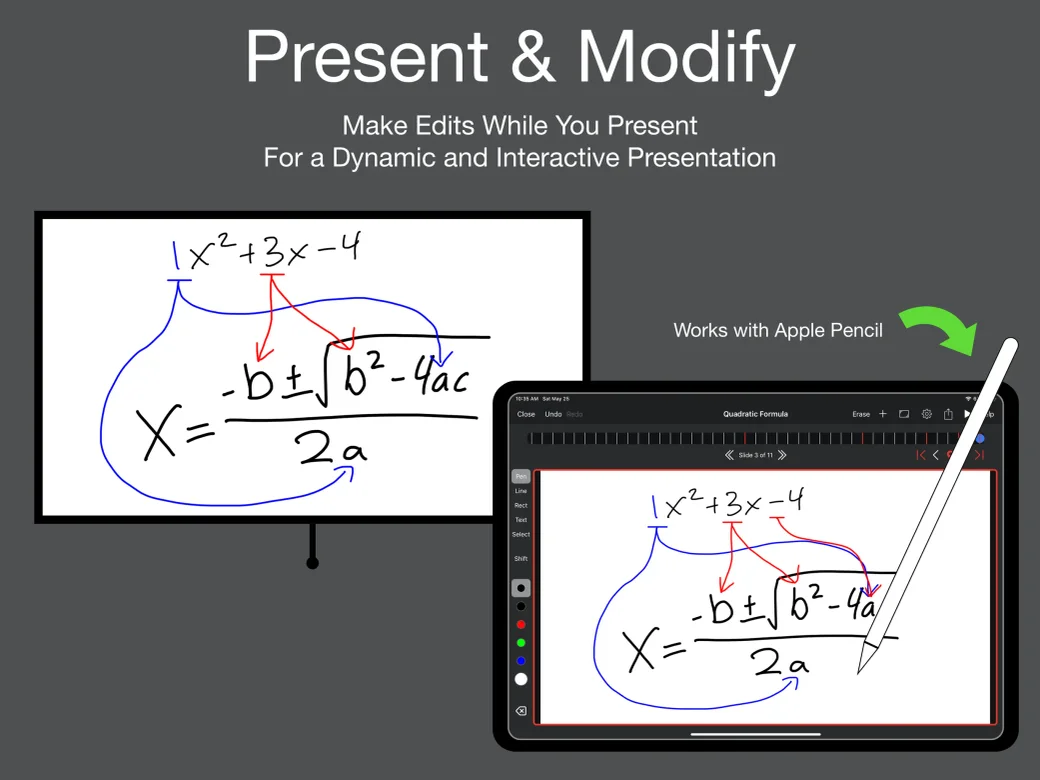
Create presentations using traditional text, or create hand written presentations using the built in drawing tools. Create drawings using your finger, a stylus, or the Apple Pencil for added precision (full support for Apple Pencil with palm rejection).
PRESENT YOUR WAY
Connect your iPad to a projector or second screen to share your presentations with a Lightning to HDMI adapter or AirPlay Mirroring. While presenting, you can make live changes to your presentation without exiting presentation mode, making a seamless experience for your audience.
TIMELINE AND MARK POINTS
The timeline is the backbone of a reDraw presentation. The timeline shows the history for each slide in your document. Set mark points to quickly move to points on the timeline during a presentation.
STAY ORGANIZED
Organize your reDraw documents in folders within the app.
NEED HELP?
reDraw includes help within the app to describe how each feature works. Still need help? Send us an email at reDraw.app@gmail.com for additional support.
EDITING FEATURES
Freehand Drawing
Straight Lines and Rectangles
Text
Images
PDFs
SHARING OPTIONS
Export to PDF or reDraw Document
Share with Email, AirDrop, and more
Record video on iPad Air, Air 2, Pro, or new iPad.
QUESTIONS OR COMMENTS?
Send us an email at reDraw.app@gmail.com
新機能
バージョン 5.6 · 2026/11/19
Now requires iPadOS 26 or higher as adjustments for new UI style.
Improvements to PDF importing.
Bug fixes.
Updated help text - open/create a document and press Help button for more information on Keyboard Shortcuts options.
アプリのプライバシー
このアプリのデータの取り扱いについて、David M. Reed SoftwareがApp Storeで申告している内容です。
-
データの収集なし
開発元はこのアプリからデータを収集しません。
プライバシーの取り扱いは、ご利用の機能やお客様の年齢などに応じて異なる場合があります。
情報
- 販売元
- David Reed
- カテゴリ
- 仕事効率化
- バージョン
- 5.6
- 更新日
- 2026/11/19
- リリース
- 2017/1/3
- サイズ
- 3.5 MB
- 必要条件
- iOS 26.6以降
- 対象年齢
- 4+
- 価格
- ¥800
- 言語
- 英語
- 著作権
- © David Reed and Jeremy Kemery 2016-