
- Age rating4+
- CategoryPhoto & Video
- DeveloperCatherine Josephine
- LanguagesEnglish
- Size5.7 MB
Links to the official App Store page
Download.org hosts no file of ReframeCam. The button opens its official App Store page, published by Catherine Josephine. Listing last checked on Nov 18, 2026.
Screenshots

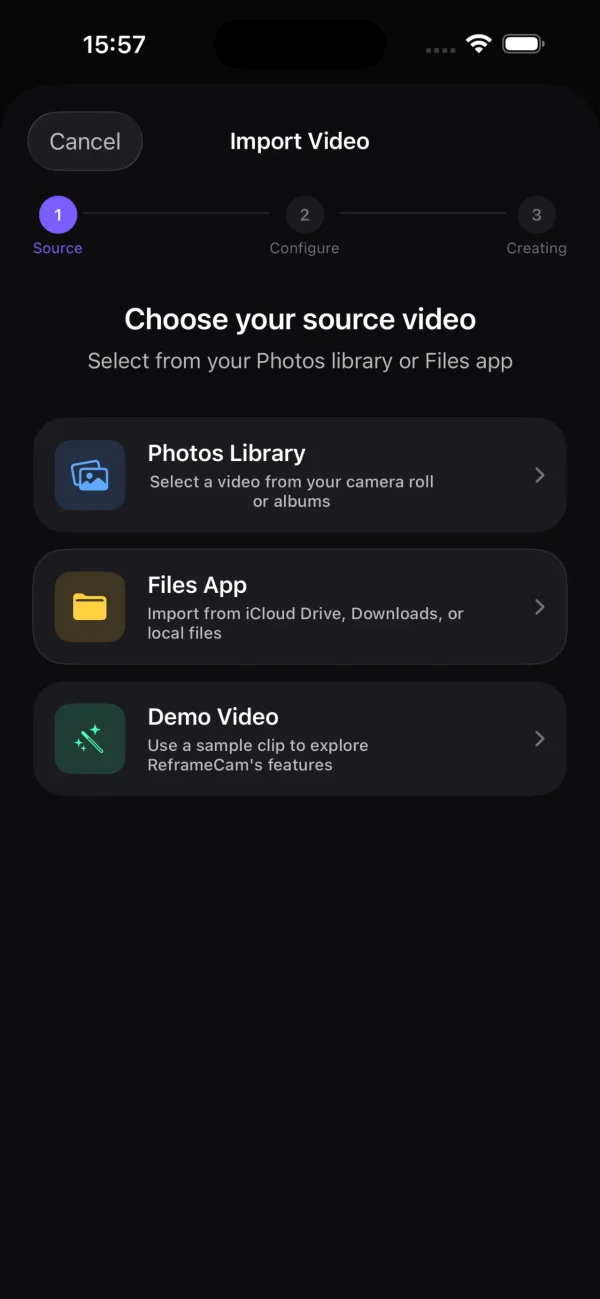
About
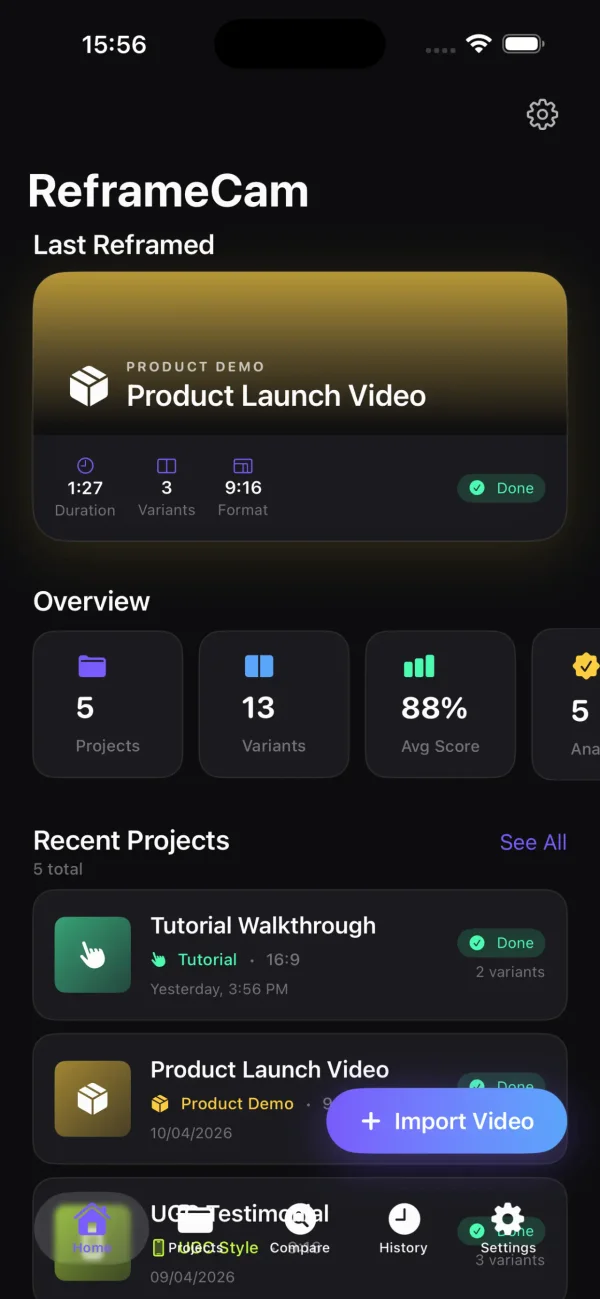
ReframeCam helps creators film once and generate multiple useful video versions based on purpose, not just format.
Most reframing tools focus on changing aspect ratio and keeping the main subject in frame. ReframeCam goes further by helping users reframe a video according to what the video needs to do.
Instead of only asking:
should this be 9:16 or 1:1
is the subject centered
is it ready for Reels or Shorts
ReframeCam also helps answer:
is this version best for a hook
does the tutorial keep the hands or demo area visible
is the product still the priority
is there enough safe room for text
is the message still understandable after reframing
Main Features
Import one source video
Start from a single clip and create multiple useful reframed outputs from it.
Export for multiple formats
Generate vertical, square, landscape, and social-ready versions in one place.
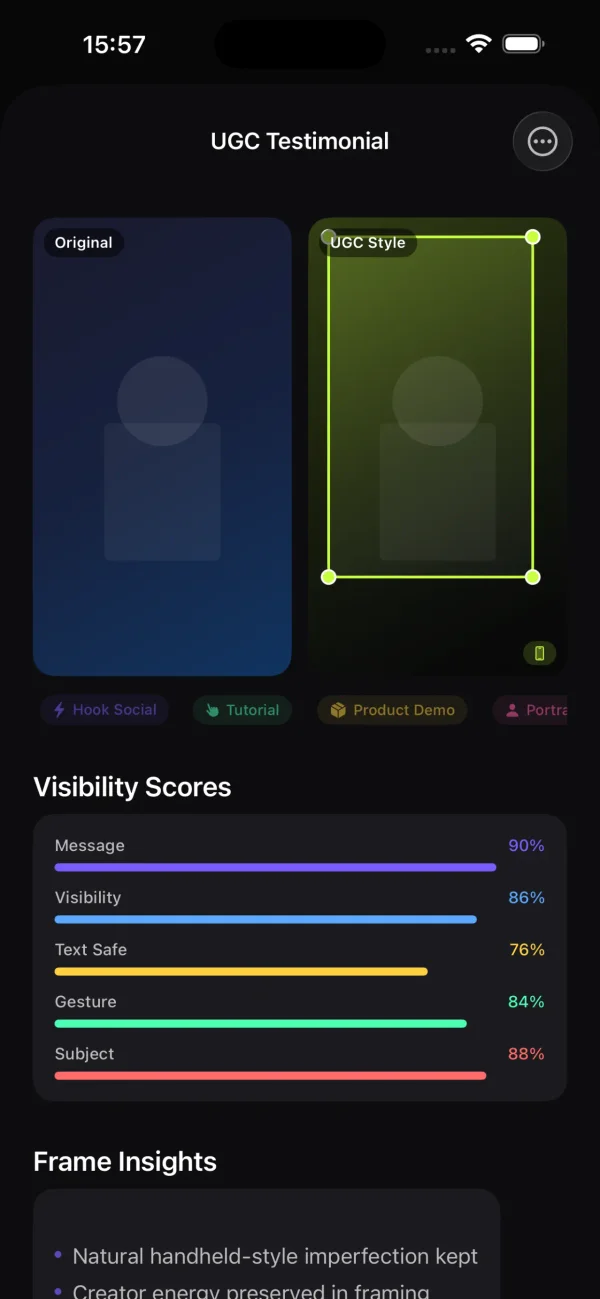
Compare reframed outputs
See how the same clip changes depending on goal and framing logic.
Interactive preview and adjustment
Review framing, crop stability, safe zones, and message visibility before export.
Works for creators and social content
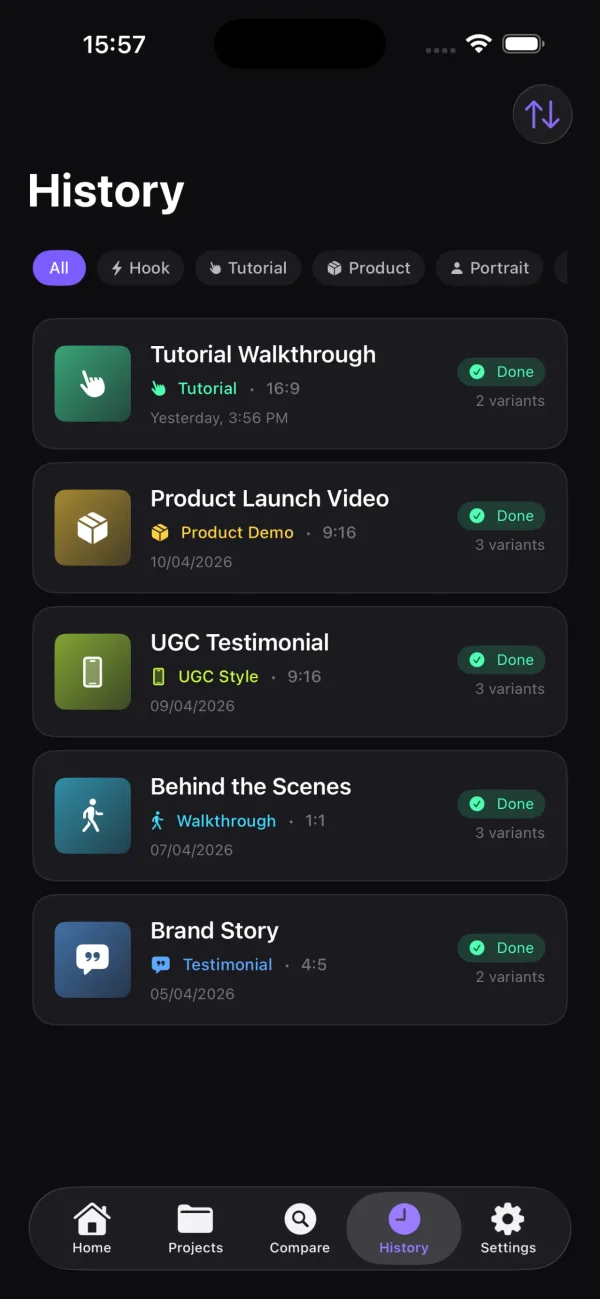
Useful for hooks, tutorials, product demos, talking-head videos, testimonials, before/after videos, and UGC-style content.
What Makes ReframeCam Different
Intent Reframing Engine
This is the core feature of ReframeCam.
Instead of only reframing by ratio, the app reframes by purpose.
Supported intents can include:
Hook Social
Tutorial
Product Demo
Portrait
Testimonial
Before / After
Talking Head
Reaction
Walkthrough
That means the app can prioritize different parts of the frame depending on the goal:
face and strong gesture for a social hook
hands and object for a tutorial
product visibility for a product demo
eye line and speaking clarity for a testimonial
both comparison zones for before/after content
Message Safe Zone Map
ReframeCam also helps users understand what must stay visible for the message to remain clear.
It can highlight zones such as:
primary face
product or object
hand or gesture area
subtitle-safe zone
hook text-safe zone
comparison-safe area
This helps creators see:
what must stay visible
what can crop safely
where text can go
which reframing option protects the message best
Goal-based reframing
ReframeCam is built around a simple idea:
a good reframed video is not only the right shape — it is the right framing for the job.
Built for Real Life
ReframeCam is made for creators, social video editors, product marketers, UGC creators, educators, coaches, and anyone who wants one recording to work across multiple use cases.
Fully Free
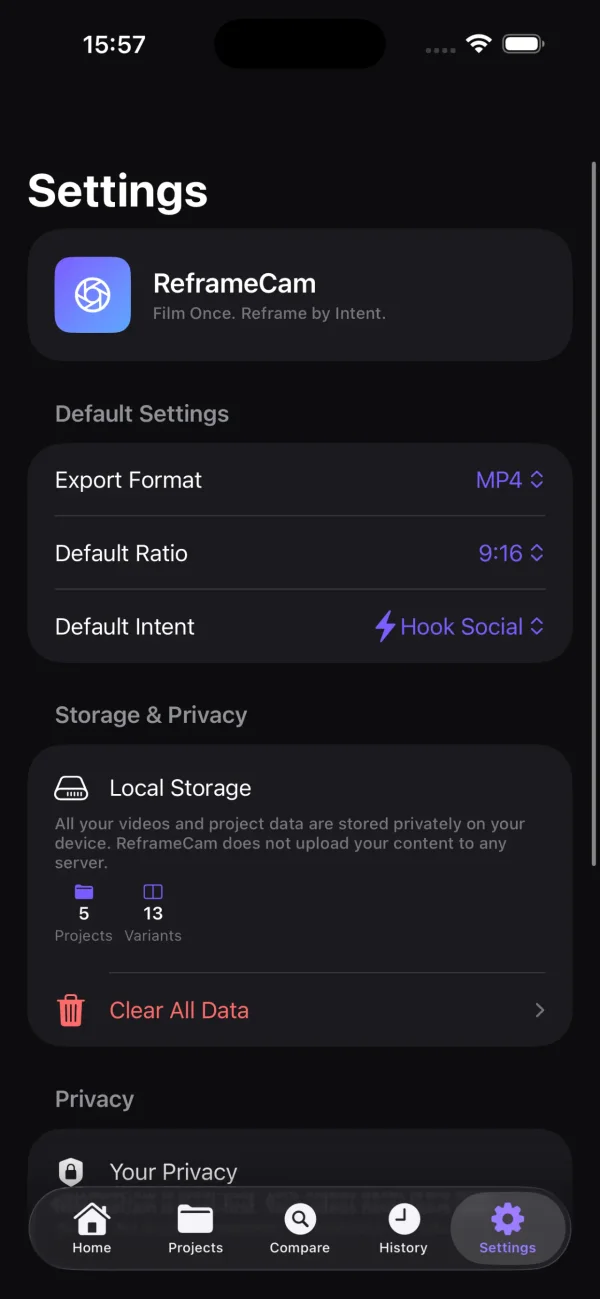
ReframeCam is fully usable without locking essential features behind a paywall.
App privacy
What Catherine Josephine declares on the App Store about how this app handles data.
-
Data not collected
The developer does not collect any data from this app.
Privacy practices may vary, for example with the features you use or your age.
Information
- Seller
- Catherine Josephine
- Category
- Photo & Video
- Version
- 1.0
- Updated
- Apr 14, 2026
- Released
- Apr 14, 2026
- Size
- 5.7 MB
- Requires
- iOS 26.4 or later
- Age rating
- 4+
- Price
- Free
- Languages
- English
- Copyright
- © LOOWZ STUDIO
You might also like
-
 Follower - Subject FramingFollow the subject in frame
-
 TwinShot - Dual CamRecord Portrait + Landscape
-
 Reels Trends AI Video AnalyzerAI Captions, Rating & Insights
-
 Auto Reframe: Video CropResize & Change Aspect Ratio
-
 OMT CameraAn OMT Camera for your phone
-
 Catchy Cam - Auto Tracking CamFollow-cam for solo videos
-
 OMTakeWireless camera for vMix & OBS
-
 PickCamAI Fancam: Auto-follow anyone
-
 CamFlowLiteWireless NDI® Phone camera
-
 VideoSplitr split long videosCut videos into parts