
Follower - Subject Framing
Follow the subject in frame
Designed for iPhone, iPad
Free
- Age rating4+
- CategoryPhoto & Video
- DeveloperRyusei Mogi
- LanguagesEnglish+ 1 more
- Size1.8 MB
Links to the official App Store page
Download.org hosts no file of Follower - Subject Framing. The button opens its official App Store page, published by Ryusei Mogi. Listing last checked on Nov 18, 2026.
Screenshots


About
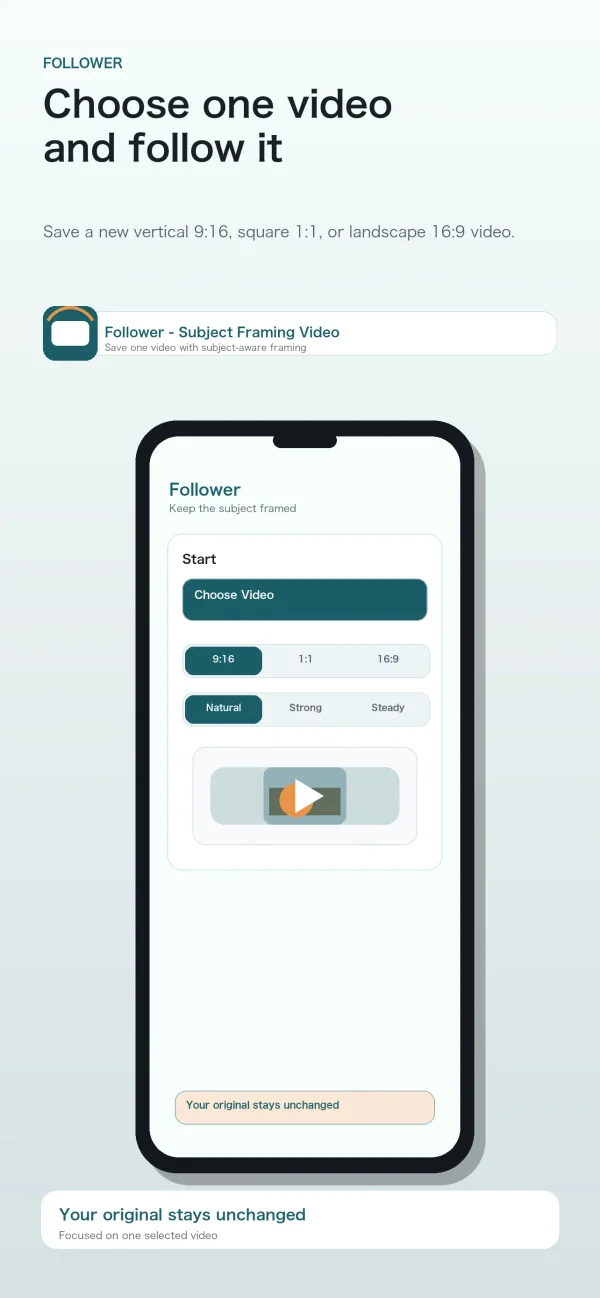
Follower is a focused app for keeping the likely subject easier to see in one video.
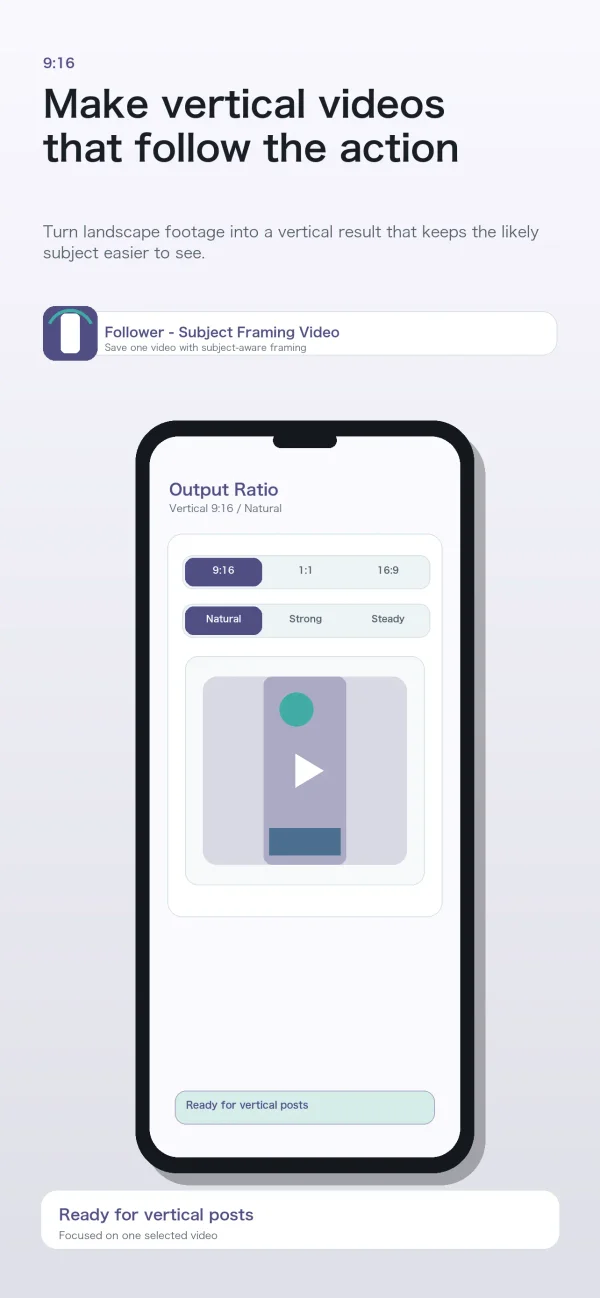
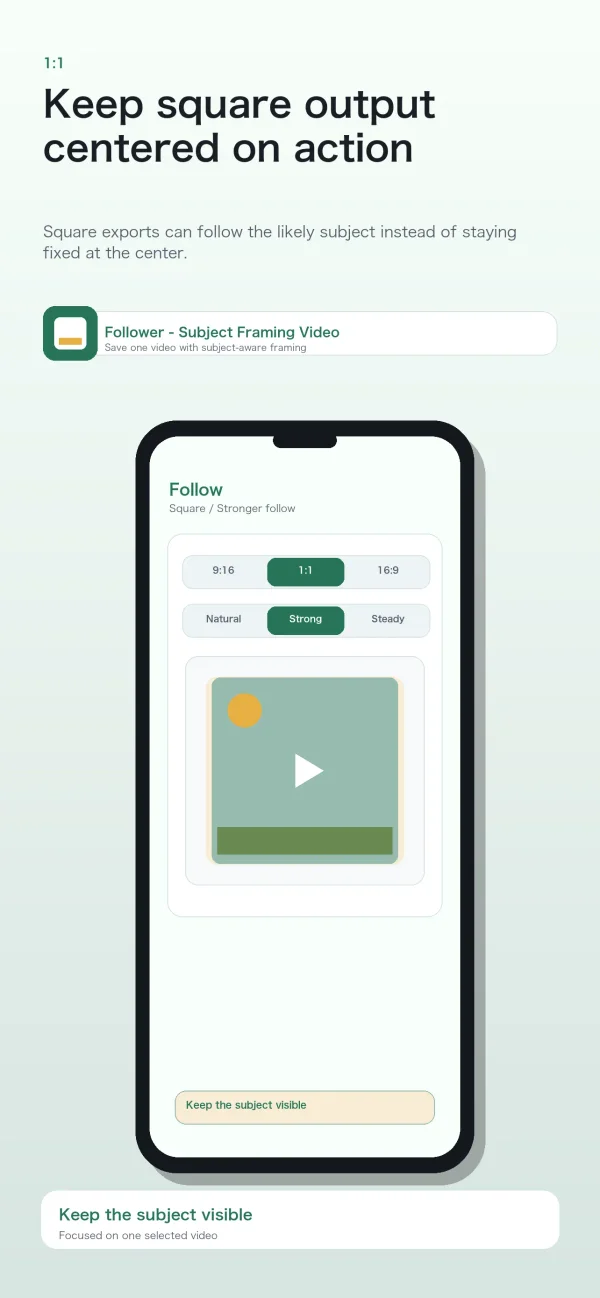
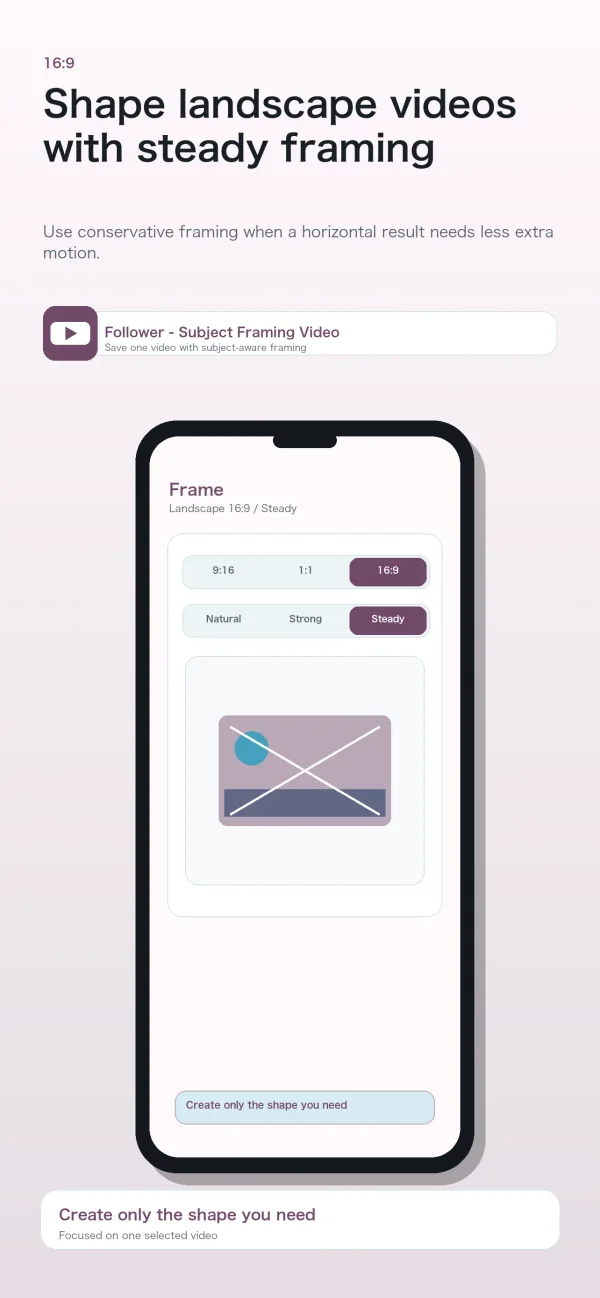
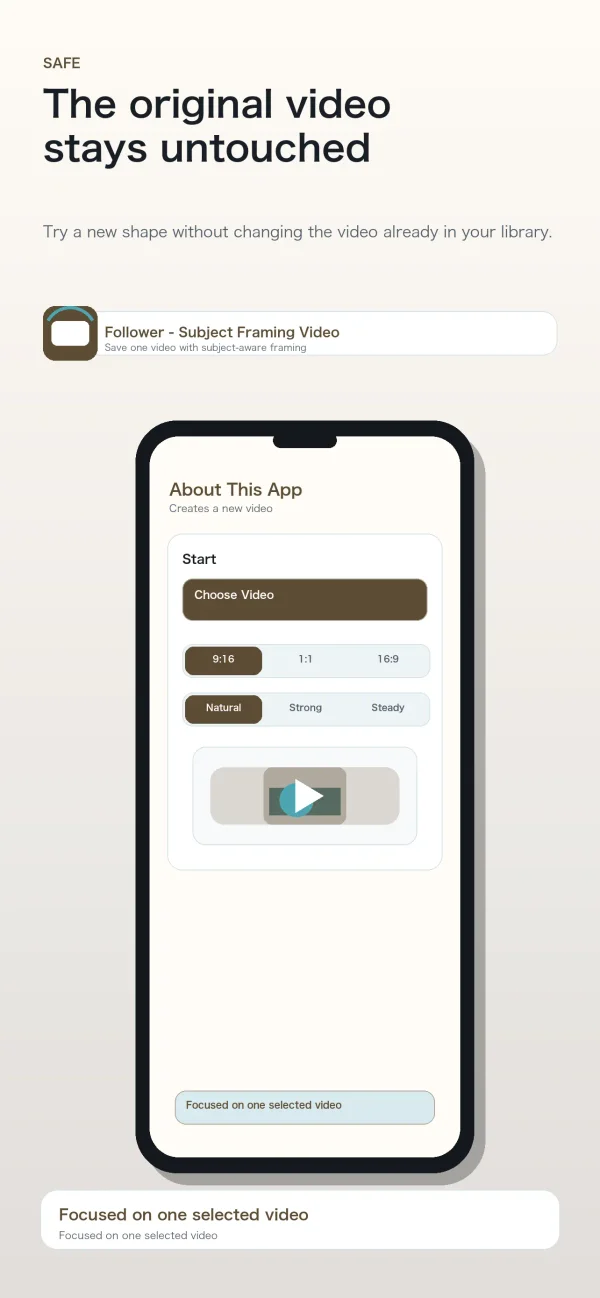
Choose a video, pick vertical 9:16, square 1:1, or landscape 16:9, then choose how strongly Follower should adjust the frame around the likely subject.
Follower does not overwrite your original video. It saves the finished result as a new video in Photos.
Main features
- Process one selected video
- Export vertical 9:16, square 1:1, or landscape 16:9
- Estimate likely subject position on device
- Choose Natural follow, Stronger follow, or Steady center
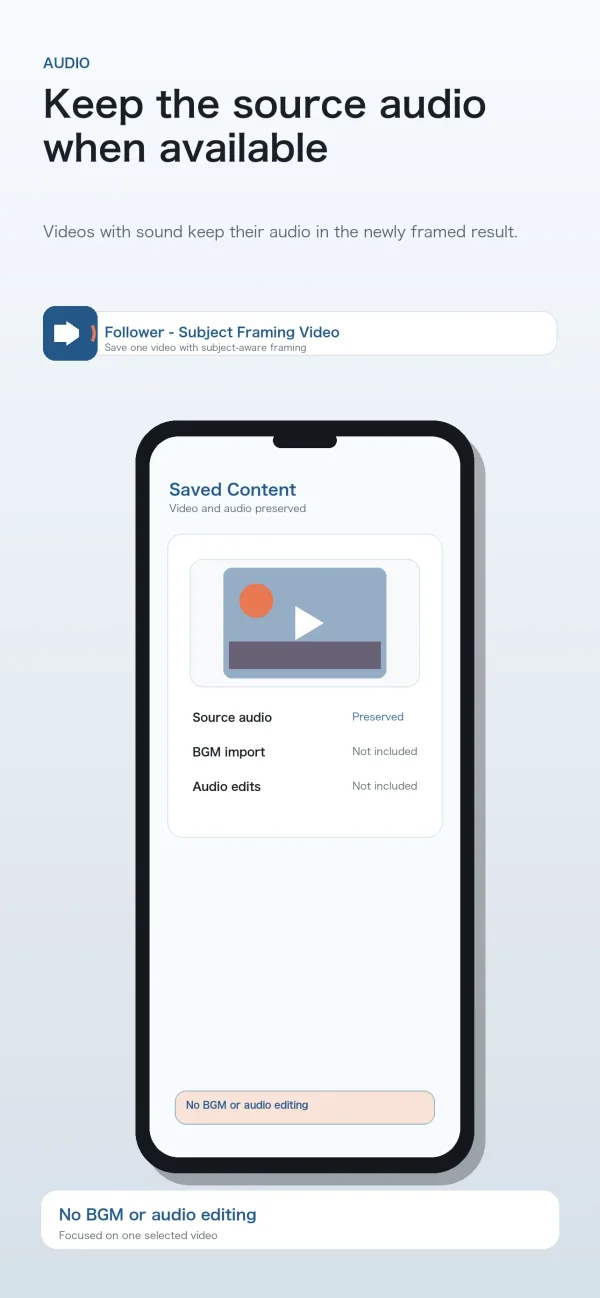
- Preserve source audio when available
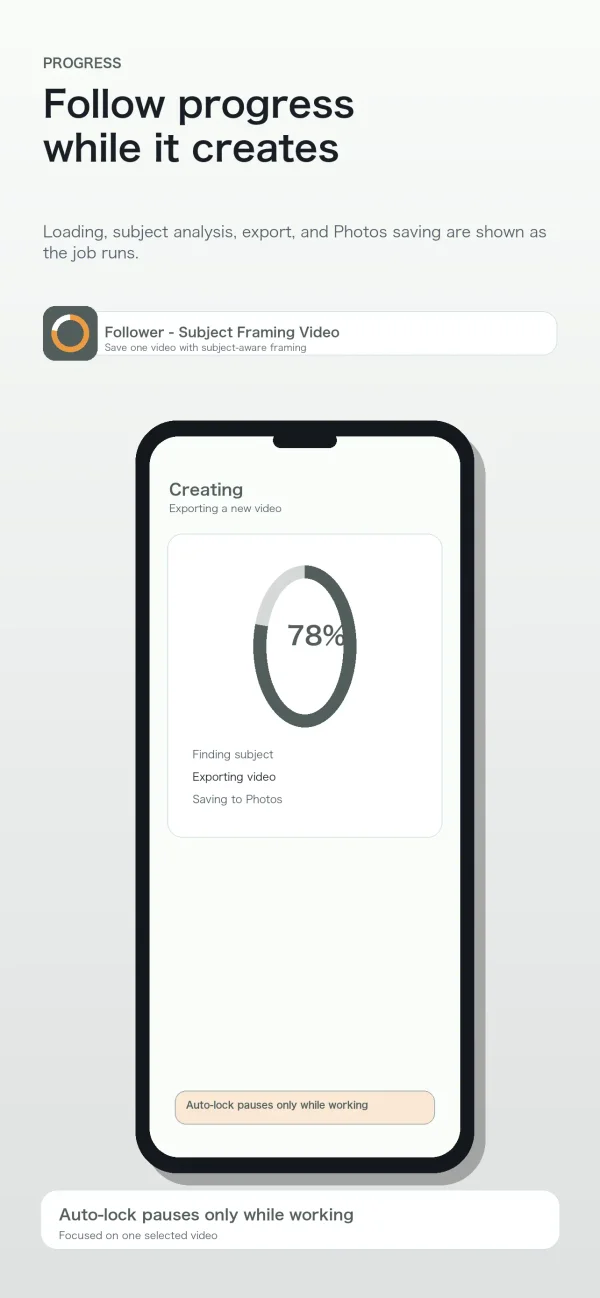
- Save a new video to Photos
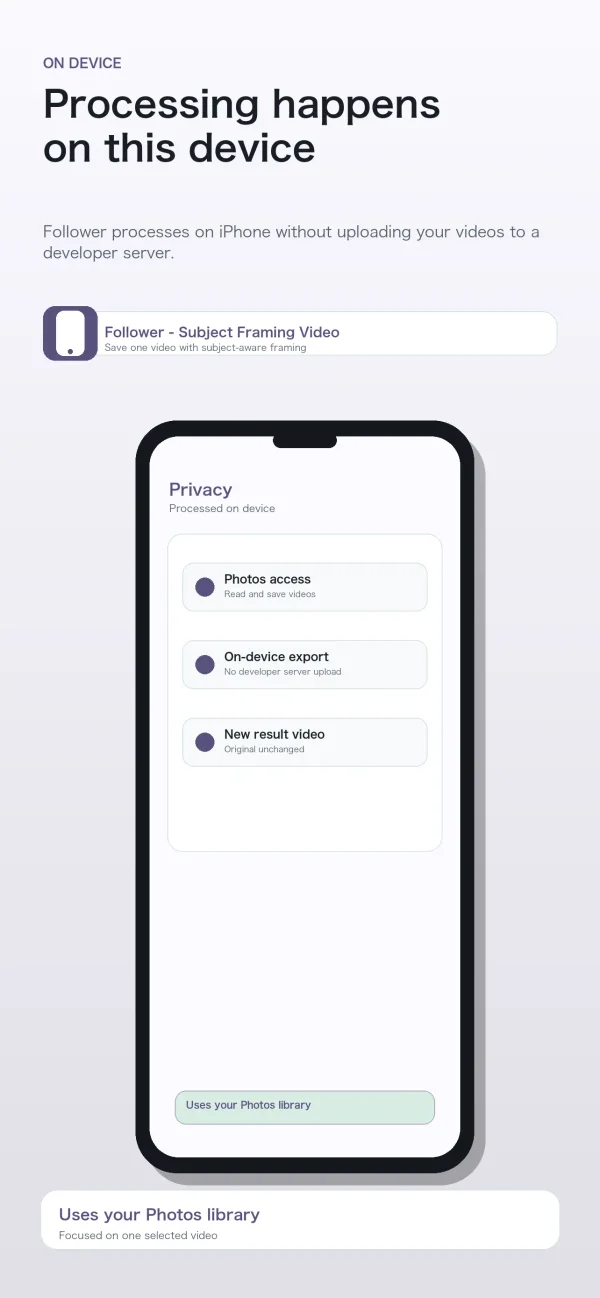
- Process on device
Follower is for adjusting the frame of one video before sharing or posting. It does not join videos, remove silence, add captions, add BGM, identify people, recognize faces, guarantee perfect tracking, or provide manual timeline editing.
Terms of Use: https://kyodo.mo-gmo.com/en/terms/
Privacy Policy: https://kyodo.mo-gmo.com/en/privacy-policy/
App privacy
What Ryusei Mogi declares on the App Store about how this app handles data.
-
Data not collected
The developer does not collect any data from this app.
Privacy practices may vary, for example with the features you use or your age.
Information
- Seller
- Ryusei Mogi
- Category
- Photo & Video
- Version
- 1.0
- Updated
- Jul 14, 2026
- Released
- Jul 13, 2026
- Size
- 1.8 MB
- Requires
- iOS 17.0 or later
- Age rating
- 4+
- Price
- Free
- Languages
- English, Japanese
- Copyright
- © 2026 Mogmo Lab
You might also like
-
 ReframeCamFilm once. Reframe by intent
-
 FILMGAWI여러 명 영상에서 인물별 세로 영상
-
 VertiCutLandscape video to vertical
-
 CamPouch: Sun & Shoot PlannerGolden Hour, Shoots & Releases
-
 Video to GIF – GIF MakerConvert MOV & MP4, Any Size
-
 Centered – Auto ReframeYou move. The frame follows.
-
 Last Frame ExtractorPull any frame from a video
-
 Catchy Cam - Auto Tracking CamFollow-cam for solo videos
-
 KakuCut: Auto Captions EditorOffline Video & AI Subtitles
-
 ProSliderHands-free tracking camera