RegExpress
Powerful Regex Testing Tool
Designed for iPhone, iPad, Mac
Free · In-app purchases
- Age rating4+
- CategoryDeveloper Tools
- DeveloperNevv Atlantis LLC
- LanguagesEnglish+ 3 more
- Size8.0 MB
Links to the official App Store page
Download.org hosts no file of RegExpress. The button opens its official App Store page, published by Nevv Atlantis LLC. Listing last checked on Nov 13, 2026.
Screenshots
About
RegExpress is a complete regular expression toolkit for iPhone, iPad, and Mac. Create, test, understand, and refine regex patterns in one focused workspace, whether you are learning the basics or maintaining production expressions.
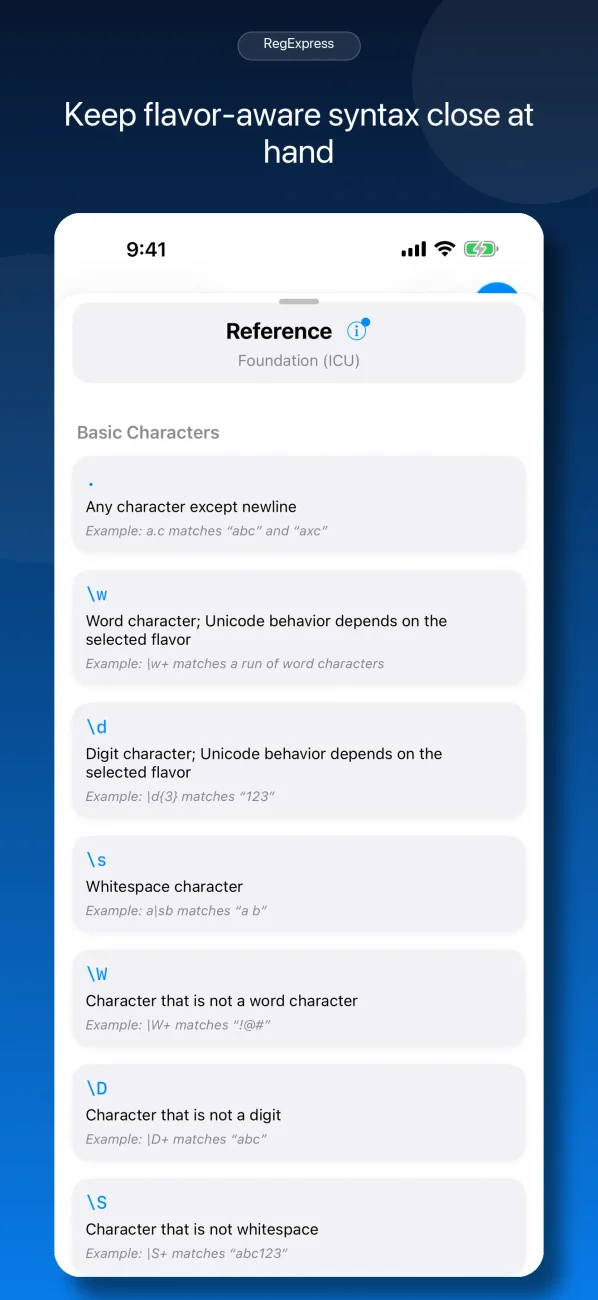
Test with the flavor you actually use. RegExpress supports Swift Regex, Foundation (ICU), JavaScript/ECMAScript, Python Compatibility Mode, and native PCRE2. Flavor-aware options, syntax references, examples, diagrams, comparisons, and compatibility details help you spot differences before they become bugs.
Write and test with confidence
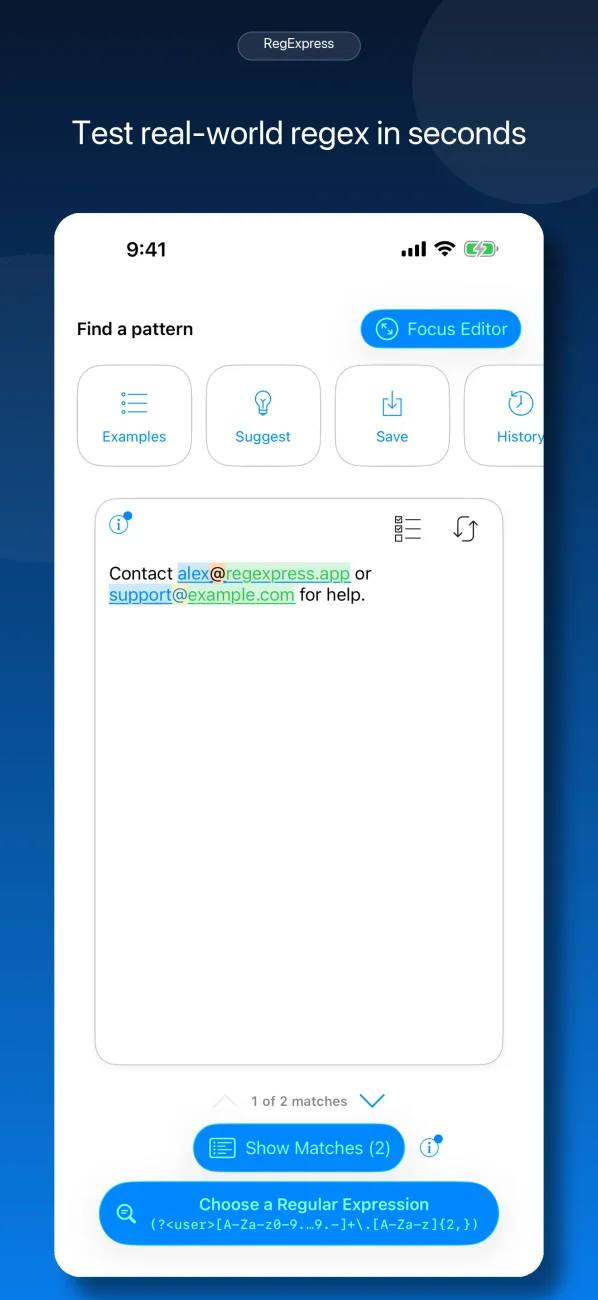
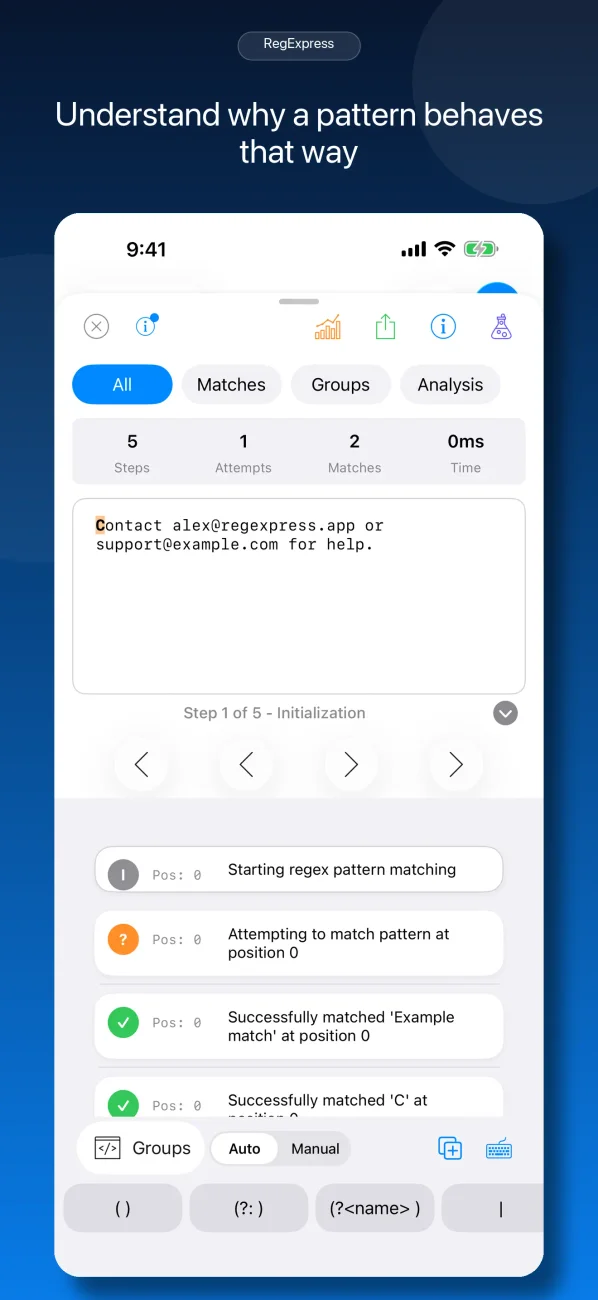
See live matches and capture groups as you type. Switch between automatic and manual execution, inspect clear errors, and keep the editor responsive during demanding patterns. Built-in safety analysis identifies potential backtracking risks, while find and replace lets you preview changes before applying them.
Focus on complex patterns
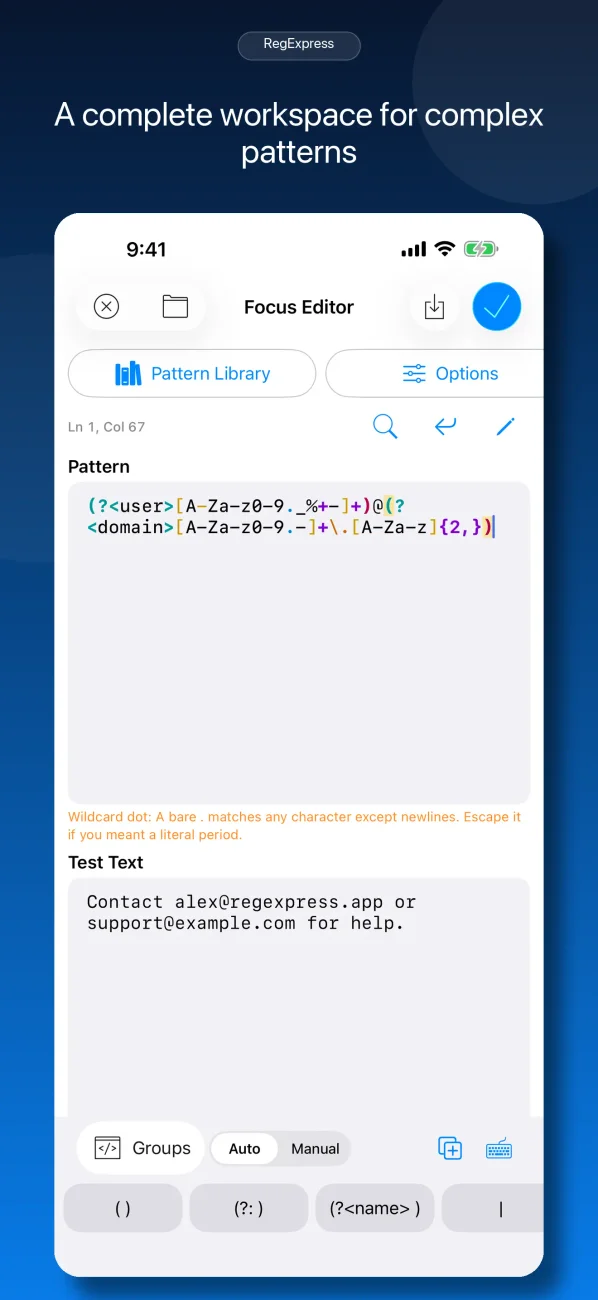
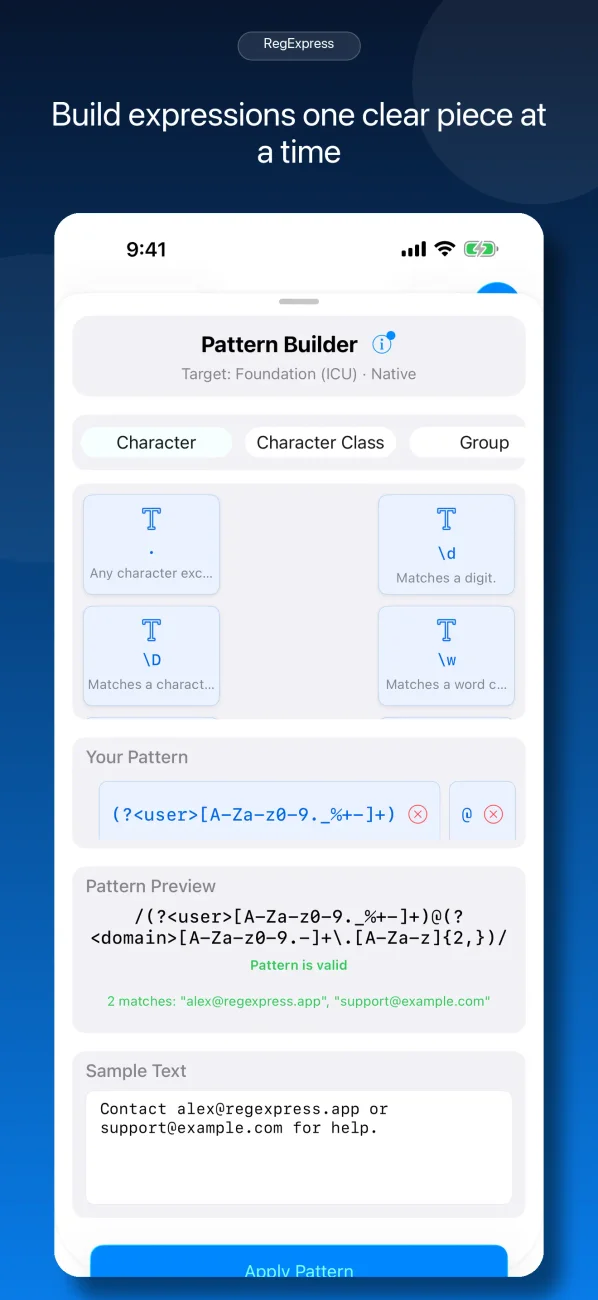
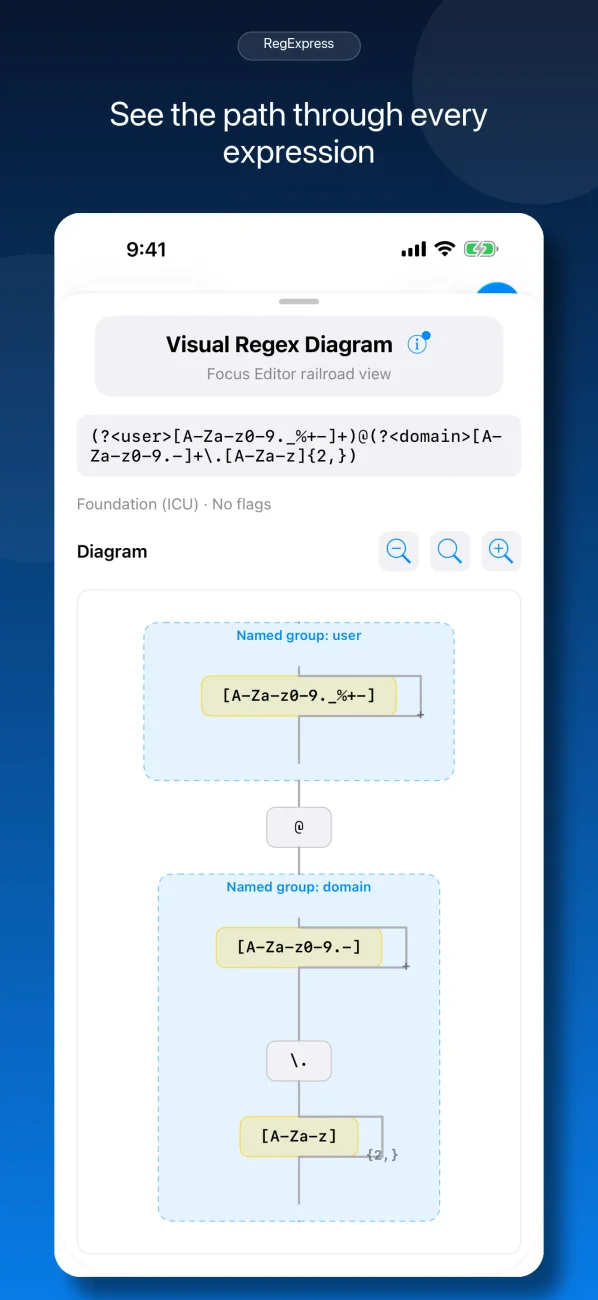
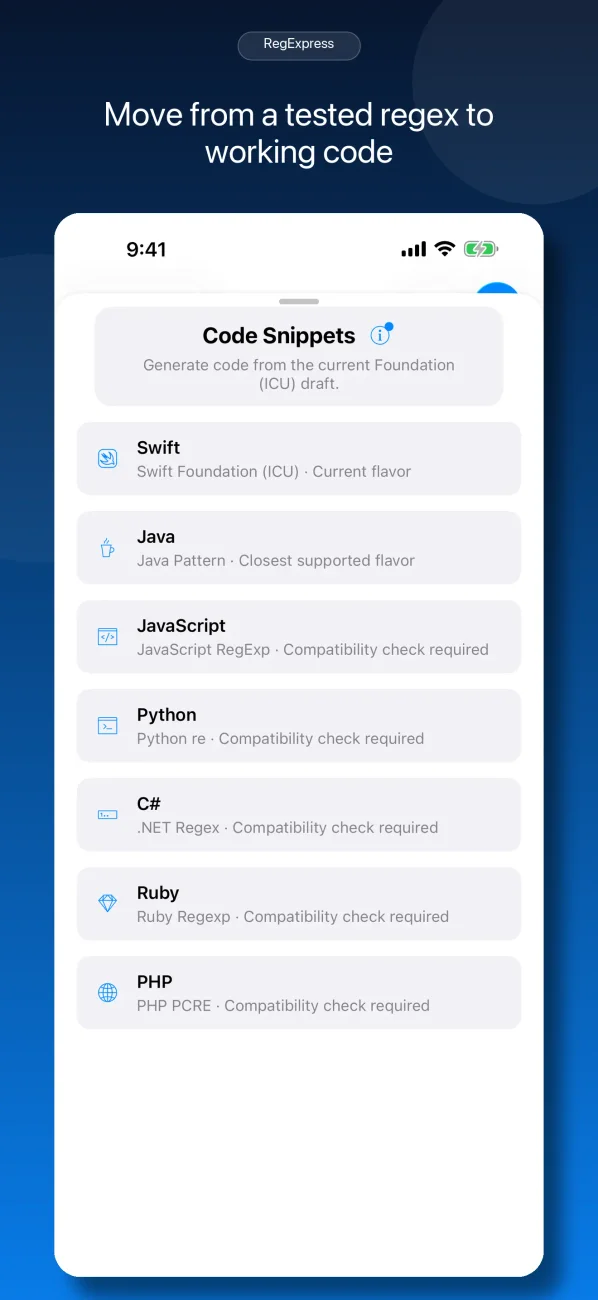
Open the multiline Focus Editor for more room, syntax-aware tools, a persistent token dock, flavor-specific options, visual railroad diagrams, code snippets, and quick access to the Pattern Builder, test suites, and reference material.
Understand and improve every expression
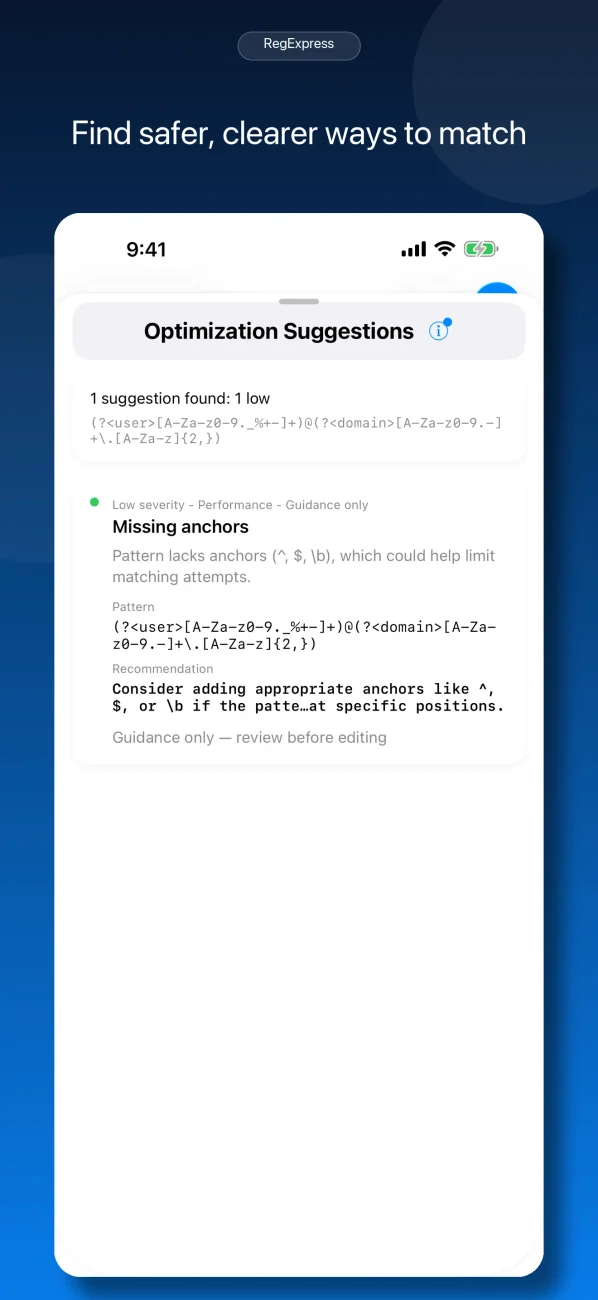
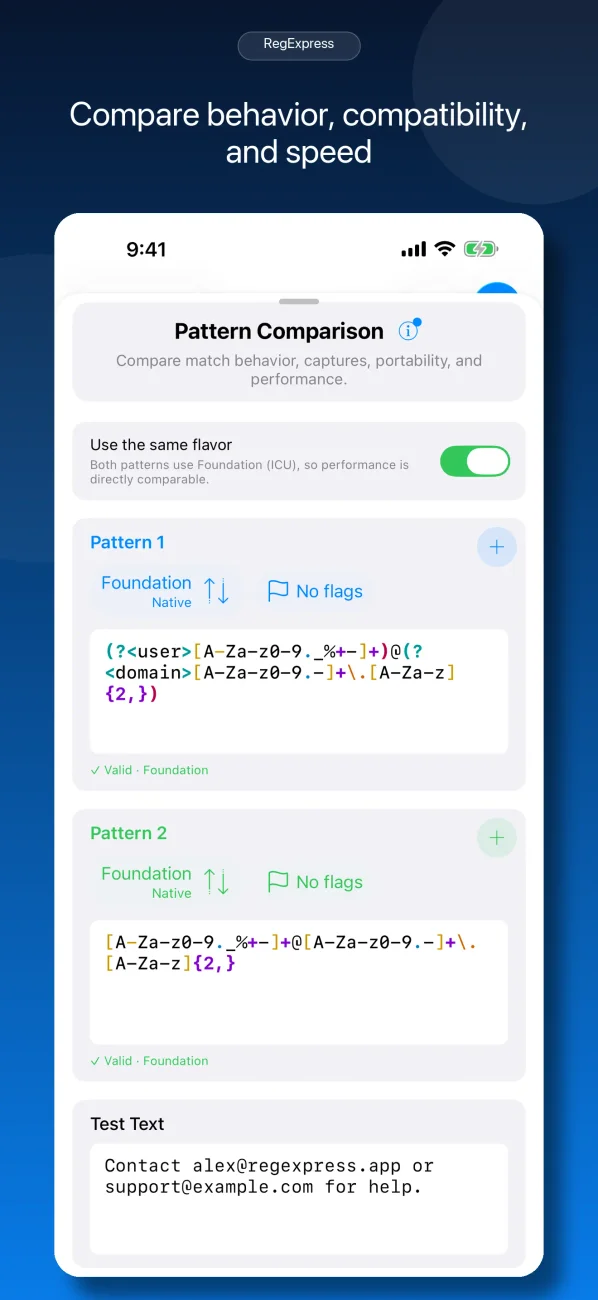
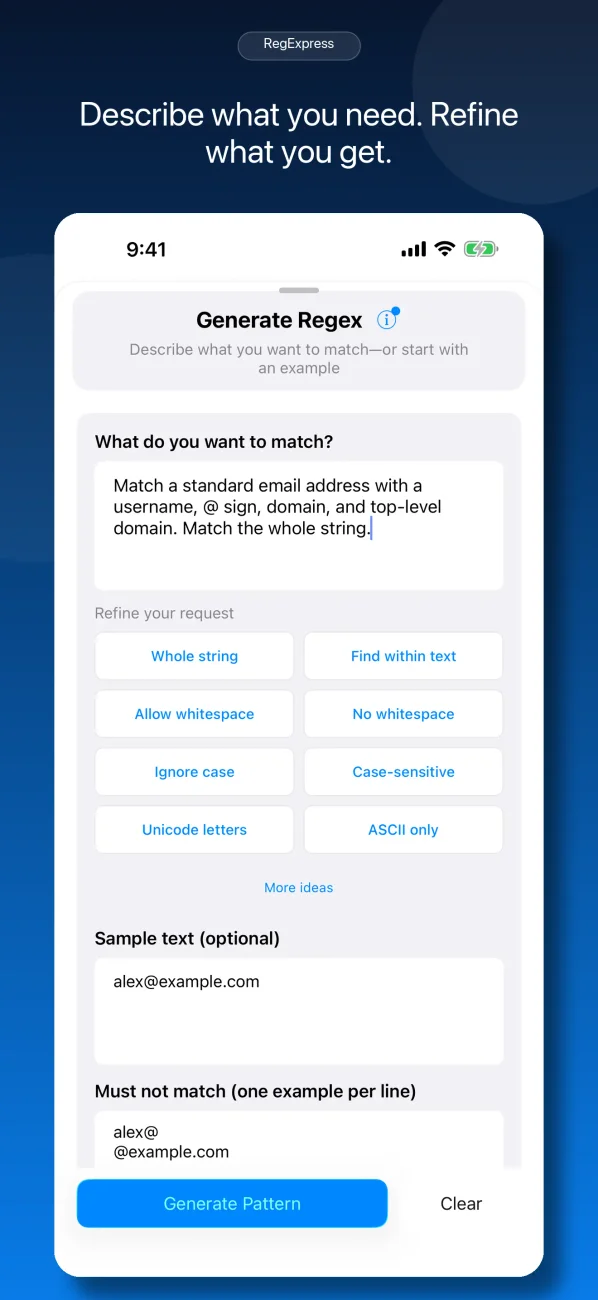
Turn plain-language requirements and examples into a regex. Explore explanations, recommendations, optimization suggestions, debugging tools, diagrams, and a searchable cheat sheet. Compare patterns by matches, compatibility, and performance to choose the right approach.
Build a reusable regex workflow
Save patterns, organize them into folders and automatic collections, keep history, and create test suites with positive and negative cases. Save complete .regexpress workspaces, reopen .regproj test projects, import shared content, and generate code for your project. A command palette, Spotlight integration, App Shortcuts, multiwindow support, and sharing tools keep common actions close at hand.
Learn by doing
Browse flavor-aware examples, follow guided tutorials, use the syntax reference, and practice with challenges designed for different skill levels.
A useful free experience
Core editing, unlimited live matching, all five engines, standard options, capture results, find and replace, examples, reference material, and Swift code generation are free. You can also save up to 20 patterns, keep 50 recent history items, create one test suite with up to 10 manual cases, and use selected previews of advanced tools.
RegExpress Pro is available as a one-time purchase with no subscription. Pro unlocks deeper debugging and performance analysis, complete visual tools, advanced generation and optimization, additional code targets, unlimited tests and saved content, iCloud sync, advanced organization, and more.
Whether you need a quick match, a visual explanation, or a repeatable testing workflow, RegExpress helps you build regex with clarity and confidence.
What’s new
Version 8 · Aug 1, 2026
Version 8 is a major upgrade built around safer execution, flavor accuracy, and a faster professional workflow.
Meet the new Focus Editor, a multiline workspace with a persistent token dock, flavor-aware options, railroad diagrams, code snippets, and direct access to building and testing tools.
Run expressions with five distinct engines: Swift Regex, Foundation (ICU), JavaScript/ECMAScript, Python Compatibility Mode, and native PCRE2. Options, examples, the cheat sheet, Pattern Builder, optimizer, comparisons, and diagrams now adapt to the selected flavor.
Execution is more responsive and reliable, with automatic or manual runs, cancellation, clearer errors, match limits, and improved protection from expensive backtracking.
Save complete .regexpress workspaces, reopen .regproj test projects, and keep patterns, options, text, replacements, tests, notes, and metadata together. Structured local storage and sync improvements make saved work more dependable.
Test suites now include richer results, edge-case intelligence, performance limits, progress, cancellation, and pattern health details. Pattern comparison now includes flavor-aware match, compatibility, and performance differences.
Generate Regex has been redesigned around plain-language requirements, positive and negative examples, strictness, portability, expected captures, previews, and refinement. Recommendations, optimization, examples, and automatic library collections have also been improved.
New productivity features include the command palette, Spotlight search, App Shortcuts, Share Extension support, deep links, incremental replacement previews, and improved workspace sharing.
Version 8 also introduces a clearer free tier. Core regex creation and testing remain free, with useful allowances for saved patterns, history, test cases, Generate Regex, and previews of advanced tools. RegExpress Pro remains a one-time purchase with no subscription.
This release also includes redesigned Examples, keyboard and scrolling fixes, accessibility improvements, localization updates, and many reliability refinements throughout the app.
App privacy
What Nevv Atlantis LLC declares on the App Store about how this app handles data.
-
Data not collected
The developer does not collect any data from this app.
Privacy practices may vary, for example with the features you use or your age.
Information
- Seller
- Nevv Atlantis LLC
- Category
- Developer Tools
- Version
- 8
- Updated
- Aug 1, 2026
- Released
- May 1, 2025
- Size
- 8.0 MB
- Requires
- iOS 16.6 or later
- Age rating
- 4+
- Price
- Free
- In-app purchases
- Yes
- Languages
- English, Portuguese, Simplified Chinese, Spanish
- Copyright
- © Nevv Atlantis LLC 2026
You might also like
-
 RegEx VerifierDeveloper Tools
-
 RegexMateMaster Regular Expressions
-
 QFonts ProSystem Fonts Preview
-
 Screenshot Studio - App MockupApp Store Screenshot Maker
-
 Nex Terminal-SSH & SFTP clientProfessional SSH Client
-
 Developer AIGenerate code most languages
-
 LaunchBuddy: App PlannerShip & Grow Your iOS Apps
-
 Haptic Testing: Developer ToolExplorer Vibration: Device Use
-
 Power JSON Editor MobileViewer with jq and Shortcuts
-
 Haptics Touch: Vibration TestFeel, Create & Share Patterns