Remote Mouse Pro
Keyboard, Touchpad & PC Remote
Designed for iPhone, iPad, iPod touch
$14.99 · In-app purchases
- Age rating4+
- CategoryUtilities
- Developer耀 阮
- LanguagesEnglish+ 24 more
- Size50.6 MB
Links to the official App Store page
Download.org hosts no file of Remote Mouse Pro. The button opens its official App Store page, published by 耀 阮. Listing last checked on Nov 24, 2026.
Screenshots
About
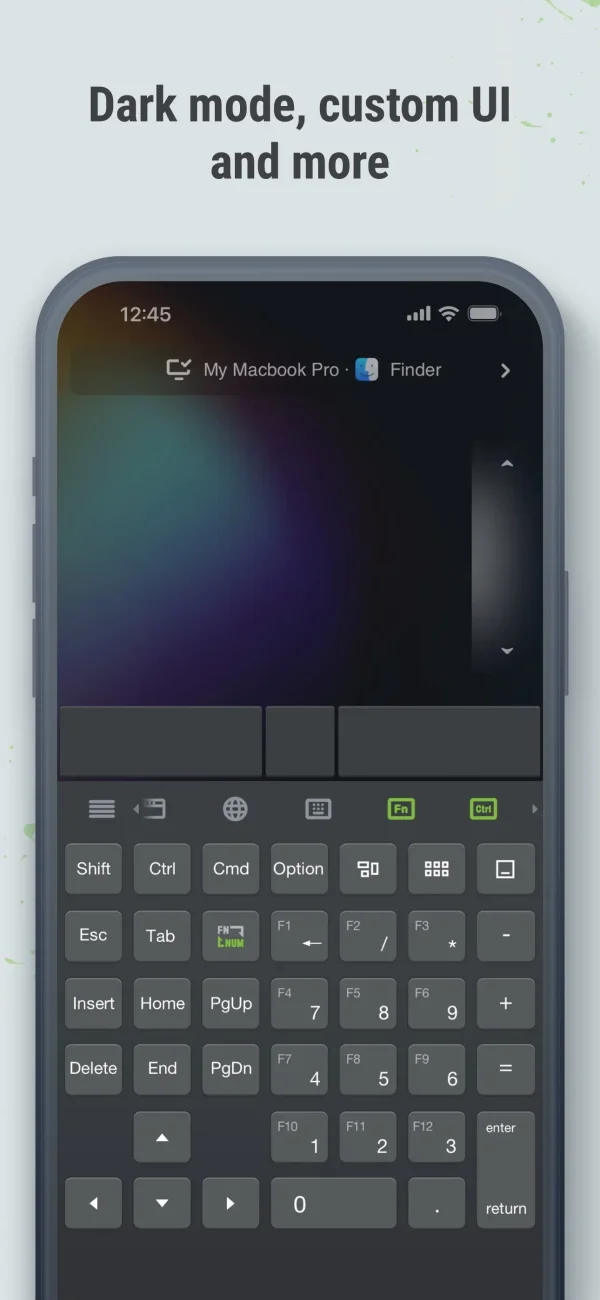
Remote Mouse™ transforms your mobile phone or tablet into an easy-to-use remote control for your computer, complete with a cross-device clipboard that enables seamless text and image transfer across platforms. It mimics the functions of a wireless mouse, keyboard, and touchpad, and also offers various specialized control panels that enhance your control over specific operations. The small features, designed for one-handed use or intuitive operations, will delight you.
Featured on CNET, Mashable, and Product Hunt, Remote Mouse is recognized as one of the most sophisticated and user-friendly computer remote apps. With over 20 million users worldwide, it's a trusted choice for effortless computer control.
Whether you're watching a movie online, giving a presentation, or shutting down your computer with one click, nothing can be more convenient than having a mobile phone remote at your fingertips.
Mouse
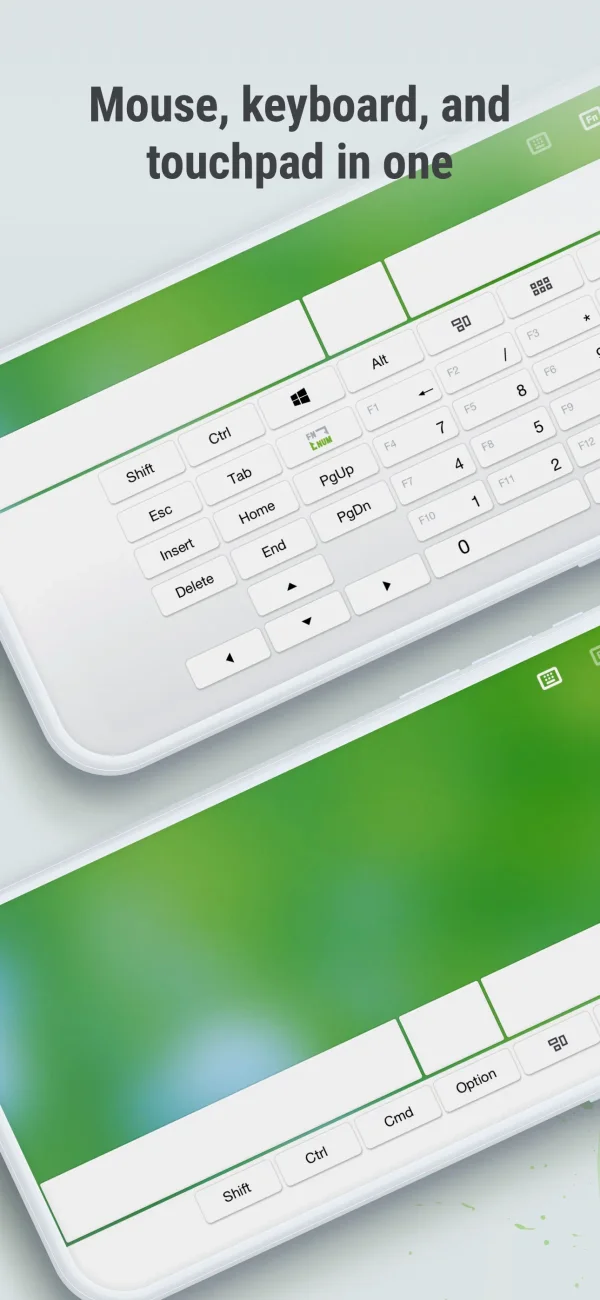
• Fully simulated mouse function
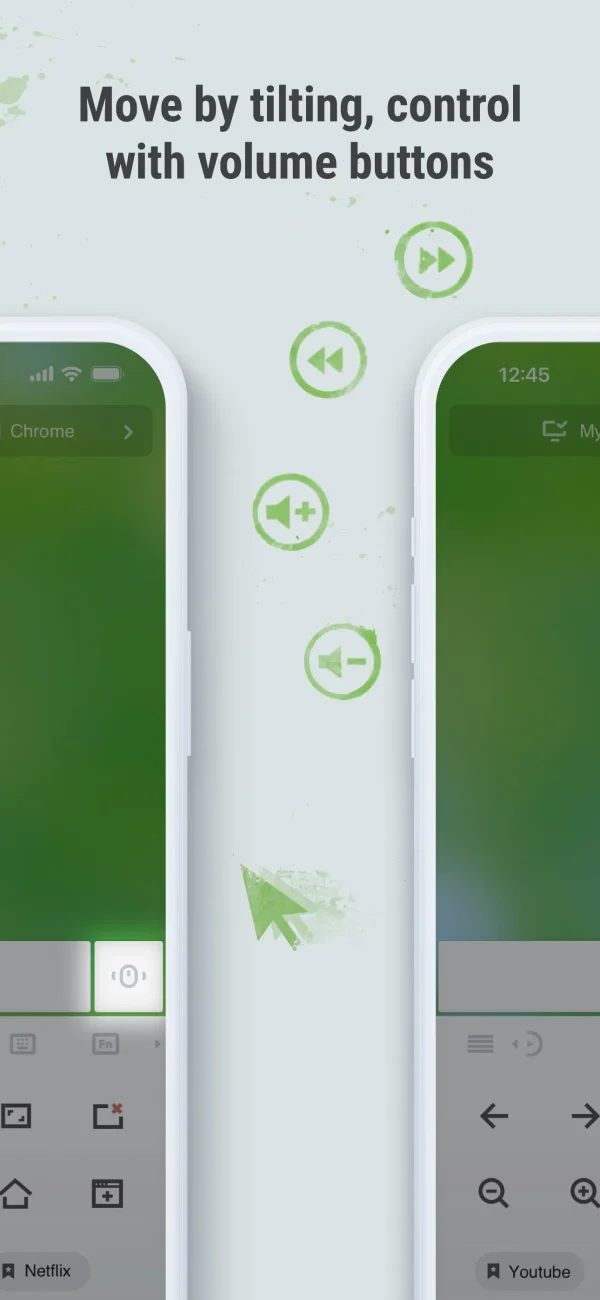
• Gyro mouse is a feature that allows you to move the mouse cursor with a gyro sensor
• Left-handed mode
Keyboard
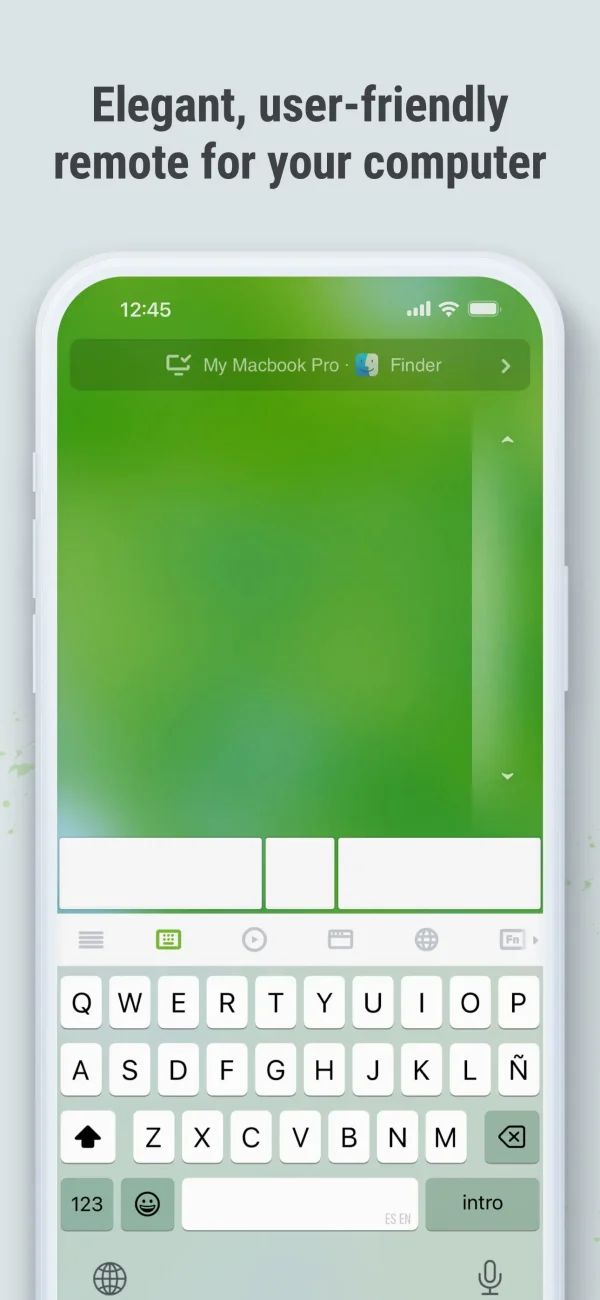
• Integrated with system and third-party keyboards, supports typing in various languages
• Remotely typing by voice if the soft keyboard supports speech recognition
• Supports sending various shortcuts
• Displays different keypads for Mac or PC
Touchpad
• Simulates the Apple Magic Trackpad and supports multi-touch gestures
Specialty Control Panels
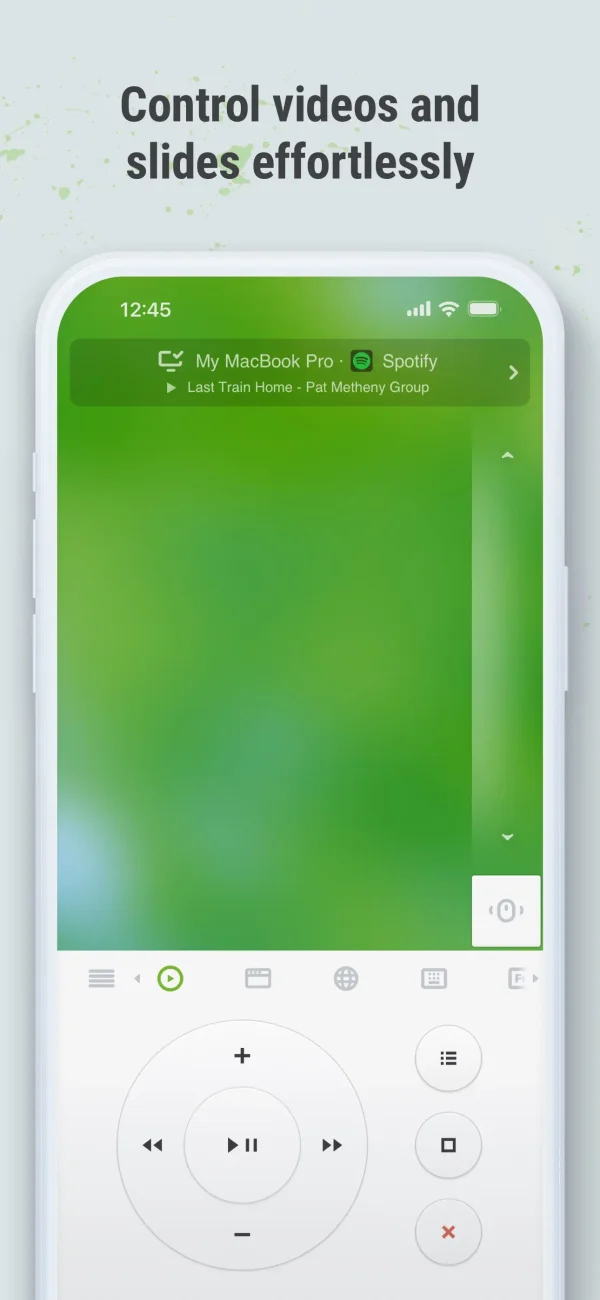
• Media Remote: Control videos, music, and presentations across apps and sites like YouTube, Netflix, Disney+, Apple TV+, VLC, Spotify, and more, automatically adapting to what’s playing.
• Web Remote: Supports Chrome, Firefox, and Opera
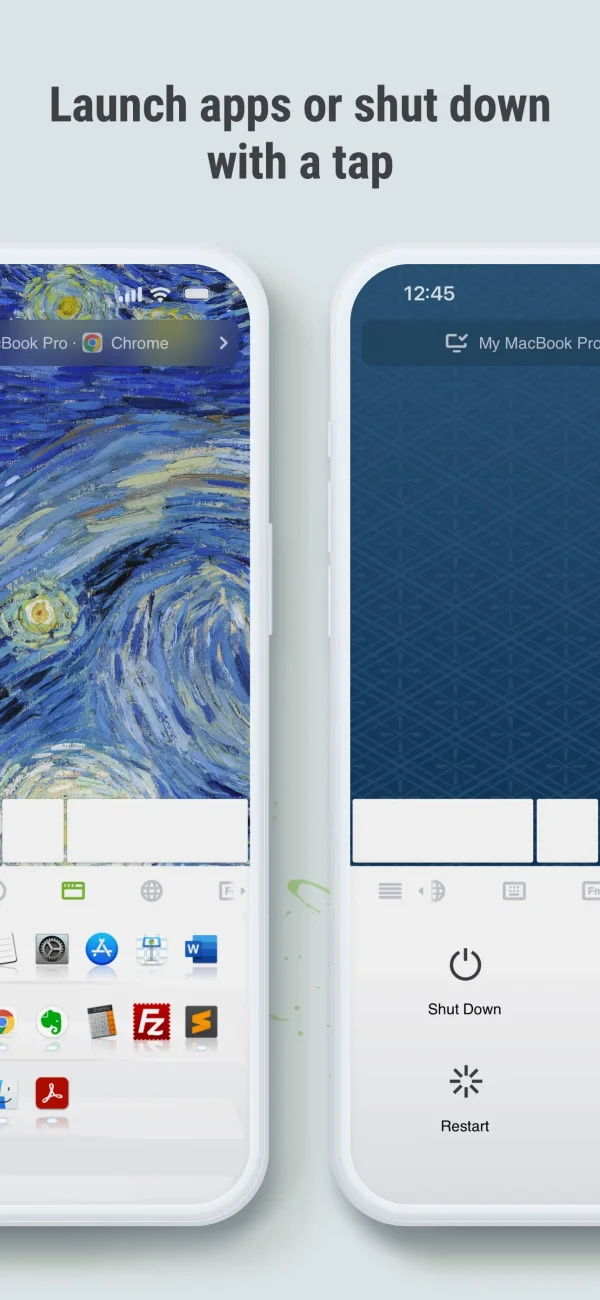
• Application Switcher: quickly launch and switch between programs
• Power Options: Supports remotely shutting down, sleeping, restarting, and logging off
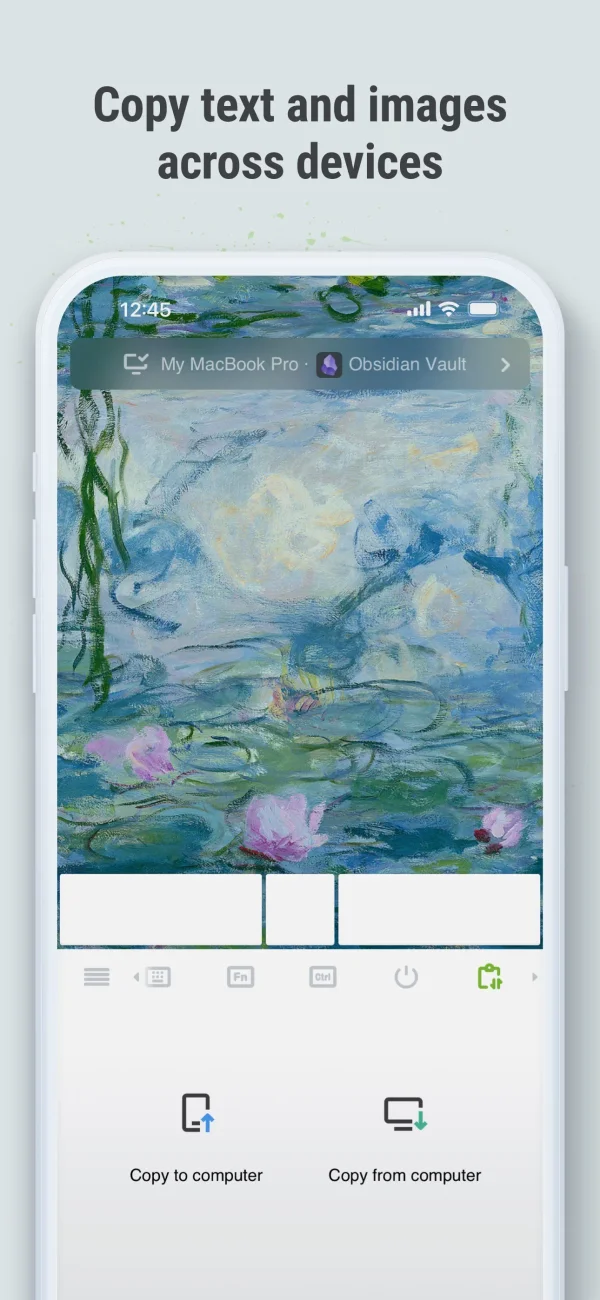
• Cross-device Clipboard: Allows for the transfer of text and images between your computer and mobile device
Other Features
• Use the physical volume buttons on the mobile device for remote control
• Set a password for the connection
• Customizable wallpaper
Connection Method
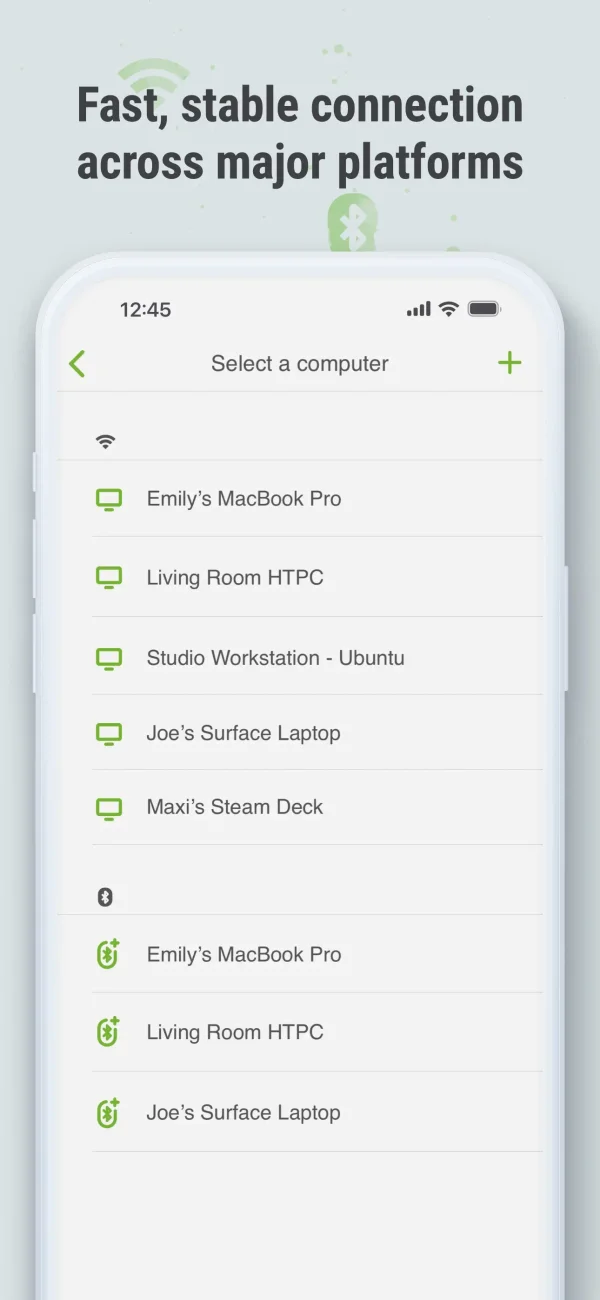
• Connect via IP address or QR code
• Connect via history
Operating Environment
• Compatible with Windows, Mac OSX, and Linux
• Works under Wi-Fi or Bluetooth
To Get Started
1. Visit https://www.remotemouse.net on your computer and download the Remote Mouse computer server software.
2. Install and run the computer server software.
3. Connect your mobile device to the same Wi-Fi network or use Bluetooth to pair with your computer.
What’s new
Version 5.334 · Nov 9, 2026
Compatible with iPhone Duo.
App privacy
What 耀 阮 declares on the App Store about how this app handles data.
-
Data used to track you
May be used to track you across apps and websites owned by other companies.
- Usage data
-
Data not linked to you
May be collected but is not linked to your identity.
- Usage data
Privacy practices may vary, for example with the features you use or your age.
Information
- Seller
- 耀 阮
- Category
- Utilities
- Version
- 5.334
- Updated
- Nov 9, 2026
- Released
- Jul 20, 2010
- Size
- 50.6 MB
- Requires
- iOS 15.0 or later
- Age rating
- 4+
- Price
- $14.99
- In-app purchases
- Yes
- Languages
- English, Arabic, Czech, Danish, Dutch, Finnish, French, German, Indonesian, Italian, Japanese, Korean + 13 more
- Copyright
- © Remote Mouse
You might also like
-
 Mobile Mouse WIFI RemoteComputer Trackpad & Keyboard
-
 Mobile Mouse Remote - CloudComputer Trackpad & Keyboard
-
 Remote App - Mouse, KeyboardWireless Control for PC/Mac
-
 Unified RemoteControl your computer
-
 Mobile Mouse - iPad EditionRemote & trackpad for Mac & PC
-
 FullControl: Remote for MacRemote for Mac
-
 DisplayFusion RemoteUtilities
-
 Remote, Mouse & Keyboard Procontrol computer, tv or tablet
-
 Wolow - Wake on LANWake your computer up
-
 Wake Me Up - Wake-on-LANWake your computer up