
Pulpit Timer
Stage Timer & Remote Control
Designed for iPhone, iPad, Mac
Free · In-app purchases
- Age rating4+
- CategoryUtilities
- DeveloperWayne Hartman
- LanguagesEnglish+ 10 more
- Size12.3 MB
Links to the official App Store page
Download.org hosts no file of Pulpit Timer. The button opens its official App Store page, published by Wayne Hartman. Listing last checked on Nov 17, 2026.
Screenshots



About
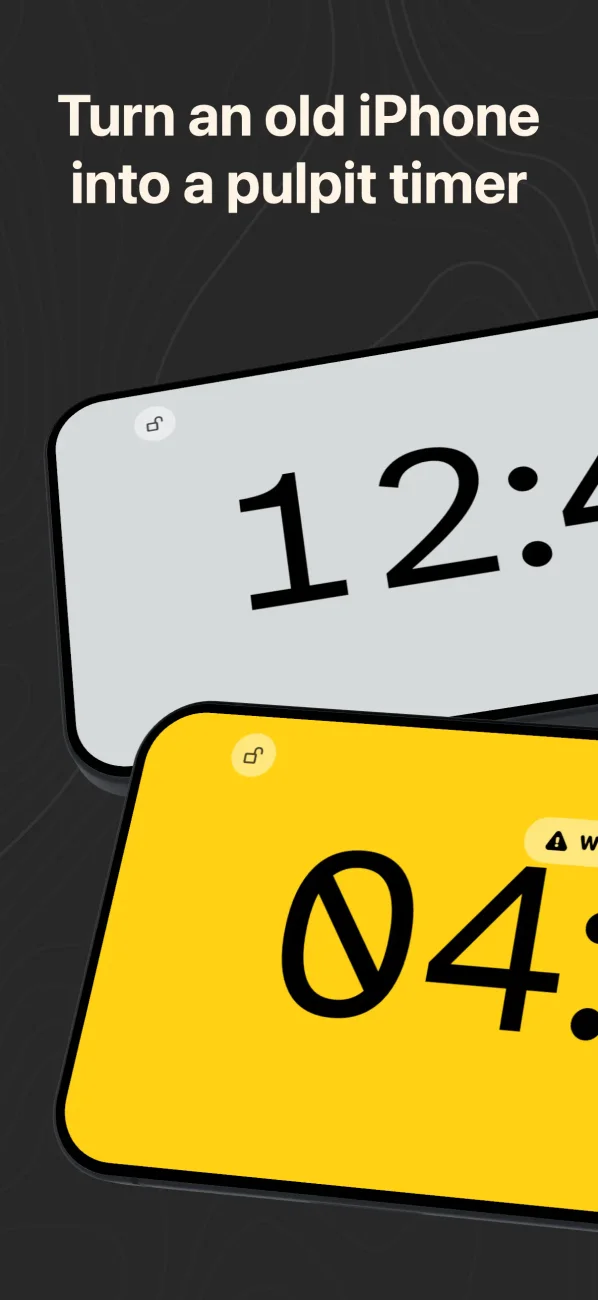
Keep every speaker, service, presentation, and event running on time with PulpitTimer.
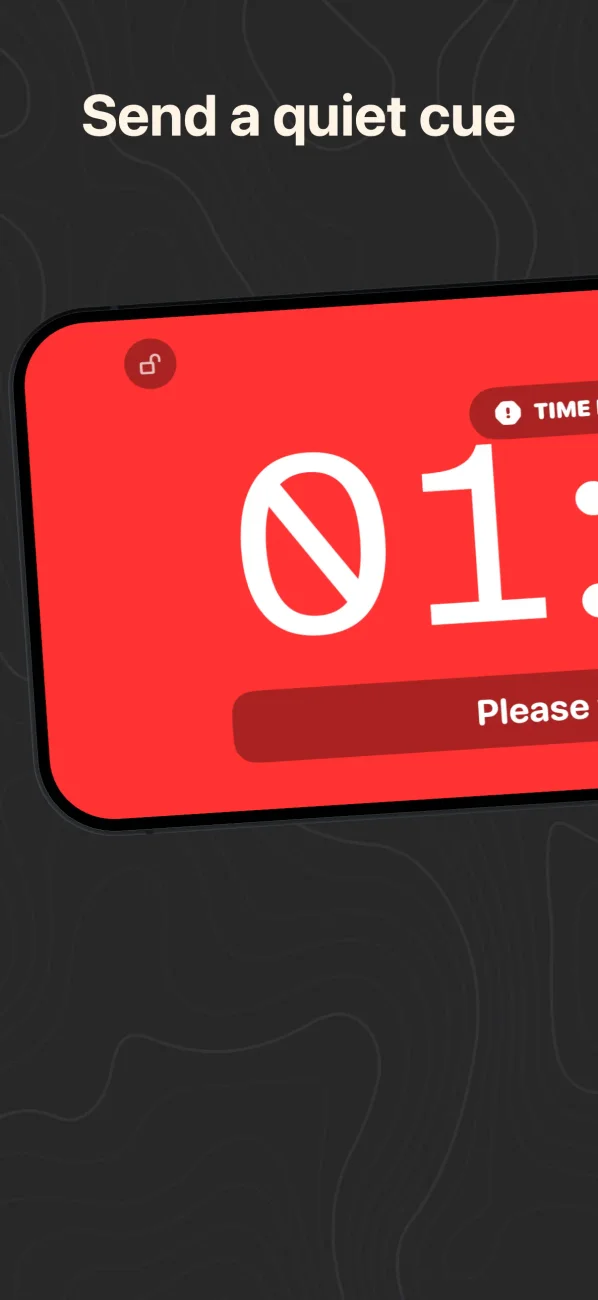
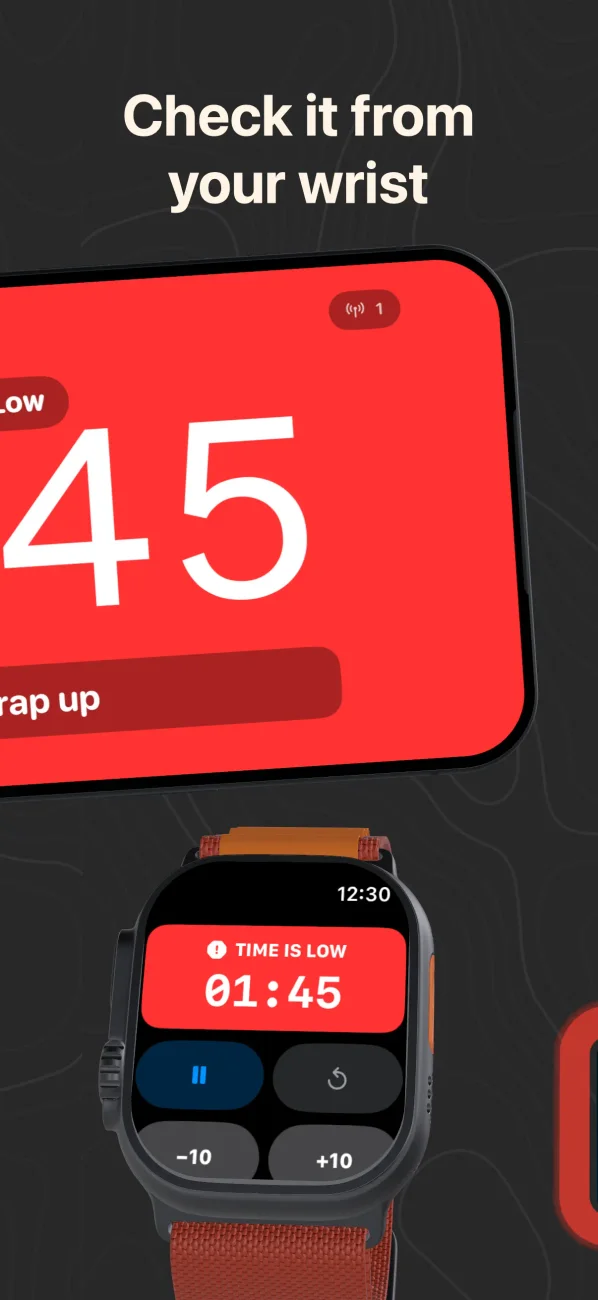
Use one device as a clear, full-screen timer and nearby devices as remotes. Connect over Bluetooth or your local network, then control the timer without interrupting the person on stage.
EVERYTHING WORKS. FREE TIMERS ARE LIMITED TO FIVE MINUTES.
The free five-minute timer includes:
• Start, pause, and restart
• Custom warning and critical thresholds
• Operator messages and reusable quick cues
• Custom display colors and phase labels
• Remote brightness control
• Battery, screen-awake, connection, and controller status
• Bluetooth and local-network connections
• Multiple controllers
• Live Activities and Apple Watch support
UNLOCK THE FULL TIMER ONCE
A single, non-consumable in-app purchase unlocks:
• Configurable timers up to 24 hours
• Saved duration presets
• Positive remote time adjustments
• Optional overtime
• Scheduling a timer to finish at a specific time
There is no subscription. Remote mode always remains free, so volunteers and operators can use their own devices to control an unlocked timer without purchasing separately.
Whether you are timing a sermon, conference talk, classroom presentation, rehearsal, or live production, PulpitTimer gives the person on stage a readable display and gives the operator quiet, dependable control.
What’s new
Version 1.1 · Oct 10, 2026
AGENDAS AND RUN OF SHOW
• Download published agendas from your PulpitTimer organization.
• Open an agenda directly on the remote dashboard.
• Tap a speaker to prepare their duration and warning settings without starting the timer.
• Edit, reorder, or remove speakers from the remote.
• A streamlined connection flow takes you straight to the remote dashboard, ready to send speaker times to the timer.
• Clearer compatibility guidance, plus layout, accessibility, and reliability improvements.
App privacy
What Wayne Hartman declares on the App Store about how this app handles data.
-
Data not collected
The developer does not collect any data from this app.
Privacy practices may vary, for example with the features you use or your age.
Information
- Seller
- Wayne Hartman
- Category
- Utilities
- Version
- 1.1
- Updated
- Oct 10, 2026
- Released
- Sep 11, 2026
- Size
- 12.3 MB
- Requires
- iOS 17.0 or later
- Age rating
- 4+
- Price
- Free
- In-app purchases
- Yes
- Languages
- English, Arabic, French, German, Hindi, Italian, Japanese, Korean, Portuguese, Simplified Chinese, Spanish
- Copyright
- © 2026 Wayne Hartman
You might also like
-
 CuePilot: Remote Stage TimerSpeaker Timer & Cue Display
-
 UbiStage TimerStage clock for any display
-
 Flick: 2-Tap TimerType time. Tap Start.
-
 Remote Stage TimerTo keep your meetings on time.
-
 Not Another Stage TimerSimple countdown for speakers
-
 Remote: Timer for PresentationControl your Timer and Keynote
-
 LZFSE ArchiverFast, private file compression
-
 1Stage LiveLive stage display viewer
-
 Luma Night ClockClean digital night clock
-
 Ticker · A rotary timerFrom seconds to hours in 345°