
- Age rating4+
- CategoryProductivity
- DeveloperMaksymilian Furtak
- LanguagesEnglish+ 1 more
- Size32.5 MB
Links to the official App Store page
Download.org hosts no file of RespondGrid. The button opens its official App Store page, published by Maksymilian Furtak. Listing last checked on Nov 23, 2026.
Screenshots
About
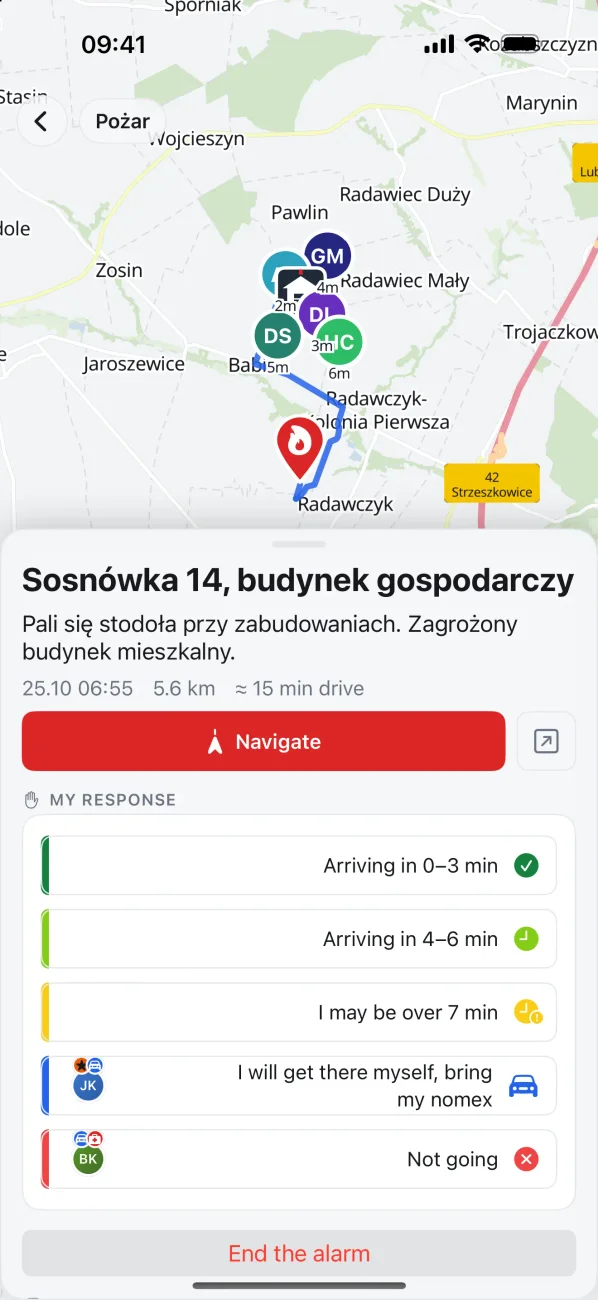
An alert from e-Remiza or a DSP-50 system reaches the phones of the whole unit at once; the responder answers with one tap and sees who is coming and how soon. Plus deadlines, callouts, the Board and a map. For OSP, PSP and rescue groups (mountain, water, search-and-rescue, canine).
E-REMIZA AND DSP-50 INTEGRATION
Selective and simultaneous alerting is what a DSP system does on its side; RespondGrid adds the alert on the phone and a one-tap answer. Three ways:
• you have e-Remiza: an API integration; the server polls e-Remiza with the unit’s service account and sends the alert with the address, nothing to connect to phones; plus a roster import
• you have a DSP-50 system with a GSM terminal that rings the firefighters: its call-out can be connected to RespondGrid, and the alert reaches iPhones and the unit’s other phones
• you have another system that sends HTTP requests: a webhook with the unit’s token
The administrator sets them up in the panel on respondgrid.com. e-Remiza and DSP-50 are other companies’ systems, named descriptively; RespondGrid is not their partner.
No unit yet? Tap “Try the demo”: everything runs on invented data.
AN ALARM YOU ANSWER WITH ONE TAP
The call reaches every responder’s phone at once, as an urgent notification with the OSP siren that breaks through Focus modes.
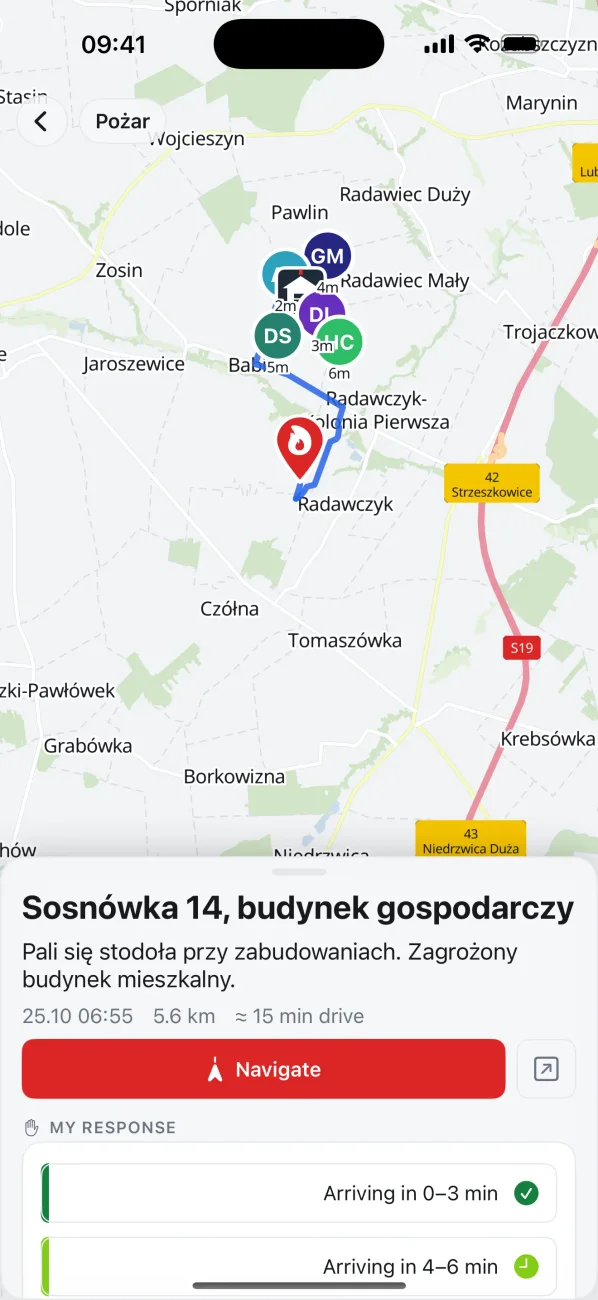
• tapping the notification opens the alarm: address, scene on the map, route
• "I'm going", "Not going" or "I'll come on my own": one tap, also straight from the notification
• when you are going you say how soon; the unit sets the time bands
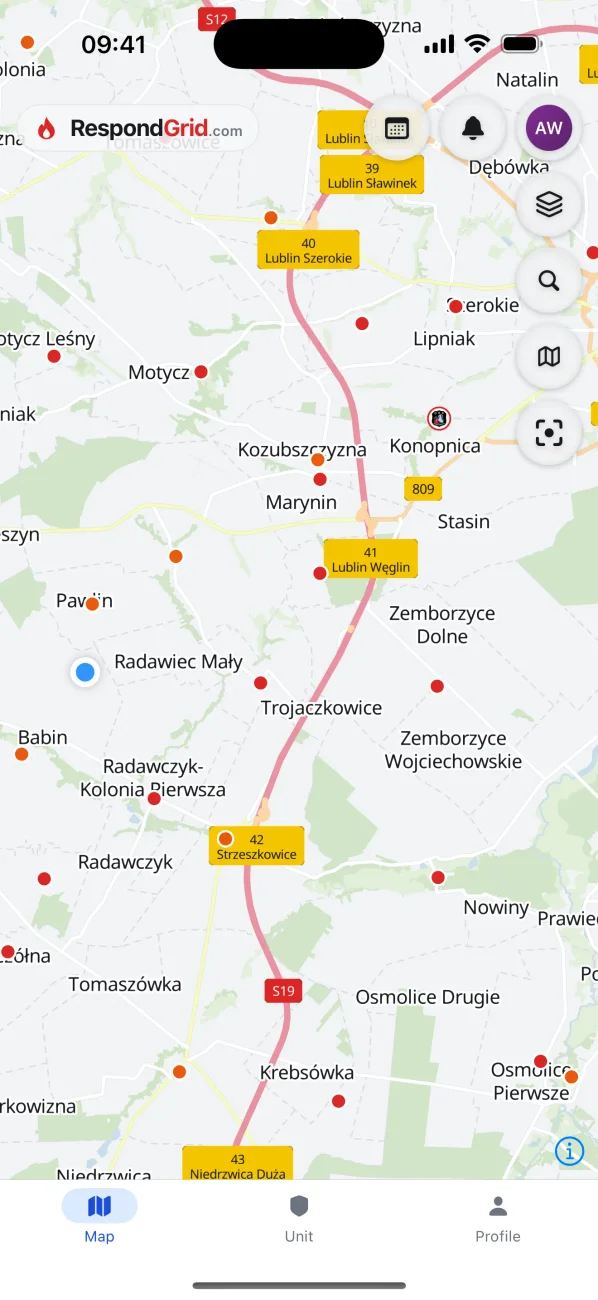
• the commander sees live who is coming, when they arrive and whether a driver, commander and medic are among them; those on the way show on the map
• an alarm can also be raised by hand (an authorised person)
• the app walks you through the phone settings and warns when an alarm permission disappears
WHO CAN COME
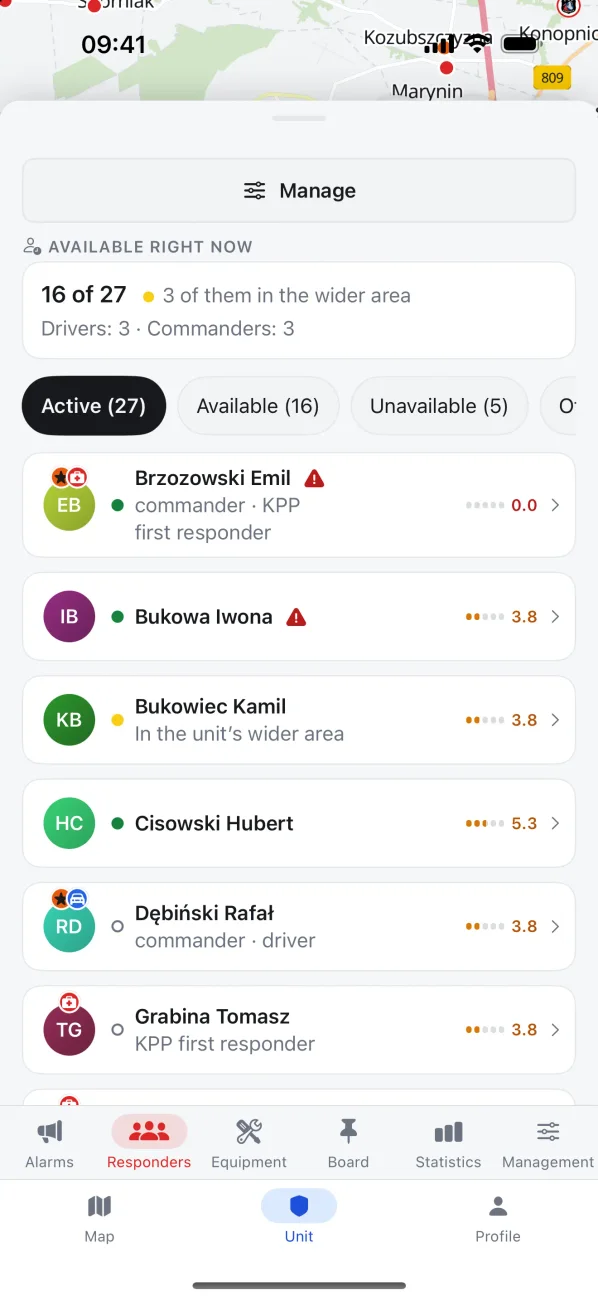
The roster has coloured live states; filters show who can turn out now.
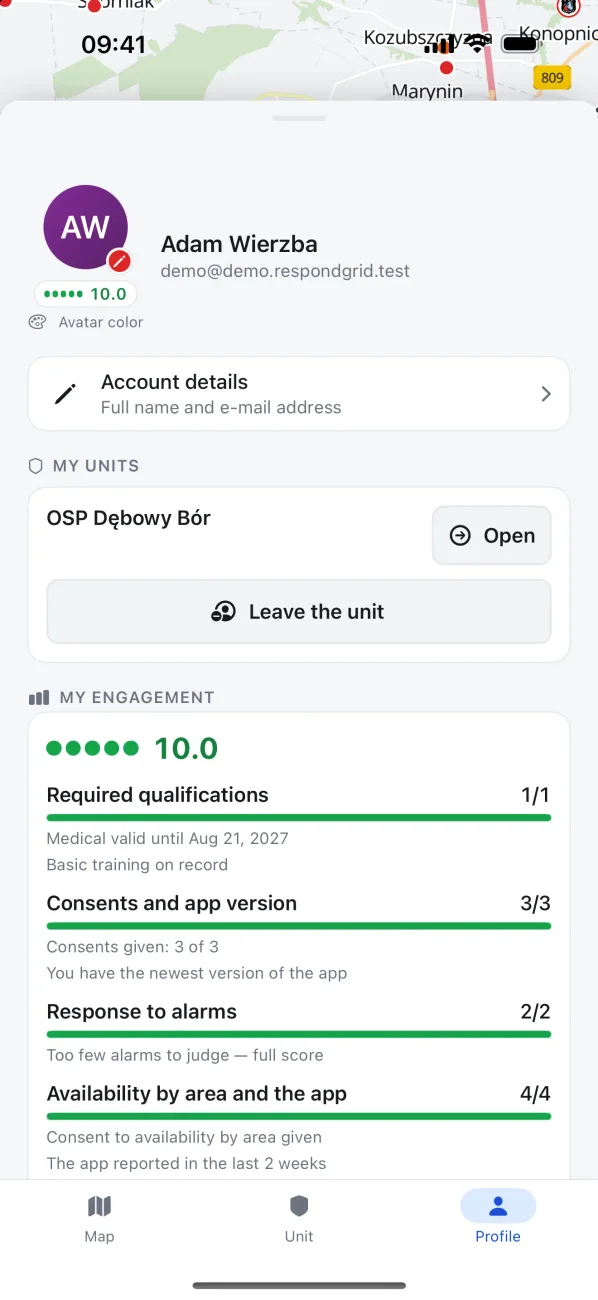
• unavailability with one tap from the map or in the Profile, with a date range
• optional availability by distance from the station: only a result is sent, never a location
A ROSTER WITH DEADLINES
• roster, roles and qualifications: medical checks, courses, document scans; an icon shows whose date is running out or has passed
• functions (driver, commander, medic) follow from valid qualifications
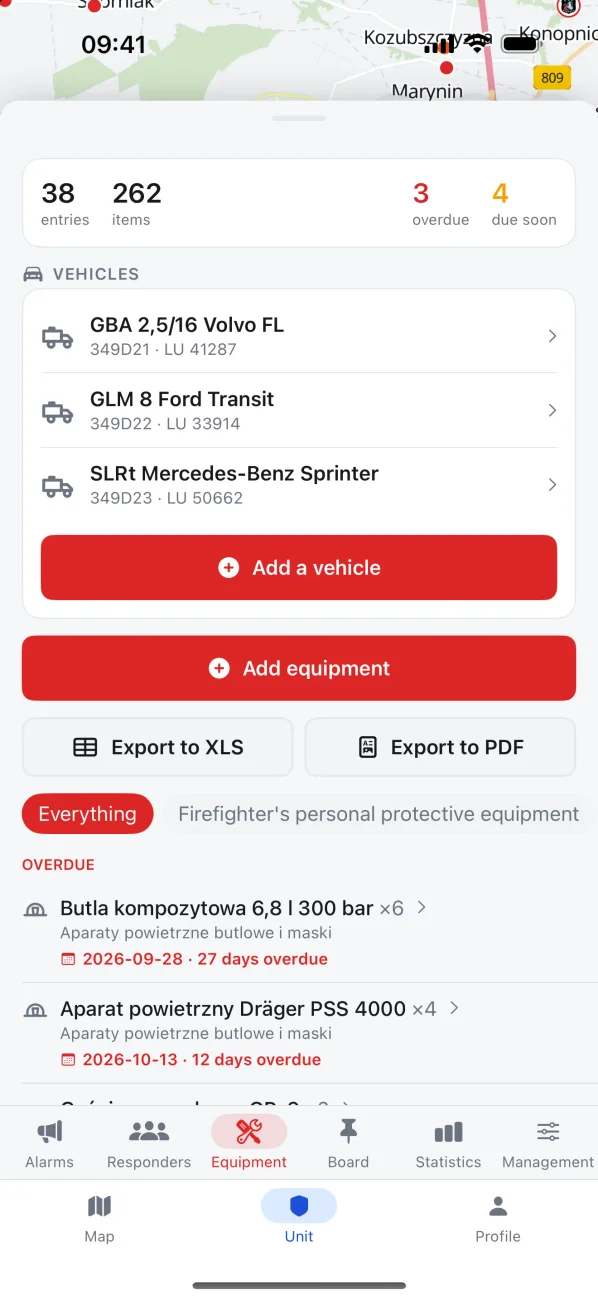
• equipment register with inspection dates, most urgent on top; export to XLS and PDF
CALLOUTS AND REPORTS
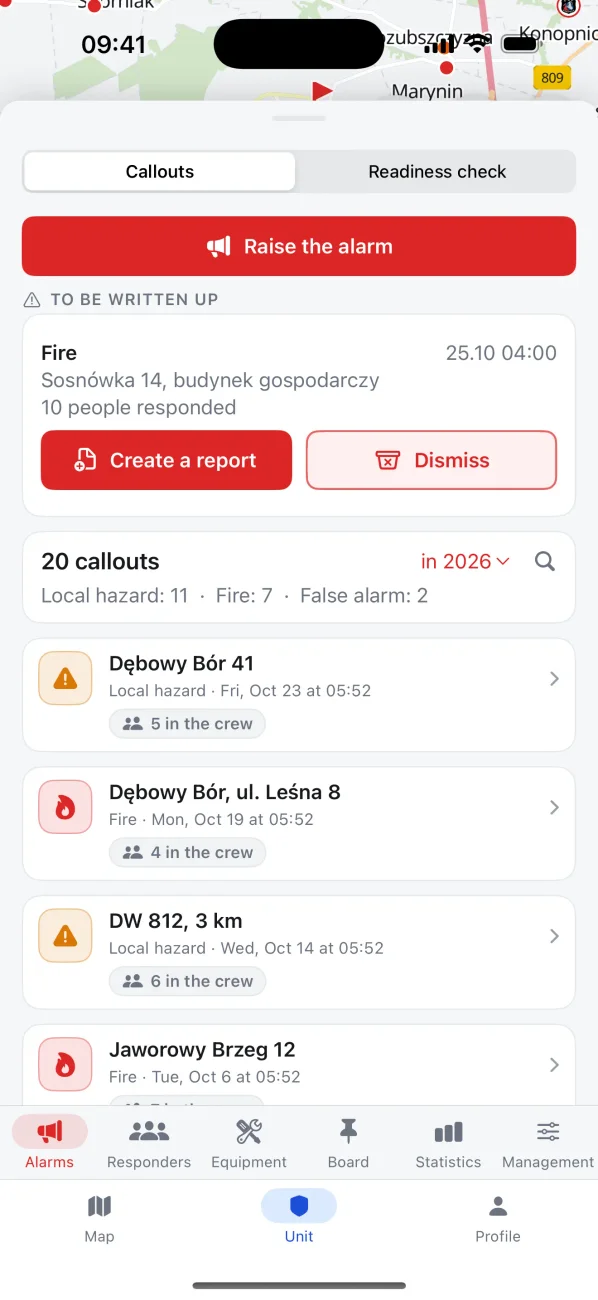
• a callout register each with a card: who went, in what, departure, arrival and return
• a report by e-mail, sent by the command from the app or panel to the unit’s own addresses; the unit switches it on
• scene photos and annual statistics
THE UNIT BOARD
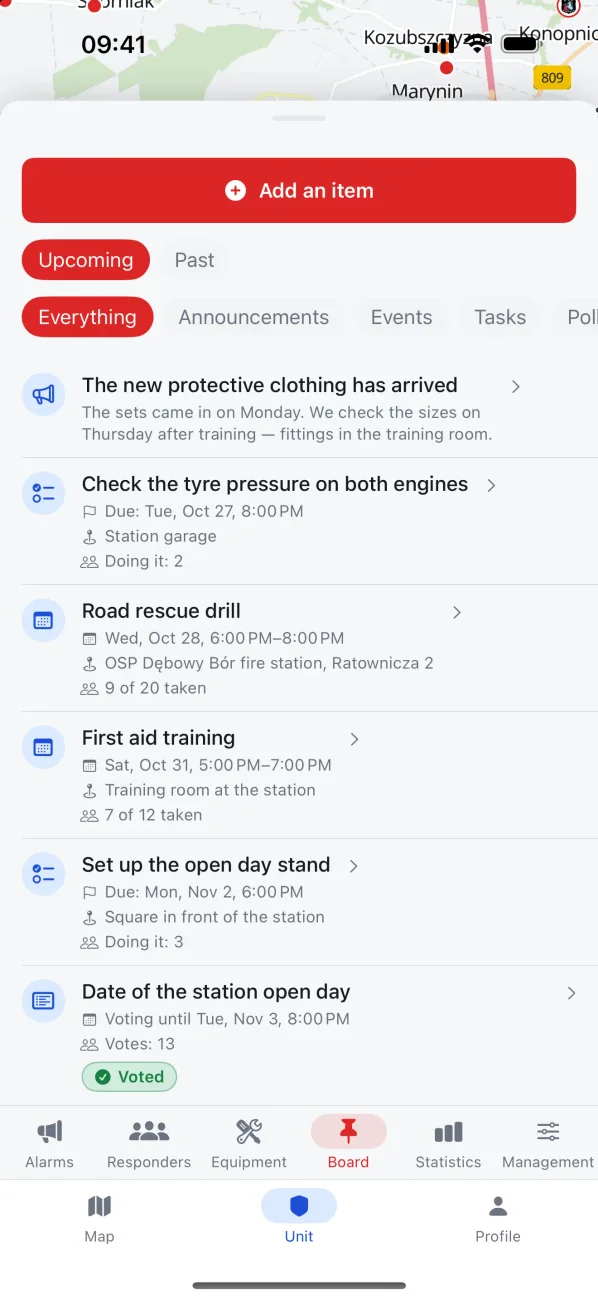
Events with sign-ups, tasks, polls (also anonymous) and announcements for chosen groups.
UNIT DEVICES
• vehicle: a tablet in the cab with the address, a route map and the crew that is coming
• station screen: the ongoing alarm, availability, expiring dates, latest callouts
FOR UNIT LEADERSHIP
The administrator runs everything from a phone or a browser: approves members, raises an alarm and creates device accounts. Accounts, devices and access to alerting are set up by the unit administrator in the panel on respondgrid.com. The first 3 months are free. Demo: demo@respondgrid.com, password demo.
THE UNITS MAP
17,000+ volunteer (OSP) and state (PSP) fire units with data from public registers. On the map: hydrants, house numbers, and GUGiK aerial imagery. No account needed.
PRIVACY
We collect location only after you declare that you are coming and with your consent, and only on the road. Once you reach the station, board the engine or arrive at the scene, the location is deleted; the unit sees only your status and arrival time. A separate consent lets others on the way see your position; you can withdraw both at any time. A vehicle tablet may report the vehicle’s position: it is the unit’s equipment. You can delete your account yourself, in the app.
What’s new
Version 1.7.9 · Nov 16, 2026
• Arrival time after “I’m going” also from the notification and with the screen off.
• The Profile shows how to turn on the arrival time with the app closed.
App privacy
What Maksymilian Furtak declares on the App Store about how this app handles data.
-
Data linked to you
May be collected and linked to your identity.
- Location
- Contact info
- User content
- Identifiers
- Diagnostics
-
Data not linked to you
May be collected but is not linked to your identity.
- Diagnostics
Privacy practices may vary, for example with the features you use or your age.
Information
- Seller
- Maksymilian Furtak
- Category
- Productivity
- Version
- 1.7.9
- Updated
- Nov 16, 2026
- Released
- Oct 22, 2026
- Size
- 32.5 MB
- Requires
- iOS 16.1 or later
- Age rating
- 4+
- Price
- Free
- Languages
- English, Polish
- Copyright
- © 2026 Maksymilian Furtak
You might also like
-
 Iskra112Productivity
-
 Time of WorkProductivity
-
 Onet - Poczta, Newsy, PodcastyNews
-
 Poczta o2Productivity
-
 WP PocztaProductivity
-
 Base44: Build with AITurn ideas into software
-
 Working Hours 4bProductivity
-
 Smart Projector ControlProductivity
-
 Speak & Translate - TranslatorVoice and Text Translation
-
 PDF Scanner・Document ScannerScan ID Card, Sign, OCR & Edit