
Remote Mouse for Mac
Wireless trackpad for your Mac
Designed for iPhone, iPad, iPod touch
Free · In-app purchases
- Age rating4+
- CategoryUtilities
- Developerjoon kwang kim
- LanguagesEnglish+ 3 more
- Size5.6 MB
Links to the official App Store page
Download.org hosts no file of Remote Mouse for Mac. The button opens its official App Store page, published by joon kwang kim. Listing last checked on Nov 15, 2026.
Screenshots


About
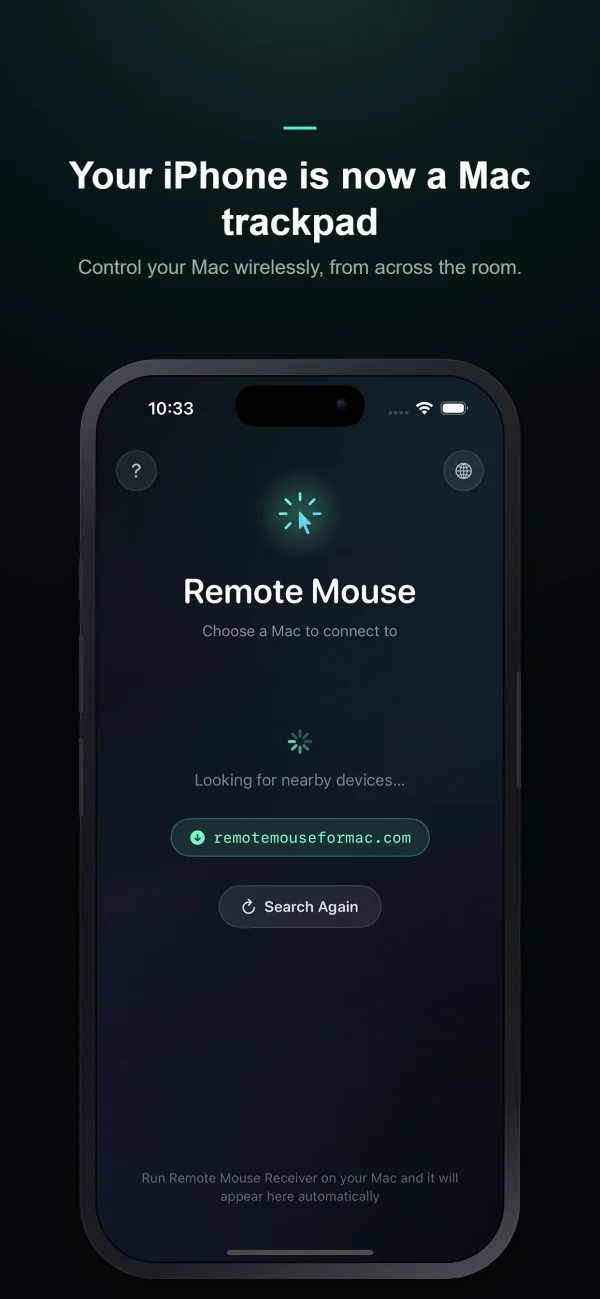
Turn your iPhone and iPad into a wireless trackpad for your Mac.
Remote Mouse for Mac lets you control your Mac using the device in your hand — just like a Magic Trackpad, with no cables and no extra mouse. From the couch, during a presentation, or in bed, move your Mac's cursor freely from anywhere.
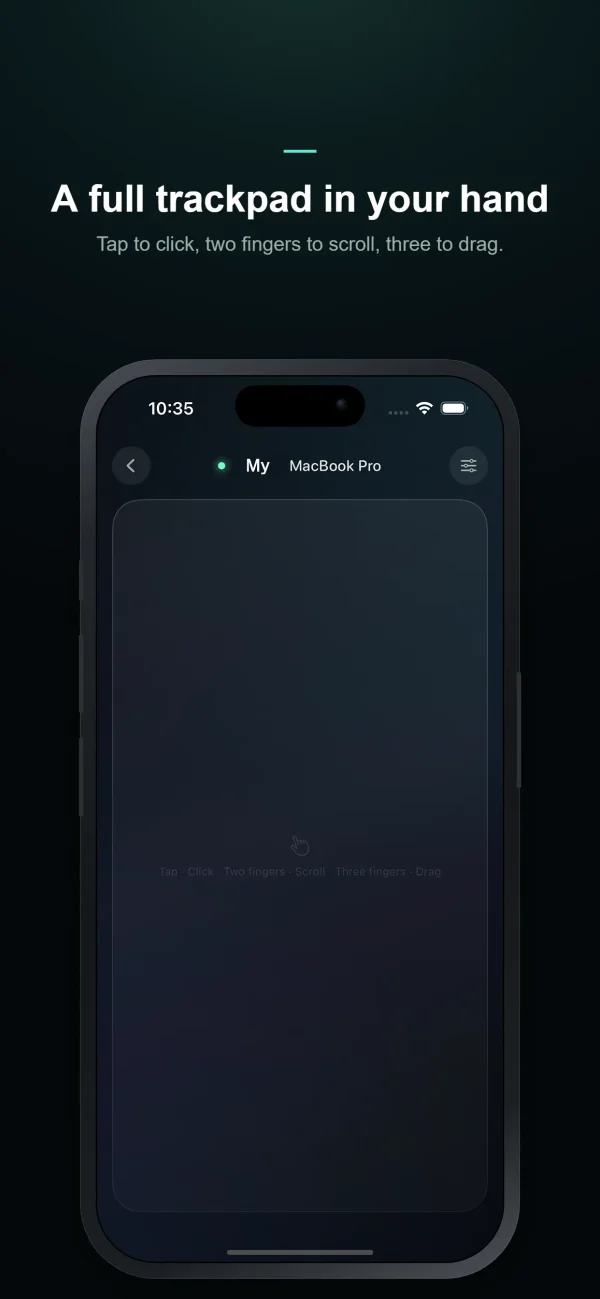
■ Just Like a Real Trackpad
· Tap to click, two-finger tap to right-click
· Two-finger scroll
· Three-finger drag and double-tap drag
· Adjust tracking speed and scroll sensitivity to your liking
It feels exactly like a Magic Trackpad.
■ Connect Without Cables
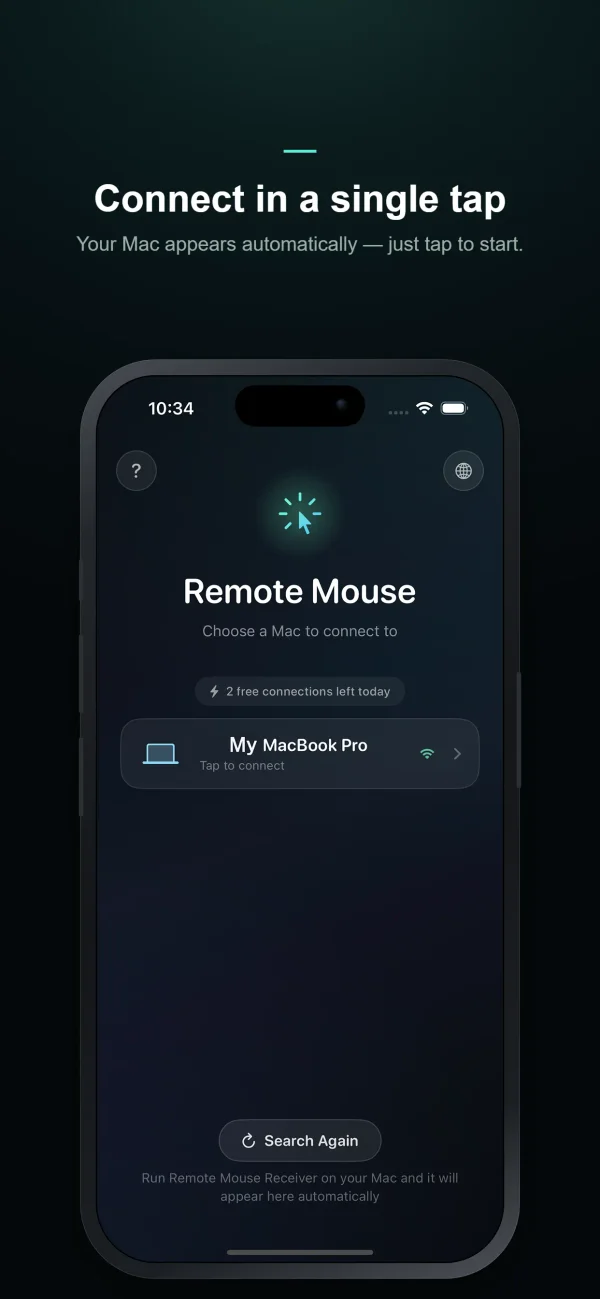
On the same Wi-Fi, your Mac is discovered automatically and shown in the list. One tap connects. No Wi-Fi? It connects over Bluetooth too.
■ Multiple Macs at Once
Home and office, MacBook and Mac mini — every Mac running the Receiver appears in the list, so you can pick and connect to any of them.
■ Secure by Design
When your iPhone connects, your Mac must approve it. No one can access your Mac without permission.
■ A Refined Experience
A neon glow blooms with every touch, wrapped in a design like no other. Available in Korean, English, Japanese, and Chinese, following your device language automatically.
■ Getting Started
1. Install this app.
2. Run the free Receiver on your Mac (download from remotemouseformac.com).
3. Pick your Mac in the app, approve it, and it becomes a trackpad instantly.
Note: To control your Mac's cursor, you need to run the free Receiver app on your Mac once. After the first launch, it starts automatically at login.
What’s new
Version 1.0.4 · Nov 6, 2026
• iPhone Duo support: unfolded, the trackpad gets a scroll strip and Left/Right Click buttons. Half-fold it like a laptop and the lower screen becomes the trackpad.
• The same wide layout on iPad.
• Hold Left Click and slide on the trackpad to drag.
App privacy
What joon kwang kim declares on the App Store about how this app handles data.
-
Data not collected
The developer does not collect any data from this app.
Privacy practices may vary, for example with the features you use or your age.
Information
- Seller
- joon kwang kim
- Category
- Utilities
- Version
- 1.0.4
- Updated
- Nov 6, 2026
- Released
- Jul 11, 2026
- Size
- 5.6 MB
- Requires
- iOS 15.0 or later
- Age rating
- 4+
- Price
- Free
- In-app purchases
- Yes
- Languages
- English, Japanese, Korean, Simplified Chinese
- Copyright
- © 2026 JKIT
You might also like
-
 Air Voice Boost Pro : HearingAI Sound Enhancer
-
 DueSnap: Expiry Date TrackerExpiration Scanner & Reminder
-
 TV Remote: Smart & UniversalPhone Controller & Keyboard
-
 EasyBeauty-Beauty is so easyBeauty is so easy
-
 VRLinkADB Tools,Debug Control
-
 QuickCast ProCast, Mirror & TV Remote
-
 AI Voice Recorder Pro: NotesSpeaker labels & AI summaries
-
 Pinger - Network MonitorMake Ping a Pleasure
-
 SideTVsADB Control, TV Casting
-
 WiMouse: Remote Mouse KeyboardLaptop Remote & Media Control