
rootshell: Local Terminal, SSH
VPN over SSH and tssh
Designed for iPhone, iPad
Free
- Age rating4+
- CategoryDeveloper Tools
- DeveloperRootshell LLC
- LanguagesEnglish+ 24 more
- Size386.6 MB
Links to the official App Store page
Download.org hosts no file of rootshell: Local Terminal, SSH. The button opens its official App Store page, published by Rootshell LLC. Listing last checked on Nov 24, 2026.
Screenshots


About
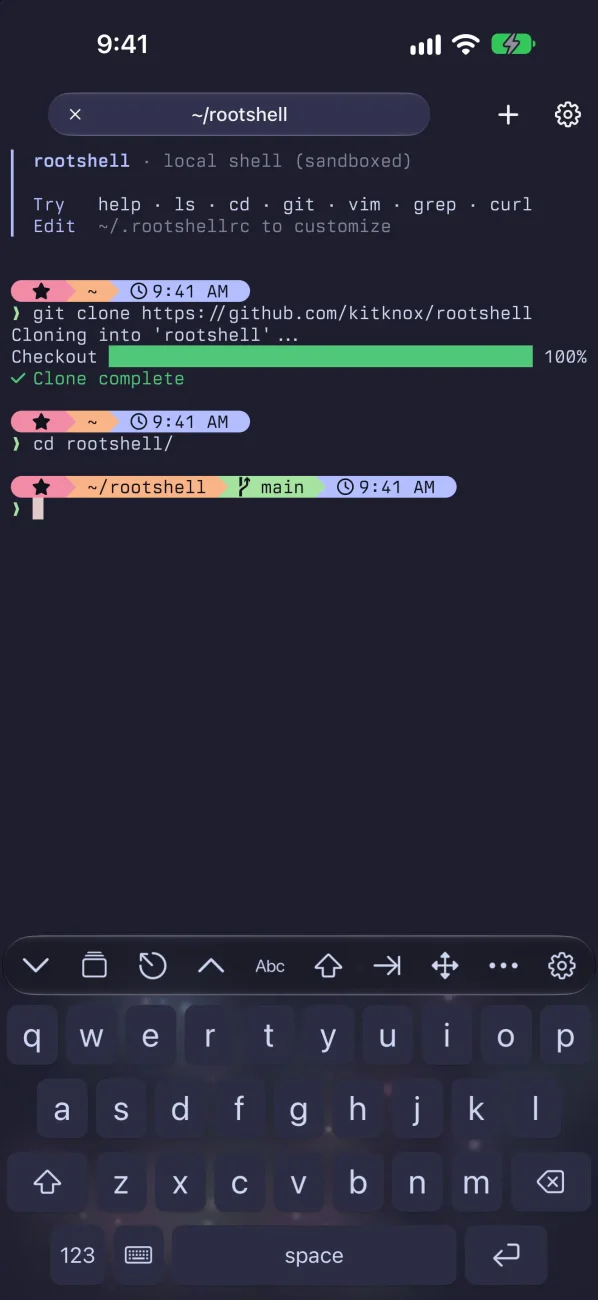
rootshell is a desktop-class terminal emulator built on libghostty — the GPU-accelerated engine behind the Ghostty desktop terminal. A local shell on every platform, Mac screen sharing, native SSH, mosh-compatible roaming, tssh, system-wide VPN, native git, and Metal rendering in a single app.
NEW: SCREEN SHARING
Reach your Mac's screen, not just its shell, from your iPhone or iPad. High Performance mode streams up to 4K at 60 FPS, fully encrypted. Match Client sizing spins up a virtual display sized exactly to your device: no panning, no letterboxing, with remote system audio. Standard VNC mode covers Linux and headless machines, and tunnels over SSH jump hosts. Nothing to install on the Mac — turn on Screen Sharing and connect. Touch, trackpad, hardware keyboard, and two-way clipboard all work, in tabs, splits, or full screen.
METAL-ACCELERATED TERMINAL
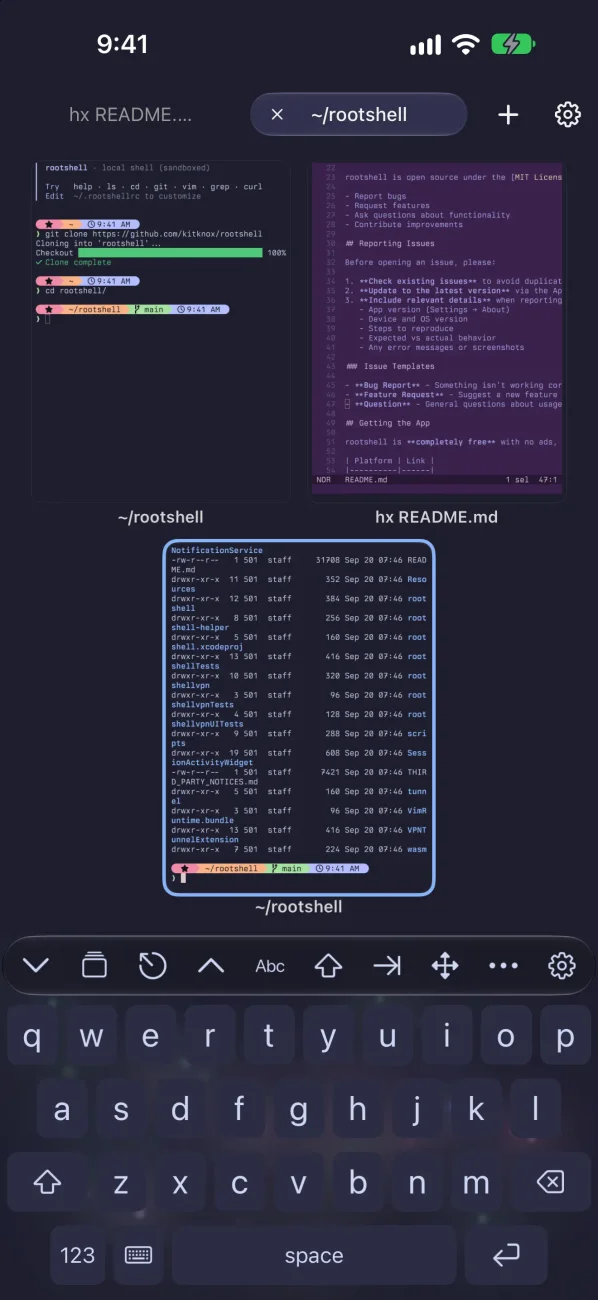
Built on libghostty's Zig core with direct Metal rendering. Smooth scrolling, zero-flicker synchronized output, and full mouse capture for tmux, vim, and zellij. Tabs, split panes, and persistent scrollback across app restarts.
THREE REMOTE PROTOCOLS, ONE APP
• SSH — Native Swift SSH client with Ed25519, ECDSA, RSA, and post-quantum ML-KEM + ML-DSA. Jump hosts, port and agent forwarding, and Keychain password storage.
• Rootshell Roam — Mosh-compatible sessions survive network changes and app restarts. Multipath TCP bonds WiFi and cellular. Predictive local echo keeps typing responsive. STUN-based NAT traversal punches through firewalls.
• tssh with QUIC (TLS 1.3) and KCP transport for lower latency, full native scrollback, and session resumption.
NATIVE TMUX INTEGRATION
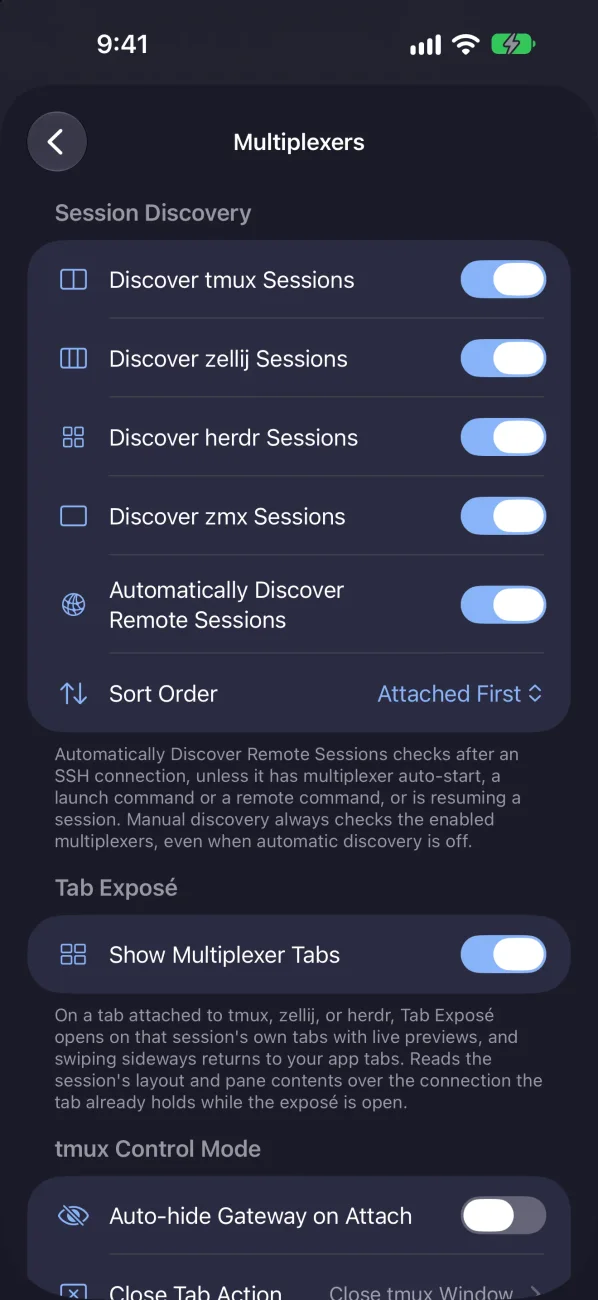
Attach in control mode (tmux -CC) and tmux windows become native tabs, panes become real splits — copy, search, and scroll with native gestures. A dashboard shows live window previews, and tabs survive restarts over tssh.
SSH VPN
Turn any SSH or tssh session into a system-wide VPN. Route all device traffic through your remote server. No extra software on the server — if you can SSH to it, you can VPN through it.
NATIVE GIT
Clone, commit, diff, log, blame, rebase, cherry-pick, and worktree — in native Swift with SSH transport. Syntax-highlighted pager output and optional AI-generated commit messages.
VOICE AI AGENT
Talk to an always-on assistant over Gemini Live. It reads scrollback, runs SSH commands hands-free, searches the web, and asks permission before anything risky.
OPTIONAL TEXT AI
Chat with Claude, ChatGPT, Gemini, or 400+ models via OpenRouter. Bring your own API key.
HARDWARE SECURITY KEYS
Private keys never leave hardware. FIDO2/WebAuthn authentication with touch-to-sign.
SANDBOXED LOCAL SHELL
A full local shell with vim 9.1, Helix, SFTP, SCP, curl, jq, mtr, and standard Unix utilities. The rf browser offers yazi-style miller columns with image previews and git indicators. croc peer-to-peer file transfer, flag-aware tab completion, and prompt themes.
CLOUD & KUBERNETES
Connect to AWS, Azure, DigitalOcean, Akamai (Linode), and Tailscale. Browse instances, access serial consoles, generate EKS kubeconfigs, and debug Kubernetes nodes with ephemeral pods.
450+ THEMES & VISUAL EFFECTS
Over 450 color themes with location-based day/night switching. Animated backgrounds — solar, ocean waves, starfields, fireflies — plus Shadertoy-compatible shaders and custom fonts.
CUSTOMIZABLE TOOLBAR
Drag, reorder, and hide 45+ built-in keys. Create custom keys that send text, key combos, or sequences. Sticky modifiers with tap and double-tap lock. Separate iPhone and iPad layouts.
CONNECTION MANAGEMENT
Save profiles with folders, tags, and iCloud sync. Quick Connect autocompletes from history and cloud instances. Background SSH tunnels with auto-start. Siri Shortcuts integration.
KEYBOARD POWER FEATURES
QMK-style mod-tap keys, dictation and CJK input, customizable shortcuts, and Option key as Alt for international layouts.
What’s new
Version 1.0.16 · Nov 23, 2026
Terminal Keyboard & Toolbars
- Added 21 keyboard layouts, including French AZERTY and German QWERTZ. Long-press the keyboard switch key for Placement, Style or Layout. Split placement supports thumb typing on iPad and the iPhone Duo inner display.
- Enable Use in Text Fields to use the Terminal Keyboard and dictation in fields such as Quick Connect. Password, one-time-code and numeric fields keep Apple's keyboard.
- Customize separate Terminal, Screen Sharing and KVM toolbars. Pin keys, add drawers, adjust key sizes and colors, and save or copy layouts. The live editor supports drag reordering, multi-select, search, Undo and Redo.
- Glass Bar is the default on iOS and iPadOS 26 or later. Swipe across modifiers to combine them. Assign Show Keyboard for One Key to a custom key or swipe.
Screen Sharing & KVM
- In Screen Sharing > KVM over IP, connect to GL.iNet Comet devices on firmware 1.4 or later. Supports H.264 video, SSH jump hosts, Paste as Keystrokes and remote power controls where available.
- Use the docked or floating Terminal Keyboard and dictation in remote sessions. A movable toolbar keeps controls within reach. Chinese, Japanese and Korean composition stays local until you commit the text.
- High Performance adds Automatic and Low Bandwidth modes. With compatible remote Macs, Match Client fits the display to your pane, drag and drop transfers files and folders, and the clipboard supports images and rich text. Find downloaded files in Screen Sharing > Downloads.
- Set a Before Disconnecting action such as locking the remote screen or sending a shortcut. Saved KVM profiles can store the computer's password separately and offer to type it at recognized login screens, with confirmation.
- Remember Last Screen is on by default. Saved profiles show a dated preview while video connects. Previews are encrypted, stay on this device, and are excluded from backups. Clear them in Screen Sharing settings.
VPN, Tailscale & SSH
- Use a custom HTTPS coordination server such as Headscale in Whole Device or rootshell Only mode, with optional auth-key sign-in. Updated Tailscale to 1.104.7 for more resilient direct connections.
- VPN settings now show live traffic charts, connection and tunnel details, and a shortcut to HTTP Capture when Local Capture is active.
- Known Hosts can check SSHFP records and optionally trust DNSSEC-validated matches. Trust prompts approve only the key or certificate shown. Screen Sharing and KVM match saved passwords to the destination and SSH route.
- YubiKey operations verify the intended key's serial number. Private-key import and RSA-4096 generation require USB-C.
- tssh restores scrollback, cursor position and terminal modes when reattaching, reconnects faster over in-app Tailscale and supports Zstandard compression with compatible servers.
Agent Inbox & Terminal
- Open the Agent Inbox from the terminal menu or sidebar to review coding-agent messages and jump to the relevant pane. Live Activities can show an unread count or unread statuses. Agent Usage now shows Google Antigravity quotas and reset times.
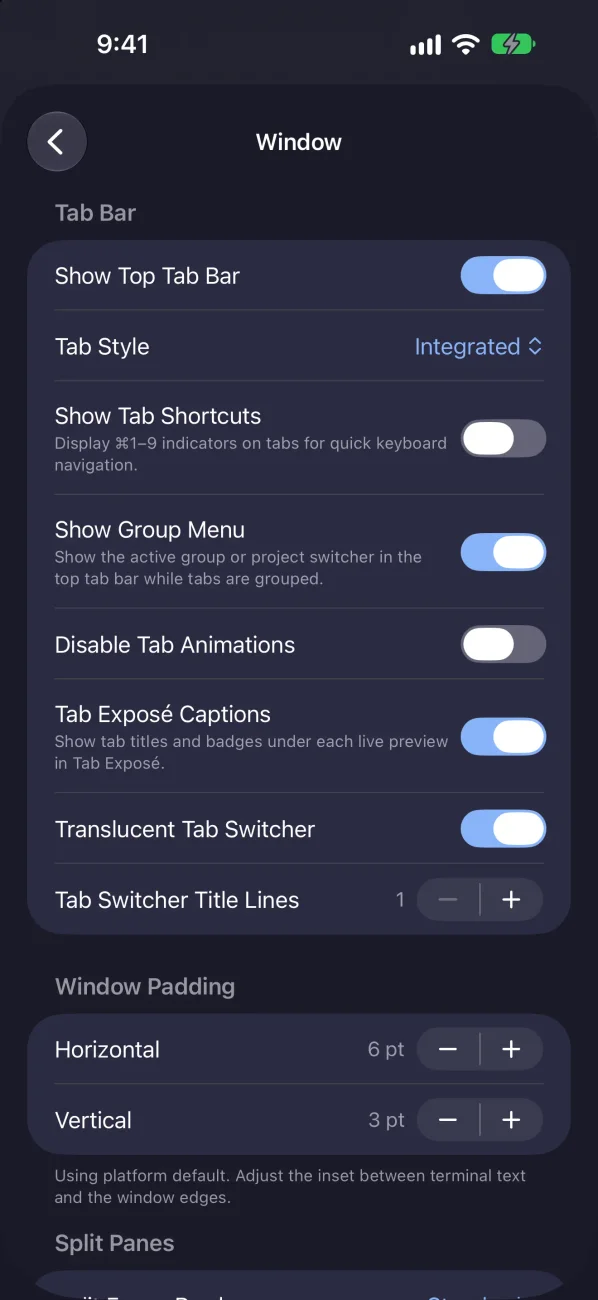
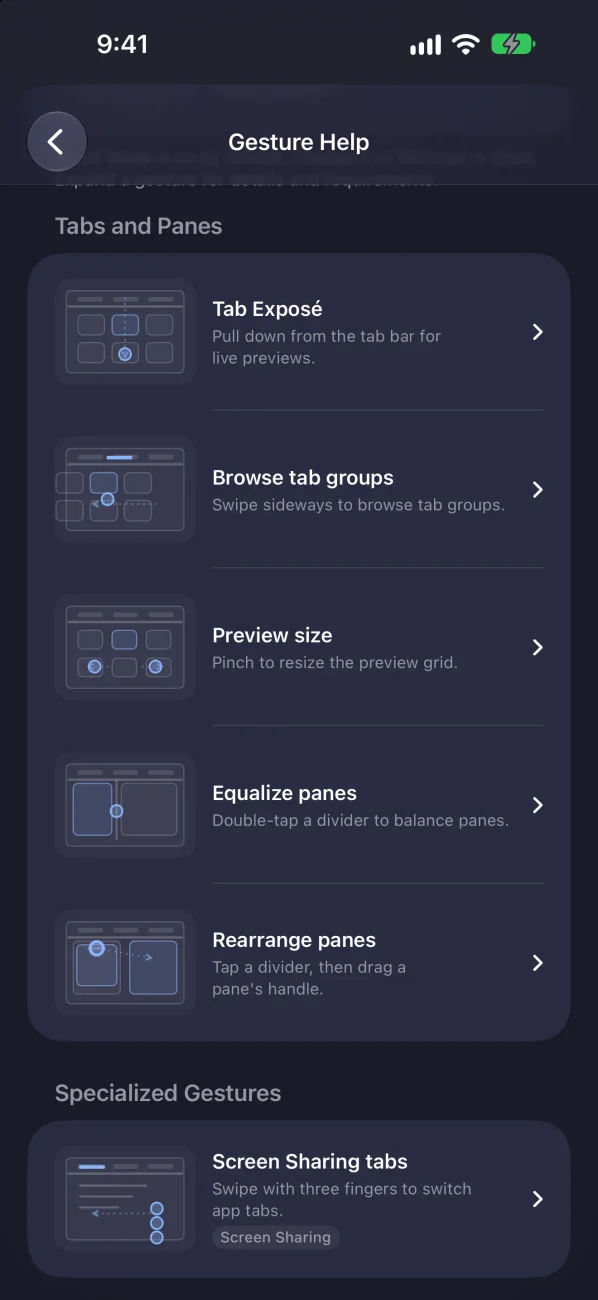
- Move horizontal tabs below the terminal, assign different swipes to its top and bottom halves, or use the Panes preset to cycle through splits, including tmux and herdr panes.
- iPhone Duo remembers keyboard heights per display and keeps the keyboard and Glass Bar below the fold in laptop pose. Choose installed monospace fonts under System Fonts.
- The Open Local Shell action in Shortcuts can now run a command in the new tab.
Reliability
- Reduced typing and paste latency in SSH, tssh, herdr and local shells. Fixed missing tabs and settings before the first unlock after a restart, iPad search freezes, and crashes in photo background setup, file previews and local shell input.
- Improved iPad trackpad clicks and drags, iPhone selection scrolling, and Screen Sharing video and keyboard recovery after switching apps. Updated Vim and the local archive tools.
App privacy
What Rootshell LLC declares on the App Store about how this app handles data.
-
Data not collected
The developer does not collect any data from this app.
Privacy practices may vary, for example with the features you use or your age.
Information
- Seller
- Rootshell LLC
- Category
- Developer Tools
- Version
- 1.0.16
- Updated
- Nov 23, 2026
- Released
- Apr 19, 2026
- Size
- 386.6 MB
- Requires
- iOS 18.0 or later
- Age rating
- 4+
- Price
- Free
- Languages
- English, Arabic, Catalan, Czech, Danish, Dutch, Finnish, French, German, Hebrew, Hungarian, Italian + 13 more
- Copyright
- © 2026 Rootshell LLC
You might also like
-
 KittyLitterCodex on your phone
-
 VVTerm: Native SSH ClientSSH Terminal, SFTP, Mosh
-
 Echo - SSH + Mosh ClientThe fast and modern Terminal
-
 Termini - SSH ClientRemote Terminal Server Manage
-
 Moshi: herdr/tmux on SSH/MOSHAgent terminal for Codex CLI
-
 Lody - Run Code Agent AnywhereRemote Control for All Agents
-
 HTTPS Capture Traffic DecryptWeb API Debug & Packet Sniffer
-
 Conduit: SSH, Mosh & SFTPSSH, Mosh and SFTP client
-
 Heeler for herdrYour herdr agent console
-
 Happier - Remote Claude, CodexOpenCode, Pi, Grok coding app