Scanbot SDK: Document Scanning
Easily take high-quality scans
Designed for iPhone, iPod touch
Free
- Age rating4+
- CategoryBusiness
- DeveloperScanbot SDK, Inc
- LanguagesEnglish
- Size93.2 MB
Links to the official App Store page
Download.org hosts no file of Scanbot SDK: Document Scanning. The button opens its official App Store page, published by Scanbot SDK, Inc. Listing last checked on Nov 20, 2026.
Screenshots

About
Turn any smartphone, tablet, or wearable device into an easy-to-use & reliable Document Scanner that creates high-quality images of documents in just 2 seconds with the Scanbot SDK: Document Scanning App.
This App impresses with an easy-to-use and reliable scanning experience that enables users to create high-quality images of physical documents. Working completely offline on your device, the App is never connected to any third-party servers – providing you with absolute data security.
Our cutting-edge machine learning- and computer vision-based Document Scanning technology offers all the features you need for a seamless scanning experience that allows anyone to easily capture sharp and crisp images of documents:
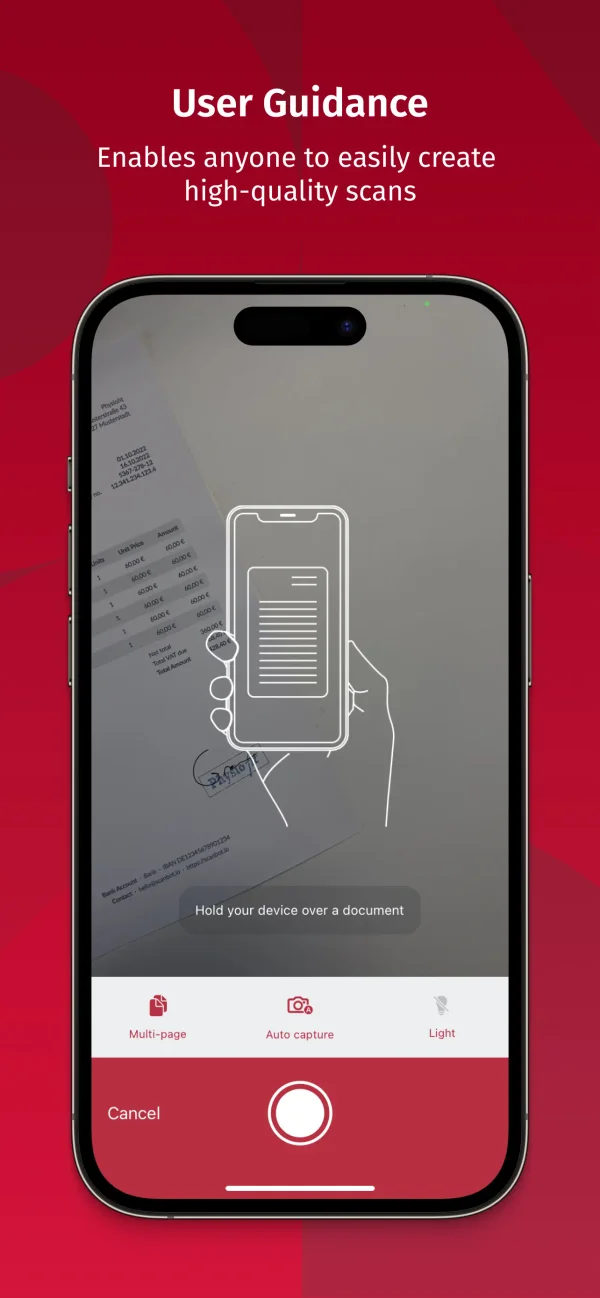
SELF-EXPLAINING USER GUIDANCE
We developed a self-explaining user guidance that enables even non-tech-savvy people to capture high-quality scans with their devices easily.
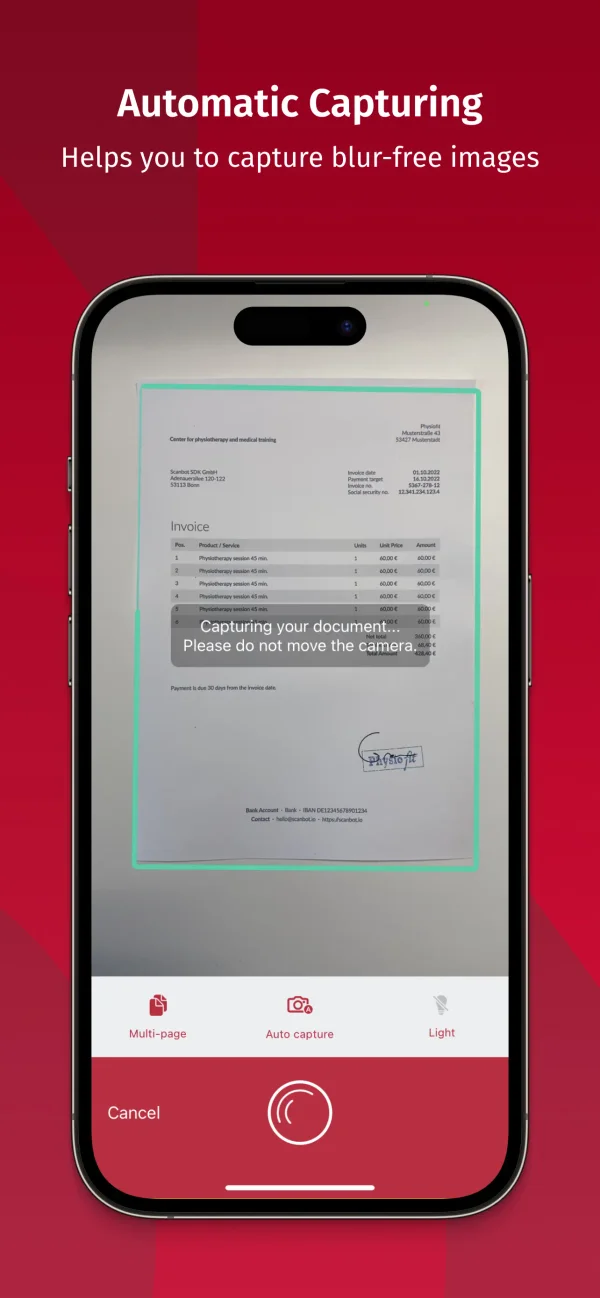
AUTOMATIC CAPTURING & CROPPING
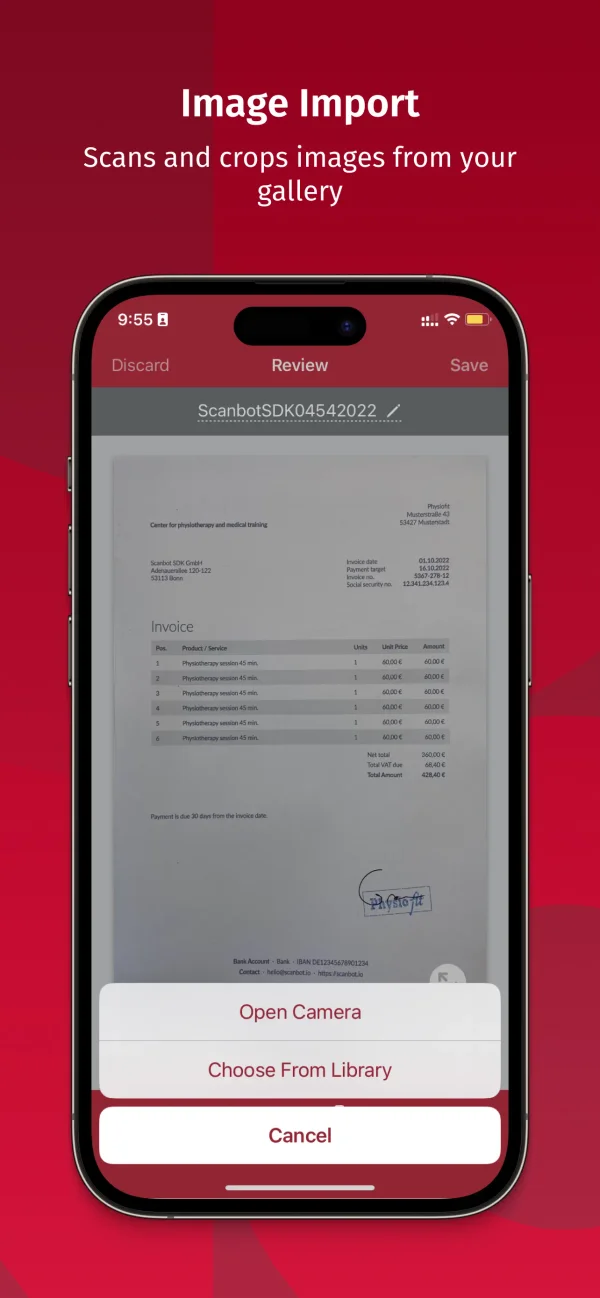
With our automatic capturing and cropping functionalities, all you need to do is hold your device over a document to create the perfect scan. The Scanbot SDK: Document Scanning App does the rest - blurry and badly cropped images with disturbing backgrounds become a thing of the past.
PERSPECTIVE CORRECTION
We know that it can be difficult to position the camera perfectly above the document. This is why we developed an algorithm that automatically straightens every scan. It supports you with scans taken from a bad angle and facilitates further processing.
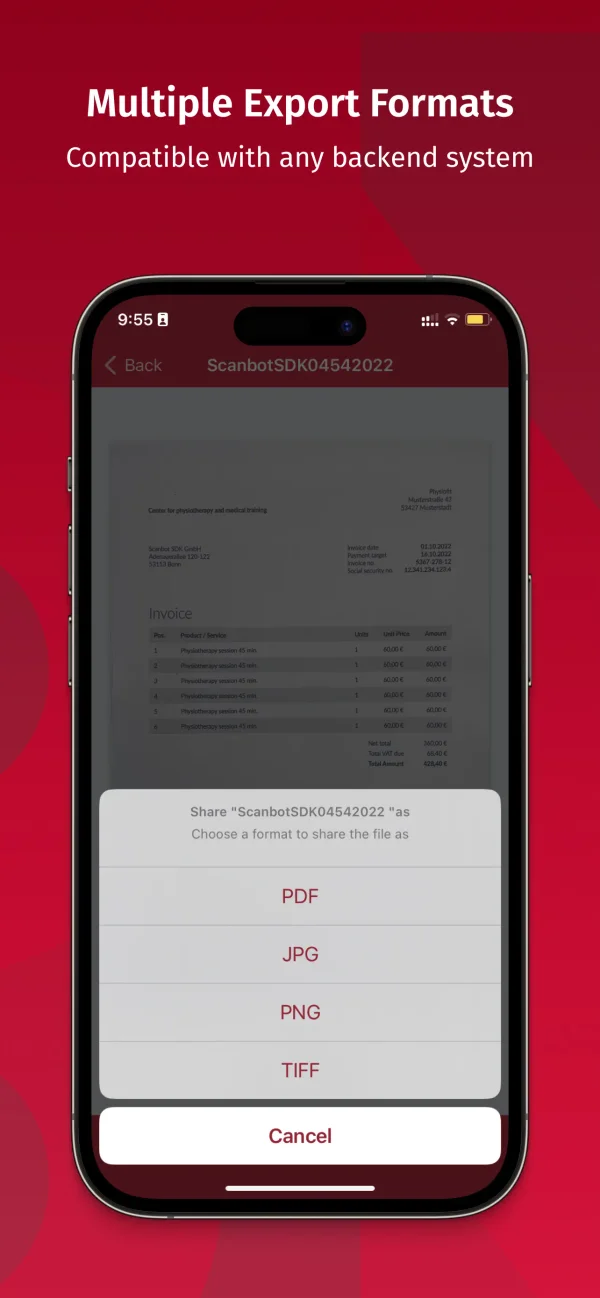
MULTIPLE EXPORT FORMATS
PDF, JPG, PNG, or TIFF – we offer all the export formats that you need.
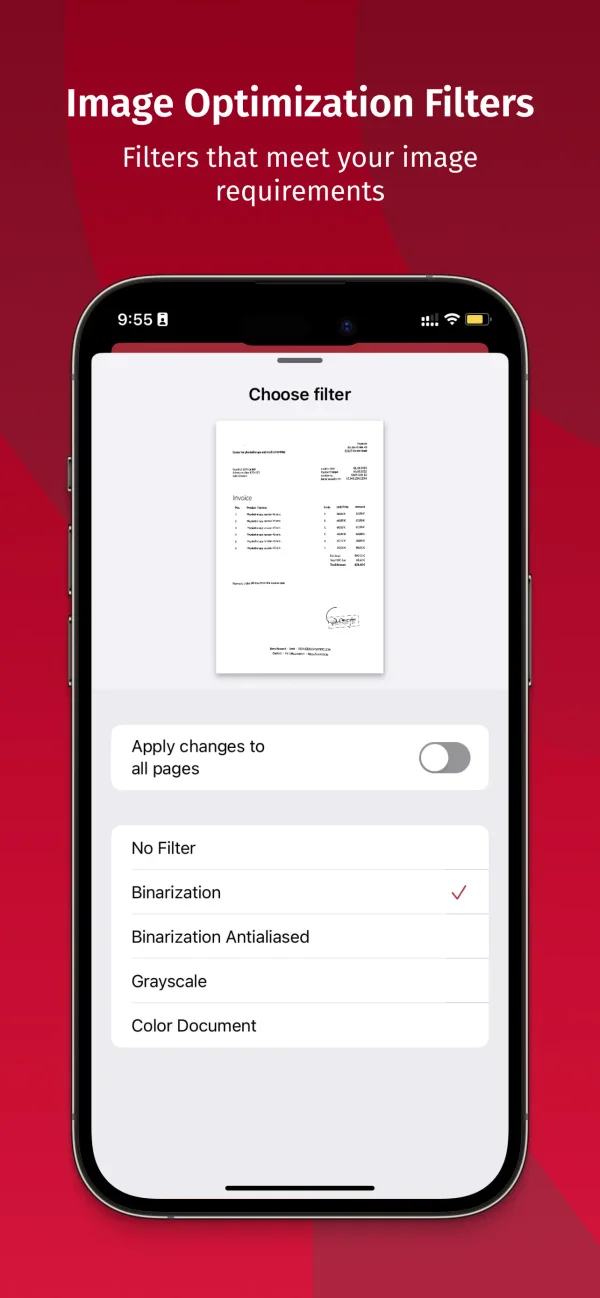
IMAGE OPTIMIZATION FILTERS
We have learned that each user has unique image requirements. That's why we built Image Optimization Filters for various use cases (e.g., Binarization, Grayscale, Color Document, and more).
SINGLE- AND MULTI-PAGE MODES
With our App, you can scan single or multi-page documents without leaving the scan screen.
If you have any questions, please contact us: https://scanbot.io/.
What’s new
Version 1.9.1 · Oct 15, 2026
Minor bugfixes and improvements.
App privacy
What Scanbot SDK, Inc declares on the App Store about how this app handles data.
-
Data not collected
The developer does not collect any data from this app.
Privacy practices may vary, for example with the features you use or your age.
Information
- Seller
- Scanbot SDK, Inc
- Category
- Business
- Version
- 1.9.1
- Updated
- Oct 15, 2026
- Released
- Nov 14, 2022
- Size
- 93.2 MB
- Requires
- iOS 15.0 or later
- Age rating
- 4+
- Price
- Free
- Languages
- English
- Copyright
- © Scanbot SDK GmbH 2025
You might also like
-
 Adobe ConnectAll new Adobe Connect app!
-
 Prizmo › Document Scanner, OCRAccurate OCR scan. PDF & DOCX
-
 Scandit ExpressSmart Data Capture, instantly.
-
 QuickScan:PDF OCR Text ScannerScan,Doc,Sign,Edit,Privacy
-
 Anyline ShowcaseScan Barcodes, ID, Meters, VIN
-
 Microblink IdentityScan documents in a blink.
-
 IDSafe: ID & passport scannerScan and share to PDF
-
 Regula Document ReaderRead and verify ID documents
-
 Camera Scanner - PDF Scan OCRScan Documents, Photo to PDF
-
 iGAPBusiness