Camera Scanner - PDF Scan OCR
Scan Documents, Photo to PDF
Designed for iPhone
Free · In-app purchases
- Age rating9+
- CategoryBusiness
- DeveloperLabhuben Kachhadiya
- LanguagesEnglish
- Size17.2 MB
Links to the official App Store page
Download.org hosts no file of Camera Scanner - PDF Scan OCR. The button opens its official App Store page, published by Labhuben Kachhadiya. Listing last checked on Nov 20, 2026.
Screenshots

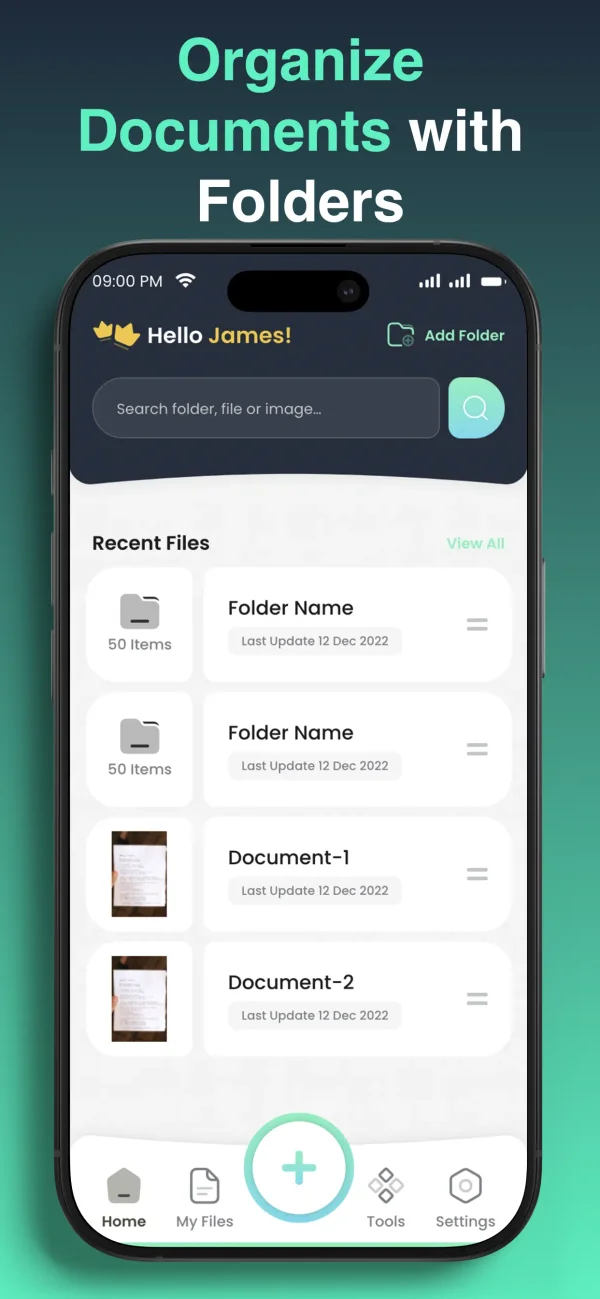
About
Camera scanner scan docs into clear image/PDF to email, fax, print or save to cloud.
Cam scanner app is a choice of professional users all over the world.
Doc scanner app makes easy to scan document and pictures and save them where you'd like. Mobile scanner easy scan & share PDF.
Fast Scanner free App is a free cam scanner app that scan office documents screenshots & smart image doc management and uses for a business contract.
Pdf scanner is a high-resolution scan, reader & an image editor is available.
**** Enjoy scanning anytime ****
Use your phone camera to scan documents and receipts, notes, visiting cars, business cards, invoices, certificates, esign, page, etc. Any time and anywhere can scan, save and archive and upload file in the cloud drive.
**** Phone Camera Scanner ****
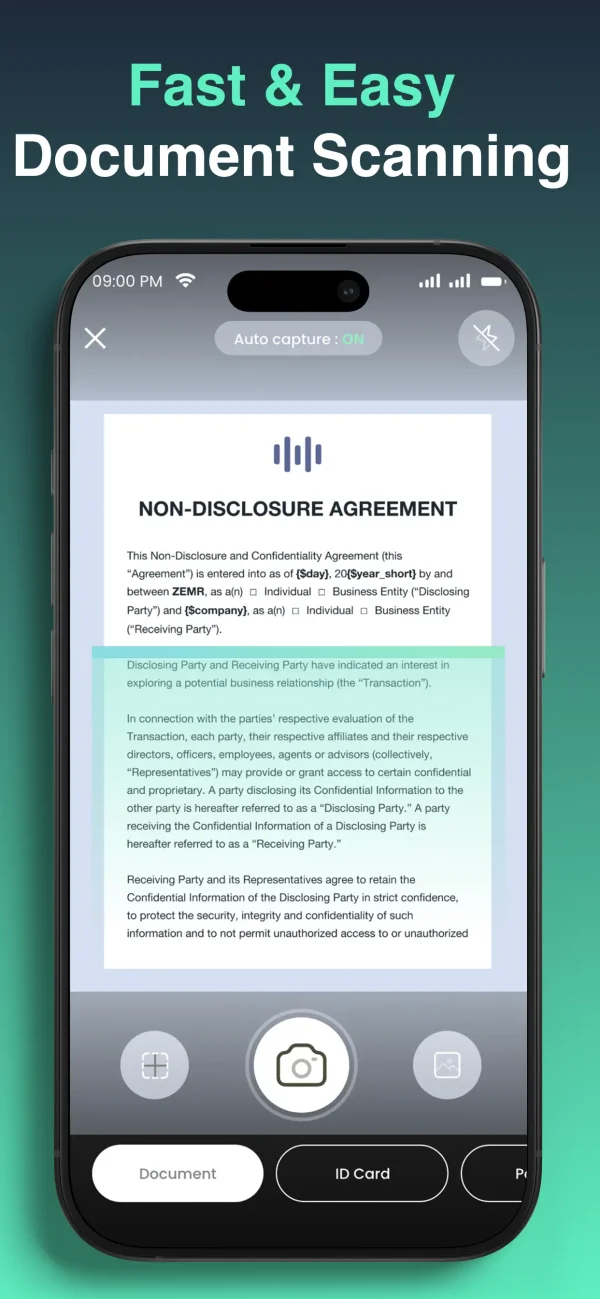
Capture document by phone, remove the extra background, generate high-resolution JPEG &PNG and PDF files.
**** Optimization Scan Quality ****
Use camera for capture pdf document by phone, remove extra space background, auto-detect the edge, generate heigh resolution PDF File and JPEG. Smart cropping and auto-detection enhancing make text and PDF, esign, graphics look clear and sharps.
**** E-Signature ****
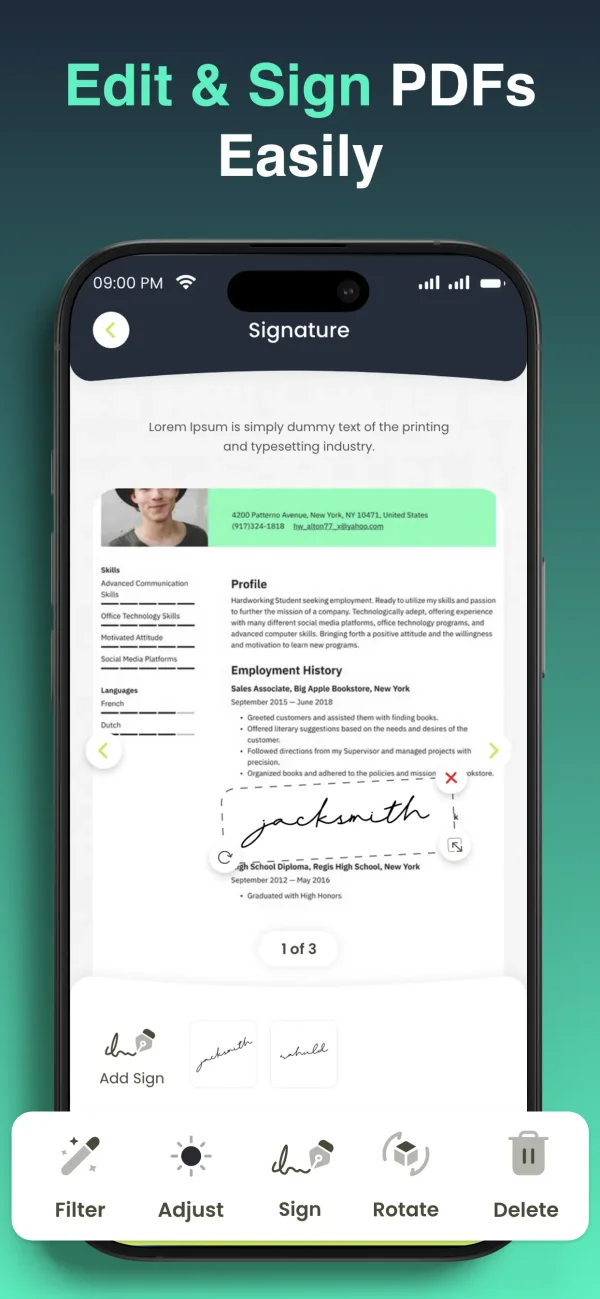
Upload and sign a doc to use the E-signature pad on your phone and sign the contract to your business party. Sign contracts and share with your third party or counter party.
**** Optimize Images and Text ****
Doc Scanner is a free app that fast scans with automatic color detection & adjustment, background removal&bleed through, text enhance, color drop, image rotation, Multiple scan Destination & Duplexing Scanning.
Pdf converter scanning amazing solid text recognization, elegant of an image, and simple sharing options.
Pdf scanner crops your scans accurately and crops your busy background while correcting PDF makeup features.
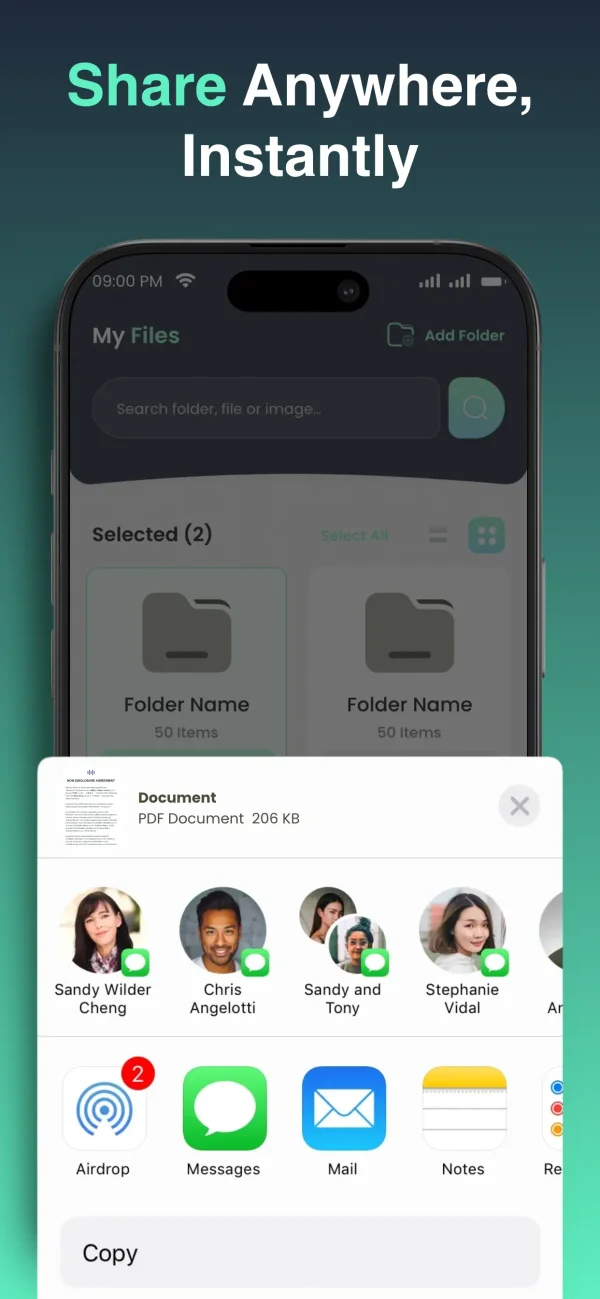
Easy to share pdf documents in PDF or JPEG format with other social media, email attachment or sending doc link to you colleagues.
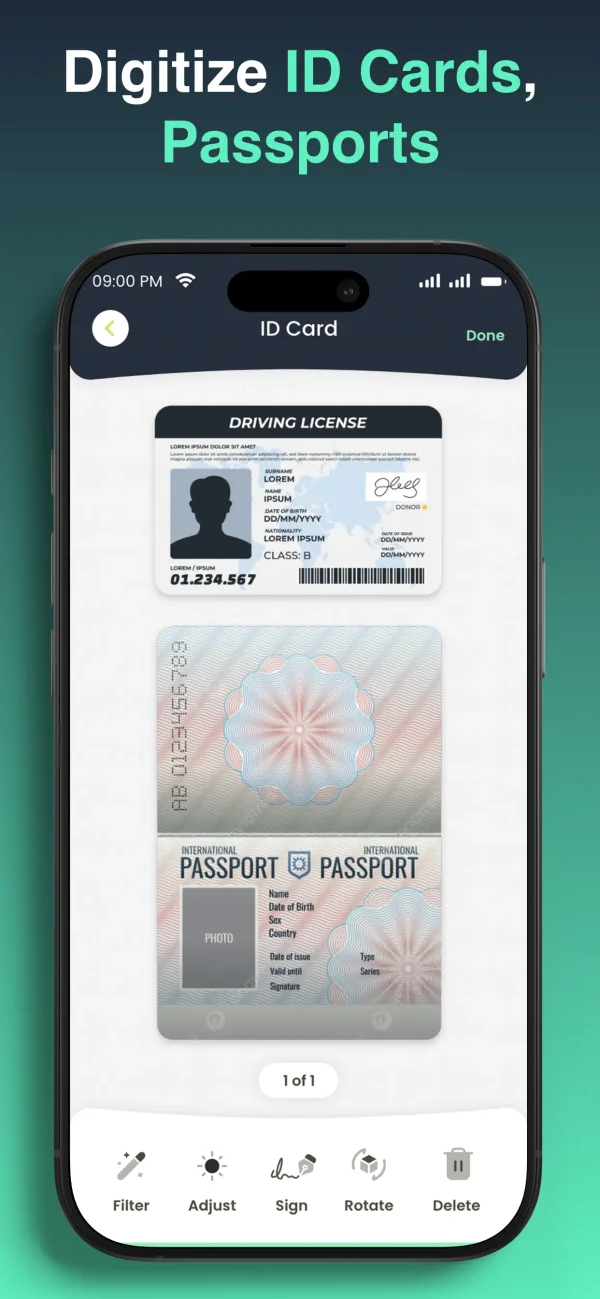
Scan document , Id cars, Phone-sized Photo Id, and Qr Code.
Automatically scan the document with your camera.
Auto-detection edge coping and optimization scan quality.
Scan Qr code and share a link and open the link on the browser.
Auto-detects and recognization of the business card, name, photo, contact info, OneNote.
E-signature to sign a contract or other business documents and share.
Security of documents like passcodes and password protection is very important PDF and documents
Sharing a document on iCloud, google drive, dropbox, etc.
Apple Subscription Terms:
– Payment will be charged to your iTunes account upon confirmation of purchase.
– Subscriptions automatically renew unless auto-renew is turned off at least 24 hours before the end of the current period.
– Your account will be charged for renewal within 24 hours prior to the end of the current period, and the cost of the renewal will be identified.
– You can manage your subscriptions and turn off auto-renewal by going to your Account Settings after purchase.
We encourage you to review our Privacy Policy and Terms & Conditions before using the app:
• Privacy Policy: https://hashcloudinfotech.com/privacy-policy/
• Terms & Conditions: https://hashcloudinfotech.com/term-and-condition/
Any Issue or Suggestion for an app, Welcome to mail.
If you have any other idea for adding any other features to our app then please give your precious feedback to us and please rate us.
Thank you for downloading our app.
What’s new
Version 3.1.7 · Nov 17, 2026
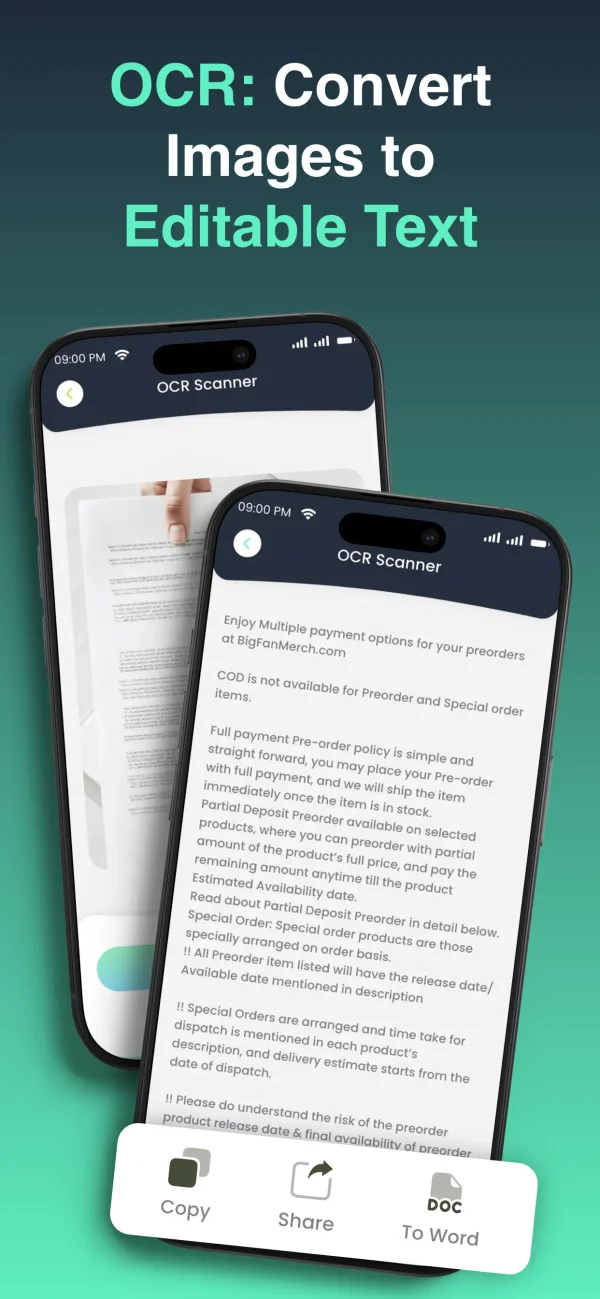
• Smarter Text Recognition (OCR): turn photos with several pages into one clean, editable document. Each page is read separately, and you can see the progress as it works.
• Edit recognized text: fix or update any text right in the app before saving.
• Translate documents: translate recognized text into other languages on your device, with no account needed.
• Share as Word, PDF or Text: export recognized text as a .docx, PDF or plain text file.
• New quick-scan button: tap + in the tab bar to start a scan, import from Photos or open a PDF.
• Ready for iPhone Duo: layouts adapt when you fold, unfold or rotate your device.
• Fresh new look: updated screens, menus and popups across the app.
• Performance improvements and bug fixes.
Enjoying Camera Scanner? A quick review helps us a lot!
App privacy
What Labhuben Kachhadiya declares on the App Store about how this app handles data.
-
Data used to track you
May be used to track you across apps and websites owned by other companies.
- Usage data
-
Data not linked to you
May be collected but is not linked to your identity.
- Usage data
Privacy practices may vary, for example with the features you use or your age.
Information
- Seller
- Labhuben Kachhadiya
- Category
- Business
- Version
- 3.1.7
- Updated
- Nov 17, 2026
- Released
- Jun 20, 2022
- Size
- 17.2 MB
- Requires
- iOS 16.6 or later
- Age rating
- 9+
- Price
- Free
- In-app purchases
- Yes
- Languages
- English
- Copyright
- © www.webmigrates.com
You might also like
-
 Camera Scanner: PDF ConverterPDF Scanner, Document Scanner
-
 Photo Scanner - PDF and docDocument Scanner
-
 Cam Scan - PDF Scanner & OCRScan Docs, Convert & Share
-
 CamScanner + | OCR ScannerScan, Sign & Fax PDF Document
-
 Camera Scanner - PDFScan Documents to PDF & Files
-
 PDF Scanner AI: Scan DocumentsPDF Converter, Document Signer
-
 Scan Now: PDF Document ScannerDigitize Your Documents Fast
-
 Scanner App: Scan PDF DocumentScan, edit & sign in one app
-
 PDF Maker - Convert to PDFPhotos to PDF & PDF Converter
-
 Scanner – Scan PDF, ID & DocsEdit, Sign, Convert Documents