- Age rating4+
- CategoryGraphics & Design
- Developerdrillstars
- LanguagesEnglish
- Size27.4 MB
Links to the official App Store page
Download.org hosts no file of scanbust 3D. The button opens its official App Store page, published by drillstars. Listing last checked on Nov 9, 2026.
Screenshots
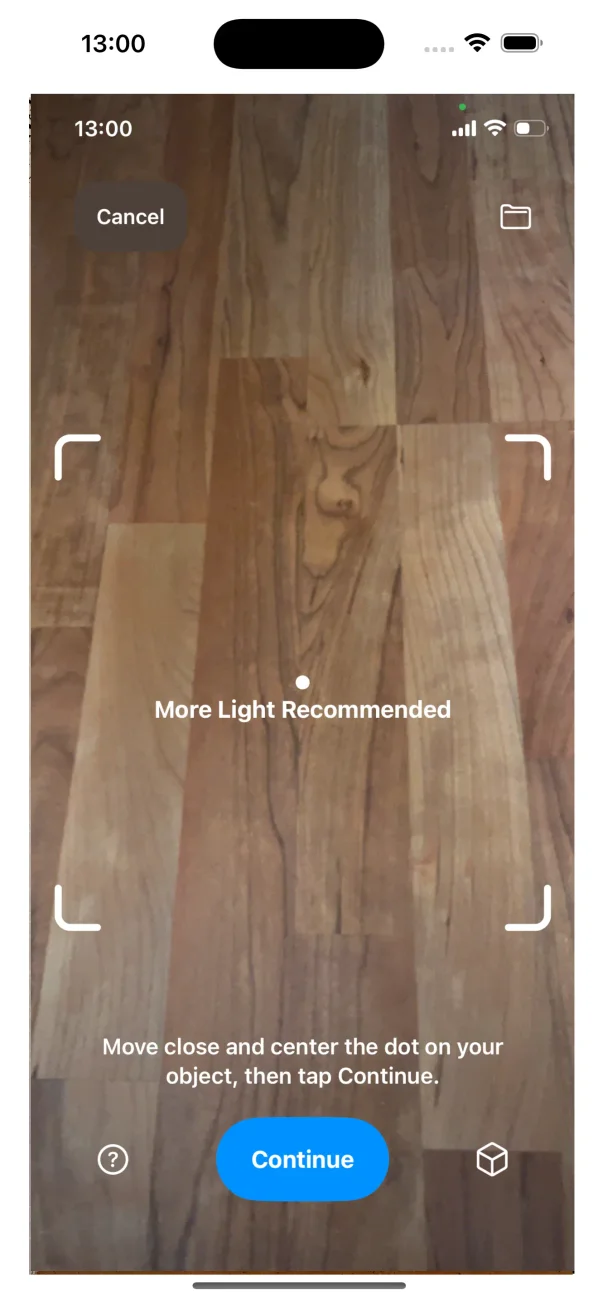
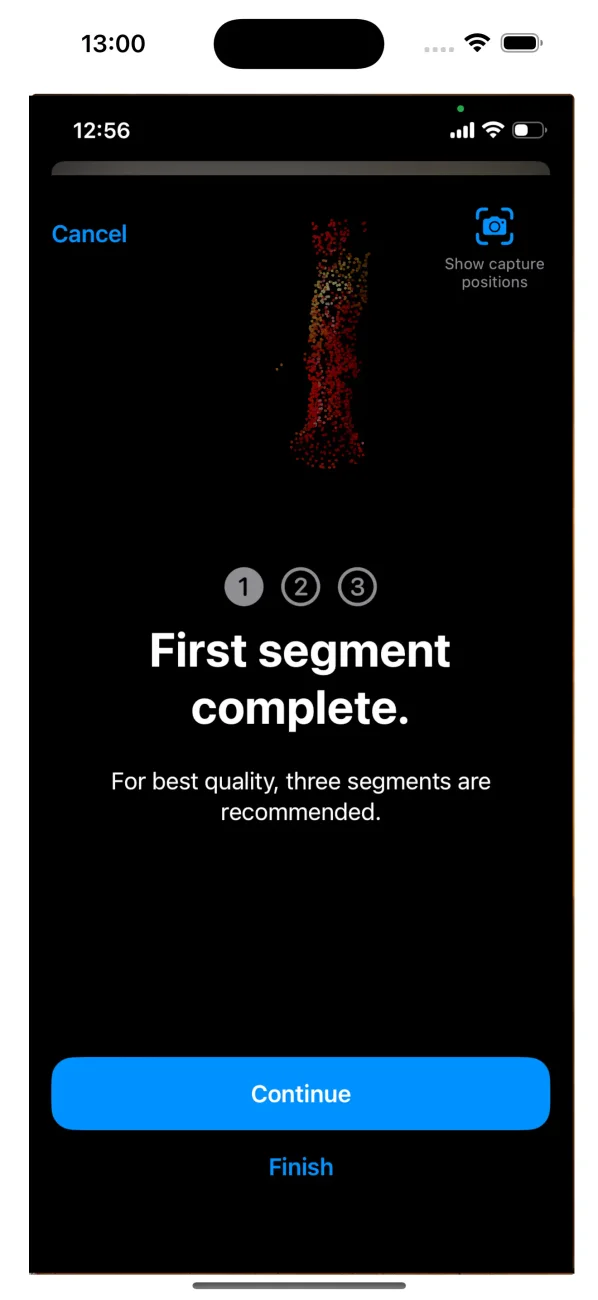


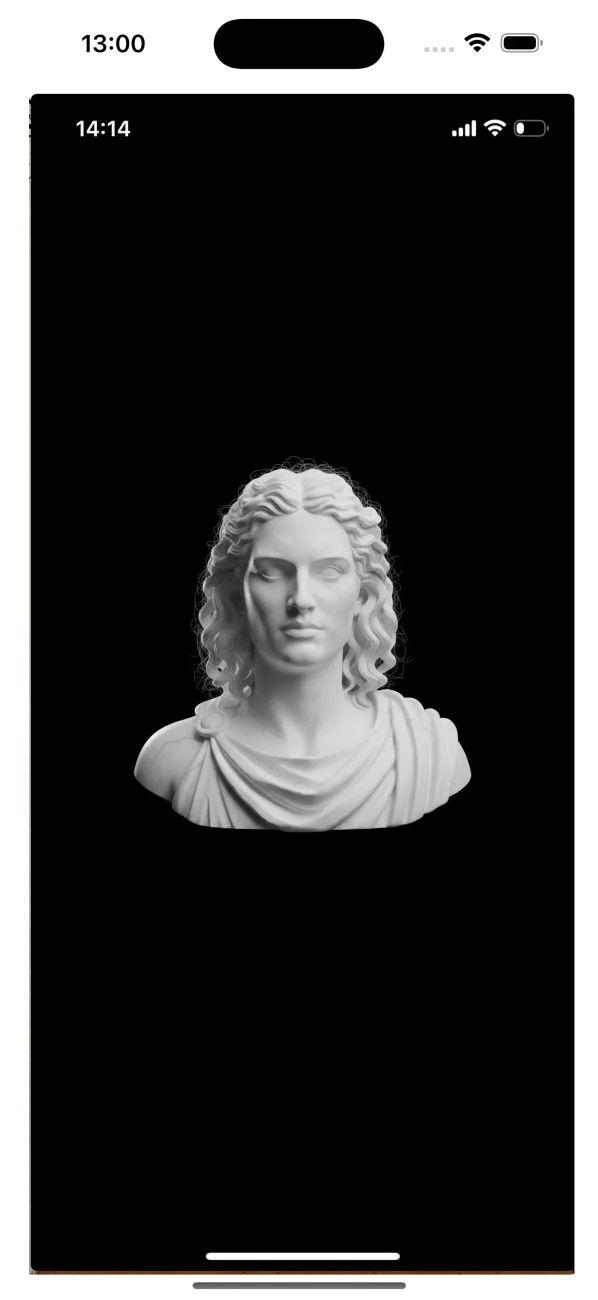
About
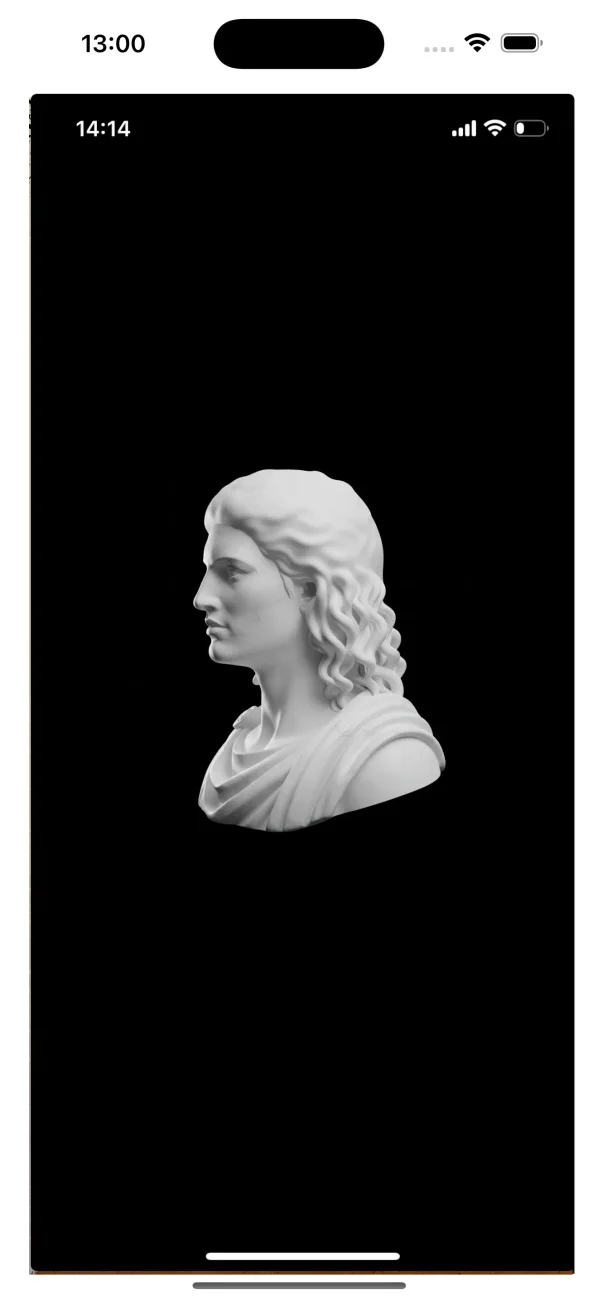
ScanBust turns real objects into usable 3D models—right on your device. Use the models to do 3D printing.
Great for:
Makers, hobbyists, and 3D printer owners
Cosplay/prop work and replicas
Repair and replacement-part projects (after cleanup in CAD)
Education, museums, and documentation
Small shops creating prototypes or digital previews
Tips for best results
Opaque, matte, textured objects scan best. Very shiny, transparent, or thin objects may reduce quality.
Use guided capture to move around your subject in Object Mode (best for isolating an item) or Area Mode (best for capturing a subject plus its surroundings). The app coaches you with step-by-step scan passes to help you capture more complete geometry and better detail.
When you’re done, ScanBust reconstructs a 3D model and opens it in AR Quick Look so you can inspect it immediately.
Export for 3D printing and editing
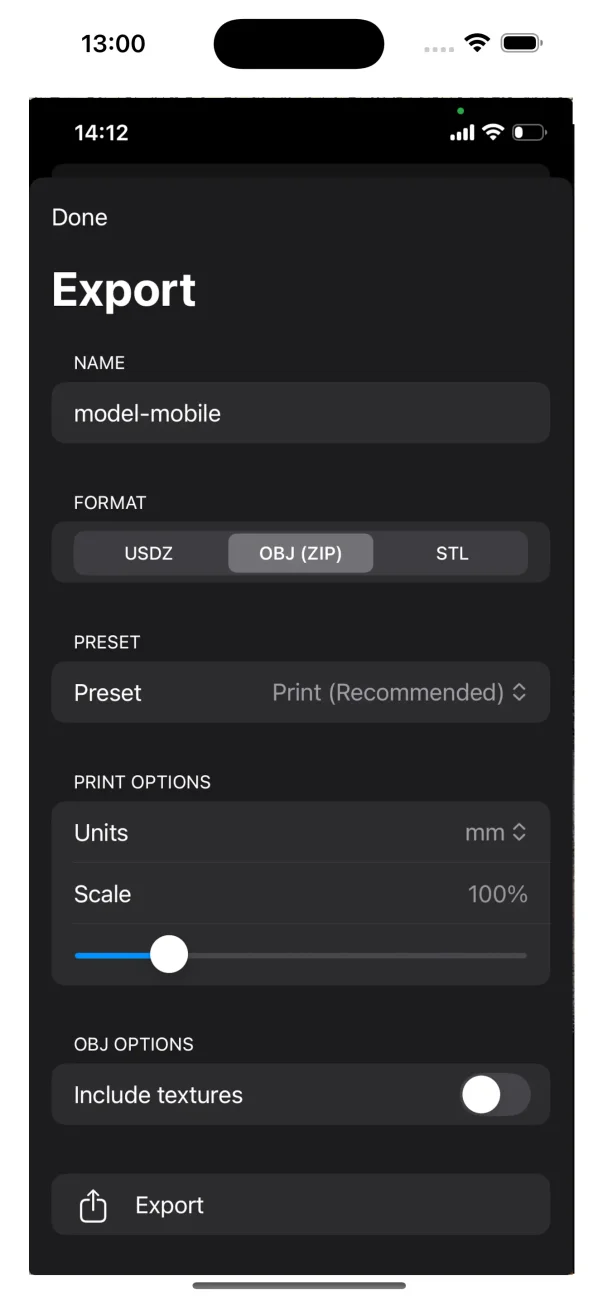
Export STL for most slicers and 3D printing workflows
Export OBJ (ZIP) for editing pipelines (optionally includes textures)
Share USDZ to keep the original model format
Choose output units (mm/cm/in/m) and apply a simple scale adjustment before export
Notes:
STL/OBJ files don’t store “units” internally—ScanBust applies a practical scale conversion so your exports match the unit you select.
What’s new
Version 1.4.5 · Jan 9, 2026
Add hotspots to the 3D model for information.
Combine multiple objects in a single AR session.
App privacy
What drillstars declares on the App Store about how this app handles data.
-
Data not collected
The developer does not collect any data from this app.
Privacy practices may vary, for example with the features you use or your age.
Information
- Seller
- drillstars UG haftungsbeschrankt
- Category
- Graphics & Design
- Version
- 1.4.5
- Updated
- Jan 9, 2026
- Released
- Jan 6, 2026
- Size
- 27.4 MB
- Requires
- iOS 18.0 or later
- Age rating
- 4+
- Price
- $24.49
- Languages
- English
- Copyright
- © drillstars 2025
You might also like
-
 Color Theory StudioColor Theory Studio and Games
-
 Cob PaintPixel art with real watercolor
-
 Image Play StudioOn-Device AI Art Generator
-
 Ai Pin DouPerler Bead design
-
 Palette: Color & Brand StudioAccessible, ship-ready design
-
 AI Wallpaper Generator 4KAI Art & Custom Wallpapers
-
 ShaperyGeometric minimal wallpapers
-
 EPS ViewerPreview EPS file content.
-
 Lumina: AI Image GenerationGraphics & Design
-
 Paint RetroSimple Raster Graphics Editor