- Age rating4+
- CategoryGraphics & Design
- DeveloperFreddie Iboy
- LanguagesEnglish
- Size6.9 MB
Links to the official App Store page
Download.org hosts no file of Cob Paint. The button opens its official App Store page, published by Freddie Iboy. Listing last checked on Nov 15, 2026.
Screenshots
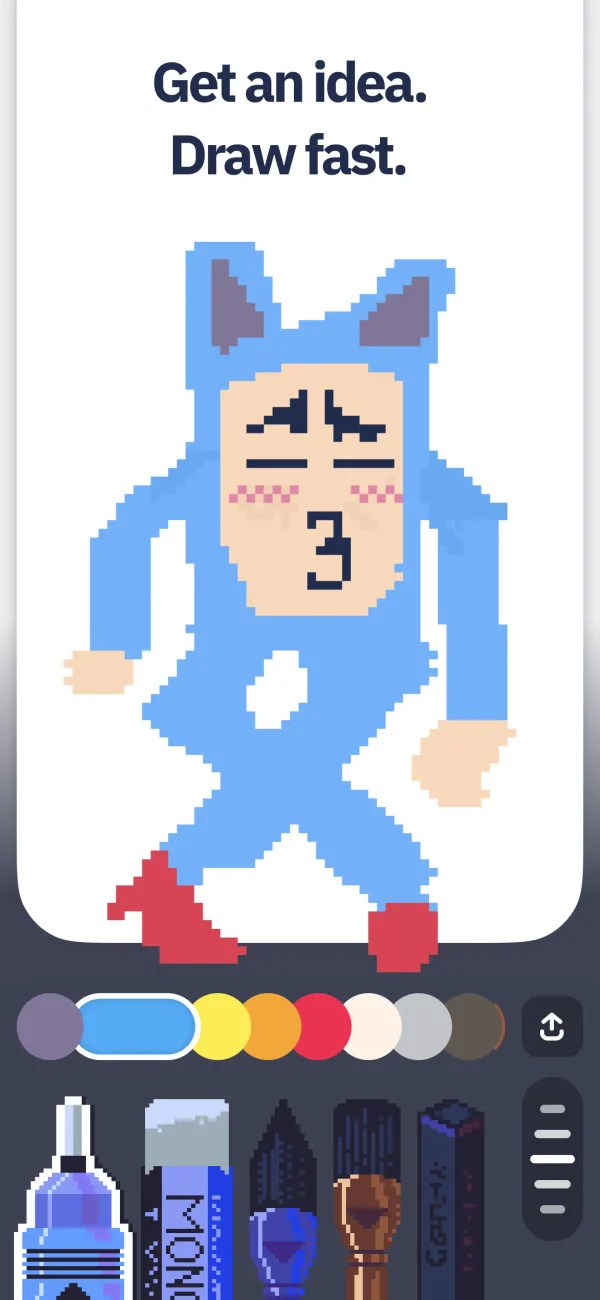
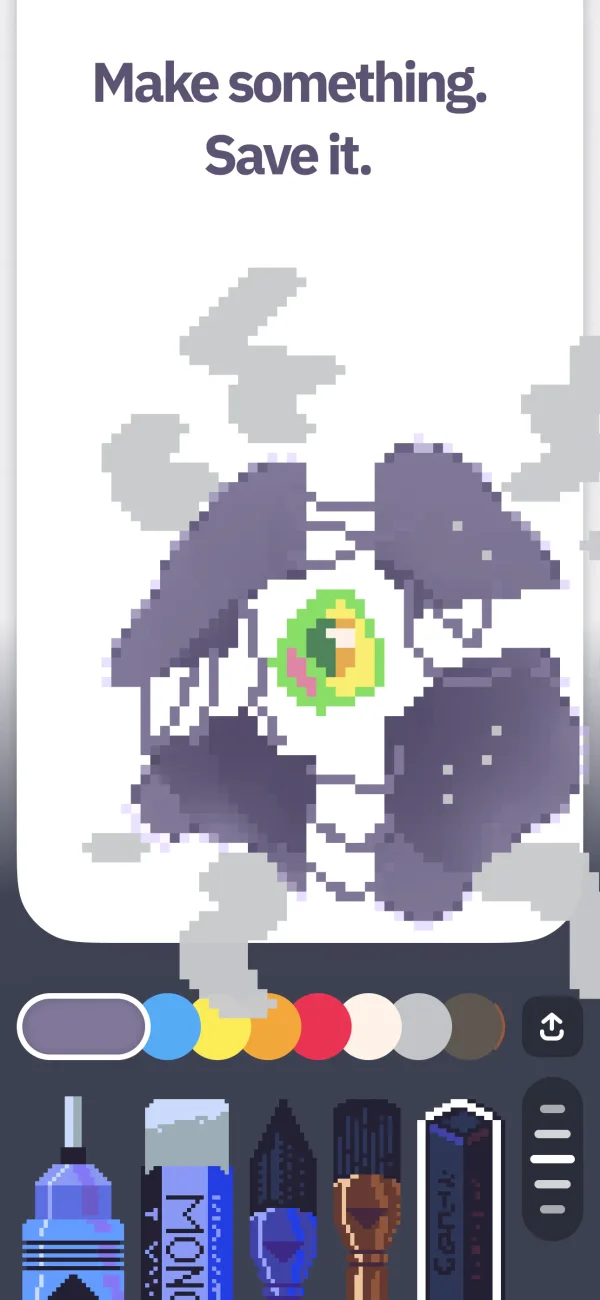
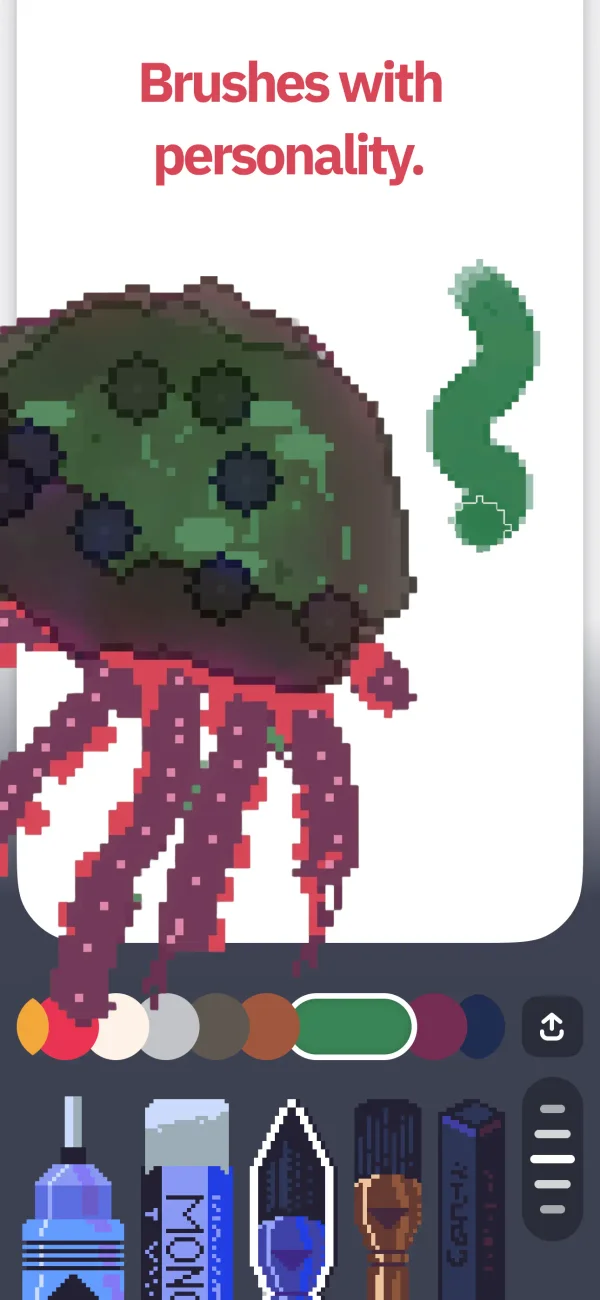
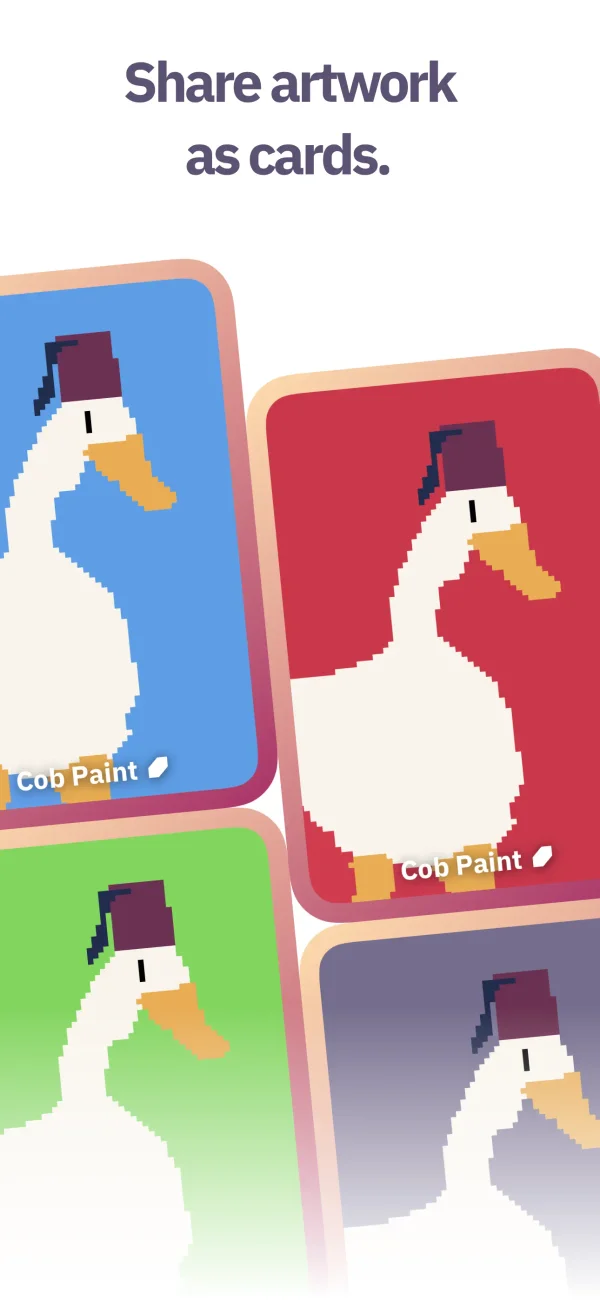
About
Cob Paint is a pixel art sketchbook that paints like the real thing.
Stop overthinking and draw something now. A custom engine makes every stroke feel instant, made for perfectly imperfect artwork. Sketches come out soft, warm and personal.
Real materials, in pixels.
Watercolour pools and spreads across the page. Tilt your phone to move the water as it dries, or blow into the mic to dry it faster. Paint with plain water to soften edges, blend colours and lift dried paint. Gouache, chalk and pencil each behave like the real thing, and every tool has its own story, from the familiar mechanical pencil to a chunky Japanese eraser.
A focused palette.
A small set of colours keeps you making art instead of fiddling with tools. Mix any colour you need in the mixing tray, or hold your finger still on the page to pick up any colour you see.
Little shortcuts.
Draw a line, circle or rectangle and keep holding: it snaps into a clean shape. Spin the wheel to change brush size. Paint with Apple Pencil and move around with a finger.
Watch it come to life.
Every page records each stroke as you paint. Play your painting back in 15 seconds, 2 minutes or real time, then save the video or send it to a friend.
Your sketchbook.
Keep every painting in a leather-bound book, each one a tall, wide or square card. Paint upright or sideways on iPhone and iPad, in light or dark.
Now go make something and share it.
What’s new
Version 1.6 · Nov 2, 2026
Watch your paintings come to life!
• Replays: every page now records each stroke as you paint. Tap Send to watch yours play back.
• Pick a speed and send. Drag to scrub through the painting.
• Save the video to Photos, share it, or send it in Messages.
• Your finished painting saves to Photos as an image too, and Share still offers the original pixels.
• New demo paintings, each with its own replay.
Pages painted before this update don't have a replay yet. Paint on one again and its replay starts from there.
App privacy
What Freddie Iboy declares on the App Store about how this app handles data.
-
Data not linked to you
May be collected but is not linked to your identity.
- Identifiers
- Usage data
Privacy practices may vary, for example with the features you use or your age.
Information
- Seller
- Freddie Iboy
- Category
- Graphics & Design
- Version
- 1.6
- Updated
- Nov 2, 2026
- Released
- Dec 29, 2025
- Size
- 6.9 MB
- Requires
- iOS 18.6 or later
- Age rating
- 4+
- Price
- Free
- Languages
- English
- Copyright
- © 2025 Iboy Studio
You might also like
-
 scanbust 3DTurn real object into 3D model
-
 Color Theory StudioColor Theory Studio and Games
-
 Image Play StudioOn-Device AI Art Generator
-
 Palette: Color & Brand StudioAccessible, ship-ready design
-
 Ai Pin DouPerler Bead design
-
 EPS ViewerPreview EPS file content.
-
 Lumina: AI Image GenerationGraphics & Design
-
 CoverpadSocial Cover & Post Maker
-
 Paint RetroSimple Raster Graphics Editor
-
 Trace DrawingLearn to draw