Scanify: PDF Document Scanner
Scan, Edit & Convert PDFs
Designed for iPhone, iPod touch
- Age rating4+
- CategoryProductivity
- DeveloperMILANKUMAR HIMMATBHAI KACHHADIYA
- LanguagesEnglish
- Size94.1 MB
Links to the official App Store page
Download.org hosts no file of Scanify: PDF Document Scanner. The button opens its official App Store page, published by MILANKUMAR HIMMATBHAI KACHHADIYA. Listing last checked on Nov 13, 2026.
Screenshots




About
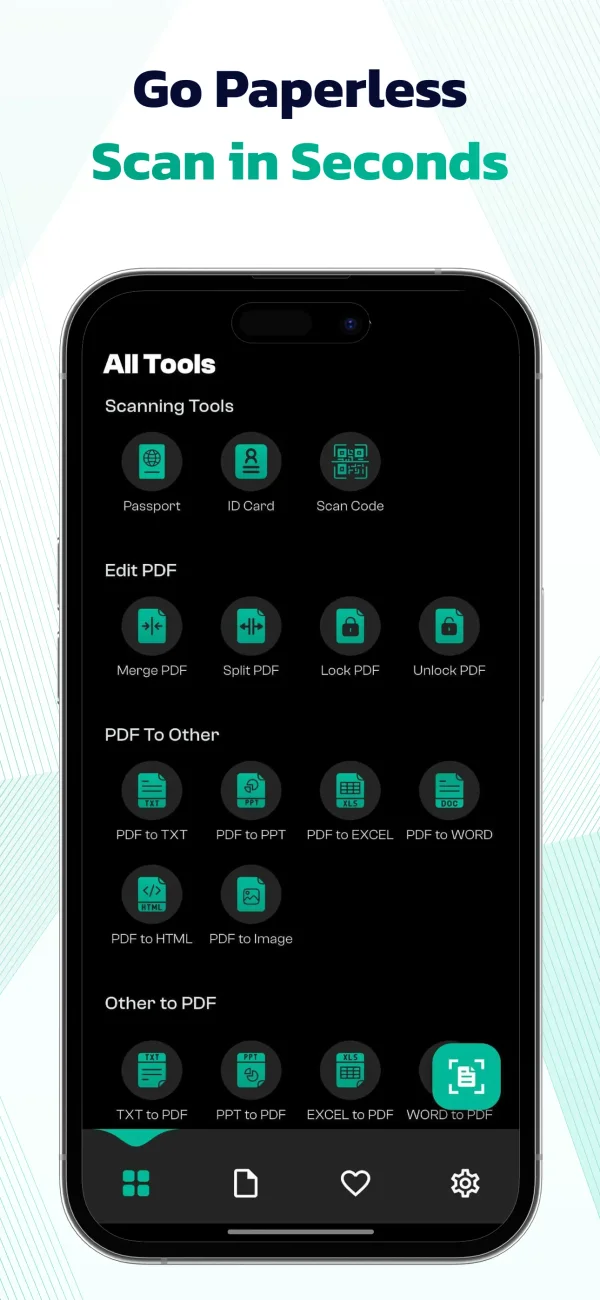
Scanify: PDF Document Scanner is a complete mobile scanning and PDF management app built for everyday document needs. Whether you are a student, professional, freelancer, or small business owner, Scanify helps you scan, save, edit, and share important papers - right from your phone.
Turn your device into a portable scanner and replace bulky desktop equipment with a simple, fast, and reliable tool you can use anywhere.
SCAN DOCUMENTS WITH EASE
Use your camera to scan receipts, contracts, notes, forms, homework, business cards, and more. Import images from your gallery and convert them into clean, organized PDF files. Dedicated scanning modes for passports and ID cards help you capture personal documents with clarity and precision.
Enhance your scans with image filters, rearrange pages, preview before saving, and add your signature when needed. Multi-page scanning makes it easy to digitize long documents in one file.
POWERFUL PDF TOOLS
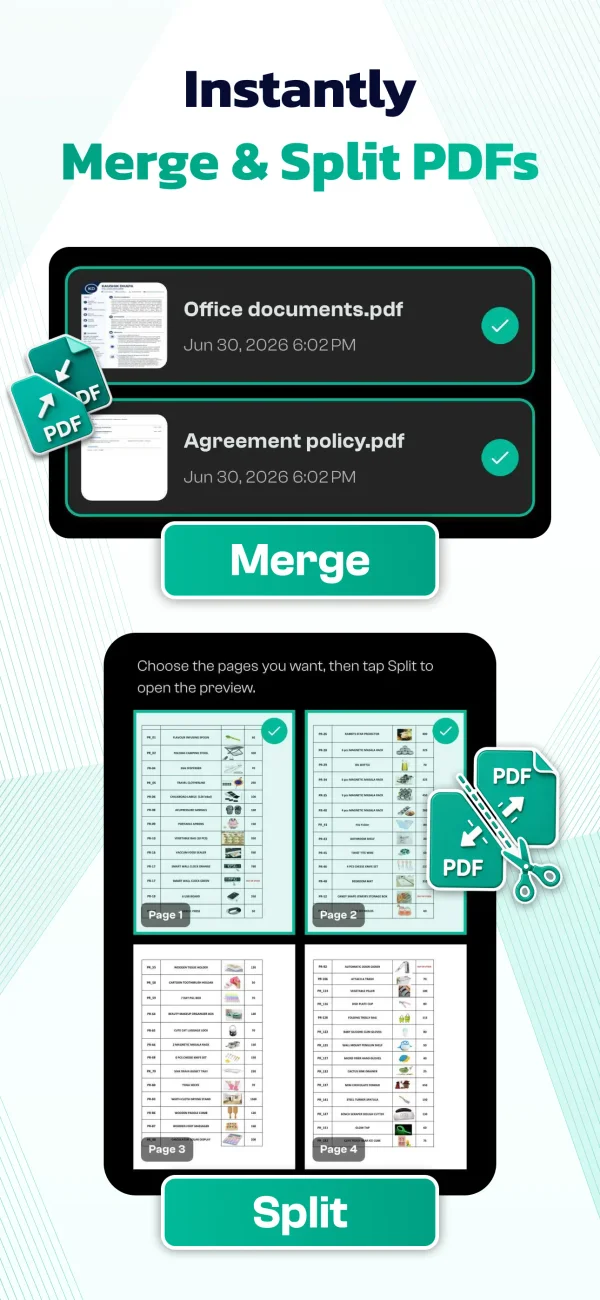
Manage your PDFs without switching between multiple apps. Merge several PDF files into a single document, split large PDFs into separate pages, and protect sensitive files with password locking. Unlock password-protected PDFs when you need access, and print documents directly from your device.
FILE CONVERSION MADE SIMPLE
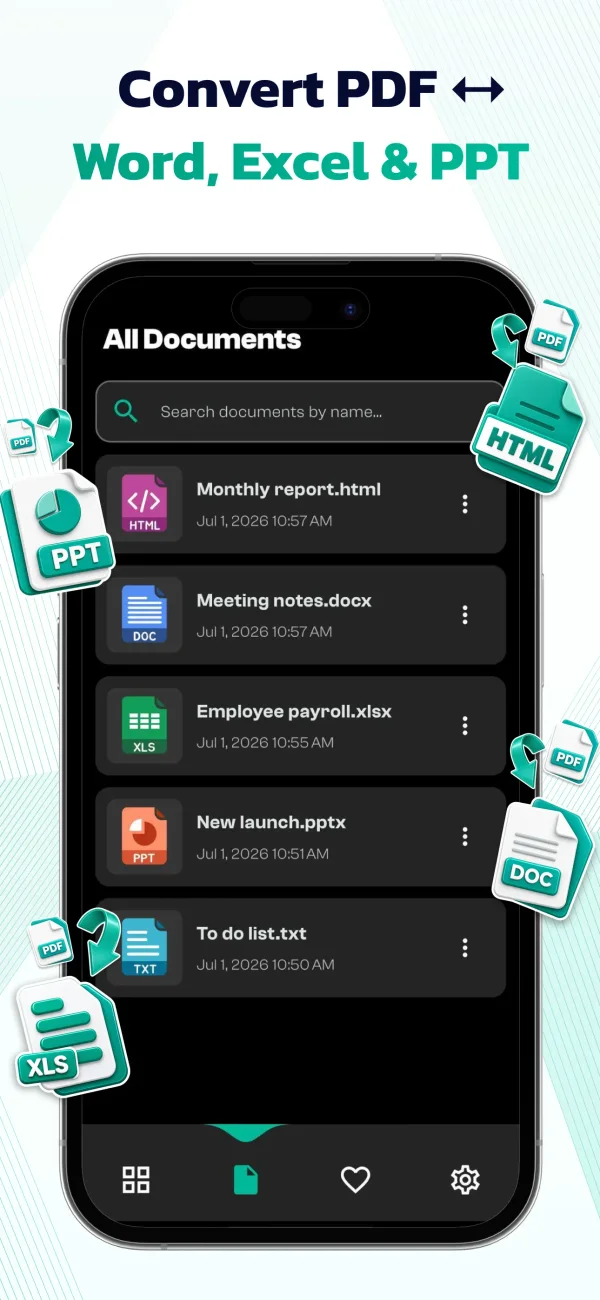
Convert documents in both directions to support your daily workflow:
CONVERT FILES EASILY
PDF to other formats:
• PDF to Word, Excel, PowerPoint, HTML, TXT, Image
Other formats to PDF:
• Word, Excel, PowerPoint, HTML, TXT, Image to PDF
Whether you are preparing reports, sharing presentations, or archiving important paperwork, Scanify helps you work with the file format you need.
QR CODE & BARCODE TOOLS
Scan QR codes and barcodes instantly, generate custom QR codes, and keep track of your scan history. Save, share, and reuse codes whenever you need them.
STAY ORGANIZED
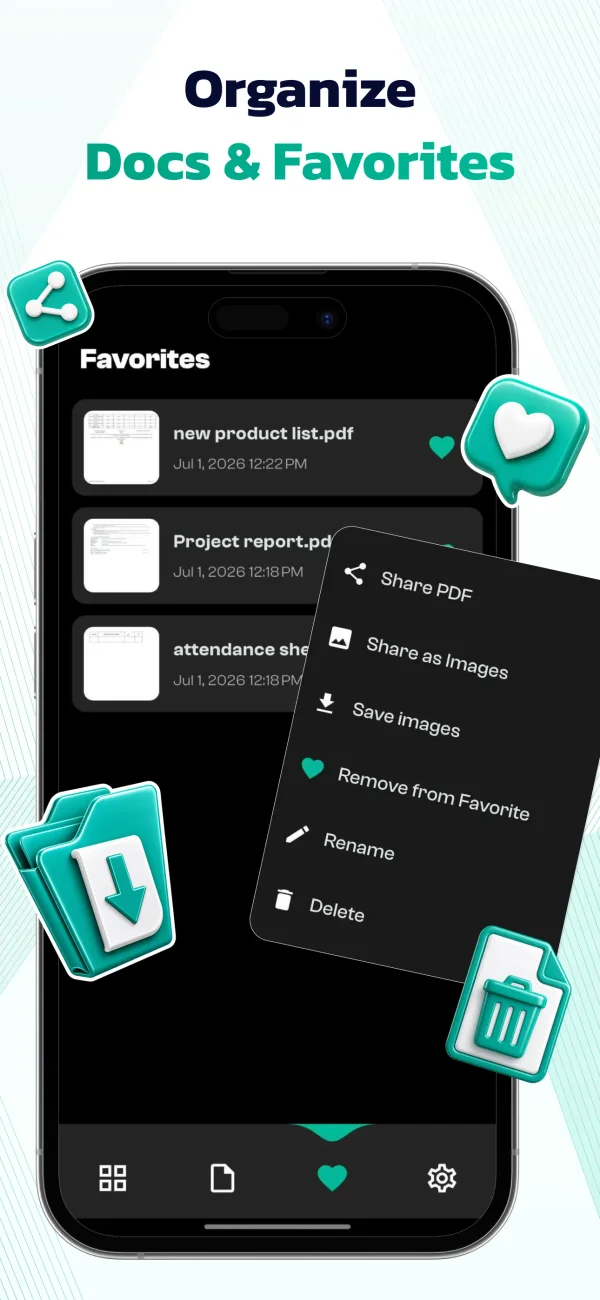
Keep all your scanned documents in one place. Save files to your library, mark favorites for quick access, and share PDFs or images in seconds. With a clean interface and dark mode support, Scanify is designed to be simple for first-time users and efficient for daily use.
PERFECT FOR
• Students scanning assignments, notes, and study material
• Professionals managing contracts, invoices, and receipts
• Remote workers handling paperwork on the go
• Anyone who wants a paperless, organized digital workflow
WHY CHOOSE SCANIFY?
• All-in-one scanner and PDF toolkit
• Fast scan-to-PDF workflow
• Merge, split, lock, and unlock PDFs
• Multiple file conversion options
• QR and barcode scanner with generator
• Passport and ID card scanning modes
• Easy document organization and sharing
• Works on phone and tablet
Go paperless with Scanify - scan smarter, organize better, and manage every document from one app.
Download Scanify: PDF Document Scanner today and experience a better way to handle your documents.
App privacy
What MILANKUMAR HIMMATBHAI KACHHADIYA declares on the App Store about how this app handles data.
-
Data used to track you
May be used to track you across apps and websites owned by other companies.
- Usage data
- Diagnostics
- Other data
-
Data not linked to you
May be collected but is not linked to your identity.
- Usage data
- Diagnostics
- Other data
Privacy practices may vary, for example with the features you use or your age.
Information
- Seller
- MILANKUMAR HIMMATBHAI KACHHADIYA
- Category
- Productivity
- Version
- 1.0.0
- Updated
- Jul 8, 2026
- Released
- Jul 8, 2026
- Size
- 94.1 MB
- Requires
- iOS 15.6 or later
- Age rating
- 4+
- Languages
- English
- Copyright
- © Milan Kachhadiya
You might also like
-
 Glean - Document ScannerScan to PDF & Google Drive
-
 Scan to MarkdownOCR for AI workflows
-
 MathFix: AI Math to PDF & WordClean AI Math Documents
-
 ScanFree - Scanner PDFProductivity
-
 ChatmarkSave chats from AI apps
-
 DocNova: PDF Scanner & OCRScan, Edit & OCR Documents
-
 Scan & PDF by PaperlyOffline Productivity for PDFs
-
 Docs & PDF Editor & ScannerSpreadsheets & Presentations
-
 MSRX PDF CompressorReduce Size. Keep Quality.
-
 PDF Scanner Document OCR ToolScan, QR, OCR, Sign ,Note tool