ScanKit: Document & QR Scanner
Scan, OCR, QR & Create PDFs
Designed for iPhone, iPad, Mac
- Age rating4+
- CategoryProductivity
- DeveloperRam Tulugu
- LanguagesEnglish
- Size67.1 MB
Links to the official App Store page
Download.org hosts no file of ScanKit: Document & QR Scanner. The button opens its official App Store page, published by Ram Tulugu. Listing last checked on Nov 15, 2026.
Screenshots
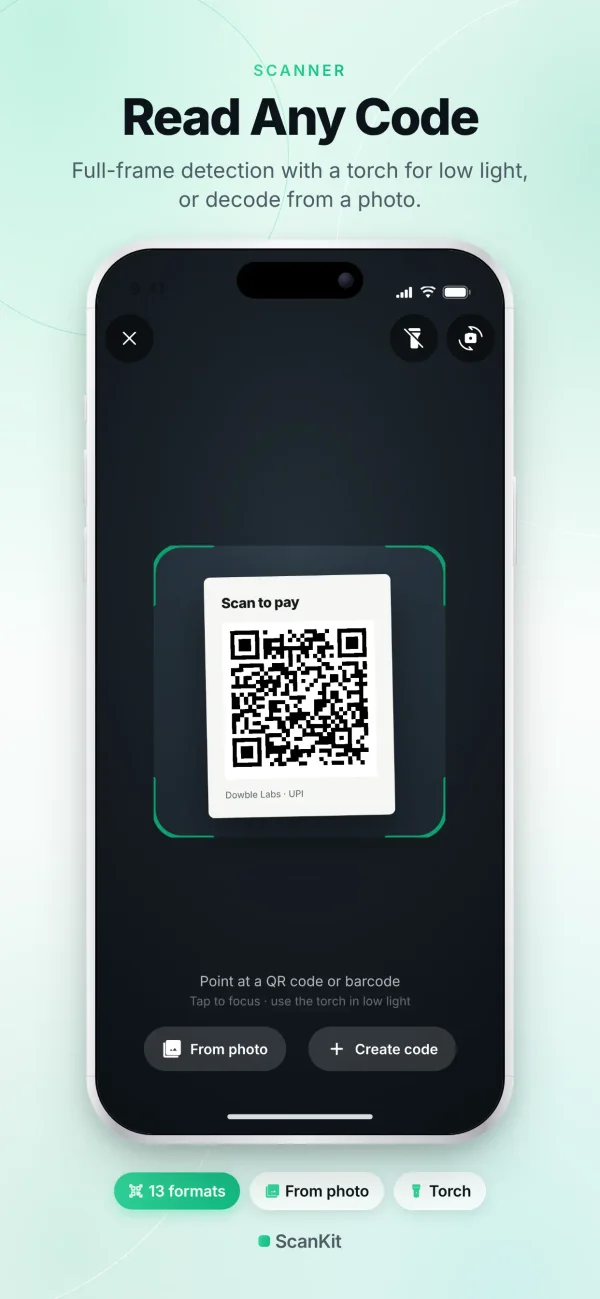
About
Scan Documents Smarter
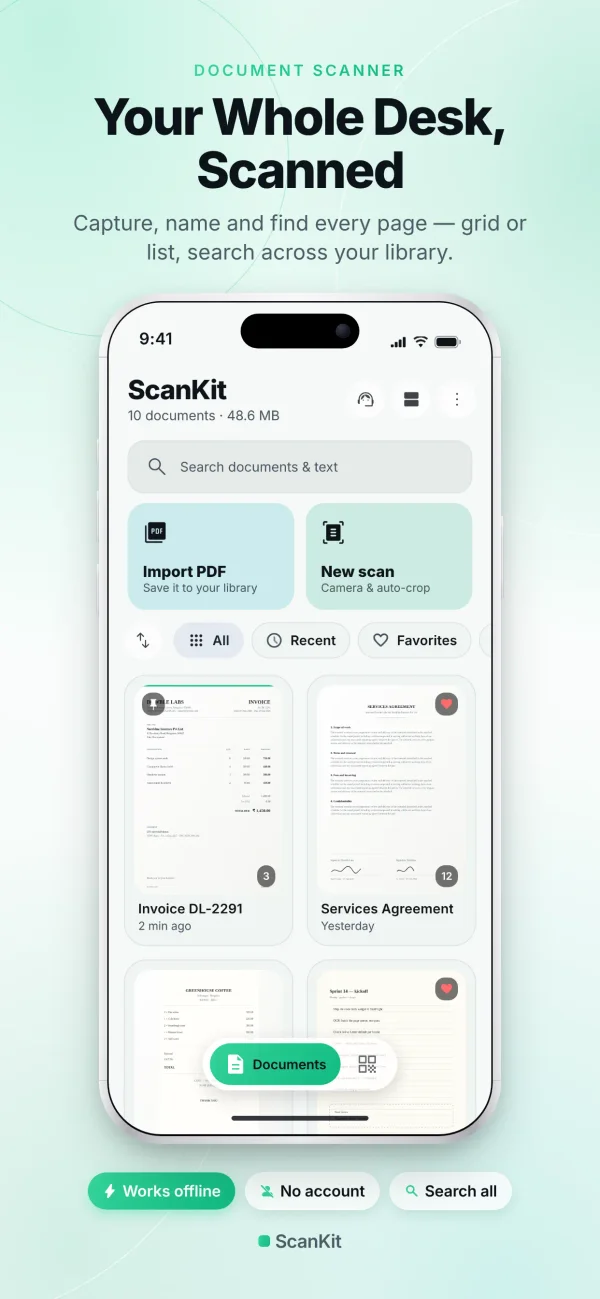
ScanKit is a fast, modern document scanner that helps you scan, organize, and share documents in seconds. Whether you're scanning receipts, invoices, notes, contracts, books, business cards, or IDs, ScanKit automatically detects document edges, enhances image quality, and creates professional PDFs.
Perfect for students, professionals, freelancers, teachers, and small businesses.
Smart Document Scanner
• Automatic document edge detection
• Smart auto crop
• Perspective correction
• Manual crop adjustment
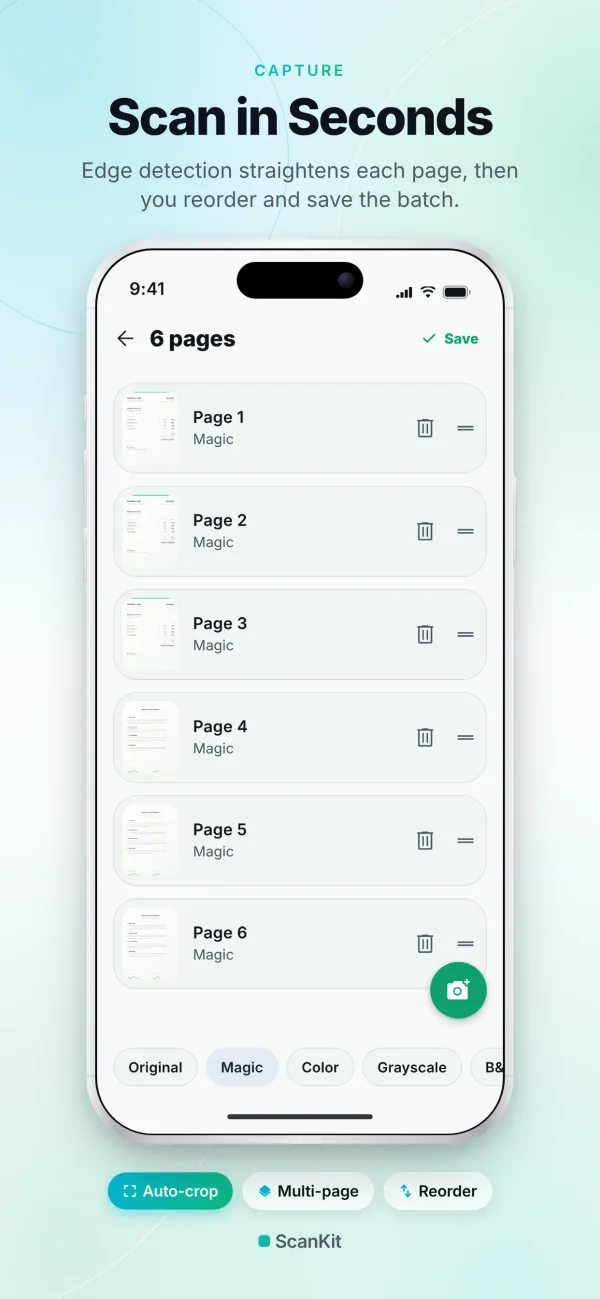
• Multi-page document scanning
• Continuous scanning
• Import photos from your library
• High-quality image capture
• Auto enhancement
• Flash support
Crystal Clear Scans
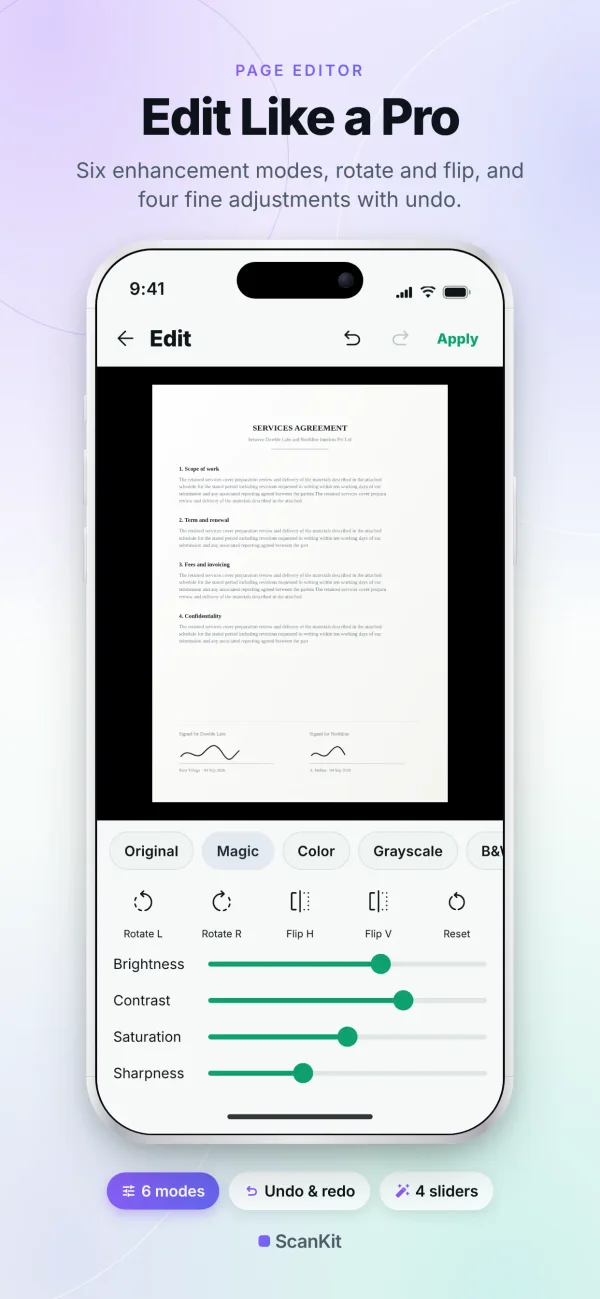
• Remove shadows
• Improve text clarity
• Black & White mode
• Color mode
• Grayscale mode
• Original mode
• Brightness adjustment
• Contrast adjustment
• Sharpness enhancement
Powerful PDF Creator
• Create PDF documents
• Multi-page PDFs
• Reorder pages
• Rotate pages
• Delete pages
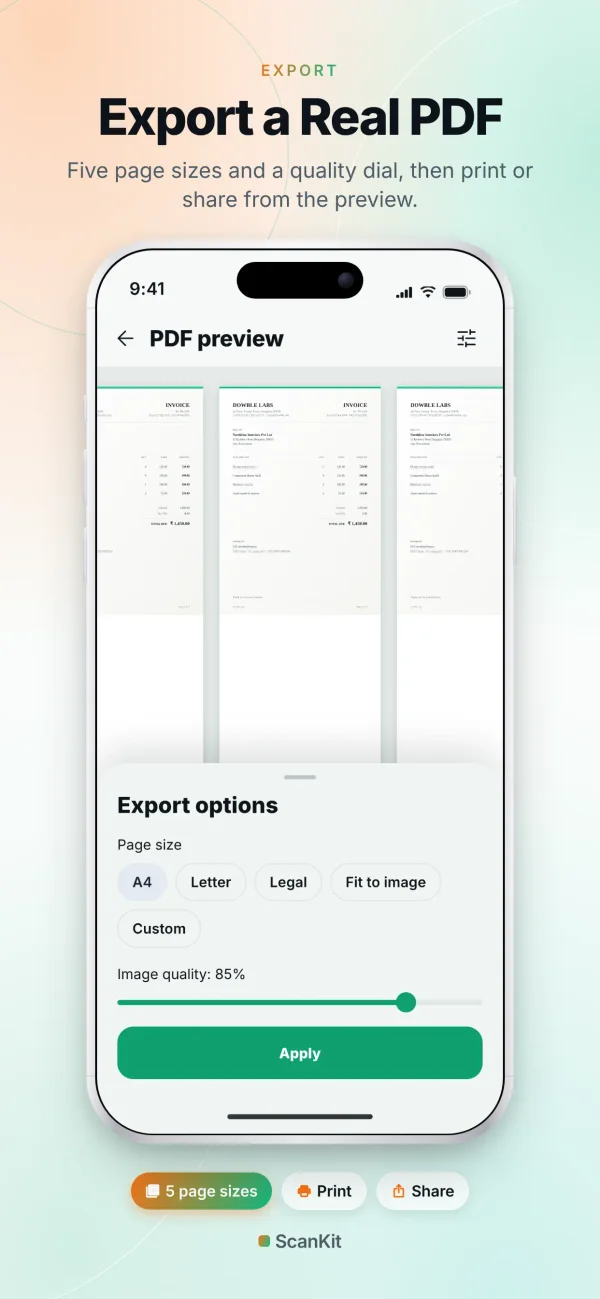
• Compress PDF size
• High-quality PDF export
• Print documents
• Share instantly
OCR Text Recognition
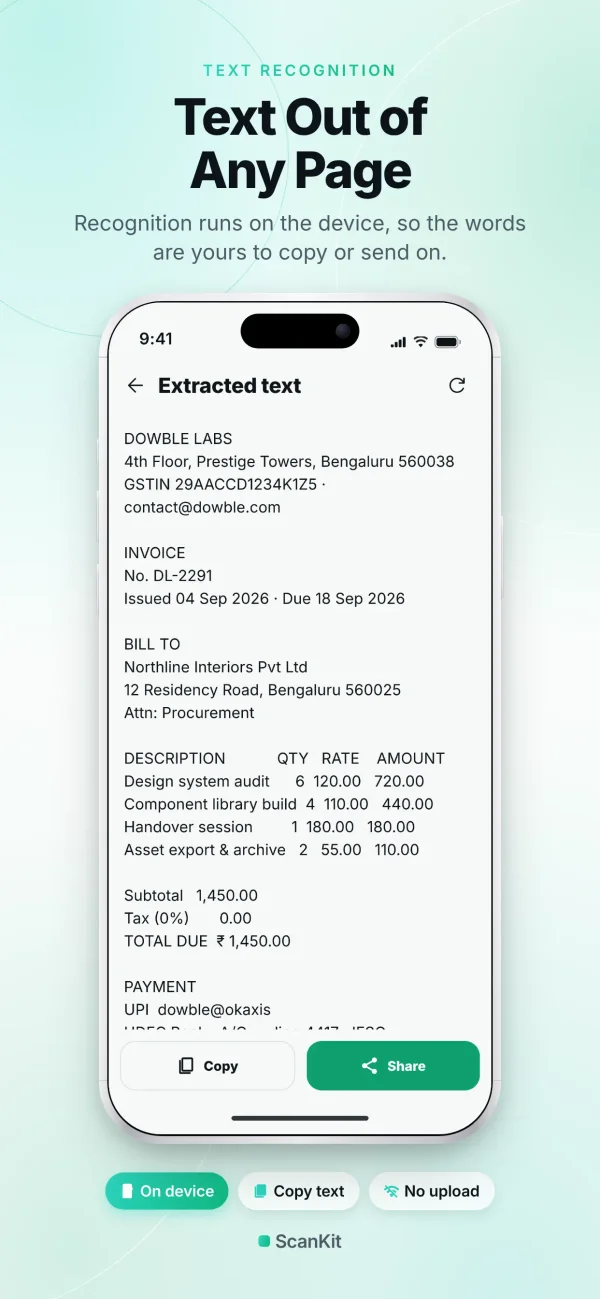
• Extract text from scanned documents
• Copy recognized text
• Search scanned files
• Share extracted text
• Supports multiple languages
Organize Everything
• Rename documents
• Create folders
• Search documents
• Sort by name or date
• Favorite important files
• View recent scans
• Clean document library
Share Anywhere
• Export as PDF
• Export as JPG
• Share with any app
• Print documents
• Save to Files
Ideal For
• Receipts
• Invoices
• Contracts
• Homework
• Study notes
• Books
• Whiteboards
• Business cards
• ID cards
• Passports
• Certificates
• Forms
• Office documents
Why ScanKit?
• Fast and easy to use
• Clean, modern interface
• Professional-quality scans
• Smart document detection
• OCR text recognition
• High-quality PDF creation
• Secure local document management
• Optimized for iPhone and iPad
Download ScanKit today and transform your device into a powerful document scanner and PDF creator.
What’s new
Version 1.1.1 · Oct 24, 2026
Pay Once. Enjoy for a Lifetime.
No subscriptions. No recurring charges.
We aim to address feedback within 2 business days.
App privacy
What Ram Tulugu declares on the App Store about how this app handles data.
-
Data not collected
The developer does not collect any data from this app.
Privacy practices may vary, for example with the features you use or your age.
Information
- Seller
- Ram Tulugu
- Category
- Productivity
- Version
- 1.1.1
- Updated
- Oct 24, 2026
- Released
- Jul 23, 2026
- Size
- 67.1 MB
- Requires
- iOS 16.0 or later
- Age rating
- 4+
- Languages
- English
- Copyright
- © Dowble Labs
You might also like
-
 Habit Tracker Daily Routine+Daily Routine & Goals Planner
-
 SuperShot: Long ScreenshotStitch, Annotate, Blur & OCR
-
 papry – Document OrganizerReceipts, Warranty & Reminders
-
 GlobalScan Pro: PDF ScannerExport Documents to Word & PDF
-
 TidyNotes: Notes, Docs & PDFHandwriting, Planner, Journal
-
 Nota AI:Meeting Recorder AgentOffline AI Smart Note Taker
-
 PDF Scanner & Editor: SnapPDFconvert & scan pdf documents
-
 Tap PiPOne Tap Play PiP Video
-
 OneScan: PDF & ID ScannerScan, Save & Find Documents
-
 TooTask·Checklist&Task ManagerTask Manager & To Do List