
Scanner App: Scan Documents
Convert Photo to PDF Scanner
Designed for iPhone, iPad, iPod touch
Free · In-app purchases
- Age rating4+
- CategoryBusiness
- DeveloperUNITEMAN TECHNOLOGY (HK) LIMITED
- LanguagesEnglish
- Size109.4 MB
Links to the official App Store page
Download.org hosts no file of Scanner App: Scan Documents. The button opens its official App Store page, published by UNITEMAN TECHNOLOGY (HK) LIMITED. Listing last checked on Nov 26, 2026.
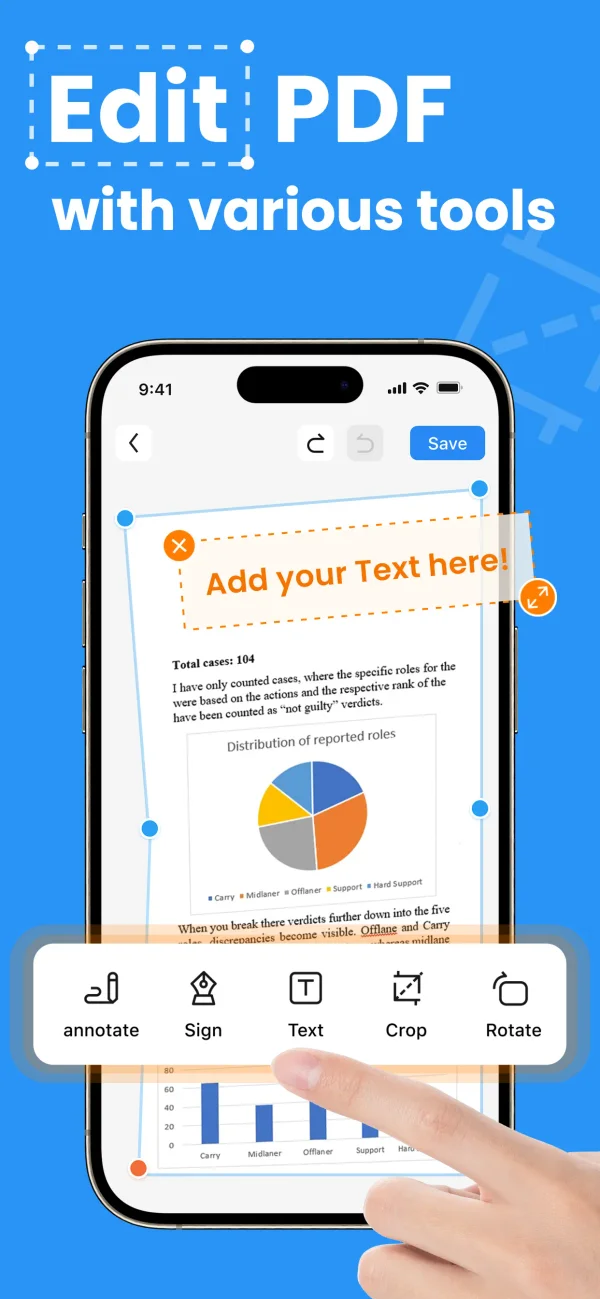
Screenshots
About
Scanner App – Fast PDF Scanner & PDF Converter
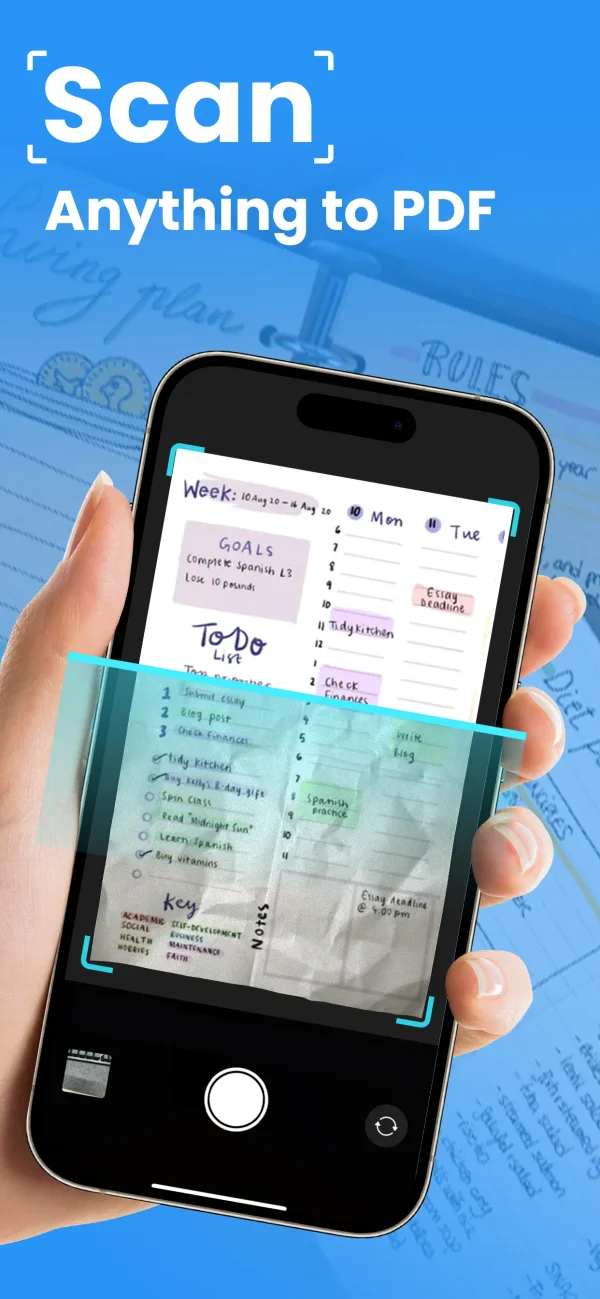
Scanner App turns your iPhone into a powerful mobile PDF document scanner for scanning documents anytime, anywhere. Instantly scan receipts, invoices, bills, IDs, business documents, agreements, letters, order sheets, and contracts and convert them into clear, high-quality PDF files.
Simple, fast, and designed for everyday scanning. From students to office workers, from IDs to notes, anyone can quickly scan documents, perform a quick scan to pdf, and organize digital files with ease.
Use your camera to scan documents and convert images into professional PDFs in seconds. With a built-in img to pdf converter, powerful editing tools, and easy pdf sign, this all-in-one pdf converter app helps you scan, convert, edit, and sign documents wherever you are.
Advanced scanner features:
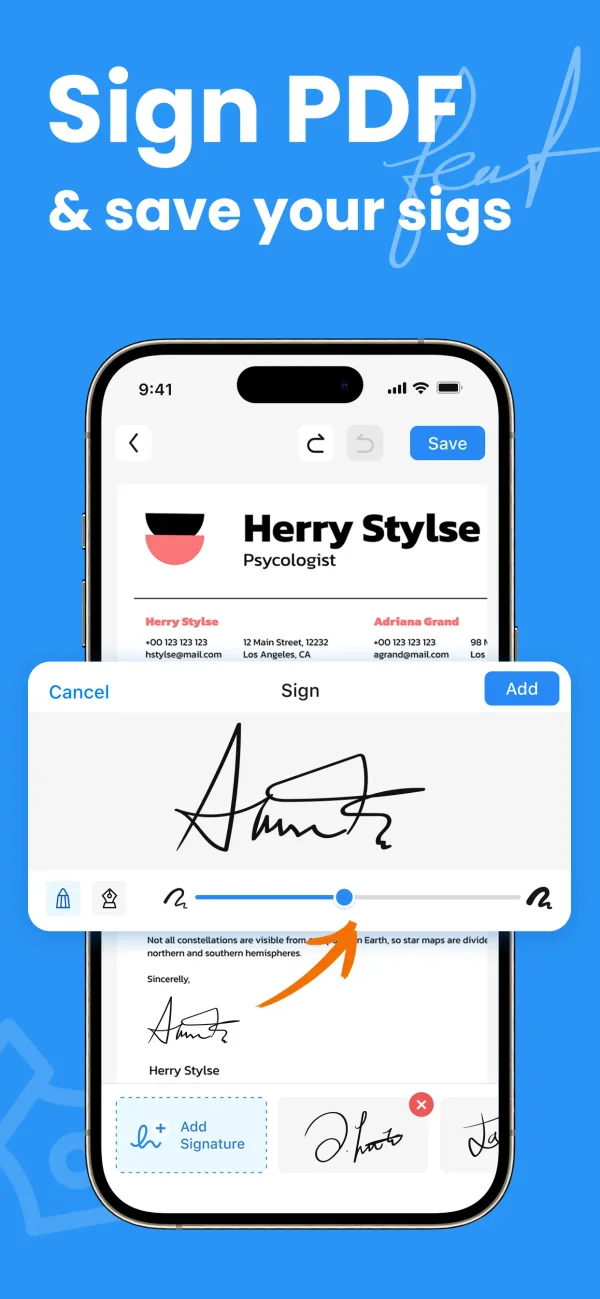
– Easy PDF Sign – Sign Documents
Sign contracts and forms directly on your phone. Add your signature in just a few taps without printing or rescanning.
– PDF Document Scanner & Camera Scanner
Use your camera to scan documents instantly. Capture receipts, invoices, IDs, notes, and contracts and convert them into high-quality PDF or JPEG files.
– Img to PDF Converter
Convert photos, screenshots, and gallery images with the built-in img to pdf tool to create professional PDF documents.
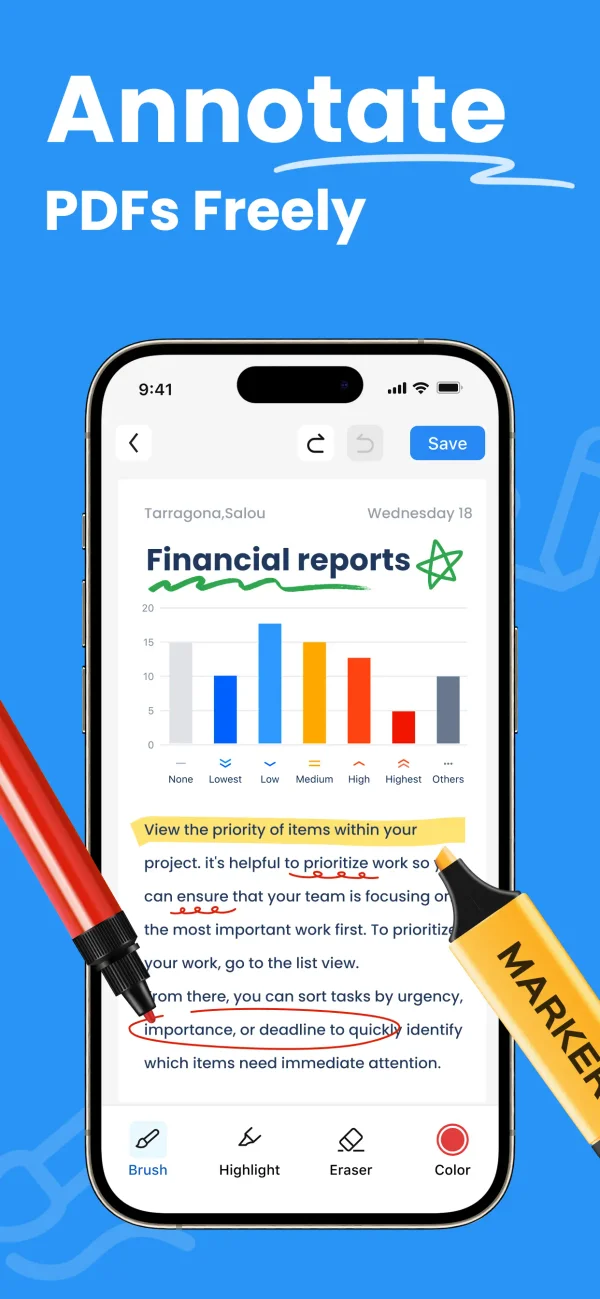
– PDF Annotation & Highlight Tools
Annotate PDFs by highlighting text, adding notes, and marking key points to organize documents more efficiently.
– Multi-Page Paper Scanner
Scan multiple pages and combine them into a single organized PDF document.
– High-Quality Color Scanner
Save scans in black and white, grayscale, or color depending on your document needs.
– Fast & Lightweight PDF Scanner
A fast pdf scanner designed for smooth performance and minimal storage use.
Use Scanner App to digitize:
– Receipts, invoices, and bills
– IDs, contracts, and agreements
– Business documents and order sheets
– Letters and official paperwork
– Notes, book pages, and articles
– Study notes, assignments, and worksheets
Share your scanned documents easily:
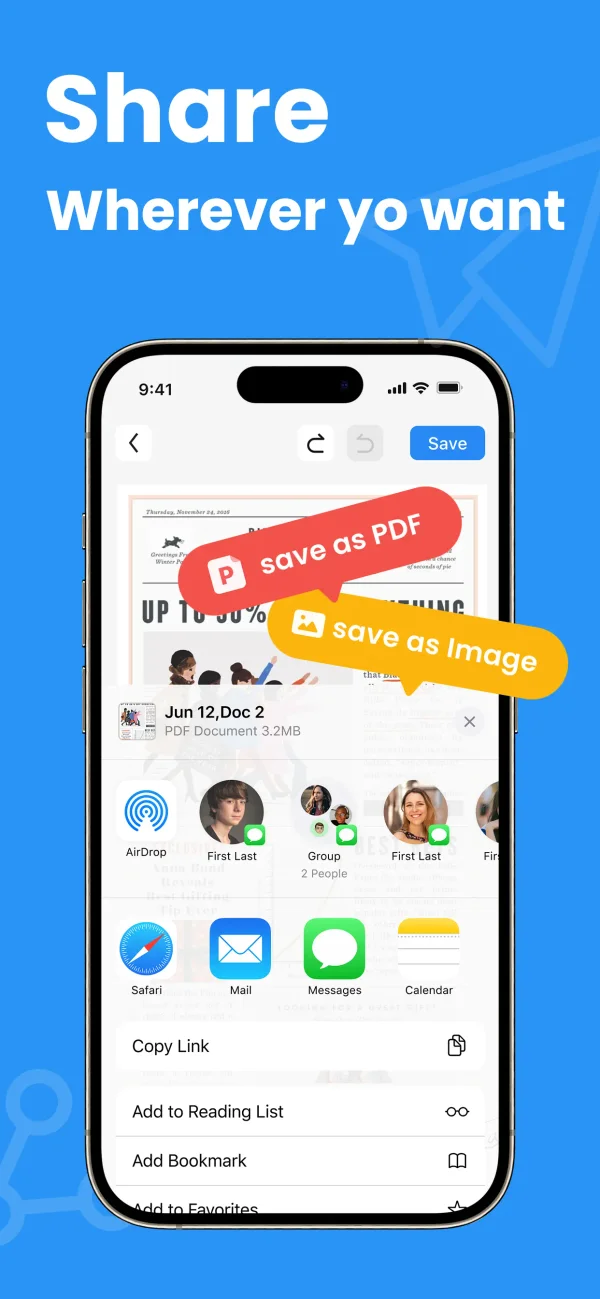
– Export and send files as PDF
– Share via email or messaging apps
– Save scans directly to your device
Scanner App combines a fast pdf scanner, img to pdf converter, pdf document scanner, and easy pdf sign tool into one simple pdf converter app. Scan documents, convert images, and manage your files anytime with this fast and easy mobile scanner.
We’d love to hear your feedback:
contact@pdfscanner.unitemantechhk.com
Privacy Policy:
https://d337szikad0oct.cloudfront.net/privacy-policy
Terms of Use:
https://www.apple.com/legal/internet-services/itunes/dev/stdeula/
What’s new
Version 11.7 · Aug 8, 2026
• Bug fixes
• PDF Performance improvements
We’re continuously improving the app to make scanning, converting, and signing documents even smoother.
Enjoying Scanner App? We'd love to hear your feedback.
Contact us at: contact@pdfscanner.unitemantechhk.com
App privacy
What UNITEMAN TECHNOLOGY (HK) LIMITED declares on the App Store about how this app handles data.
-
Data used to track you
May be used to track you across apps and websites owned by other companies.
- Identifiers
-
Data not linked to you
May be collected but is not linked to your identity.
- User content
- Identifiers
- Usage data
- Diagnostics
Privacy practices may vary, for example with the features you use or your age.
Information
- Seller
- UNITEMAN TECHNOLOGY (HK) LIMITED
- Category
- Business
- Version
- 11.7
- Updated
- Aug 8, 2026
- Released
- Oct 19, 2025
- Size
- 109.4 MB
- Requires
- iOS 15.0 or later
- Age rating
- 4+
- Price
- Free
- In-app purchases
- Yes
- Languages
- English
- Copyright
- © 2018 - 2025 UNITEMAN
You might also like
-
 PDF Reader - OCR Scan EditEdit & Scan PDFs Easily
-
 Fast Scanner : PDF Doc ScanA scanner in your pocket
-
 eScan: PDF Scanner AppScan, Edit & Sign Documents
-
 PDF Converter - OCR ReaderScan to PDF & OCR Extractor
-
 PDF Editor - Convert FileOCR, Scan, Edit & Image to PDF
-
 A1 Slides: AI Powerpoint MakerCreate AI Presentation Decks
-
 Scan MyPDF ProScan and Share PDF Documents
-
 PDF & Document Scanner.PDF Scanner App
-
 PDF Scanner Converter & ViewerImage To PDF Editor & Reader
-
 Genora AI – Chat Bot AssistantPowered by GPT-6, Claude, Grok