
eScan: PDF Scanner App
Scan, Edit & Sign Documents
Designed for iPhone, iPad
Free · In-app purchases
- Age rating4+
- CategoryBusiness
- DevelopereBash Groupe
- LanguagesEnglish+ 35 more
- Size69.7 MB
Links to the official App Store page
Download.org hosts no file of eScan: PDF Scanner App. The button opens its official App Store page, published by eBash Groupe. Listing last checked on Nov 25, 2026.
Screenshots
About
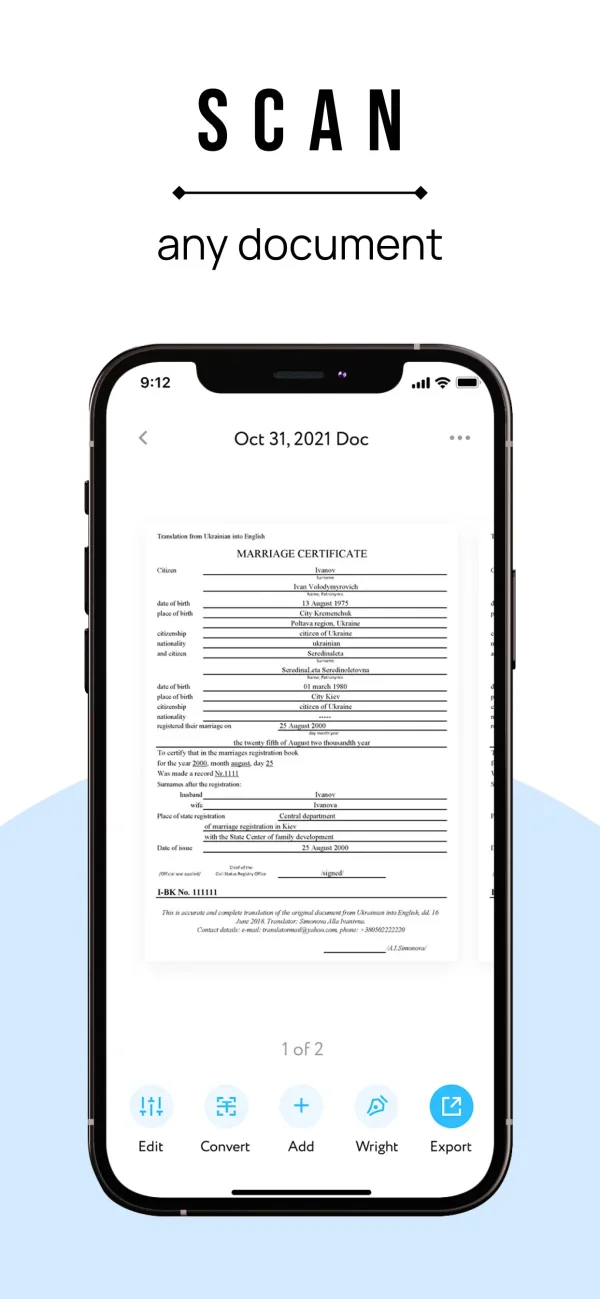
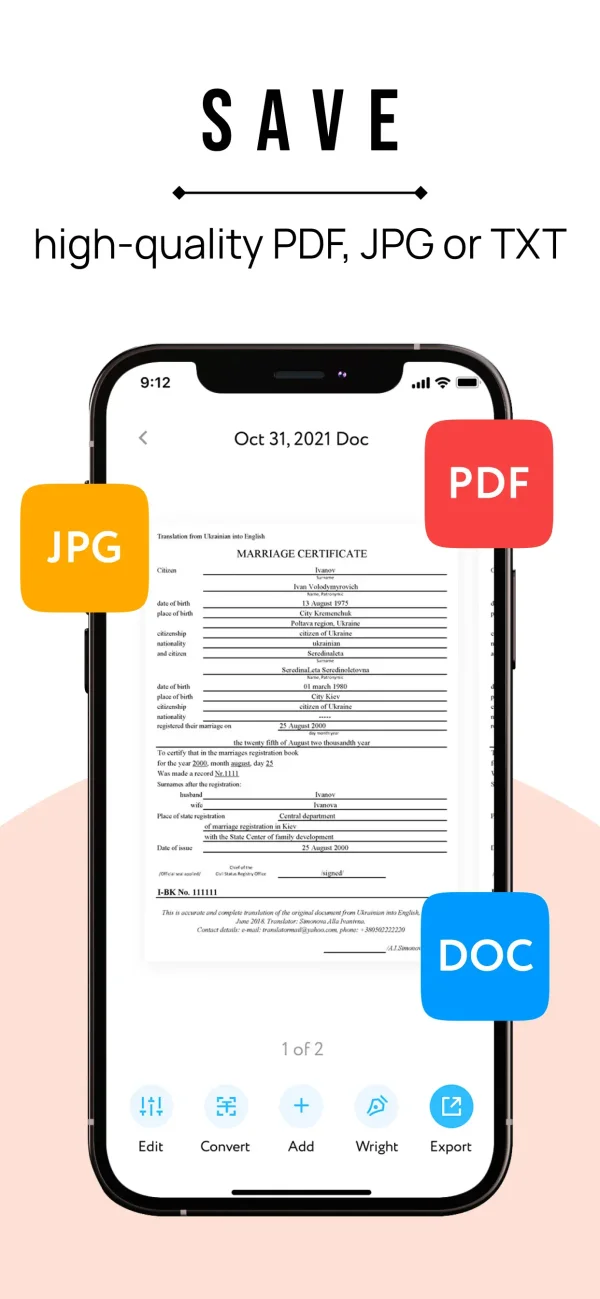
eScan turns your iPhone into a portable scanner. Scan, edit, sign and share any document as PDF, JPEG or DOC. A few simple steps and your scan is ready.
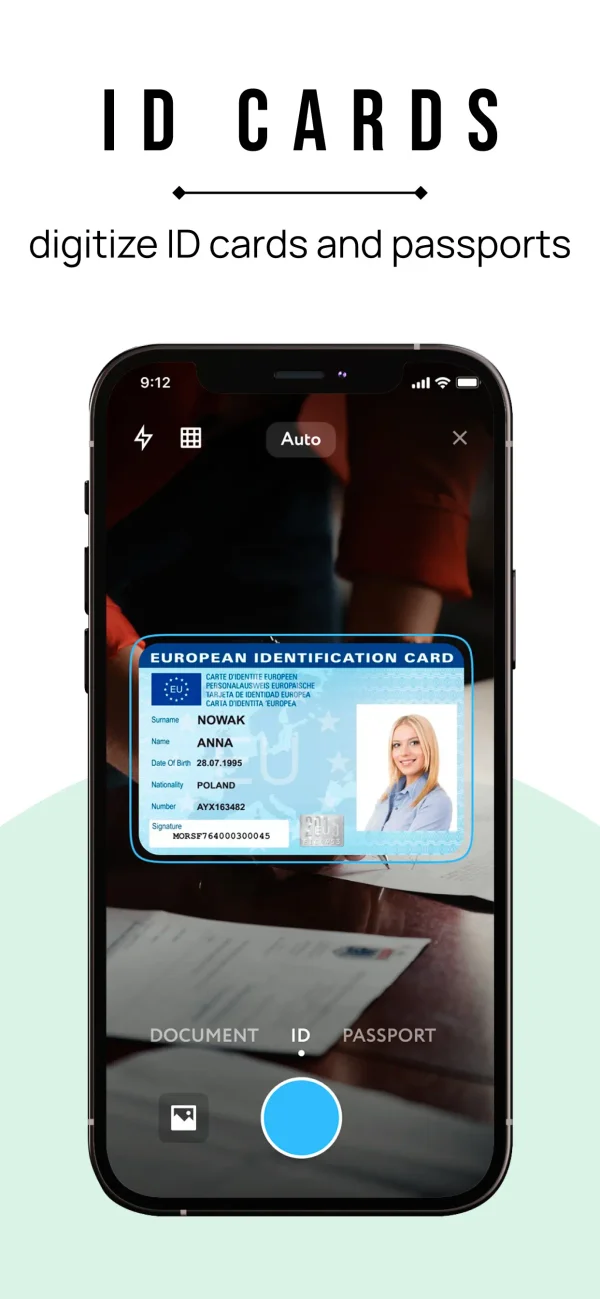
Scan anything you need: IDs, passports, business documents, agreements, letters, invoices, receipts, paper notes and sketches.
All scanned documents are saved on your device and are not accessible to us or any third party.
THE MAIN FEATURES OF eSCAN
• SCAN AND EDIT ANY DOCUMENT. Edit your scans and save them as PDF, JPEG or DOC.
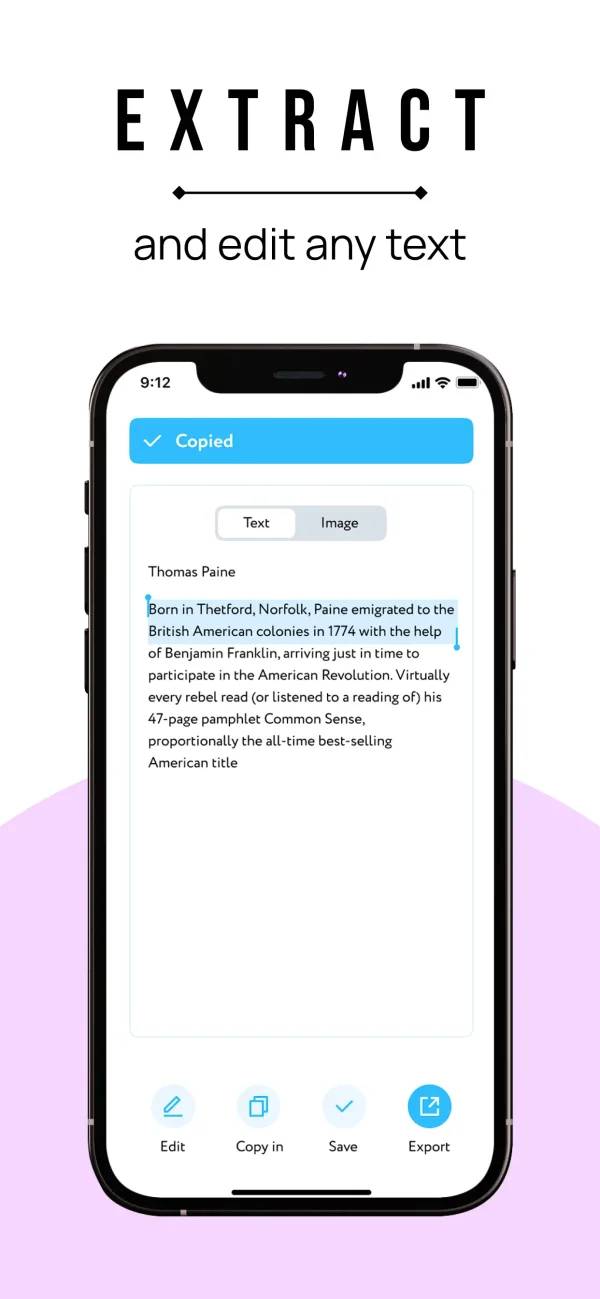
• CONVERT IMAGES TO TEXT. Text recognition (OCR) extracts text from any scanned image or page so you can edit and save it.
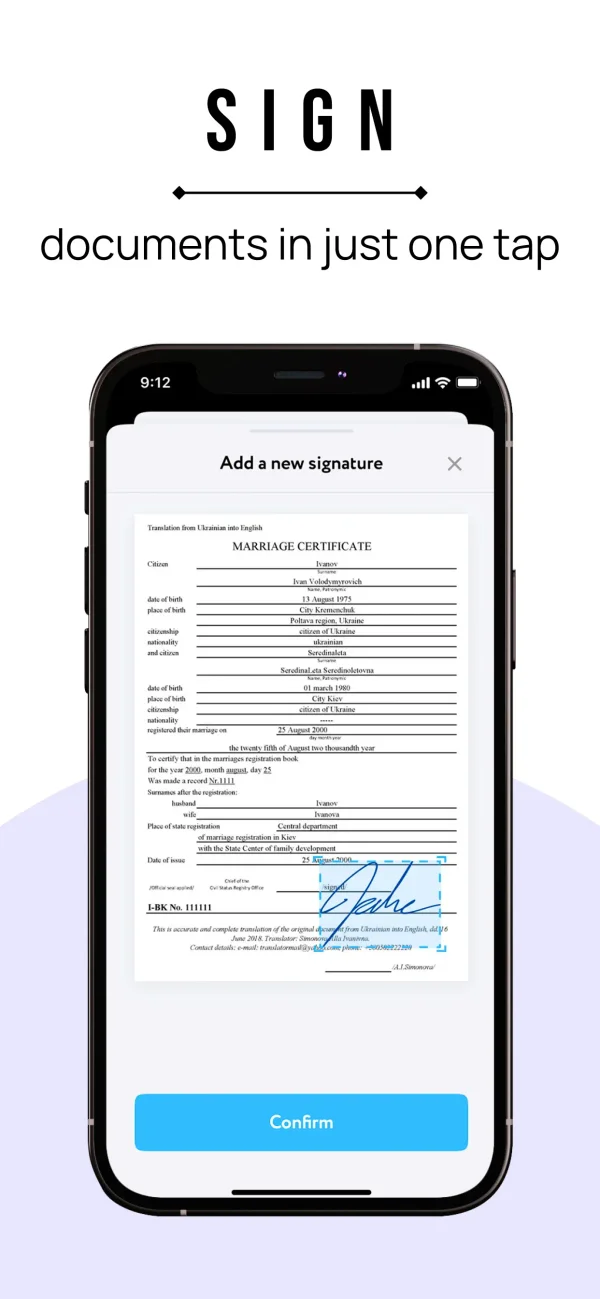
• SIGN DOCUMENTS. Scan and sign the documents you need.
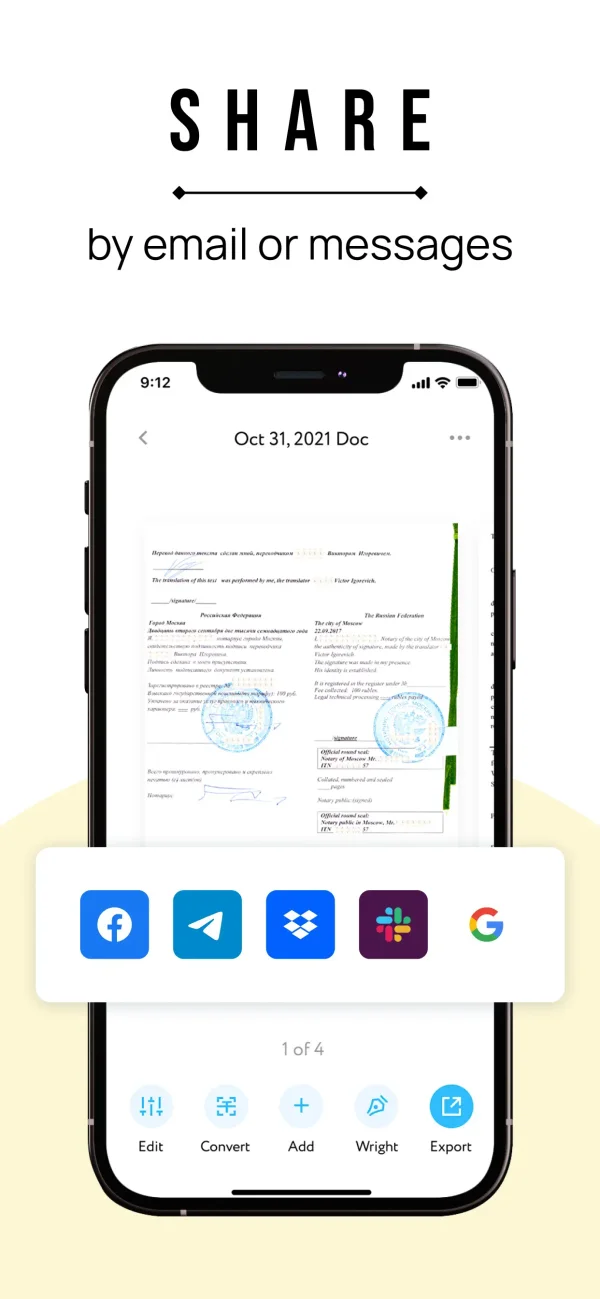
• SHARE. Send documents by email, messengers or social media.
Get more done with eScan.
Information about auto-renewal of subscription:
- Subscription automatically renews unless auto-renew is turned off at least 24 hours before the end of the current period.
- Subscriptions can be managed by the user and auto-renewal can be turned off in the user's Account Settings after purchase.
- Any unused portion of a free trial period will be forfeited when the user purchases a subscription.
- Payment will be charged to your Apple account at confirmation of purchase.
- Your account will be charged for renewal within 24 hours prior to the end of the current period. The amount charged depends on the selected plan.
For app support please contact us at: escan@ebash.pw
Terms of Service: https://escanpdf.com/terms-of-use.html
Privacy Policy: https://escanpdf.com/privacy.html
Terms of Subscription: https://escanpdf.com/terms-of-subscription.html
What’s new
Version 1.3.5 · Nov 23, 2026
- Increased the speed of delivering features
- Made UI improvements and enhancements
- Fixed miscellaneous glitches
We do all the best to give you cool app.
Have a question you want to ask us? Or an idea you'd like to share? We are eager to hear it! Please share your experience via escan@ebash.pw
App privacy
What eBash Groupe declares on the App Store about how this app handles data.
-
Data used to track you
May be used to track you across apps and websites owned by other companies.
- Identifiers
- Usage data
- Diagnostics
-
Data not linked to you
May be collected but is not linked to your identity.
- User content
- Search history
- Identifiers
- Usage data
- Diagnostics
Privacy practices may vary, for example with the features you use or your age.
Information
- Seller
- eBash Groupe FZE LLC
- Category
- Business
- Version
- 1.3.5
- Updated
- Nov 23, 2026
- Released
- Jul 15, 2022
- Size
- 69.7 MB
- Requires
- iOS 17.6 or later
- Age rating
- 4+
- Price
- Free
- In-app purchases
- Yes
- Languages
- English, Arabic, Croatian, Czech, Danish, Dutch, Finnish, French, German, Greek, Hebrew, Hindi + 24 more
- Copyright
- © eBash Groupe FZE LLC
You might also like
-
 Scan Now: PDF Document ScannerDigitize Your Documents Fast
-
 My Scanner: Scan to PDF & EditPDF Converter, Document Editor
-
 Scanner: Scan Documents·PDF Scanner, OCR & Converter
-
 Tiny Scanner - PDF Scanner AppScan Documents Convert to PDF
-
 Fast Scanner : PDF Doc ScanA scanner in your pocket
-
 Zap Scan: Photo to PDF ScannerDocument & QR Reader Converter
-
 Scanner – Scan PDF, ID & DocsEdit, Sign, Convert Documents
-
 Scanner App: Scan DocumentsConvert Photo to PDF Scanner
-
 PDF Scanner App: Docs ScanConvert to PDF, Sign Documents
-
 PDF Editor - Convert FileOCR, Scan, Edit & Image to PDF