ScanPro: PDF Scanner, OCR Scan
Photos to PDF, Sign PDF, eSign
Designed for iPhone
Free · In-app purchases
- Age rating4+
- CategoryProductivity
- DeveloperArtem Dorozhkin
- LanguagesEnglish+ 15 more
- Size38.9 MB
Links to the official App Store page
Download.org hosts no file of ScanPro: PDF Scanner, OCR Scan. The button opens its official App Store page, published by Artem Dorozhkin. Listing last checked on Nov 24, 2026.
Screenshots

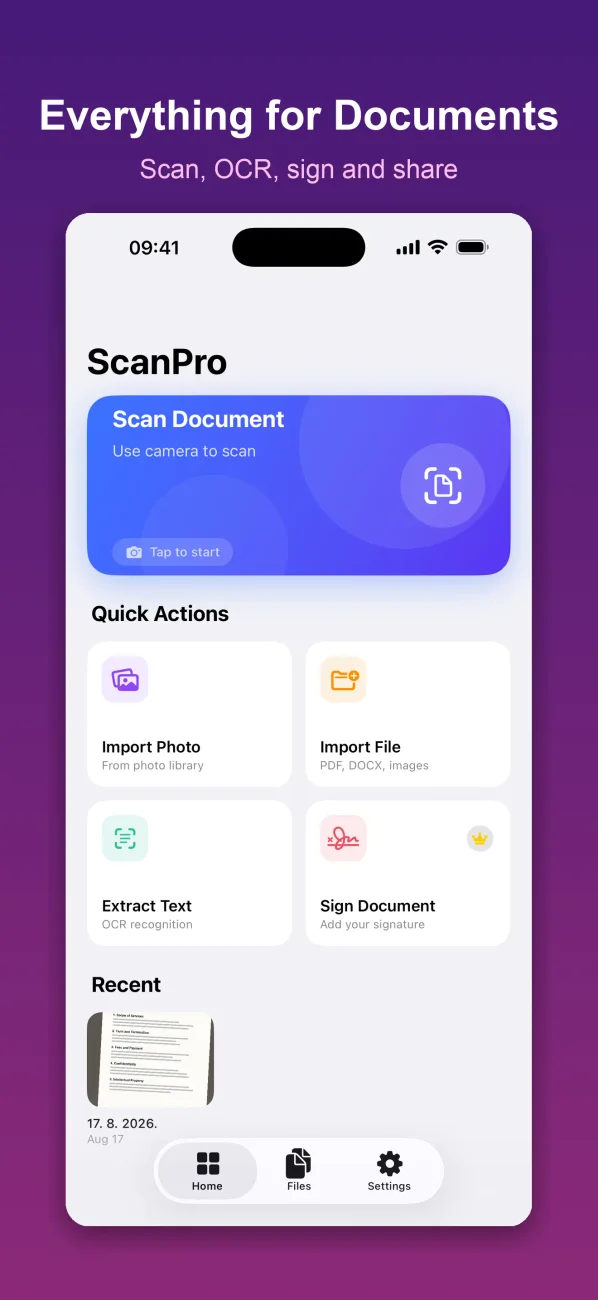
About
Scan documents and IDs, sign them with your finger and write on them - on your iPhone, without a printer or a scanner.
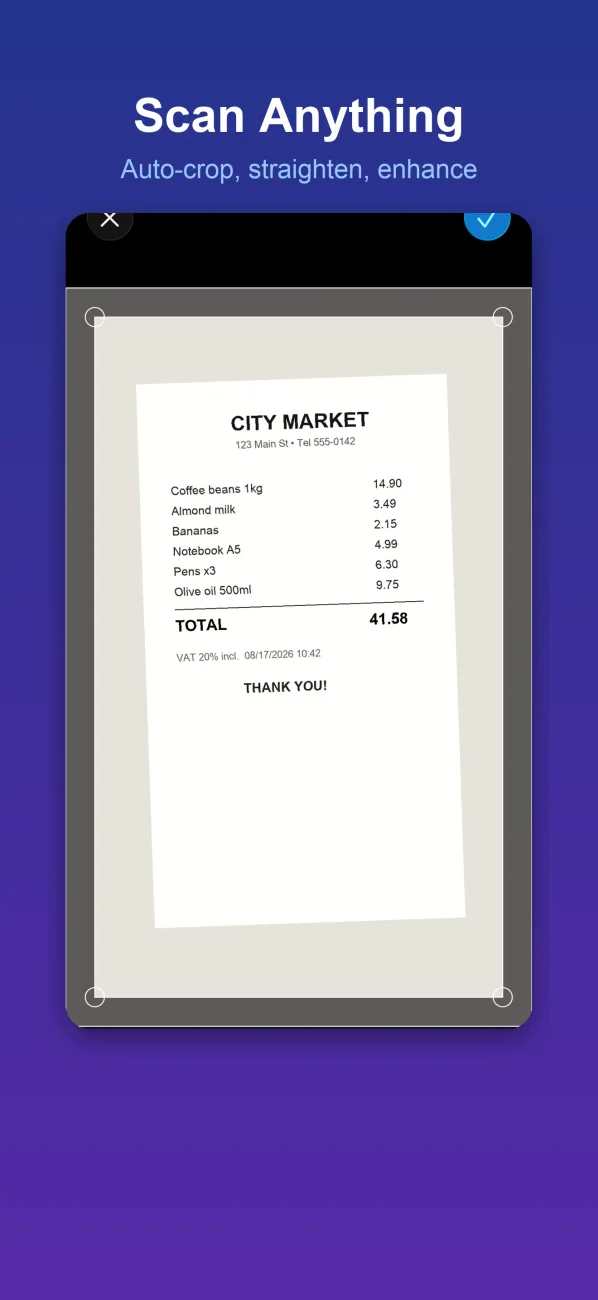
ScanPro turns your iPhone camera into a document scanner with automatic edge detection. Scan contracts, IDs, receipts and paper forms, sign or mark them up by hand and share as PDF.
WHAT YOU CAN DO
- Scan documents, IDs and receipts to PDF with automatic edge detection
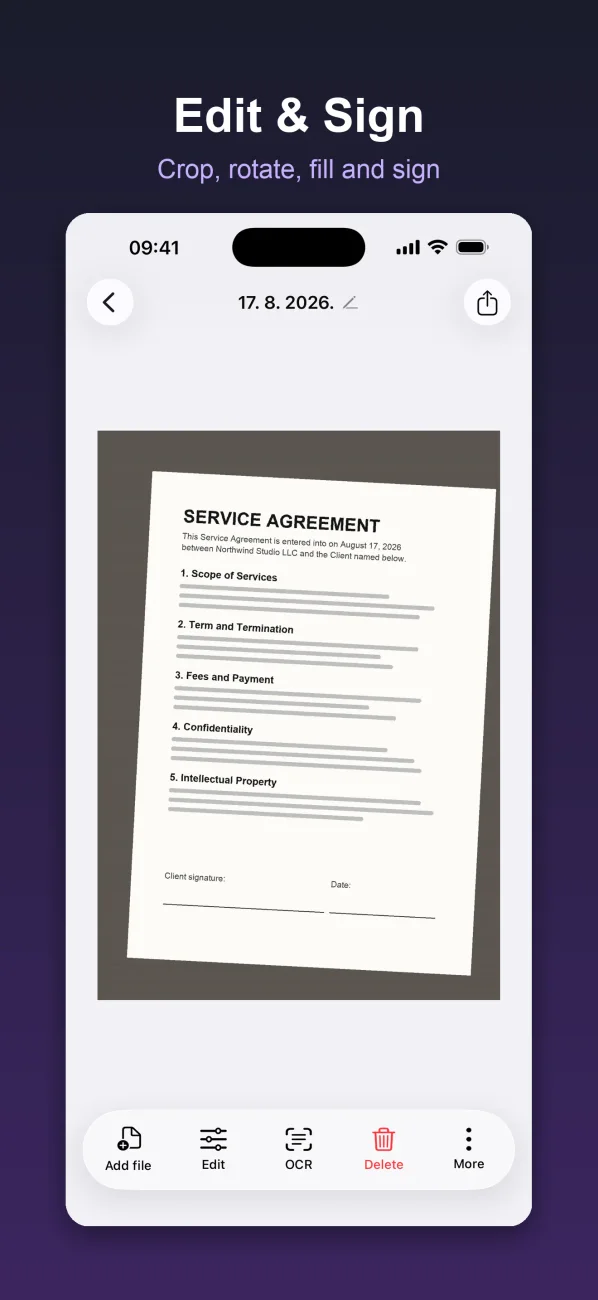
- Sign documents: draw your signature with a finger, place it, move and resize it
- Fill in by hand: write, draw and annotate on top of a scan
- OCR: extract text from a scan or photo, then copy or share it
- Import photos and PDFs; convert Word, Excel and PowerPoint files to PDF
- Rotate, crop and delete pages
- Share as PDF, JPG or PNG
WHY SCANPRO
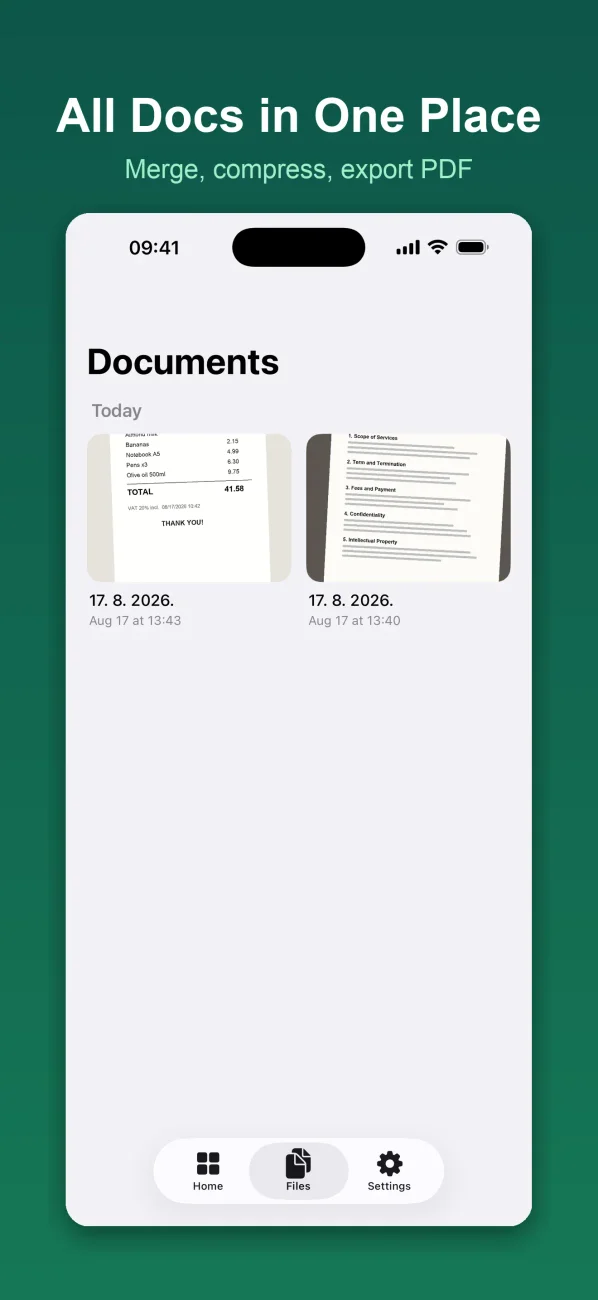
- Everything for paperwork in one app: scan, sign, send
- Fast: from camera to a signed document in a few taps
- Scans are stored on your device; converting Office files to PDF uploads the file to a conversion service
SCANPRO PRO
Scan up to 3 documents for free. Pro removes the limit and unlocks all features.
Subscription options: weekly, monthly, annual, or a one-time lifetime purchase. Prices are shown on the purchase screen and may vary by region. Payment is charged to your Apple ID at confirmation of purchase. Subscriptions renew automatically unless auto-renew is turned off at least 24 hours before the end of the current period. You can manage or cancel subscriptions in your Apple ID settings. The lifetime purchase is paid once and does not renew.
Terms of Use (EULA): https://www.apple.com/legal/internet-services/itunes/dev/stdeula/
Privacy Policy: https://docs.google.com/document/d/1UPjV8UdUkhirDT9E2lsLy3V16gnnpPWA3616UrDkldE/edit?usp=sharing
What’s new
Version 2.0.3 · Nov 21, 2026
Performance improvements and bug fixes.
App privacy
What Artem Dorozhkin declares on the App Store about how this app handles data.
-
Data used to track you
May be used to track you across apps and websites owned by other companies.
- Purchases
- Identifiers
-
Data linked to you
May be collected and linked to your identity.
- Purchases
-
Data not linked to you
May be collected but is not linked to your identity.
- Identifiers
Privacy practices may vary, for example with the features you use or your age.
Information
- Seller
- Artem Dorozhkin
- Category
- Productivity
- Version
- 2.0.3
- Updated
- Nov 21, 2026
- Released
- Jul 23, 2025
- Size
- 38.9 MB
- Requires
- iOS 17.0 or later
- Age rating
- 4+
- Price
- Free
- In-app purchases
- Yes
- Languages
- English, Arabic, Dutch, French, German, Hebrew, Hindi, Italian, Japanese, Korean, Portuguese, Russian + 4 more
- Copyright
- © IE Artem Dorozhkin
You might also like
-
 Larva VPN - Hide your IPAnonymous. Secure. No logs.
-
 Норка: ВПН Россия / VPN RussiaРусский / Российский / Russian
-
 AI Scanner : Image to TextOCR Text Scanner, PDF Scanner
-
 Chat AI·Question, Smart AnswerChatbot Assistant Helper
-
 Phone Protection, VPN SecurityMalware & Antivirus for iPhone
-
 Scarlet AI – Chatbot AssistantGenerative Personal Chat Bot
-
 Smallpdf: Scanner & PDF Editorcompress, convert, ocr, sign
-
 Scan MyPDF ProScan and Share PDF Documents
-
 Mobile Scanner App - Scan PDFDocument Scanning, Sign & OCR
-
 Flibbo - AI Video Image MusicViral Video & Post Generator