Scanqy: PDF Document Scanner
Scan, Sign, OCR & ID Cards
Designed for iPhone
Free · In-app purchases
- Age rating17+
- CategoryProductivity
- DeveloperGihan De Silva
- LanguagesEnglish
- Size13.6 MB
Links to the official App Store page
Download.org hosts no file of Scanqy: PDF Document Scanner. The button opens its official App Store page, published by Gihan De Silva. Listing last checked on Nov 20, 2026.
Screenshots

About
Scan anything. Keep everything private.
Scanqy turns your iPhone into a pocket-sized document scanner. Smarter, faster, and built to respect your privacy. Every scan stays on your device. No account required, nothing uploaded.
SCAN AND CAPTURE
• Auto-crop that actually works
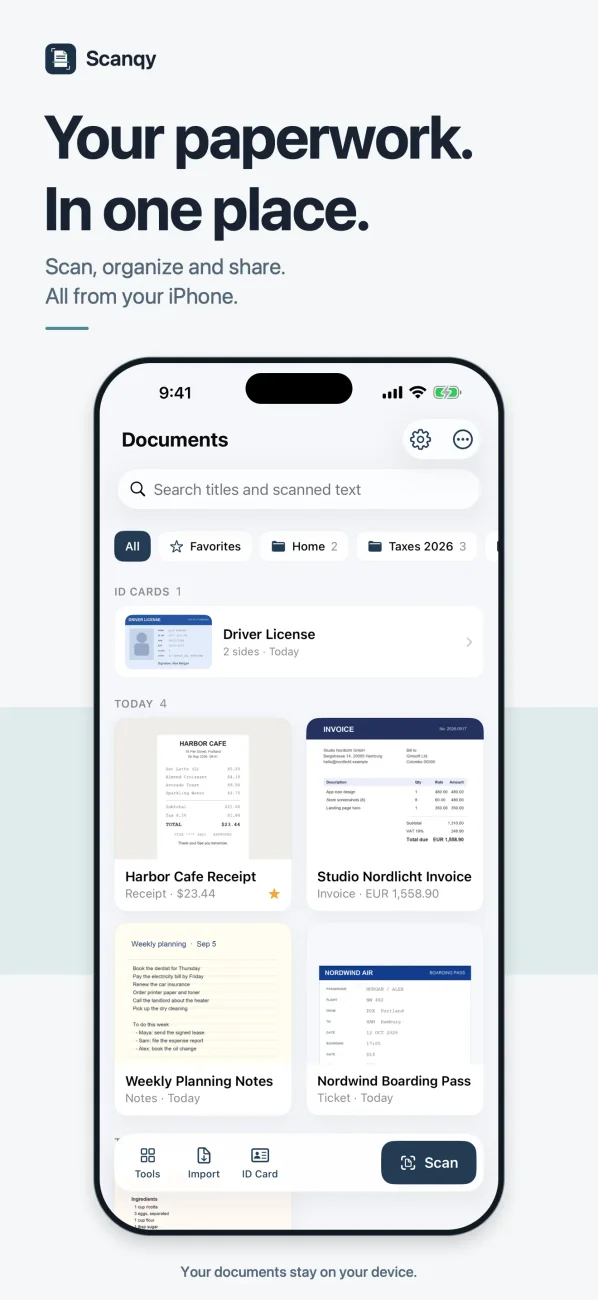
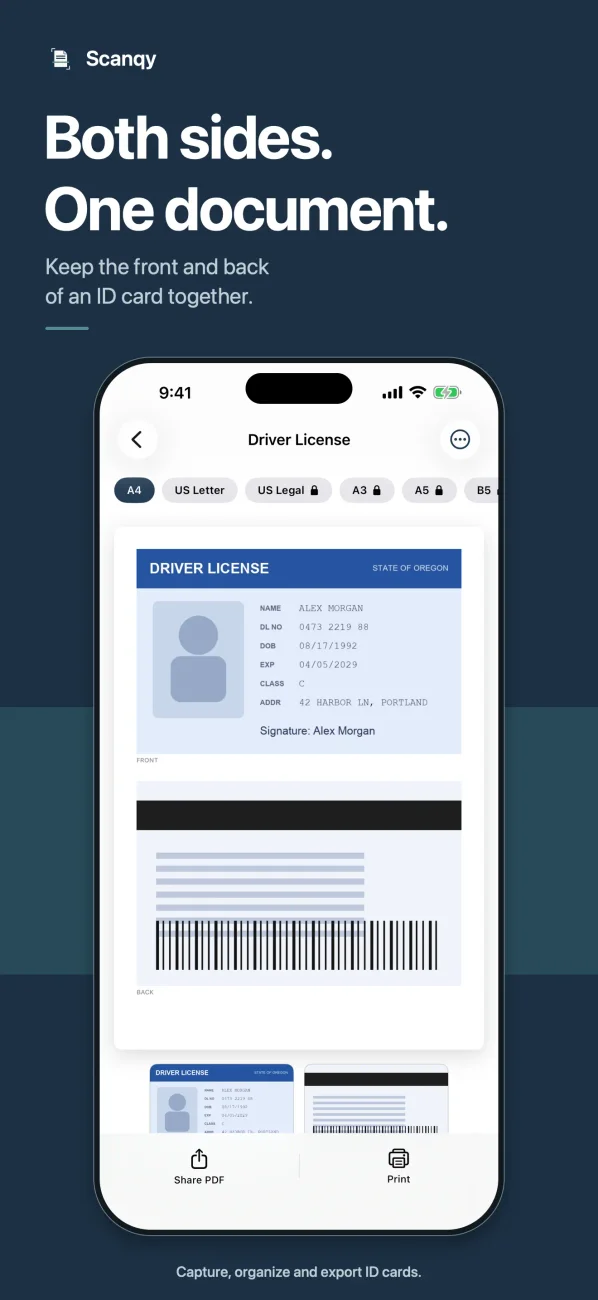
• ID card mode: front & back in one file
• Import photos and PDFs, keep everything in one place
• A3, A4, A5, B5, Letter, Legal & more
READ AND EDIT
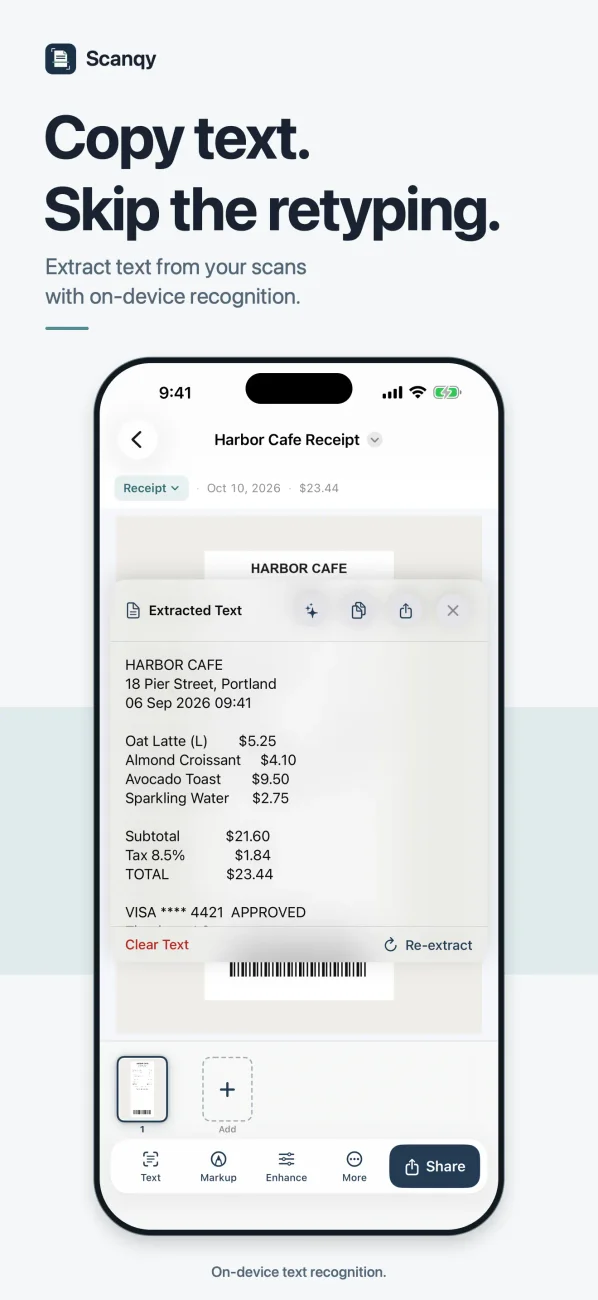
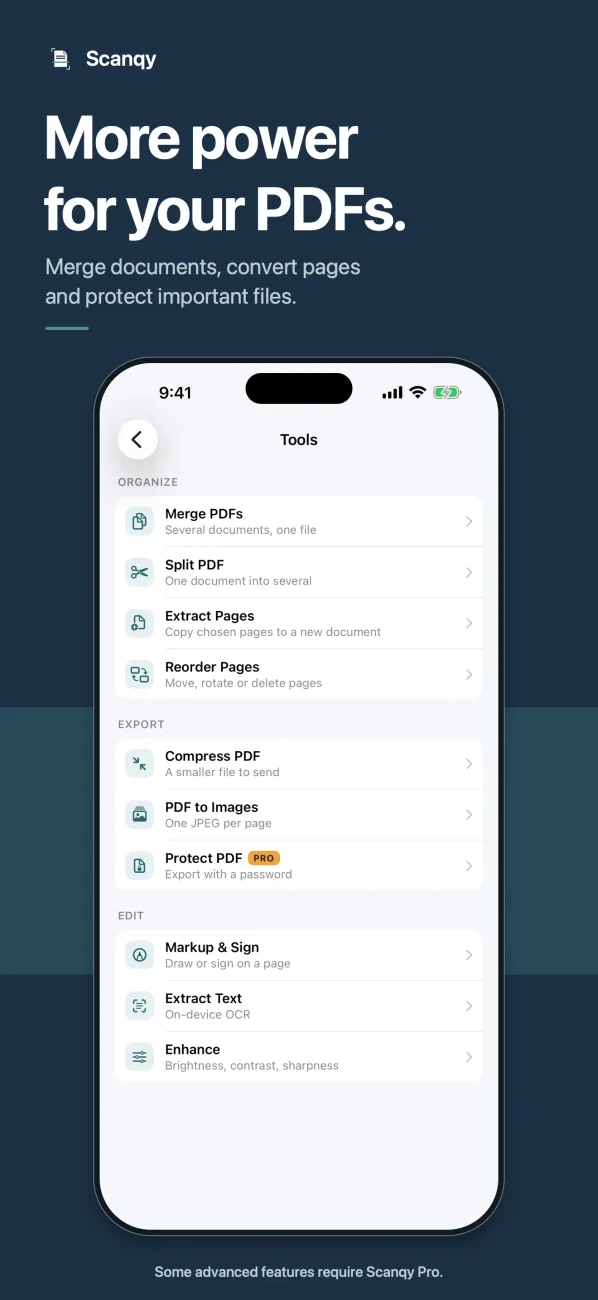
• On-device OCR: extract text in seconds
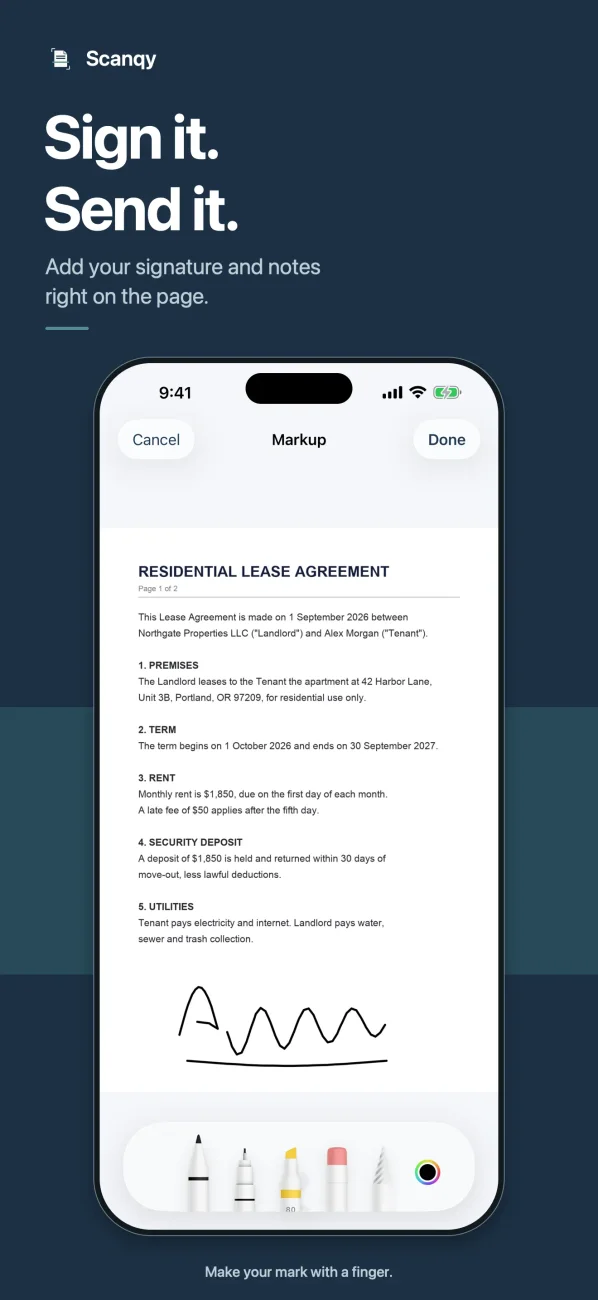
• Markup & Sign: draw or sign directly on a page
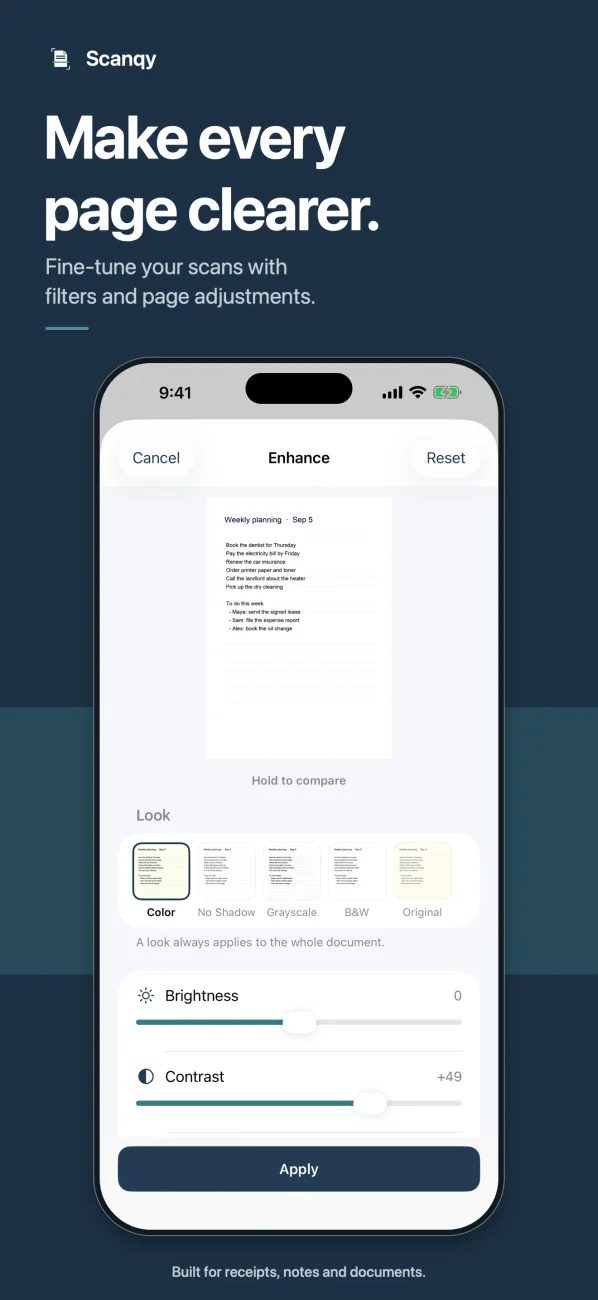
• Adjust brightness, contrast and sharpness
• Title suggestions from the scanned text, entirely on your device
ORGANIZE AND FIND
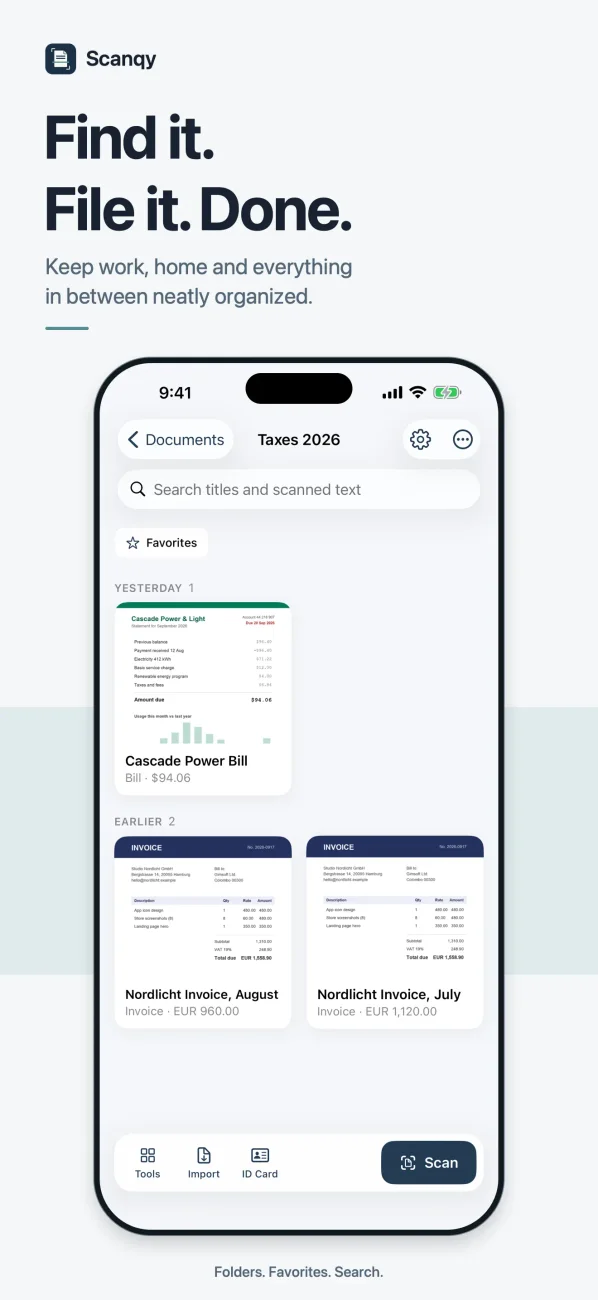
• Folders and favorites keep your library tidy
• Search inside your scans, not just titles
• Find your scans from the iPhone home screen search
• Recently Deleted: recover anything for 30 days
SHARE AND PROTECT
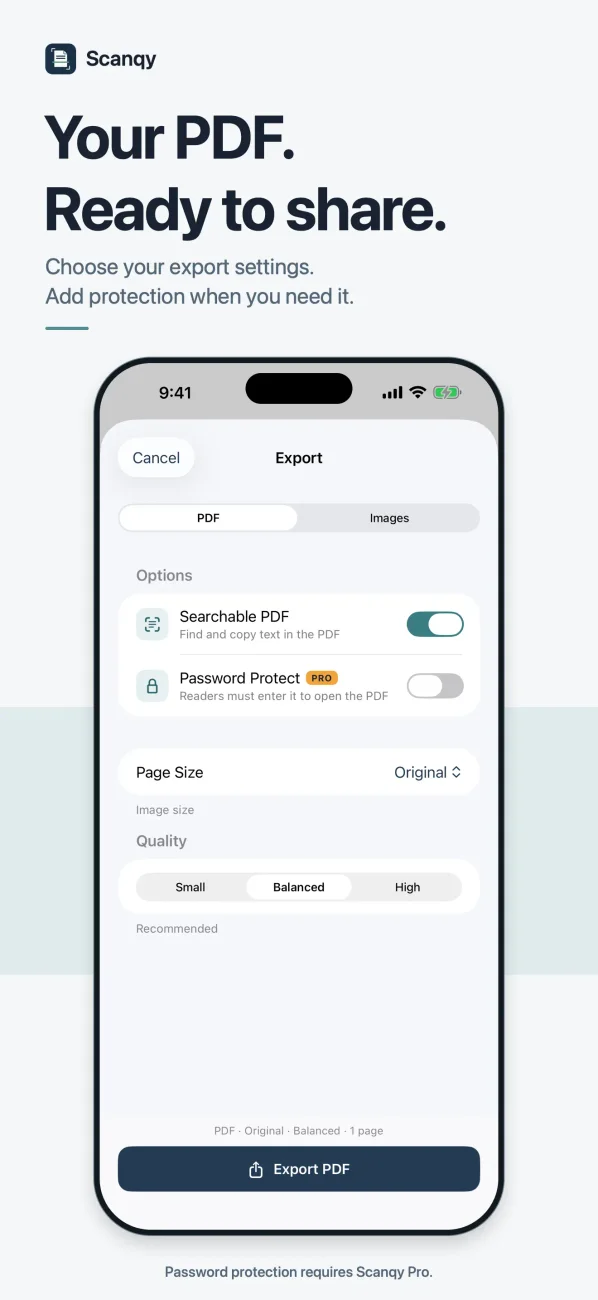
• Searchable PDFs, created entirely on your iPhone
• Merge documents into one PDF, or convert a PDF to images
• Password-protected PDFs
• Multi-page PDFs, one tap to share or print
• Face ID locking for sensitive documents
Perfect for receipts, contracts, notes, IDs, and anything you'd rather not leave on paper.
SCANQY PRO
Unlock unlimited scans, unlimited exports, every page size, Face ID locking, password-protected PDFs, and an ad-free experience.
Available as monthly or yearly auto-renewable subscriptions, or as a one-time Lifetime purchase. Subscription payments are charged to your Apple ID at confirmation of purchase and auto-renew unless cancelled at least 24 hours before the end of the current period. Manage or cancel anytime in your Apple ID Account Settings. The Lifetime option is a single charge and does not renew.
Terms of Use (EULA): https://scanqy.gimsoft.io/terms
Privacy Policy: https://scanqy.gimsoft.io/privacy
Questions? gimsa.sri@gmail.com
What’s new
Version 1.6.3 · Nov 1, 2026
• Behind-the-scenes improvements that help us find and fix problems faster
• Error reports never include your documents, and you can turn them off in Settings
App privacy
What Gihan De Silva declares on the App Store about how this app handles data.
-
Data used to track you
May be used to track you across apps and websites owned by other companies.
- Identifiers
-
Data linked to you
May be collected and linked to your identity.
- Location
- Identifiers
- Usage data
-
Data not linked to you
May be collected but is not linked to your identity.
- Identifiers
- Diagnostics
Privacy practices may vary, for example with the features you use or your age.
Information
- Seller
- Gihan De Silva
- Category
- Productivity
- Version
- 1.6.3
- Updated
- Nov 1, 2026
- Released
- May 25, 2026
- Size
- 13.6 MB
- Requires
- iOS 17.0 or later
- Age rating
- 17+
- Price
- Free
- In-app purchases
- Yes
- Languages
- English
- Copyright
- © 2026 Gimsoft
You might also like
-
 Scanry: PDF Scanner & OCRCompress scans. Share easily.
-
 PDF Toolkit: Scan & ConvertScan, Convert & Secure PDFs
-
 Scanify: PDF & OCR ScannerScan, OCR & Share Documents
-
 e-Scanner: Scan PDF & OCRNo Ads, No Login, No Watermark
-
 Rmote Control Air ConditionerUniversal remote control AC
-
 Logger - Log, Track & JournalPlaces, events, times & notes
-
 MausBot: Private AI AgentsRun bots on your own computer
-
 RevPDF: PDF Editor & ReaderOCR, Sign, Redact & Convert
-
 Text to Speech: Listen AIAI Audio & Text Converter
-
 choclift: Workflow Sweetenerdesktop touch controls