Scanter: PDF Scanner & Docs
Scan to PDF, OCR & Sign
Designed for iPhone, iPod touch
Free · In-app purchases
- Age rating4+
- CategoryProductivity
- DeveloperVISORYA YAZILIM VE TEKNOLOJI ANONIM SIRKETI
- LanguagesEnglish+ 27 more
- Size89.2 MB
Links to the official App Store page
Download.org hosts no file of Scanter: PDF Scanner & Docs. The button opens its official App Store page, published by VISORYA YAZILIM VE TEKNOLOJI ANONIM SIRKETI. Listing last checked on Nov 18, 2026.
Screenshots


About
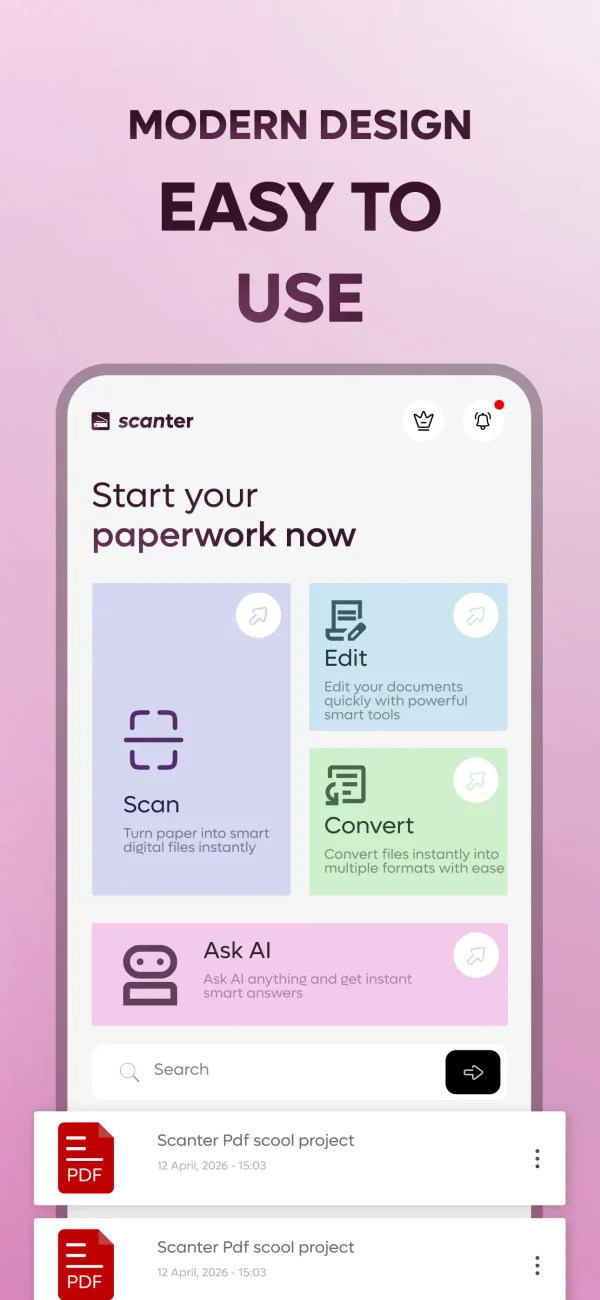
Scanter is a PDF scanner and document toolkit. Scan paper documents, then edit, sign, convert and share them from your phone.
WHAT YOU CAN DO
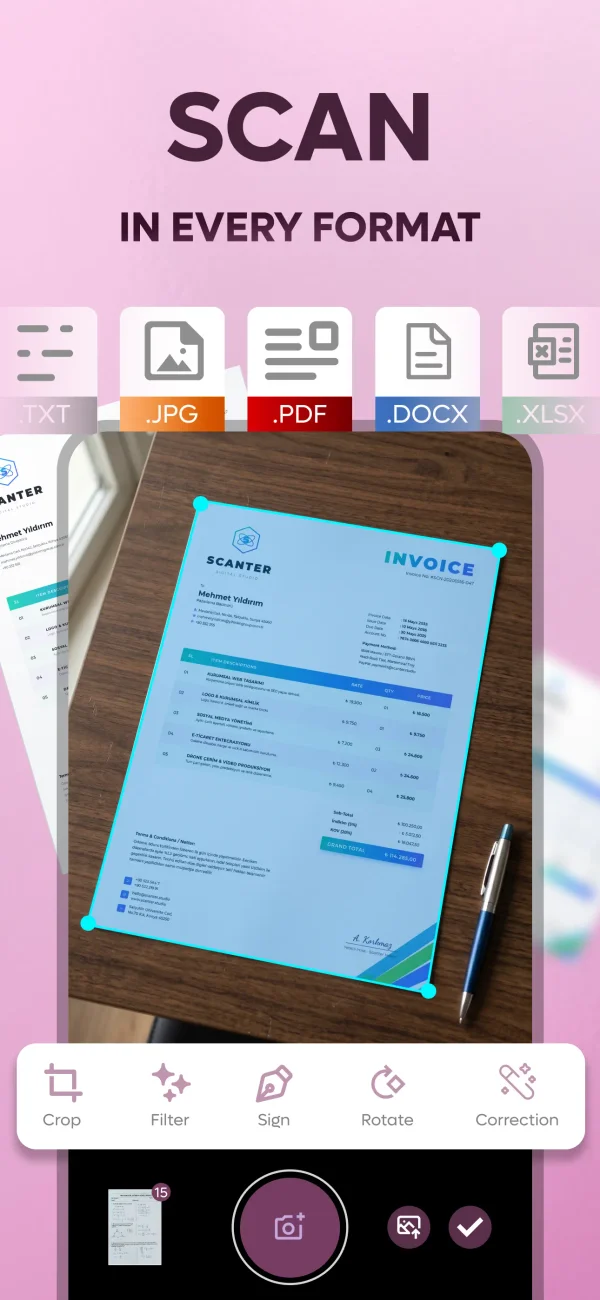
• Scan documents with automatic edge detection and perspective correction
• Scan several pages in a row
• Color, grayscale and black & white filters
• Export to PDF or images
• Merge, split, compress, rotate and watermark PDFs
• Crop, edit and sign your pages
• Convert Word, Excel, PowerPoint and images to PDF, and PDF to Word, PowerPoint and images
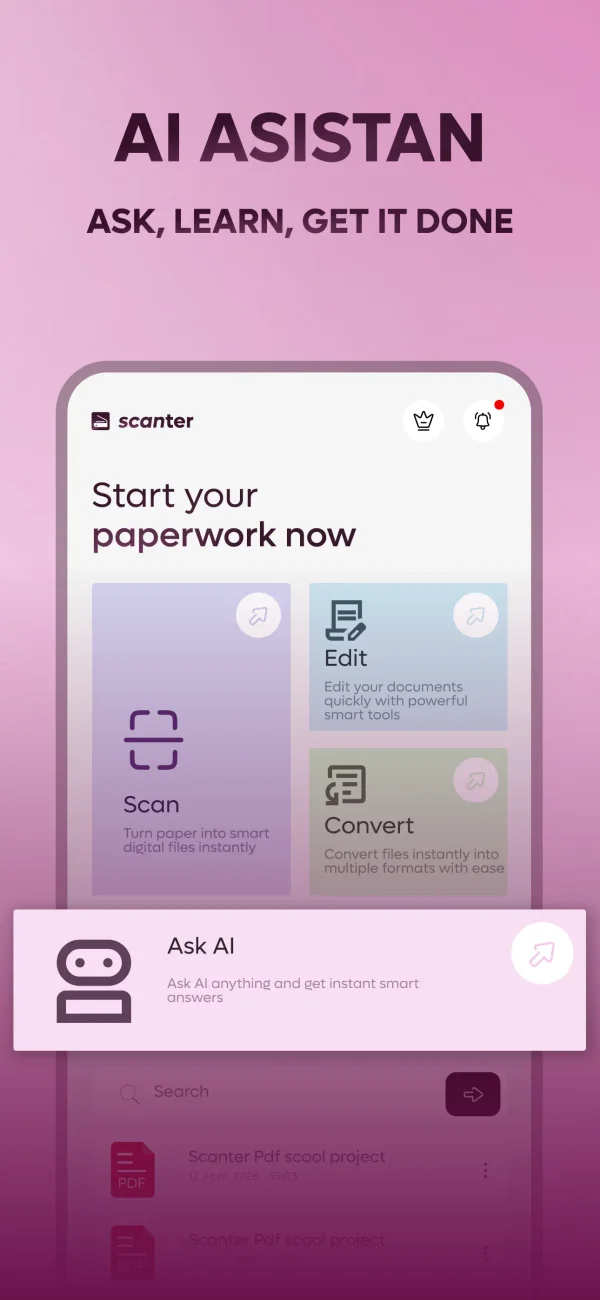
• Ask AI: type a question and get an answer
• Share by email, Messages, WhatsApp, Drive, Dropbox and more, or print directly
YOUR DATA
Scanning, merging, splitting, compressing, signing and editing happen on your device. File conversion and cloud storage upload your file over an encrypted connection to Scanter's servers in Türkiye; converted files are deleted automatically within hours. Ask AI sends only the text of your question to Google's Gemini service. The free version shows ads, and you can manage your ad and privacy choices in the app. We do not sell your data.
AVAILABLE IN 28 LANGUAGES
SCANTER PRO SUBSCRIPTION
Scanter Pro is an auto-renewing subscription that removes ads and daily limits and includes cloud storage. Payment is charged to your store account at purchase confirmation. The subscription renews automatically unless it is cancelled at least 24 hours before the end of the current period, and you can manage or cancel it in your store account settings. Prices vary by country or region and are shown in the app before purchase.
Terms of Use (EULA): https://scanterapp.com/terms-tr.html
Privacy Policy: https://scanterapp.com/privacy.html
What’s new
Version 1.1.4 · Oct 15, 2026
Privacy update: you now choose your ad and tracking options, Ask AI and file uploads ask for your consent first, sign-in is more secure (saved passwords are no longer stored), and the app descriptions are more accurate. Bug fixes and improvements.
App privacy
What VISORYA YAZILIM VE TEKNOLOJI ANONIM SIRKETI declares on the App Store about how this app handles data.
-
Data used to track you
May be used to track you across apps and websites owned by other companies.
- Identifiers
-
Data linked to you
May be collected and linked to your identity.
- Purchases
- Location
- Contact info
- User content
- Identifiers
- Usage data
-
Data not linked to you
May be collected but is not linked to your identity.
- Diagnostics
Privacy practices may vary, for example with the features you use or your age.
Information
- Seller
- VISORYA YAZILIM VE TEKNOLOJI ANONIM SIRKETI
- Category
- Productivity
- Version
- 1.1.4
- Updated
- Oct 15, 2026
- Released
- Jun 9, 2026
- Size
- 89.2 MB
- Requires
- iOS 15.5 or later
- Age rating
- 4+
- Price
- Free
- In-app purchases
- Yes
- Languages
- English, Arabic, Czech, Dutch, Finnish, French, German, Greek, Hebrew, Hindi, Hungarian, Indonesian + 16 more
- Copyright
- © 2026 Visorya
You might also like
-
 Scanovox: PDF Scanner & ToolsScan, Convert & Edit PDF Files
-
 PDF Scanner TRProductivity
-
 WebDAV Scan - Document ScannerScan & Upload to WebDAV Server
-
 PDF Converter & Editor ToolsMerge Compress & Convert Files
-
 PDF Toolkit: Scan & ConvertScan, Convert & Secure PDFs
-
 Papr: PDF Editor & ScannerScan, Convert & Sign Documents
-
 PDF Scanner: Convert & SignFile Every Receipt by Camera
-
 Image to Text - Textora OCRPhoto Scanner Copier & Reader
-
 Convert to PDF: File ConverterPDF Converter Documents to PDF
-
 CubiclCubicl Task Management App