PDF Converter & Editor Tools
Merge Compress & Convert Files
Designed for iPhone, iPad, iPod touch
In-app purchases
- Age rating4+
- CategoryProductivity
- DeveloperMBDTECH LTD
- LanguagesEnglish
- Size79.2 MB
Links to the official App Store page
Download.org hosts no file of PDF Converter & Editor Tools. The button opens its official App Store page, published by MBDTECH LTD. Listing last checked on Nov 15, 2026.
Screenshots
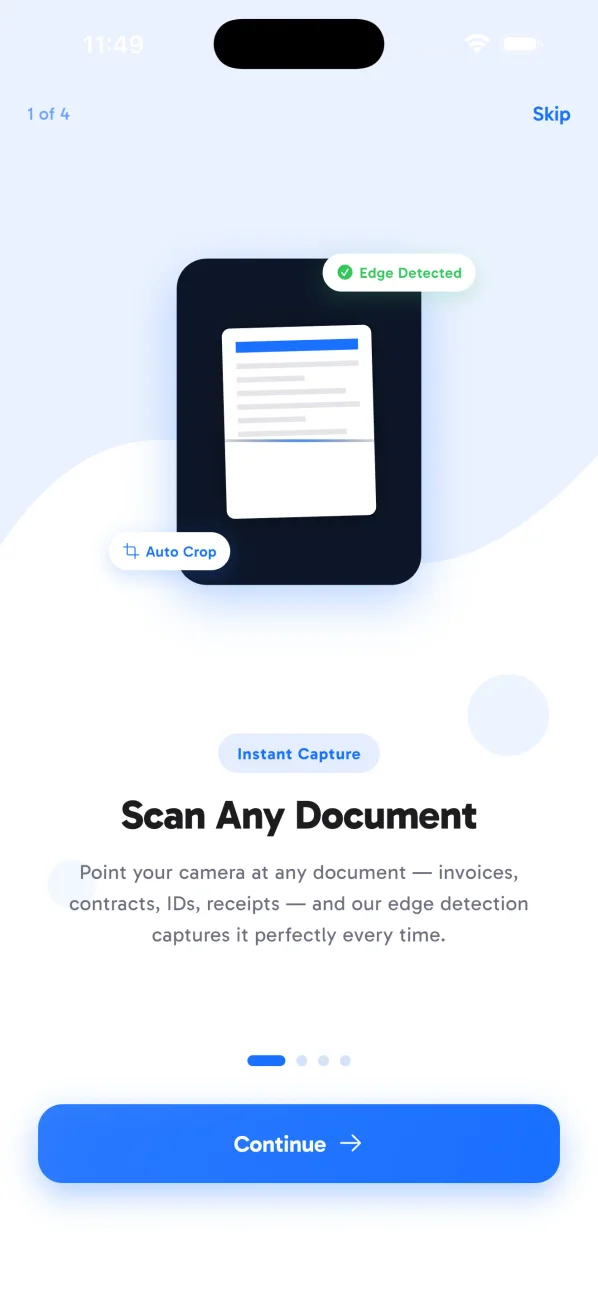
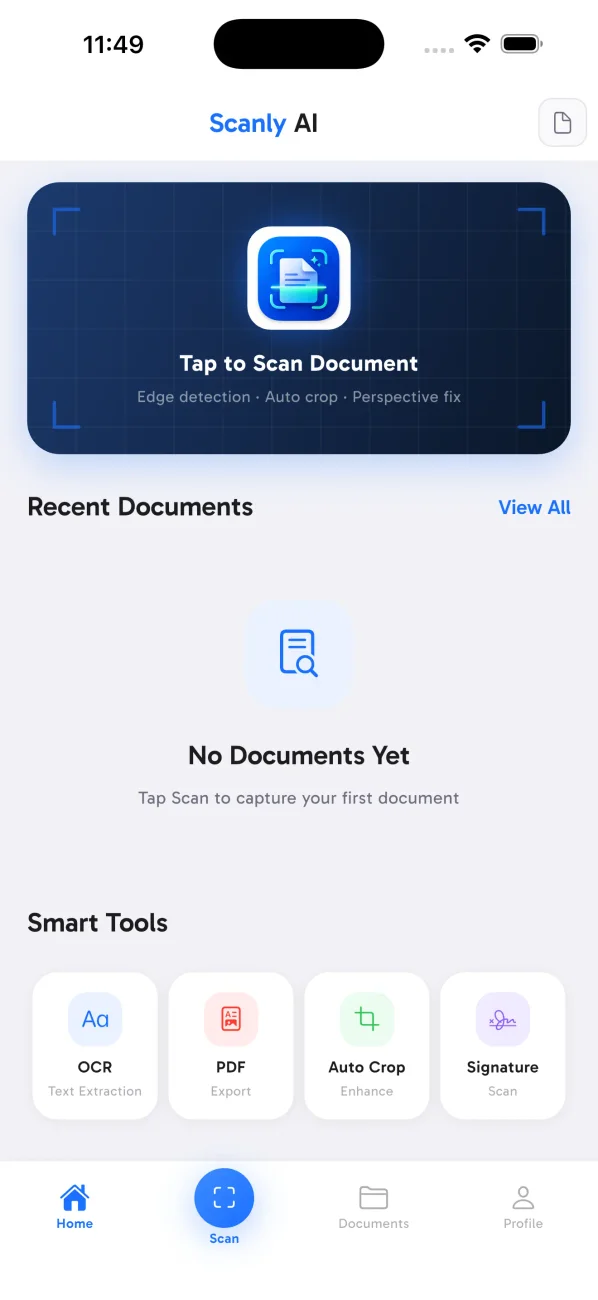
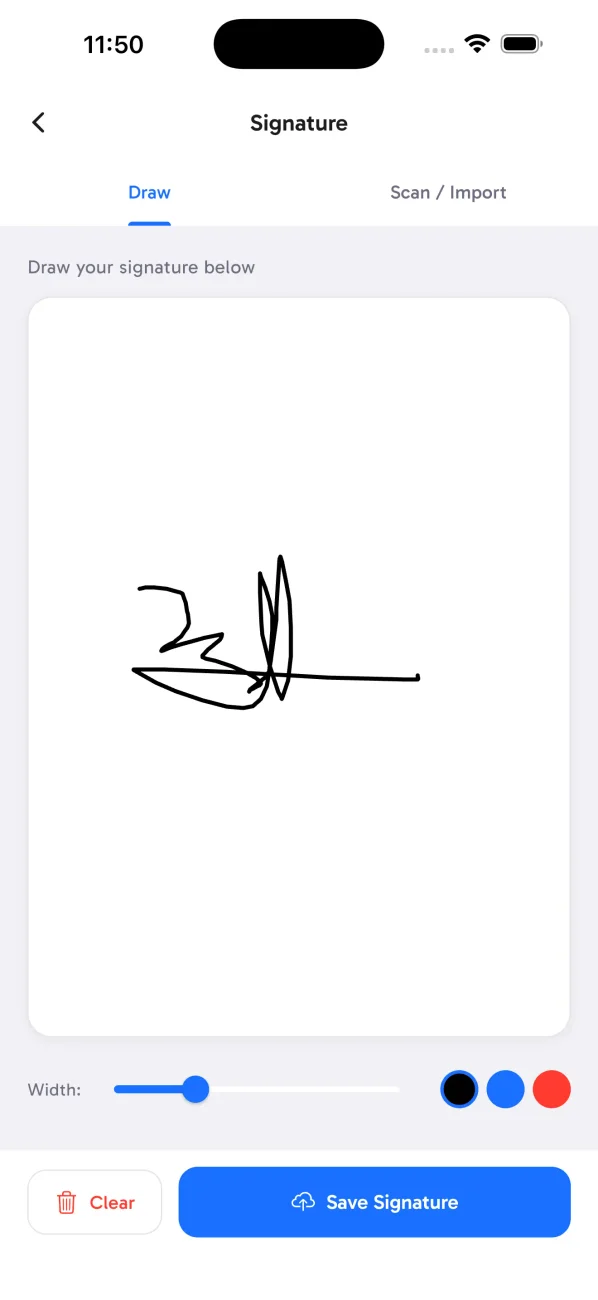
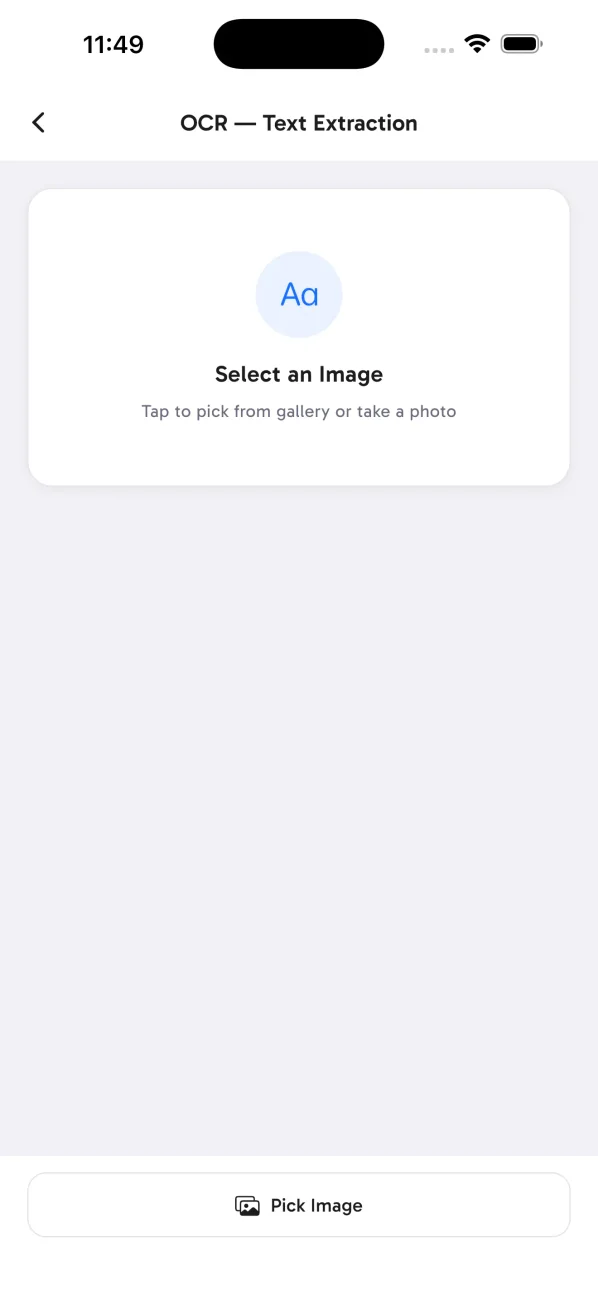
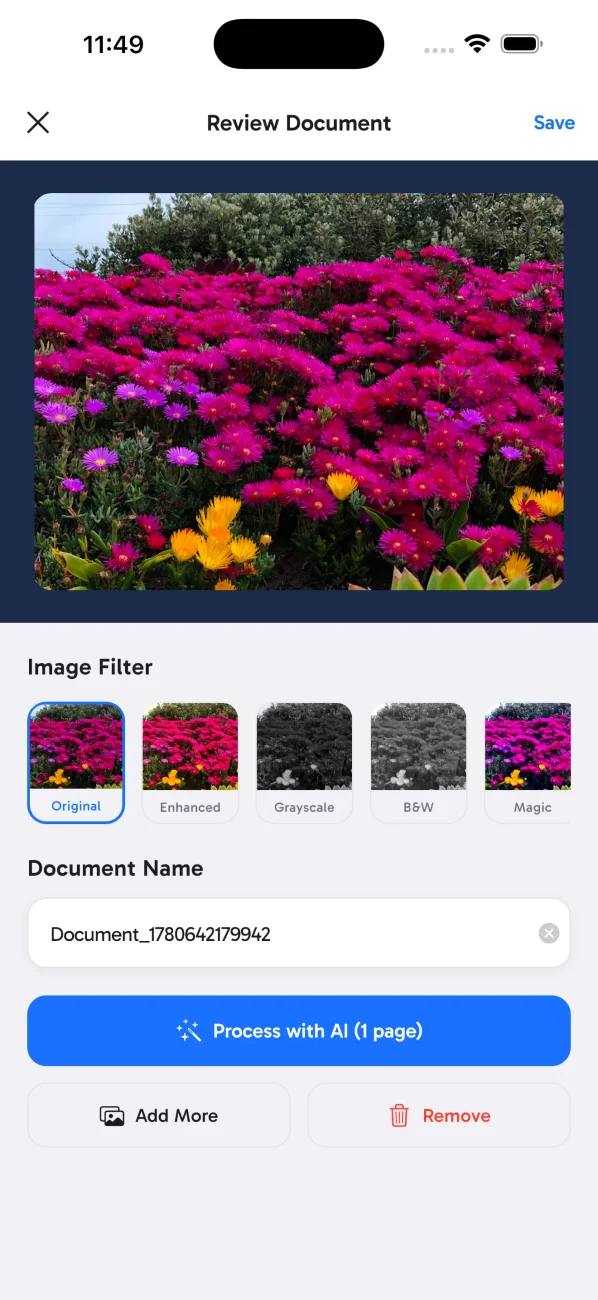
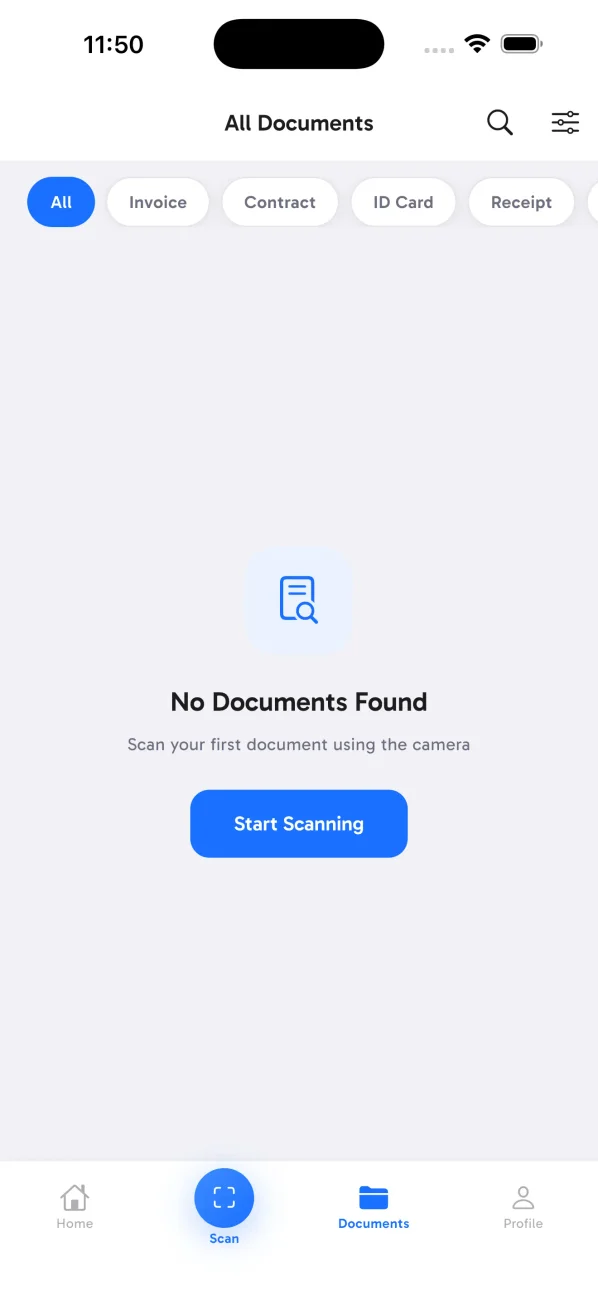
About
PDF Converter & Editor Tools makes it easier to convert, edit, organize, and manage your documents in one convenient place. Whether you are working with office files, images, or PDF documents, enjoy a practical set of tools designed for everyday document tasks.
From preparing business files to organizing study materials, this PDF converter helps you work with digital documents more efficiently. Keep essential PDF tools close at hand and spend less time switching between different apps.
PDF CONVERTER FOR EVERYDAY FILES
Convert supported files into PDF format and manage PDF documents with a straightforward workflow. Prepare files for sharing, archiving, studying, or professional use. Work with supported document and image formats using the conversion options available in the app.
PDF EDITOR & DOCUMENT TOOLS
Make changes to your PDF workflow without unnecessary complexity. Access available editing and page-management tools to prepare documents for your next task. Whether you need to adjust a file or arrange pages, the app brings useful functions together.
MERGE PDF DOCUMENTS
Combine supported PDF files into one organized document. Merge related pages, project files, or study materials to make them easier to store and share. A single PDF can help keep your work together.
SPLIT & ORGANIZE PDF PAGES
Manage longer documents with tools for separating and organizing PDF pages. Create more focused files from larger documents and keep the pages you need for a specific task.
COMPRESS PDF FILES
When a PDF is too large to share conveniently, use the available compression tool to help reduce its file size. Prepare documents for email, collaboration, or storage while reviewing the resulting file for your needs.
IMAGE & DOCUMENT CONVERSION
Turn supported images and documents into useful PDF files. Whether you are preparing photos, office paperwork, or study notes, PDF conversion can make your content easier to distribute in a consistent format.
BUILT FOR STUDENTS AND PROFESSIONALS
Students can organize class notes, assignments, and learning materials. Office teams can prepare reports, proposals, and business documents. Freelancers and creators can keep project files organized and ready to share.
SIMPLE WORKFLOW
1. Select a supported file from your device.
2. Choose a conversion or PDF tool.
3. Apply the available options to your document.
4. Review the resulting PDF or converted file.
5. Save or share the finished document.
WHY CHOOSE PDF CONVERTER & EDITOR TOOLS?
• Convenient PDF conversion and document management
• Useful PDF editing and page organization options
• Tools for merging and splitting supported PDF files
• PDF compression for easier file handling
• Support for compatible images and document formats
• Practical workflows for work, school, and personal tasks
• A straightforward interface for everyday file operations
KEEP DOCUMENTS READY TO SHARE
A well-organized PDF is useful for sending reports, keeping records, preparing applications, and collecting important information. Use PDF Converter & Editor Tools to prepare your documents and keep your files more manageable.
Whether you are handling one document or working through several files, the goal is simple: make routine PDF tasks faster and easier to complete.
Download PDF Converter & Editor Tools and explore a convenient way to convert files, edit PDFs, merge documents, split pages, compress PDFs, and organize digital paperwork.
SUBSCRIPTION INFORMATION
Some features may require a paid subscription. Available plans, prices, and purchase terms are shown inside the app before you subscribe. If you purchase an auto-renewable subscription, payment is charged to your Apple Account at confirmation. The subscription renews automatically unless canceled at least 24 hours before the end of the current period. Manage or cancel your subscription in your Apple Account settings.
Terms of Use (EULA):
https://www.apple.com/legal/internet-services/itunes/dev/stdeula/
What’s new
Version 1.0.2 · Oct 31, 2026
We've made PDF Converter & Editor Tools even better!
• Improved PDF conversion performance for a smoother experience.
• Enhanced PDF editing and document management.
• Optimized PDF merging, splitting, and compression.
• Improved app stability and overall performance.
• Fixed minor bugs for a more reliable experience.
• Enhanced user experience with smoother navigation.
Update now and enjoy a faster, smoother way to convert, edit, and manage your PDF documents!
App privacy
What MBDTECH LTD declares on the App Store about how this app handles data.
-
Data used to track you
May be used to track you across apps and websites owned by other companies.
- Usage data
-
Data linked to you
May be collected and linked to your identity.
- Identifiers
- Usage data
Privacy practices may vary, for example with the features you use or your age.
Information
- Seller
- MBDTECH LTD
- Category
- Productivity
- Version
- 1.0.2
- Updated
- Oct 31, 2026
- Released
- Jun 9, 2026
- Size
- 79.2 MB
- Requires
- iOS 15.5 or later
- Age rating
- 4+
- In-app purchases
- Yes
- Languages
- English
- Copyright
- © MBDTECH LTD
You might also like
-
 PDF Scanner: Convert & SignFile Every Receipt by Camera
-
 Scanter: PDF Scanner & DocsScan to PDF, OCR & Sign
-
 Merge PDF - Combine PDFsCombine PDF Files in Seconds
-
 PlantScope – Identify & LearnPlantScope
-
 PDF Scanner & Editor: PrivioConverter, Reader & eSign
-
 PDF Converter, ScannerPDF Convert, Scan, Merge, Edit
-
 PDF Editor - Read, Fill & EditEdit PDF Files & Documents
-
 Hindi Keyboard: Voice TypingUrdu, Bangla, Tamil & Nepali
-
 CardBal: Transit Card ReaderSuica, T-money, Octopus & more
-
 Quiet Translator: InterpreterLive AI speech translation