Scanvra - Doc Scanner & PDF
Scan, Sign & Convert to PDF
Designed for iPhone, iPad, iPod touch
Free · In-app purchases
- Age rating4+
- CategoryProductivity
- DeveloperAppAspect Technologies Pvt. Ltd.
- LanguagesEnglish
- Size161.9 MB
Links to the official App Store page
Download.org hosts no file of Scanvra - Doc Scanner & PDF. The button opens its official App Store page, published by AppAspect Technologies Pvt. Ltd. Listing last checked on Nov 17, 2026.
Screenshots
About
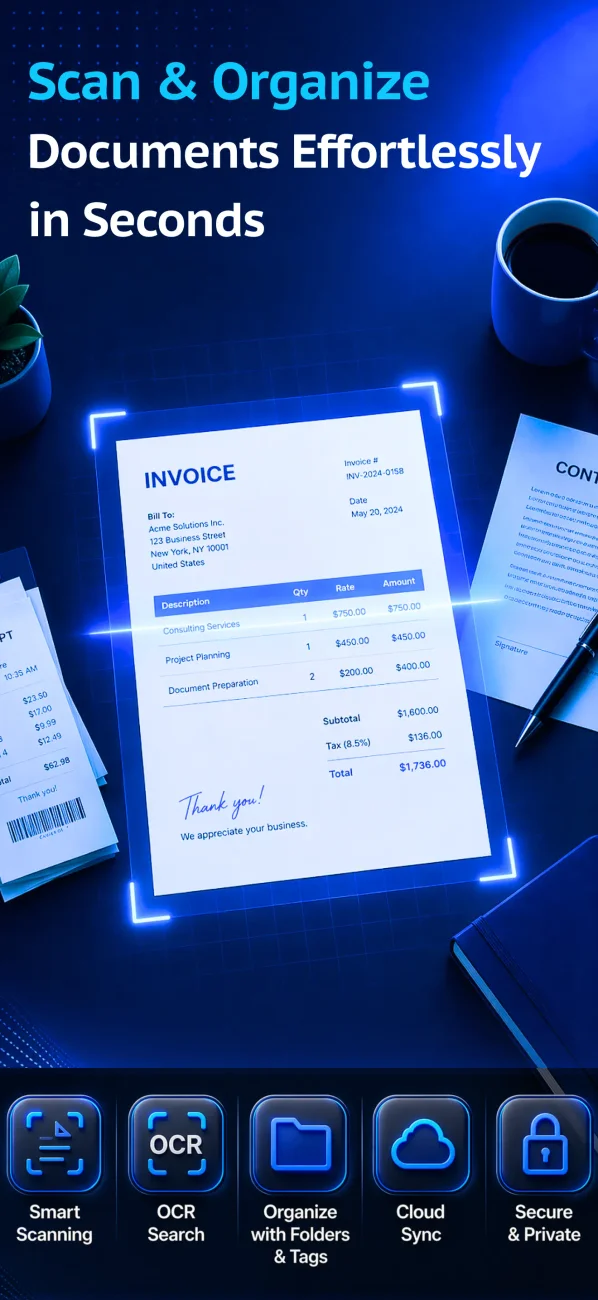
This app is the easiest tool to create instant PDF files in seconds by scanning real documents, ID Card and also import images directly from Photo Gallery. Advanced Document Scanner app that allow to create documents and share them quickly via multiple sharing platforms.
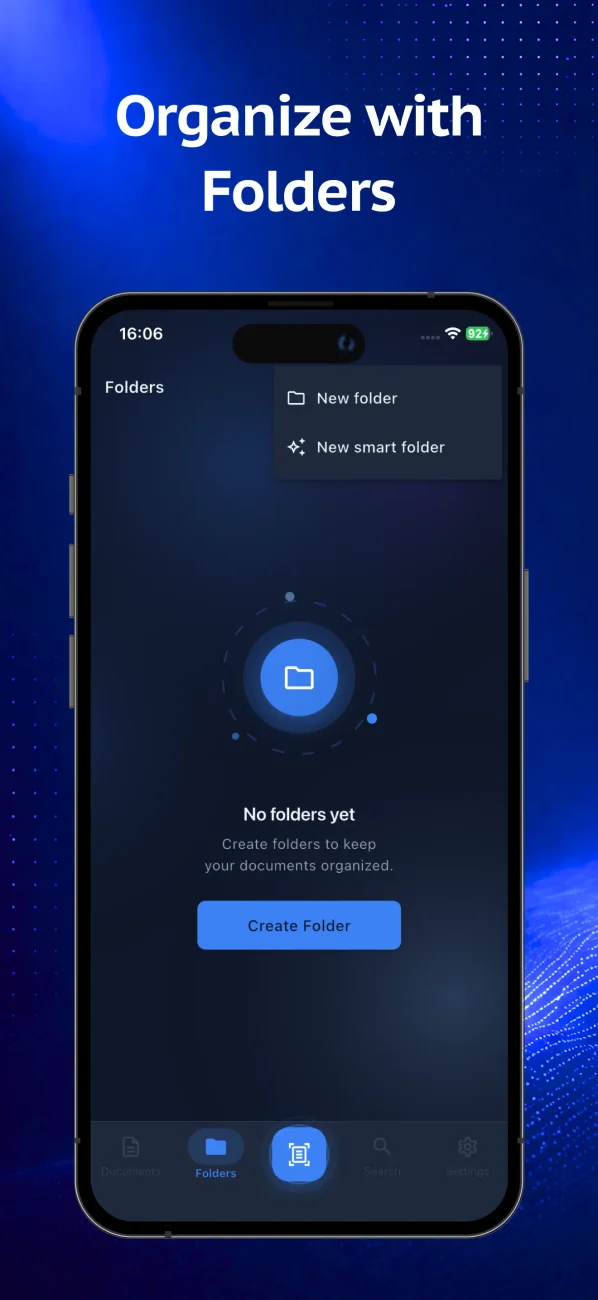
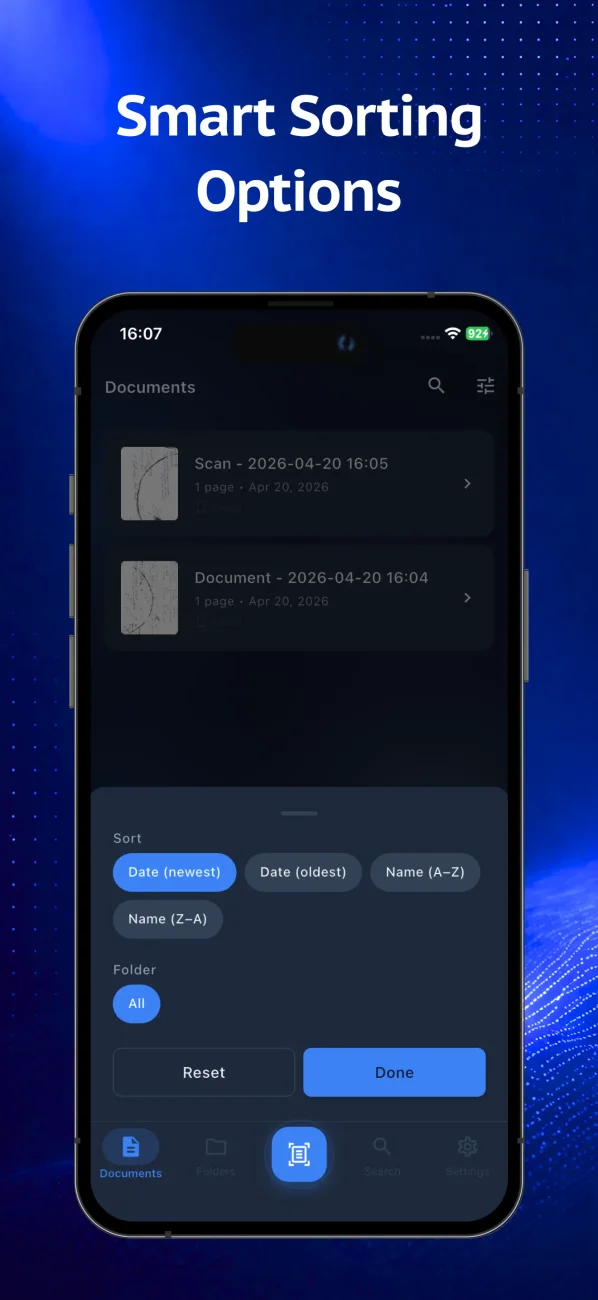
Smart Folder Management
- Organize your documents efficiently with Smart Folders
- Categorize and manage files for quick access
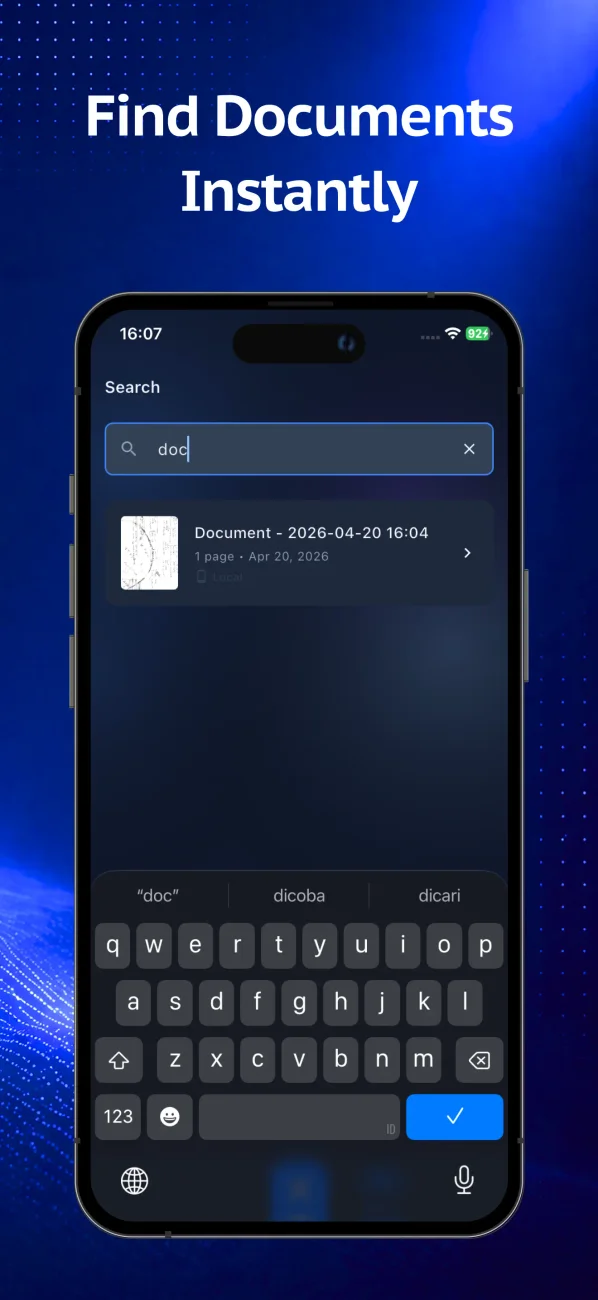
- Sort documents by name, date, and size
Advanced Document Scanner
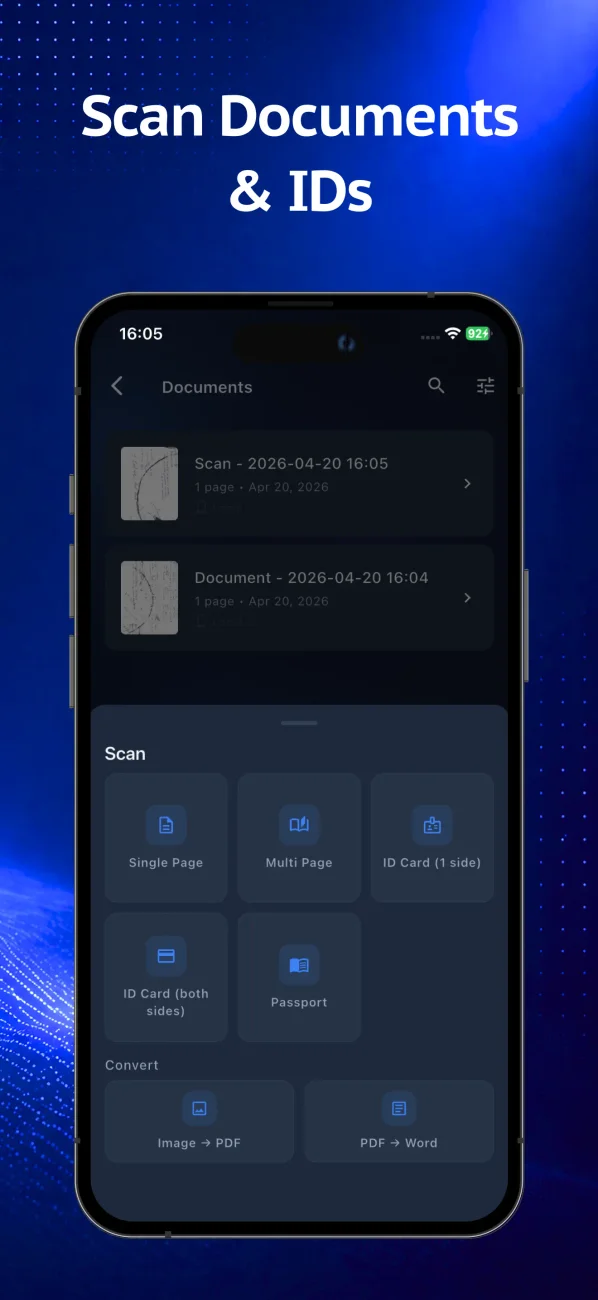
- Single Scan and Multiple Scan modes for flexibility
- Scan using camera or import images from gallery
- Auto-cropping and enhancement for sharp, clear text and images
- Ideal for scanning invoices, bills, contracts, business cards, certificates, and more
- Save scans directly to your device
- Doc Scanner is useful to scan bill, invoice, contract, bill, business card, certificate, letter, identity documents.
- Sort documents by name and size.
ID Card Scanning
- Special ID Scan Mode for identity documents
- Supports Single-side and Double-side scanning
- Perfect for Aadhaar cards, PAN cards, passports, and licenses
File SHARING:
- Use iTunes file sharing to transfer files directly to your device via USB cable and WIFI
- Open in File feature to open the document in different app like Numbers, Pages, iBooks, Kindle
- Import Images and PDF files from other apps.
- Sorting files based on date, size and name
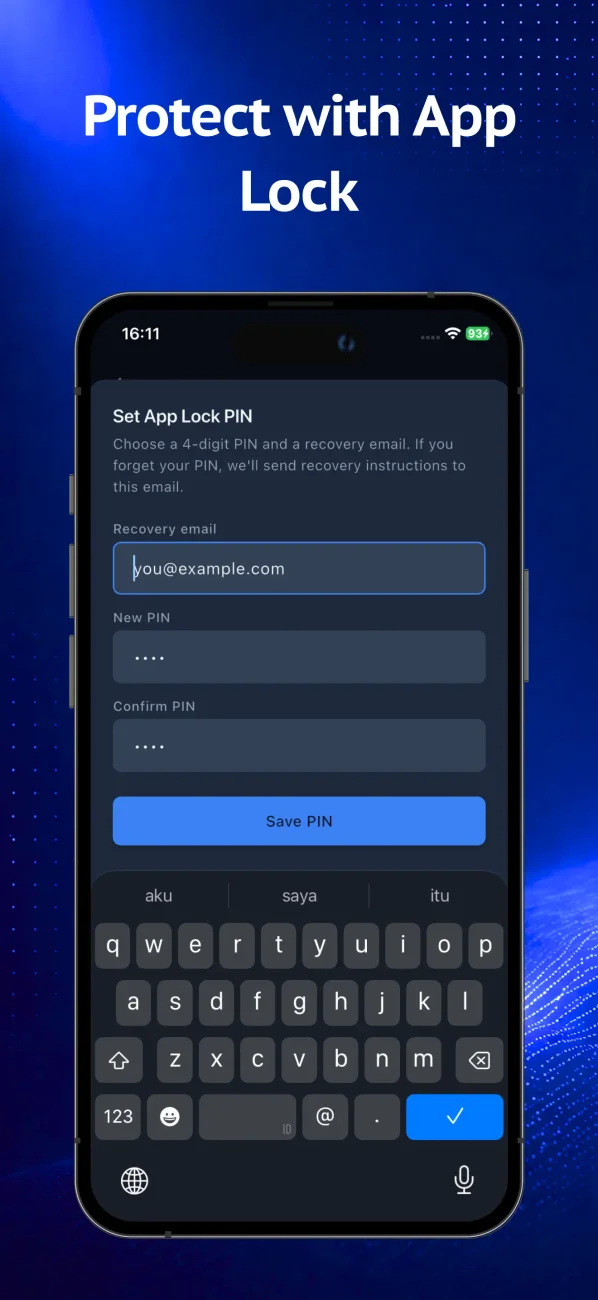
Security & Privacy
- Protect your documents with PIN Lock
- Keep sensitive files safe and secure
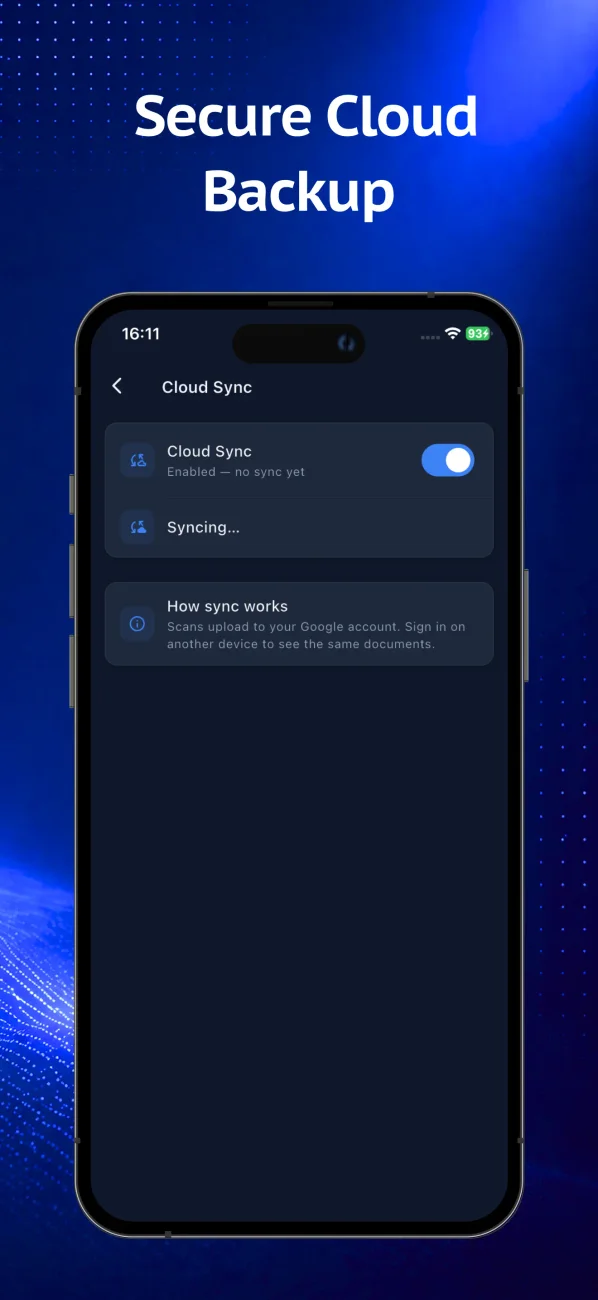
Cloud Sync
- Sync and backup your documents securely with cloud storage
- Access your files anytime, anywhere
PDF Converter /PDF to Word Converter
- Convert images and documents (MS Office, iWork, and more) into PDF
- Built-in web browser to save web pages as PDFs for offline reading
- Convert the Pdf into the Word.
Document Preview & Compatibility
- View multiple file formats: PDF, JPG, PNG, GIF, TXT, RTF, HTML
- Supports MS Office (Word, Excel, PowerPoint) and Apple iWork files
- Zoom and navigate documents easily
Easy Sharing & Export
- Share documents via email and other apps instantly
- Transfer files via USB or Wi-Fi (iTunes File Sharing)
- Open documents in apps like Pages, Numbers, iBooks, Kindle
- Import PDFs and images from other apps
Terms of Use: https://www.appaspect.com/apps/apple/docscanner/terms.html
Privacy Policy: https://www.appaspect.com/apps/apple/docscanner/privacy.html
What’s new
Version 2.6 · Aug 19, 2026
A big thank you for choosing our app! We’re constantly working to make it more reliable and faster for you. Here are the latest updates:
- Added Smart Folder feature for better document organization
- Introduced Multiple Scan and Single Scan modes
- New ID Card Scanning with Single-side and Double-side options
- Added Cloud Sync to securely backup and access your files anytime
- Enhanced security with PIN Lock for app protection
- Performance improvements across the app
- Bug fixes and stability improvements for a smoother experience
App privacy
What AppAspect Technologies Pvt. Ltd. declares on the App Store about how this app handles data.
-
Data used to track you
May be used to track you across apps and websites owned by other companies.
- Usage data
-
Data not linked to you
May be collected but is not linked to your identity.
- Identifiers
- Usage data
- Diagnostics
Privacy practices may vary, for example with the features you use or your age.
Information
- Seller
- APPASPECT TECHNOLOGIES PRIVATE LIMITED
- Category
- Productivity
- Version
- 2.6
- Updated
- Aug 19, 2026
- Released
- Feb 1, 2019
- Size
- 161.9 MB
- Requires
- iOS 15.5 or later
- Age rating
- 4+
- Price
- Free
- In-app purchases
- Yes
- Languages
- English
- Copyright
- © 2026 AppAspect Technologies Pvt. Ltd.
You might also like
-
 PDF Scanner & Document ConvertPhoto Scan & converter to PDF
-
 Scanner Doc - Scan Docs to PDFFast Sign & Edit PDF Document
-
 ZapScanner: PDF Scanner AppScan & Sign Documents, Photos
-
 PDF Docs PDF ScannerDocument Scanner & PDF Reader
-
 Paper Scanner: Image to TextPhoto OCR, Copy & Edit Notes
-
 SnapScan: Document Scanner PDFDoc, photo scan to PDF creator
-
 Scanner the pdf dосumеntѕ aррFile scanning , card , images
-
 Document & pdf scanner appCam, Fast, Text & Photo Scan
-
 Cam to PDF - Document ScannerFor scan text documents to OCR
-
 Doc Scanner- PDF & OCR ScannerDocument Scanner & PDF Editor