
Screenmi: Screen Rec Facecam
Record Screen with Facecam
Designed for iPhone, iPod touch
Free · In-app purchases
- Age rating17+
- CategoryPhoto & Video
- DeveloperYassine Arsmouk
- LanguagesEnglish+ 30 more
- Size129.3 MB
Links to the official App Store page
Download.org hosts no file of Screenmi: Screen Rec Facecam. The button opens its official App Store page, published by Yassine Arsmouk. Listing last checked on Nov 16, 2026.
Screenshots

About
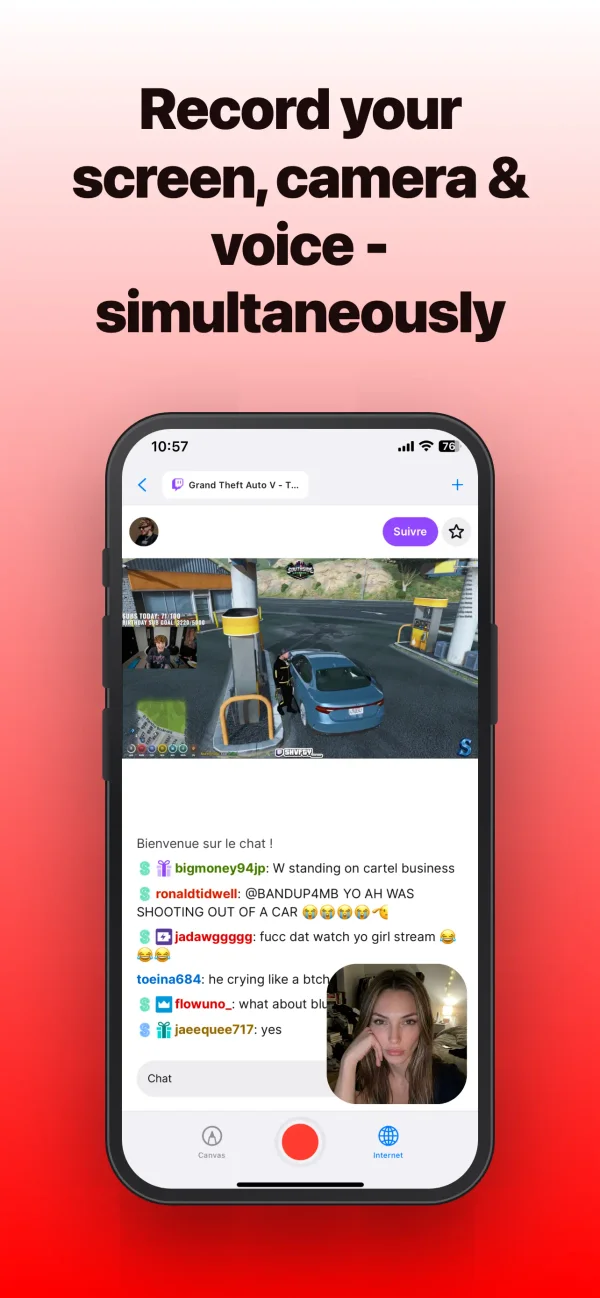
Record your screen and your face at the same time. Screenmi lets you create videos ready for TikTok, X, and social media in seconds — just record your screen, capture your facecam, and share instantly.
HOW IT WORKS
Choose what you want to record and start capturing your screen with your front camera at the same time. You can record your activity on the built-in canvas or directly browse the web inside the app. When you're done, tap the record button again and Screenmi automatically generates a video formatted for social media and saves it to your camera roll.
No complicated editing. Just record and share.
KEY FEATURES
• Screen + Facecam Recording – Capture your screen and front camera simultaneously
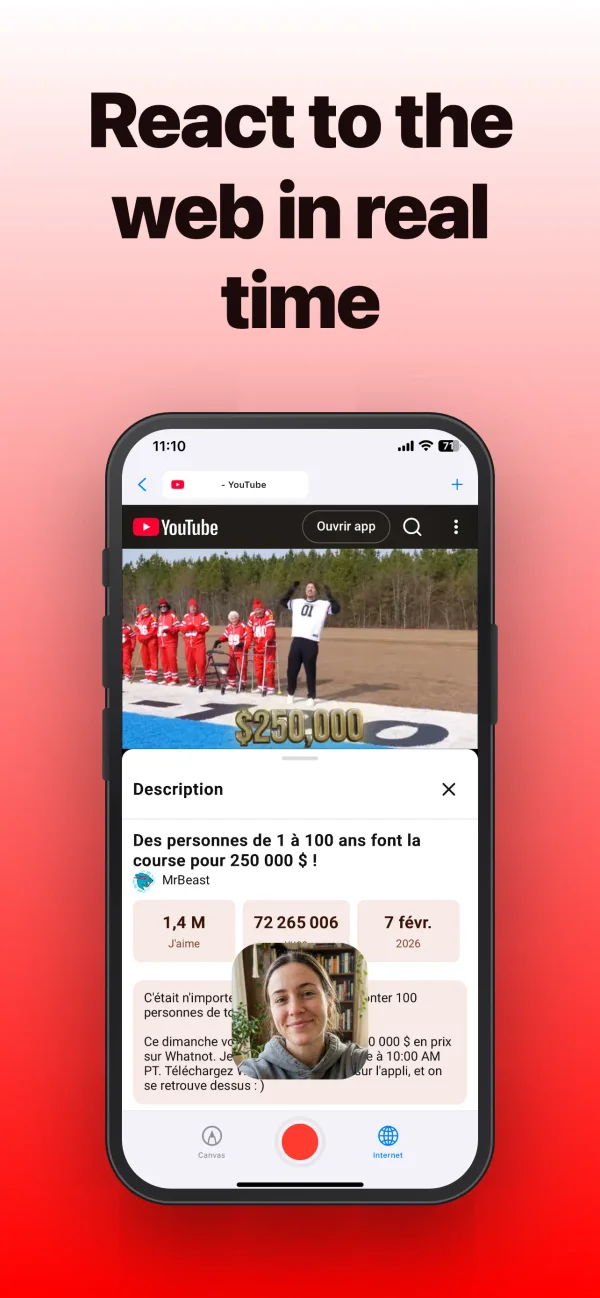
• Customizable Facecam – Move and resize the camera anywhere on the screen
• Built-in Canvas – Add images from your library, draw, and write text before or during recording
• Integrated Browser – Open and record multiple web tabs directly inside the app
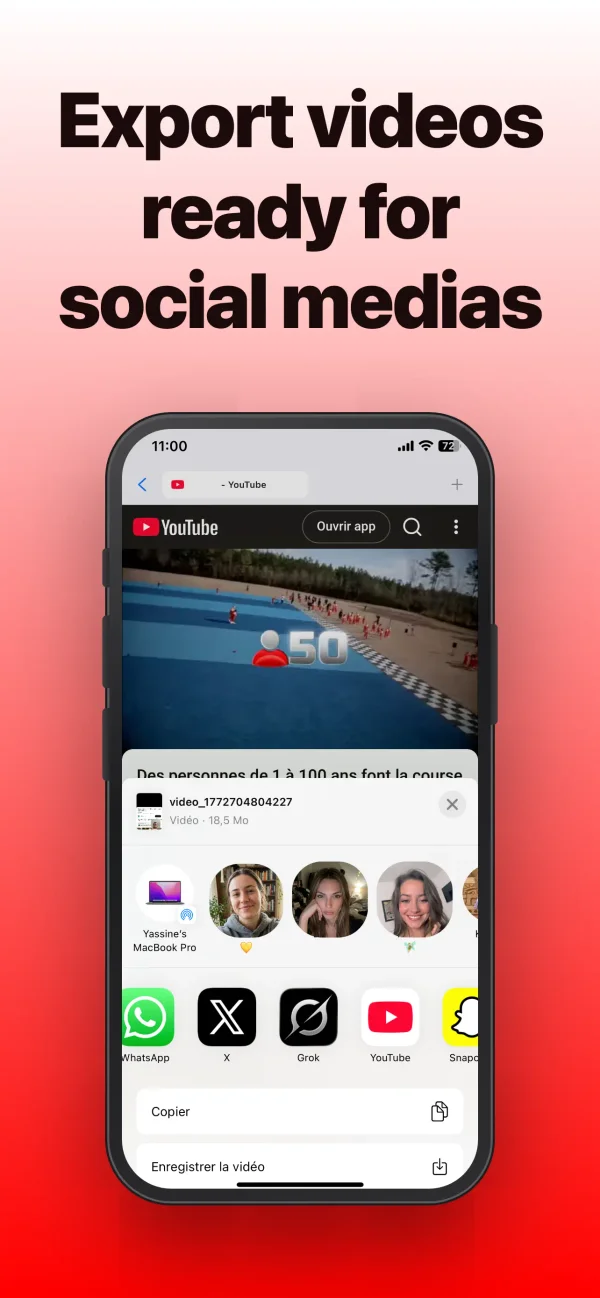
• Social-Ready Video Export – Videos automatically formatted for TikTok, X, and other platforms
• Instant Video Generation – Stop recording and your video is generated instantly
• Quick Sharing – Export to your camera roll and share directly to social media
• Local Storage – All videos and canvases are saved on your device
• Privacy First – No cloud uploads, no tracking
PERFECT FOR
• Recording tutorials
• Creating TikTok or social media videos
• Explaining ideas visually
• Recording product demos
• Sharing reactions with facecam
• Creating educational content
• Recording web walkthroughs
CREATE VIDEOS IN SECONDS
Screenmi makes it simple to record your screen with your facecam and instantly create videos ready to share. Whether you're making tutorials, reactions, or social content, everything you need is built directly into the app.
Download Screenmi and start recording.
———————————————————————
If you opt to purchase a Premium subscription, the subscription fee will be charged to your iTunes account. The yearly subscription automatically renews, but you can disable auto-renewal at least 24 hours before the end of the subscription period in your iTunes account settings. After purchase, any unused portion of the free trial is forfeited. You can manage your premium subscription and turn off the auto-renewal feature in your iTunes account settings.
Terms of Use: https://kuomsy.com/en/terms
Privacy Policy: https://kuomsy.com/en/privacy
What’s new
Version 1.0.5 · Jul 15, 2026
Bug fixes and performance improvements.
App privacy
What Yassine Arsmouk declares on the App Store about how this app handles data.
-
Data not collected
The developer does not collect any data from this app.
Privacy practices may vary, for example with the features you use or your age.
Information
- Seller
- Yassine Arsmouk
- Category
- Photo & Video
- Version
- 1.0.5
- Updated
- Jul 15, 2026
- Released
- Mar 16, 2026
- Size
- 129.3 MB
- Requires
- iOS 15.1 or later
- Age rating
- 17+
- Price
- Free
- In-app purchases
- Yes
- Languages
- English, Arabic, Czech, Danish, Dutch, Finnish, French, German, Greek, Hebrew, Hindi, Hungarian + 19 more
- Copyright
- © 2026 Yassine Arsmouk
You might also like
-
 Facecam Screen Recorder: PIPReaction, Tutorial Video Maker
-
 Face Cam: Camera RecorderRecording screen reactions
-
 Screen Recorder : FaceCam4K Game Clips Creator Sound
-
 Screen Recorder: Video Edits4K, Facecam & Video Record it!
-
 FaceCam - Camera RecorderRecording Screen Reactions
-
 HD Face Cam Screen RecorderRecord Reactions & Gameplay
-
 Screen Lab: Recorder & EditorRecord with Face Cam, FaceSwap
-
 BRAIQ CamScreen record + face cam
-
 Video Editor, Face Cam & GIFScreen Recorder & Live Stream
-
 Screen Recorder: Recording AppRecord video with audio