
- Age rating4+
- CategoryPhoto & Video
- DeveloperOusmane K TRAORE
- LanguagesEnglish+ 34 more
- Size16.6 MB
Links to the official App Store page
Download.org hosts no file of BRAIQ Cam. The button opens its official App Store page, published by Ousmane K TRAORE. Listing last checked on Nov 8, 2026.
Screenshots

About
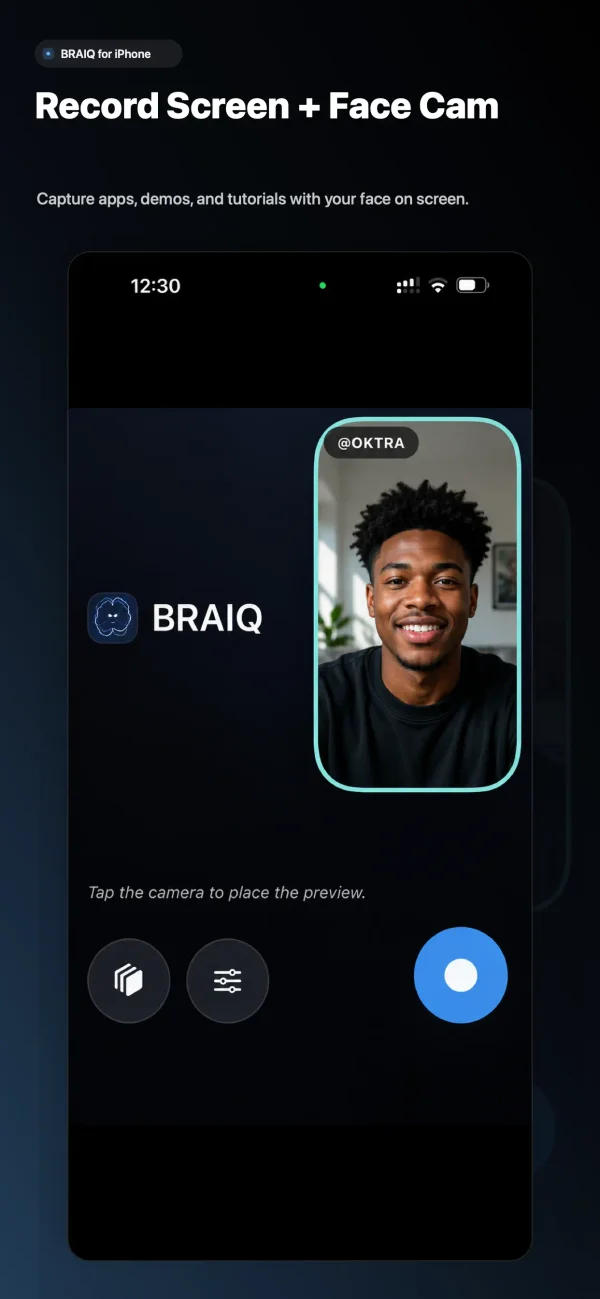
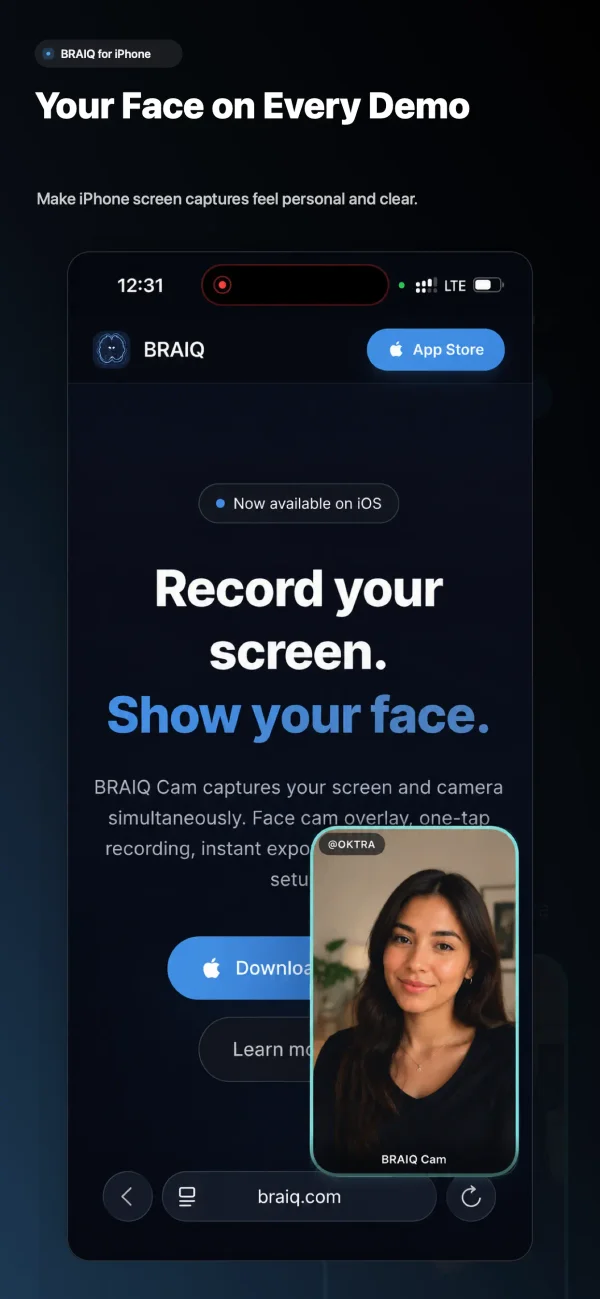
BRAIQ Cam helps you record your iPhone screen while showing your face in a movable face cam window. It is built for tutorials, app demos, training videos, product walkthroughs, support replies, and social content.
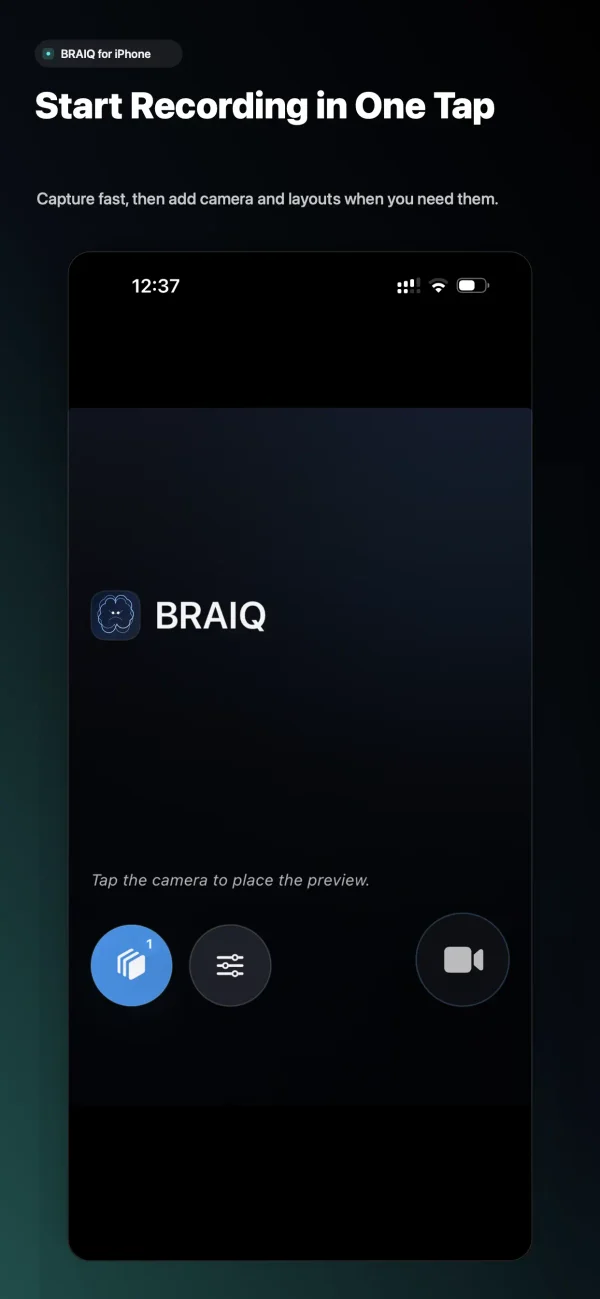
Record your iPhone screen
Start a screen recording quickly and keep your videos organized inside the app.
Add face cam
Show your camera on top of your screen recording, then place it where it best fits your video.
Capture your voice
Turn on the microphone to explain what you are doing while you record.
Create a cleaner final video
Open your recordings in BRAIQ Studio, adjust the look, choose a background when needed, and export the final video to Photos.
Simple by design
BRAIQ Cam is made for creators, educators, freelancers, support teams, and developers who want to explain something clearly from their iPhone.
Privacy
Your recordings stay on your device. BRAIQ Cam does not need to upload your videos to a server to create your recordings.
Some features may require an in-app purchase.
TERMS OF EULA : https://braiq.cam/terms
What’s new
Version 1.4 · Jul 2, 2026
Features improvements
App privacy
What Ousmane K TRAORE declares on the App Store about how this app handles data.
-
Data not collected
The developer does not collect any data from this app.
Privacy practices may vary, for example with the features you use or your age.
Information
- Seller
- Ousmane K TRAORE
- Category
- Photo & Video
- Version
- 1.4
- Updated
- Jul 2, 2026
- Released
- Apr 21, 2026
- Size
- 16.6 MB
- Requires
- iOS 17.0 or later
- Age rating
- 4+
- In-app purchases
- Yes
- Languages
- English, Arabic, Bulgarian, Catalan, Croatian, Czech, Danish, Dutch, Filipino, Finnish, French, German + 23 more
- Copyright
- © OKTRA
You might also like
-
 Facecam Screen Recorder: PIPReaction, Tutorial Video Maker
-
 Screenmi: Screen Rec FacecamRecord Screen with Facecam
-
 Reel: Screen Recorder Face CamCamera Overlay, No Watermark
-
 ReactCam: Reaction VideosFacecam, Screen Recorder & AI
-
 Reaction StudioReact, Edit & Share Videos
-
 Screen Lab: Recorder & EditorRecord with Face Cam, FaceSwap
-
 FaceBubble: Dual Camera & LiveFace Cam & Screen Recorder
-
 HD Face Cam Screen RecorderRecord Reactions & Gameplay
-
 Cam Screen CastFacecam & Dual Recorder
-
 Sidekick: Dual Camera RecorderRecord Front & back video Vlog