Screenr: Screenshots & Socials
Mockups & Social Post Maker
Designed for iPhone
Free · In-app purchases
- Age rating4+
- CategoryPhoto & Video
- DeveloperChris Wakefield
- LanguagesEnglish
- Size32.5 MB
Links to the official App Store page
Download.org hosts no file of Screenr: Screenshots & Socials. The button opens its official App Store page, published by Chris Wakefield. Listing last checked on Nov 16, 2026.
Screenshots

About
Screenshots, but gorgeous.
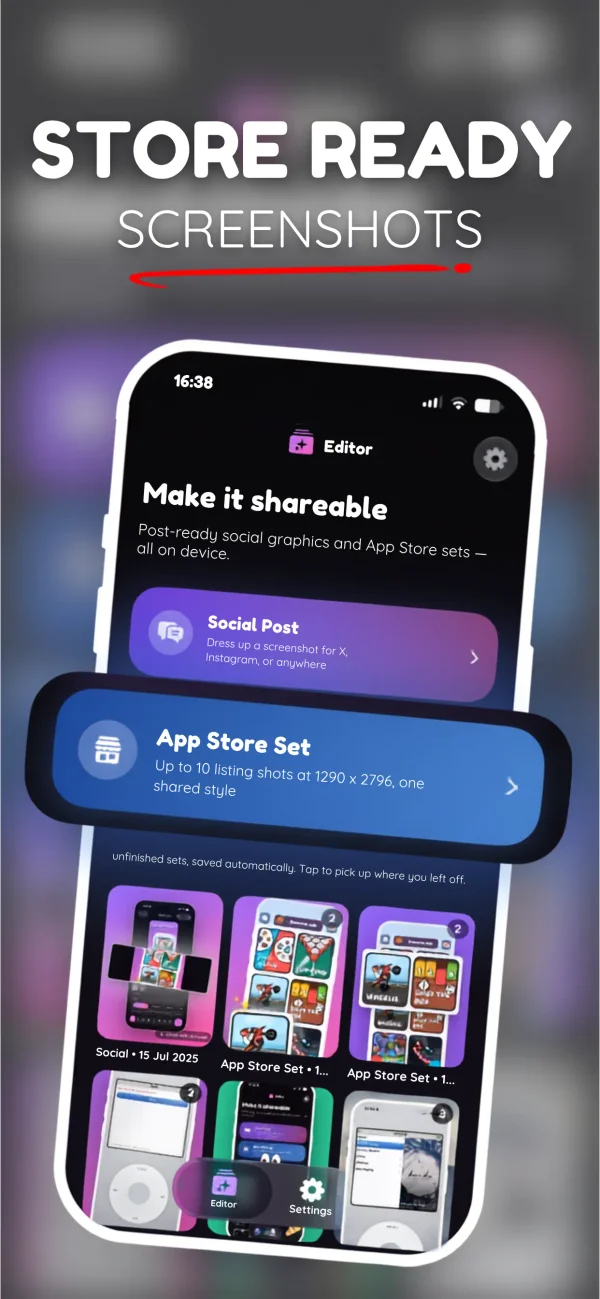
Screenr turns plain screenshots into polished, on-brand images — for social media, or for your own App Store listing. Everything happens on your phone; nothing is ever uploaded.
ONE APP, TWO JOBS
Social posts
Dress up any screenshot for X, Instagram, or anywhere else you post — device frames, backgrounds, and a headline in seconds.
App Store sets
Build up to 10 listing screenshots at 1290 × 2796 (iPhone 6.7"), all sharing one consistent style.
HOW IT WORKS
• Pick a screenshot from your library
• Choose a backdrop — blurred from the screenshot itself, pulled from its colours, or a gradient
• Drop it into an iPhone frame (or leave it frameless)
• Fine-tune padding and shadow until it "reads" as designed
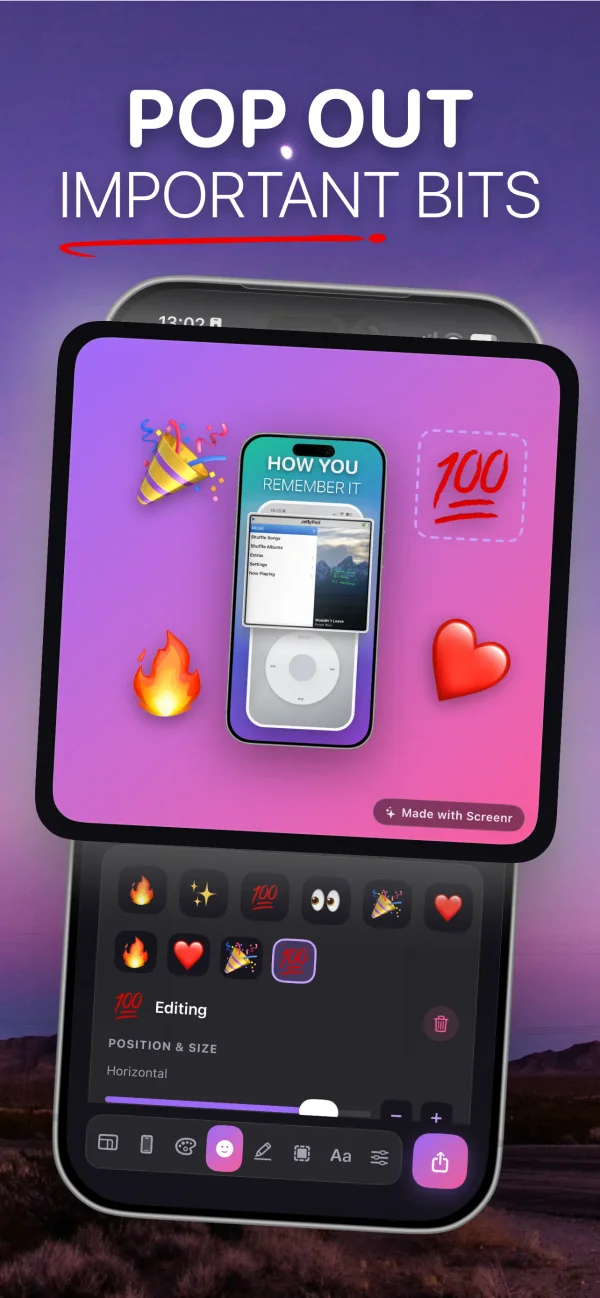
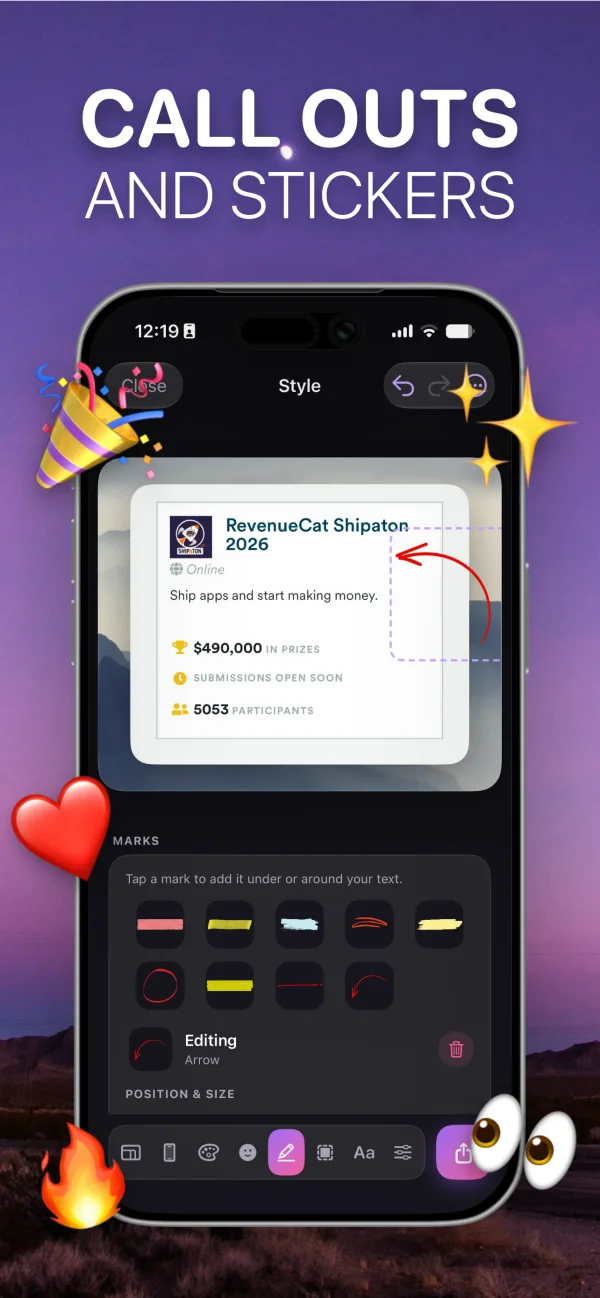
• Add a headline, stickers, and text
• Export straight to Photos
FEATURES
• Multiple aspect ratios: Square, Portrait, Story, Wide, and App Store (1290×2796)
• iPhone device frames in black and white
• Backdrop styles built from your screenshot's own colours, or custom gradients
• Text overlays and emoji stickers
• Crop and reposition tools
• Save projects and revisit them later
• Fast, on-device processing - no uploads, no accounts, no sign-in
Screenr Studio (optional subscription) unlocks every gradient background, shadow control, and watermark-free export.
No account required. No data leaves your phone except what you choose to save to Photos.
Apple EULA: https://www.apple.com/legal/internet-services/itunes/dev/stdeula/
App privacy
What Chris Wakefield declares on the App Store about how this app handles data.
-
Data not collected
The developer does not collect any data from this app.
Privacy practices may vary, for example with the features you use or your age.
Information
- Seller
- Chris Wakefield
- Category
- Photo & Video
- Version
- 1.0
- Updated
- Jul 25, 2026
- Released
- Jul 25, 2026
- Size
- 32.5 MB
- Requires
- iOS 18.6 or later
- Age rating
- 4+
- Price
- Free
- In-app purchases
- Yes
- Languages
- English
- Copyright
- © 2026 Chris Wakefield
You might also like
-
 Veritake AI Video TeleprompterFollows your voice with AI
-
 Screenshot Editor - ShotLabannotations, stickers, frames
-
 Long Screenshot: Scroll & WebFull Page Capture & Stitcher
-
 Screenshot Editor - ScreenPopMockup, Annotate, Blur
-
 Long Screenshot: StitchScreen Recording & Web Capture
-
 Frame Screenshots & VideosBackgrounds, Shadows, Mockups
-
 Diora 3D Photo ReframeExplore Every Angle with AI
-
 Screenshot Editor - Blur TextRedact, Highlight & Annotate
-
 Video to Photo – Frame CaptureExport HD Quality pics Grabber
-
 Campera - Point & Shoot CameraFilm-quality photos, instantly