Screenshot Editor - ShotLab
annotations, stickers, frames
Designed for iPhone
In-app purchases
- Age rating4+
- CategoryPhoto & Video
- DeveloperHasan Kose
- LanguagesRussian+ 31 more
- Size352.7 MB
Links to the official App Store page
Download.org hosts no file of Screenshot Editor - ShotLab. The button opens its official App Store page, published by Hasan Kose. Listing last checked on Nov 12, 2026.
Screenshots
About
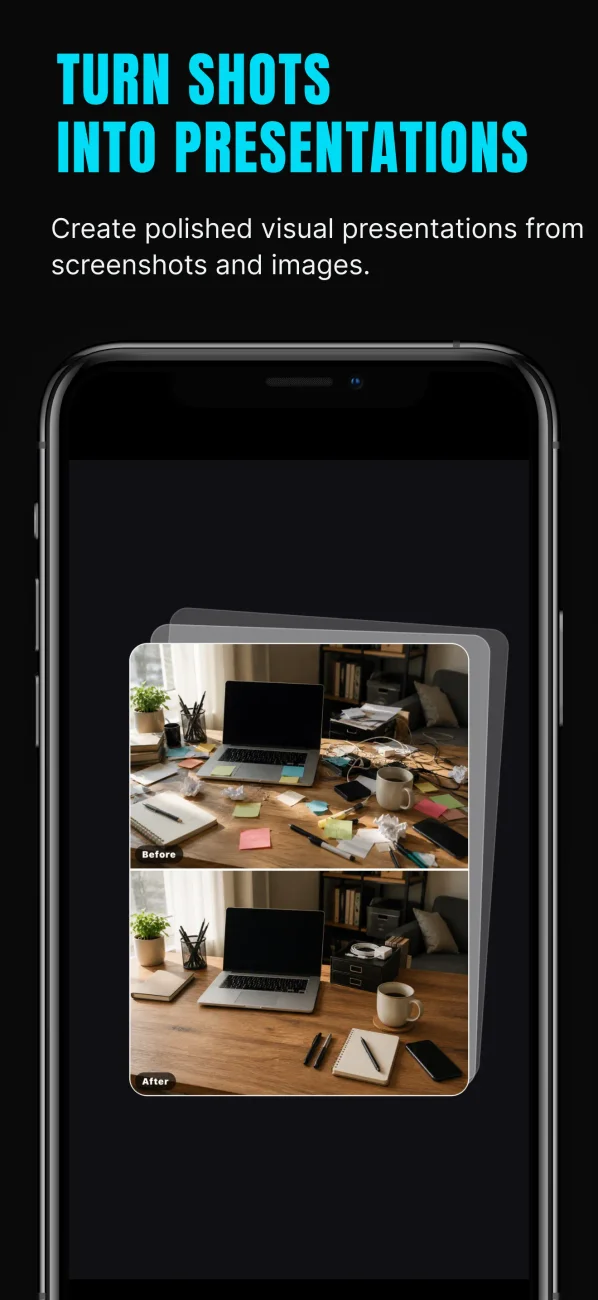
Turn screenshots and images into polished, share-ready visuals in minutes with ShotLab.
Import a screenshot, choose a clean visual style, add frames, annotations, highlights, privacy masks, stickers, and export a polished image for social media, product updates, app previews, documentation, support messages, or presentations.
ShotLab is built for creators, founders, designers, marketers, developers, and anyone who wants better-looking screenshots without opening a complicated design tool.
What You Can Do
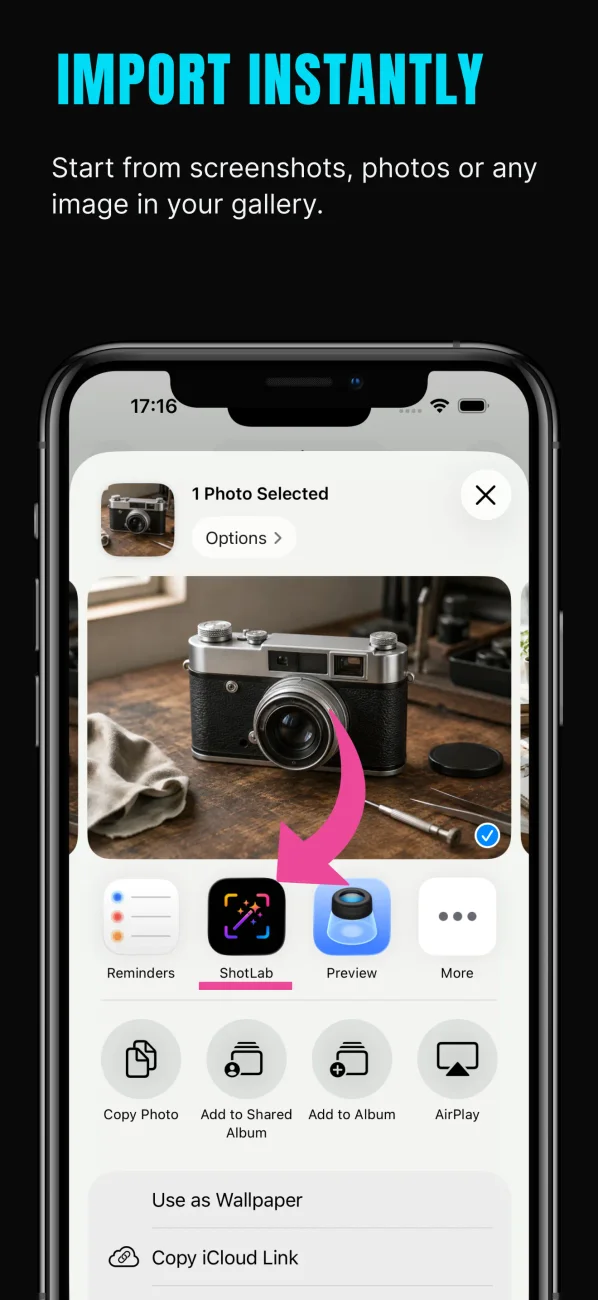
Import screenshots and images from your photo library
Paste images and continue editing recent projects
Apply ready-made looks for social posts, product updates, docs, and app previews
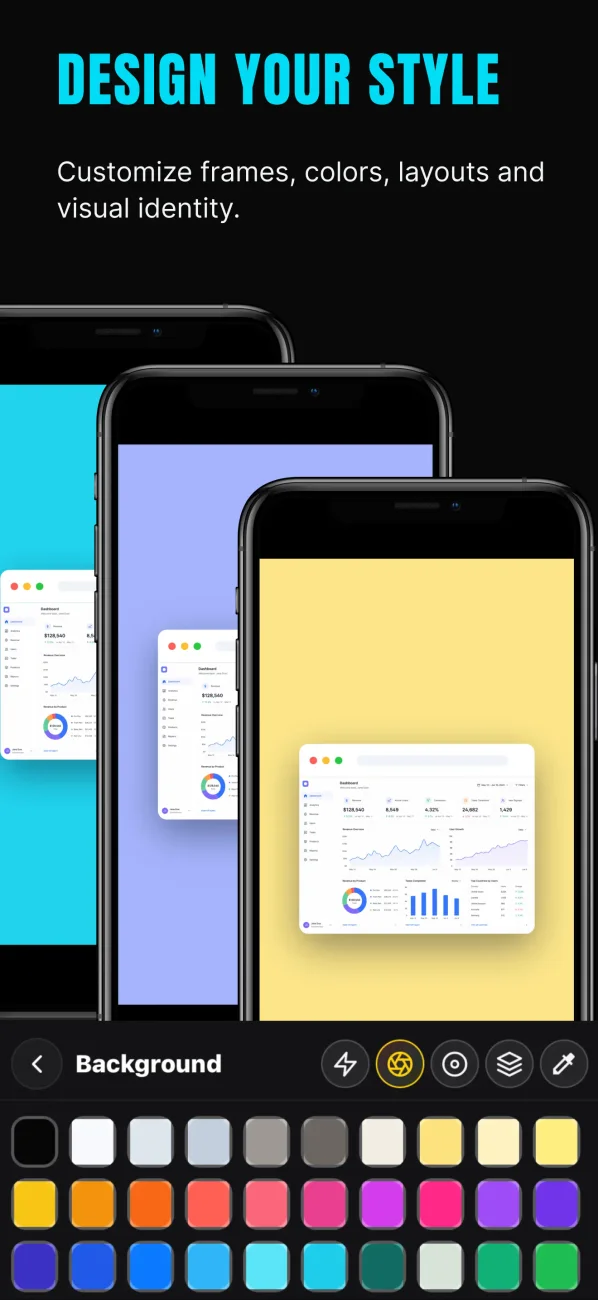
Add browser, phone, photo, room, cinema, TV, floating, glass, stacked, outline, and Instagram-style frames
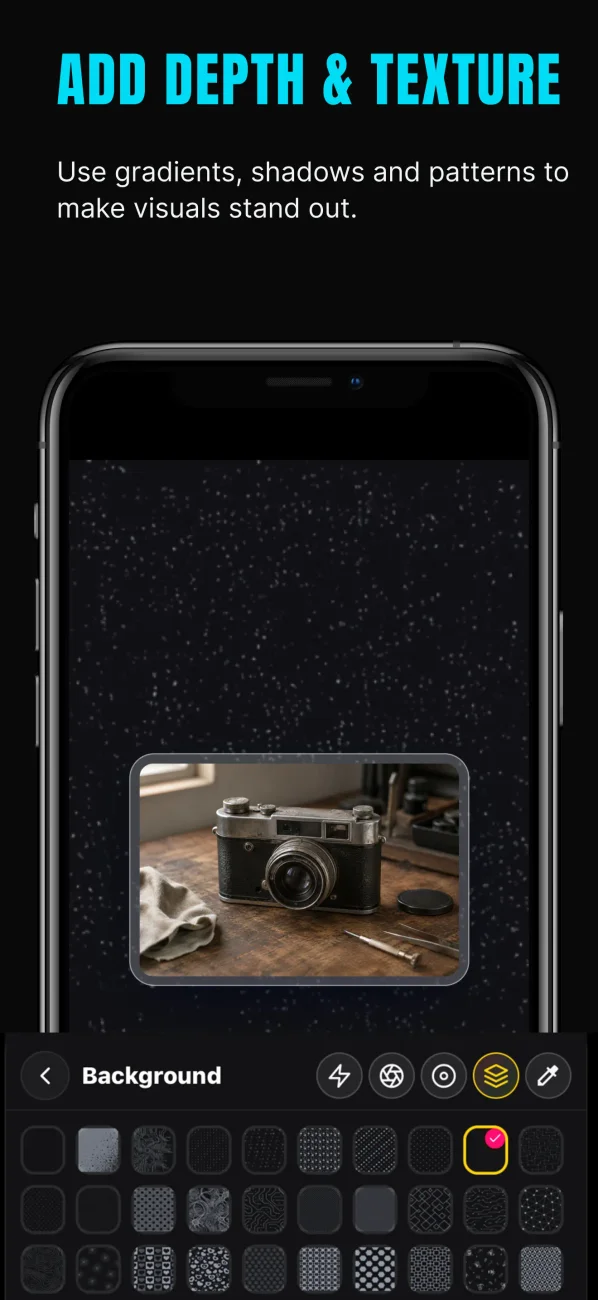
Customize backgrounds with solid colors, gradients, and patterns
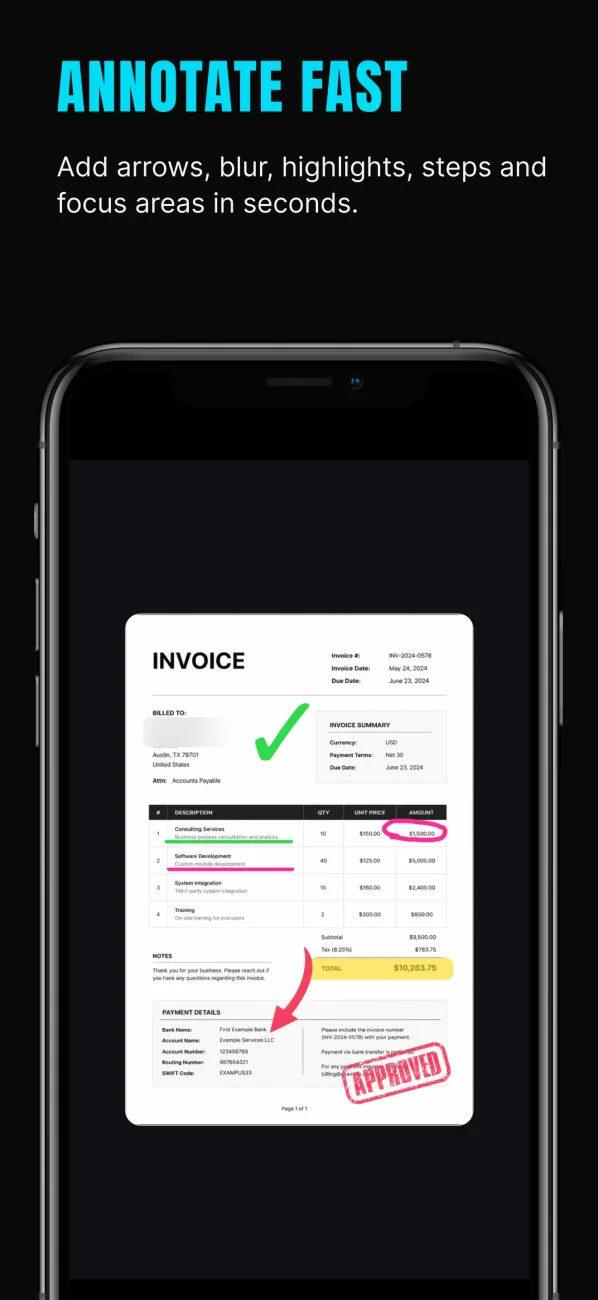
Add text, arrows, boxes, highlights, freehand drawings, step numbers, zoom callouts, and before/after comparisons
Hide sensitive information with blur, mosaic, and redaction tools
Customize colors, shadows, spacing, corner radius, zoom, rotation, and export ratio
Add stickers and visual elements to make screenshots easier to understand
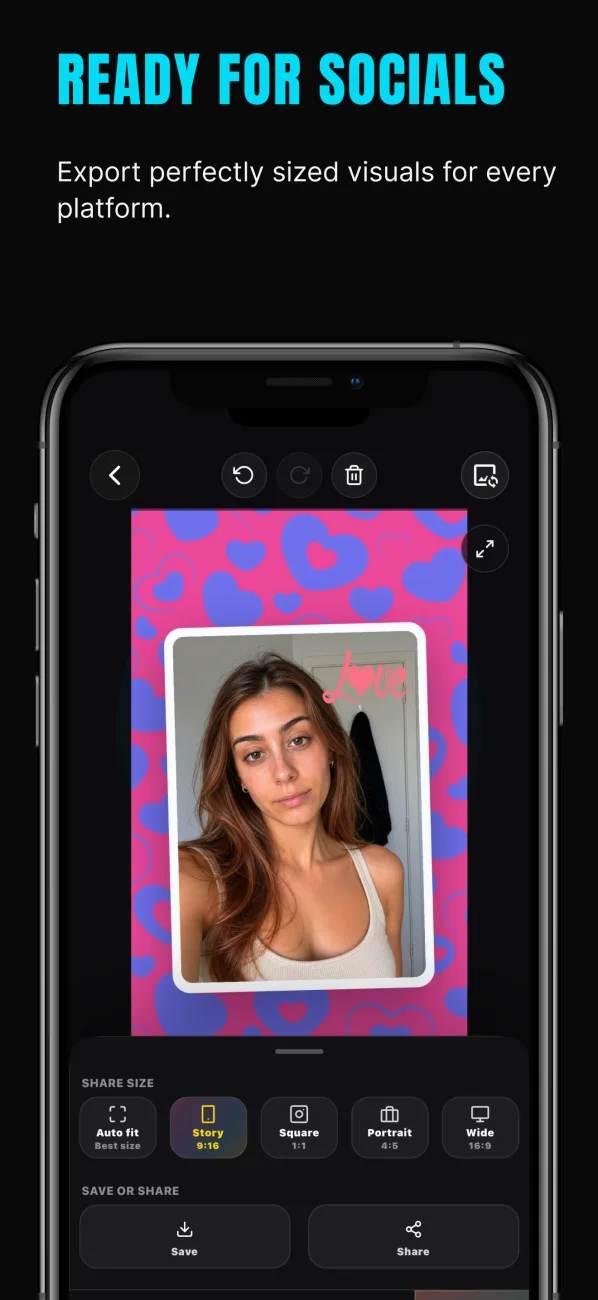
Export in useful formats for stories, square posts, portraits, and wide layouts
ShotLab Premium
Free exports may include a small ShotLab watermark.
Upgrade to ShotLab Premium to remove the watermark and export clean, professional visuals for your posts, launches, documentation, presentations, and client-ready work.
Subscription Details
ShotLab Premium is available as an auto-renewable subscription. Available plans, prices, durations, and trial offers are shown in the app before purchase and may vary by country or region.
Payment will be charged to your Apple Account at confirmation of purchase. Your subscription renews automatically unless canceled before the end of the current billing period. You can manage or cancel your subscription anytime in your App Store account settings.
Privacy
ShotLab only accesses images when you choose to import, paste, edit, save, or share them. Your media is used for the editing workflow you start inside the app.
Contact: trackit.tr@gmail.com
EULA: http://www.apple.com/legal/itunes/appstore/dev/stdeula
Privacy Policy: https://shotlab.trackit.tr/privacy-policy
Terms of Use: https://shotlab.trackit.tr/terms-of-use
App privacy
What Hasan Kose declares on the App Store about how this app handles data.
-
Data linked to you
May be collected and linked to your identity.
- Purchases
- Identifiers
Privacy practices may vary, for example with the features you use or your age.
Information
- Seller
- Hasan Kose
- Category
- Photo & Video
- Version
- 1.0.0
- Updated
- May 28, 2026
- Released
- May 28, 2026
- Size
- 352.7 MB
- Requires
- iOS 16.4 or later
- Age rating
- 4+
- In-app purchases
- Yes
- Languages
- Russian, Bosnian, Serbian, Slovenian, Vietnamese, English, Hungarian, Dutch, Greek, Danish, Hebrew, Indonesian + 20 more
- Copyright
- © Hasan Kose
You might also like
-
 Screenshot Editor - ScreenPopMockup, Annotate, Blur
-
 Screenr: Screenshots & SocialsMockups & Social Post Maker
-
 Tidyshot: Screenshot EditorSmart redaction, blur & stitch
-
 Screenshot Editor - ScreenKutFrame, Blur, Stitch
-
 Shotly - Screenshot EditorScreenshots & Video for Posts
-
 Watermelon dress stickersBe viral with watermelon dress
-
 Screenshot Editor ScriblyShotHighlight text, Redact, Create
-
 ReStyle Beauty: AI Makeup EditFree AI makeup,skin
-
 ImageTiny: Compress Photo sizeBatch Resize, Crop, Shrink pic
-
 RoboTou StackerOn-device image stacking