Screenshot King - Sort & Clean
Sort & clean your screenshots
Designed for iPhone
In-app purchases
- Age rating4+
- CategoryUtilities
- DeveloperYUNG HUNG WANG
- LanguagesTraditional Chinese+ 1 more
- Size1.8 MB
Links to the official App Store page
Download.org hosts no file of Screenshot King - Sort & Clean. The button opens its official App Store page, published by YUNG HUNG WANG. Listing last checked on Nov 11, 2026.
Screenshots

About
Major update, fully optimized: version 2.0 is a complete rewrite. Open it and start using it. No more waiting for scans.
Screenshot King turns thousands of screenshots into something you can browse, find and clean. Everything is analyzed on your device. Nothing is uploaded.
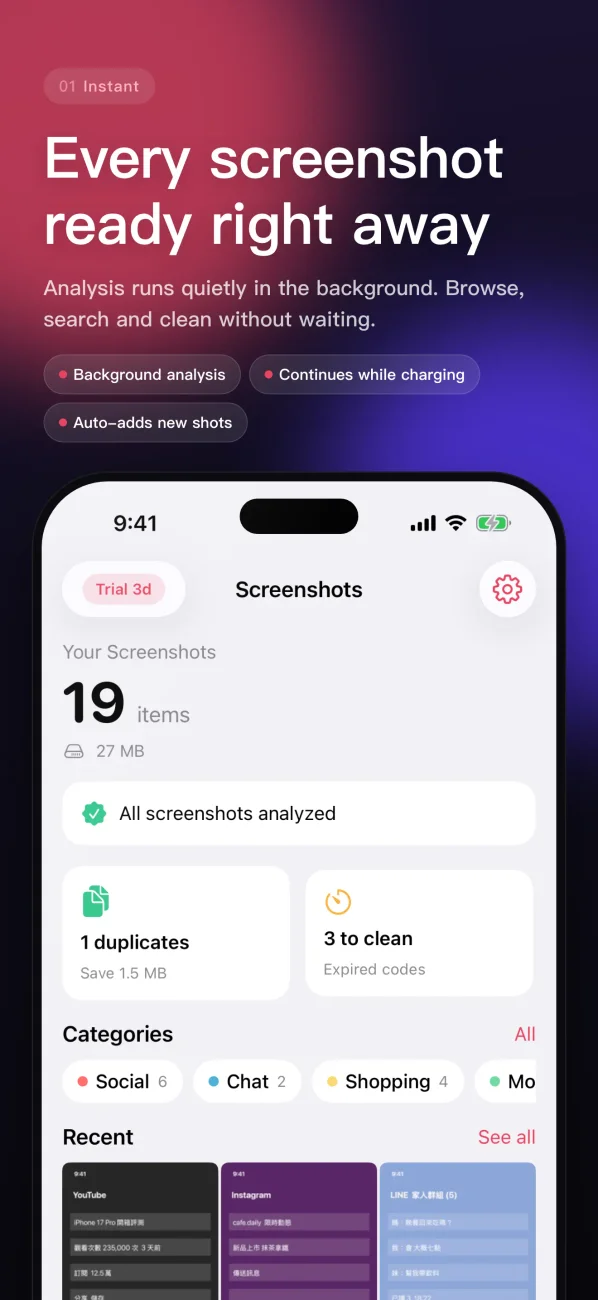
INSTANT ON OPEN
All your screenshots show up right away. A quick scan finds duplicates and large files within minutes, then text recognition runs newest-first in the background, picks up new screenshots automatically, and keeps going while your phone charges.
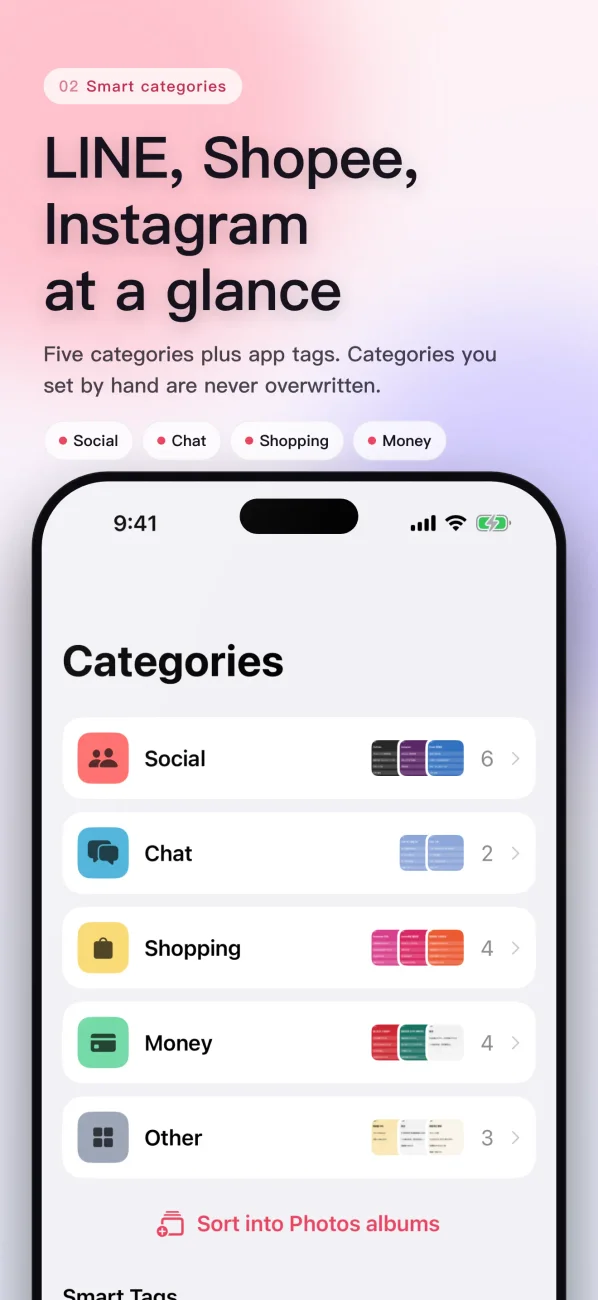
SMART CATEGORIES AND APP TAGS
Social, Chat, Shopping, Money and Other, plus tags like LINE, Shopee, momo, Instagram, Threads, Dcard, JKOPay and banks. Categories you set by hand are never overwritten.
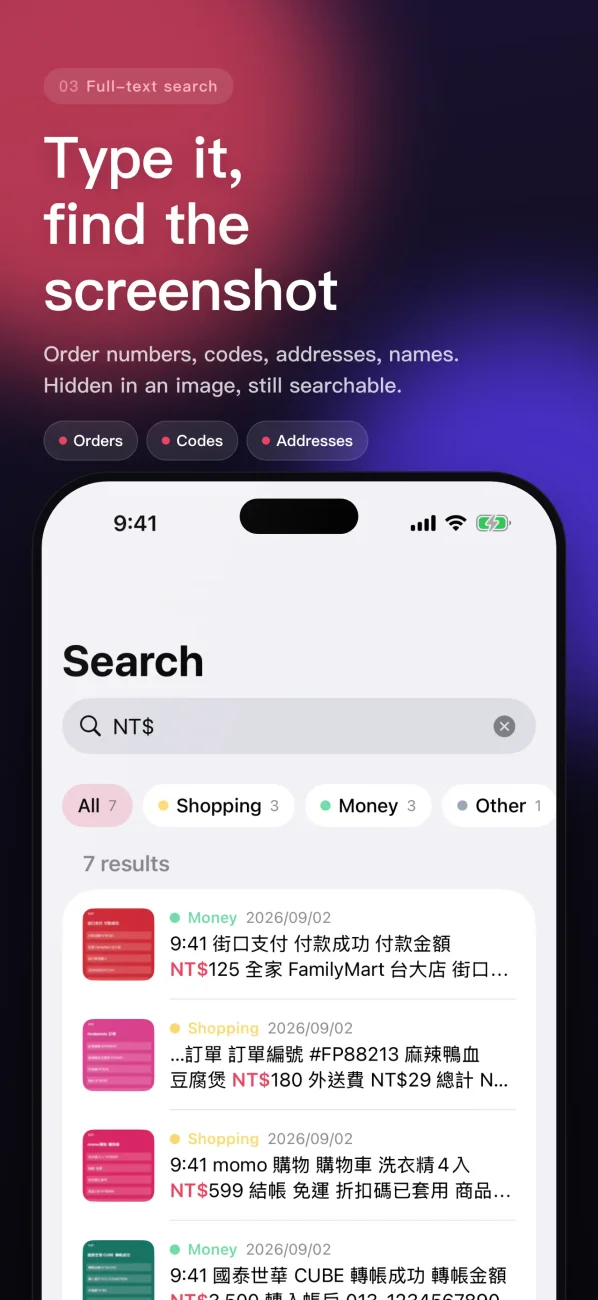
FULL-TEXT SEARCH
Type an order number, a code, an address or a name and find the screenshot in seconds.
ONE-TAP CLEANUP
Finds duplicates (keeps the newest), verification and pickup codes older than 7 days, and screenshots older than a year. Deleted items go to Recently Deleted and can be restored for 30 days.
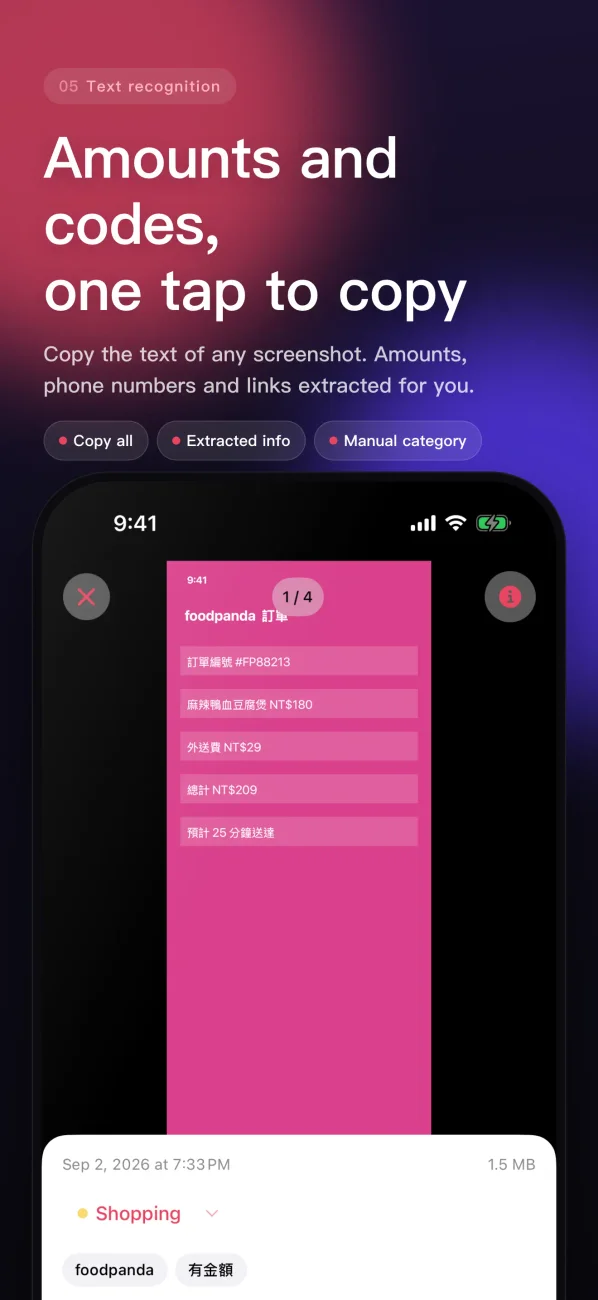
TEXT AND EXTRACTED INFO
Copy the text of any screenshot. Amounts, codes, phone numbers, emails and links are extracted so you can copy or open them in one tap.
ALBUMS
Sort categories into Photos albums prefixed "SS/", or build your own albums like Travel, Recipes and Work.
PDF EXPORT
Select screenshots and merge them into one PDF to share.
PRIVACY
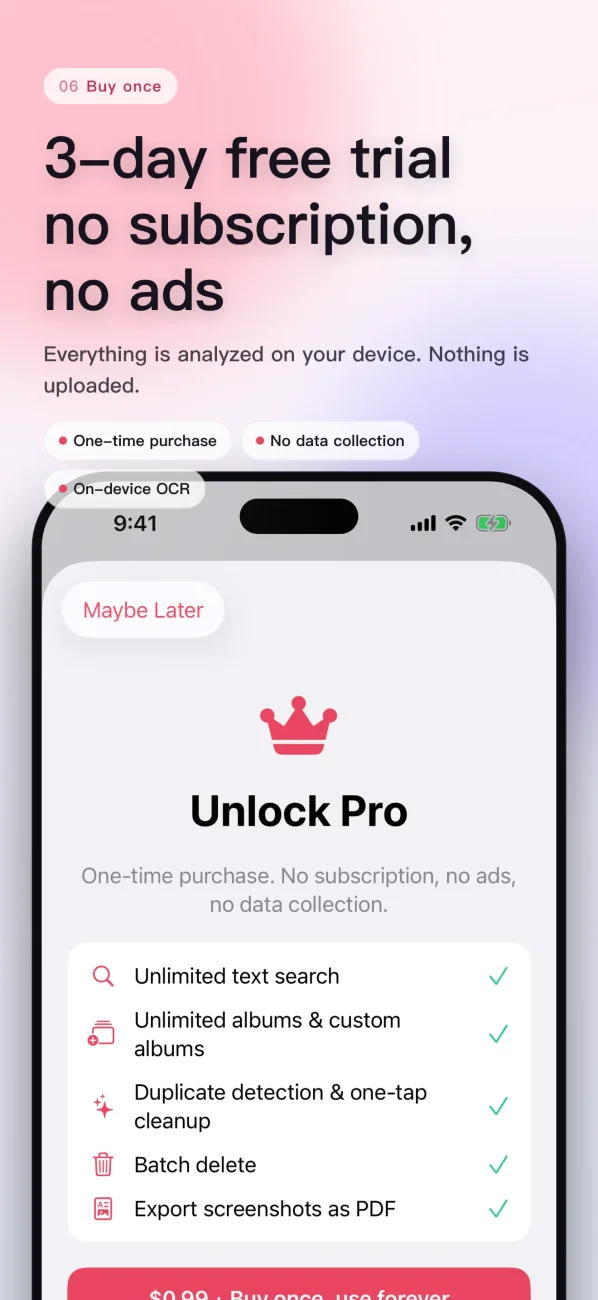
No accounts, no data collection, no uploads. Text recognition uses Apple's on-device engine.
PRICING
3-day free trial with everything unlocked. The free plan keeps browsing, background analysis, categories and text, with 5 searches a day and 3 album categories. Buy Pro once for unlimited search and albums, duplicate cleanup, batch delete and PDF export. No subscription, no ads.
What’s new
Version 2.0.1 · Sep 6, 2026
2.0.1: Bug fixes and stability improvements.
Highlights from 2.0
• Instant on open; analysis runs in the background
• Two-phase analysis: duplicates and large files first, then text recognition
• Much better Chinese text recognition, smart app tags
• Duplicate detection rewritten, cleanup suggestions, detail extraction
• Multi-select batch actions, custom album sync, light and dark mode
App privacy
What YUNG HUNG WANG declares on the App Store about how this app handles data.
-
Data not collected
The developer does not collect any data from this app.
Privacy practices may vary, for example with the features you use or your age.
Information
- Seller
- YUNG HUNG WANG
- Category
- Utilities
- Version
- 2.0.1
- Updated
- Sep 6, 2026
- Released
- Mar 28, 2026
- Size
- 1.8 MB
- Requires
- iOS 17.0 or later
- Age rating
- 4+
- In-app purchases
- Yes
- Languages
- Traditional Chinese, English
- Copyright
- © Isaac.W
You might also like
-
 Return Window & Warranty LogReceipts, Care & Deadlines
-
 Trace Your BLEEasily operate BLE in dev
-
 ScreenPenguin: Photo OrganizerUtilities
-
 CalcPro0123456789Nearly two hundred calculators
-
 Magnifier: Zoom Text ReaderZoom Small Print, Read Aloud
-
 手錶醫生Watch DoctorUtilities
-
 Phone Guard: Clean & Secure2FA, Converter, Private Vault
-
 Panda ZhuyinBopomofo & Taiwanese Hokkien
-
 Decibel DetectorUtilities