ScreenshotMaker: Agent Mockups
Device frames, AI, auto upload
Designed for iPhone, iPad, Mac
$9.99
- Age rating4+
- CategoryGraphics & Design
- DeveloperLukasz Skierkowski
- LanguagesEnglish
- Size5.8 MB
Links to the official App Store page
Download.org hosts no file of ScreenshotMaker: Agent Mockups. The button opens its official App Store page, published by Lukasz Skierkowski. Listing last checked on Nov 18, 2026.
Screenshots

About
ScreenshotMaker is the fastest way to turn raw app captures into App Store-ready preview screenshots, and now the fastest way to get them onto the App Store itself.
Drop in screenshots from your iPhone, iPad, or Mac, surround them with realistic device frames, add a headline, pick a theme, and publish. No subscriptions, no watermarks, no cloud round-trip.
Let an AI assistant do the work
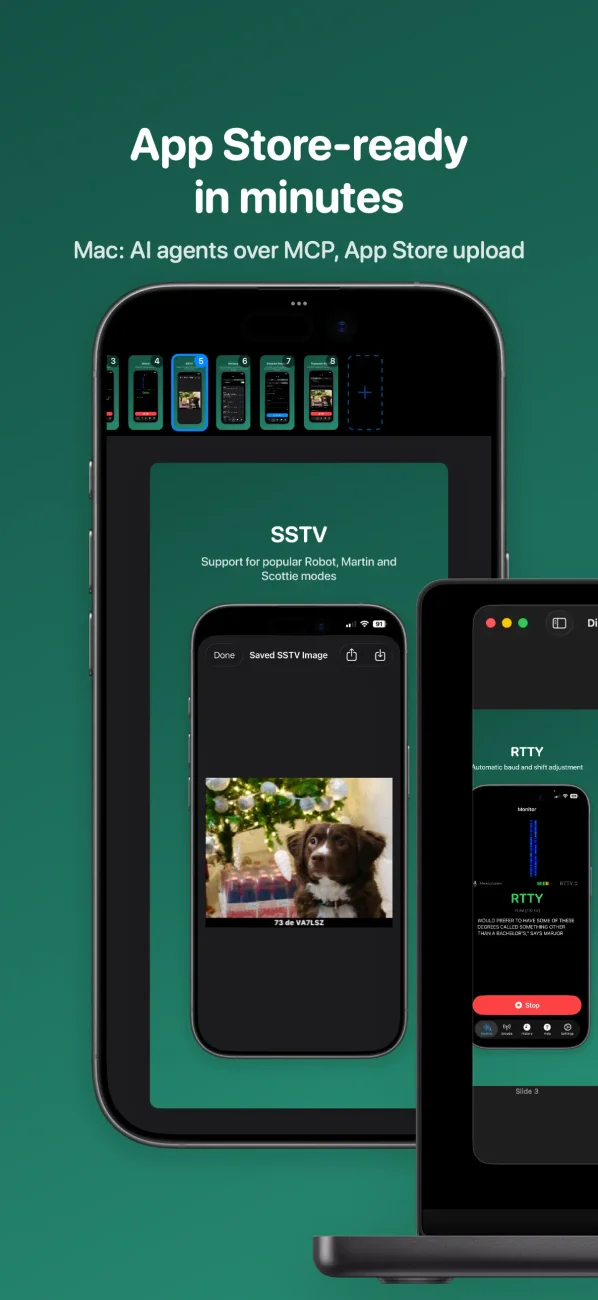
On the Mac, ScreenshotMaker speaks the Model Context Protocol from inside the app, so Claude Code, Claude Desktop, Cursor, or any MCP client can do everything the inspector does: import your captures, write and translate the headlines, restyle a set, render it, export it. Ask for what you want in plain language and watch it happen. Edits appear in the app's windows as they are made. Because projects sync over iCloud, a set you started on iPhone or iPad is waiting for the assistant when you get back to your Mac.
Upload straight to App Store Connect
Also on the Mac: render a project and send it to a listing without touching a browser. Each project language goes to the App Store localization it matches, slides upload in the order you arranged them, and a dry run shows you exactly where every image would land before a single one changes. Your listing text (description, promotional text, what's new, and keywords) can be written there too, in every language your listing carries.
Realistic device frames
Choose between clean vector frames or pixel-accurate product bezels for the latest iPhone, iPad, and Mac models. Portrait or landscape. The layout adapts automatically.
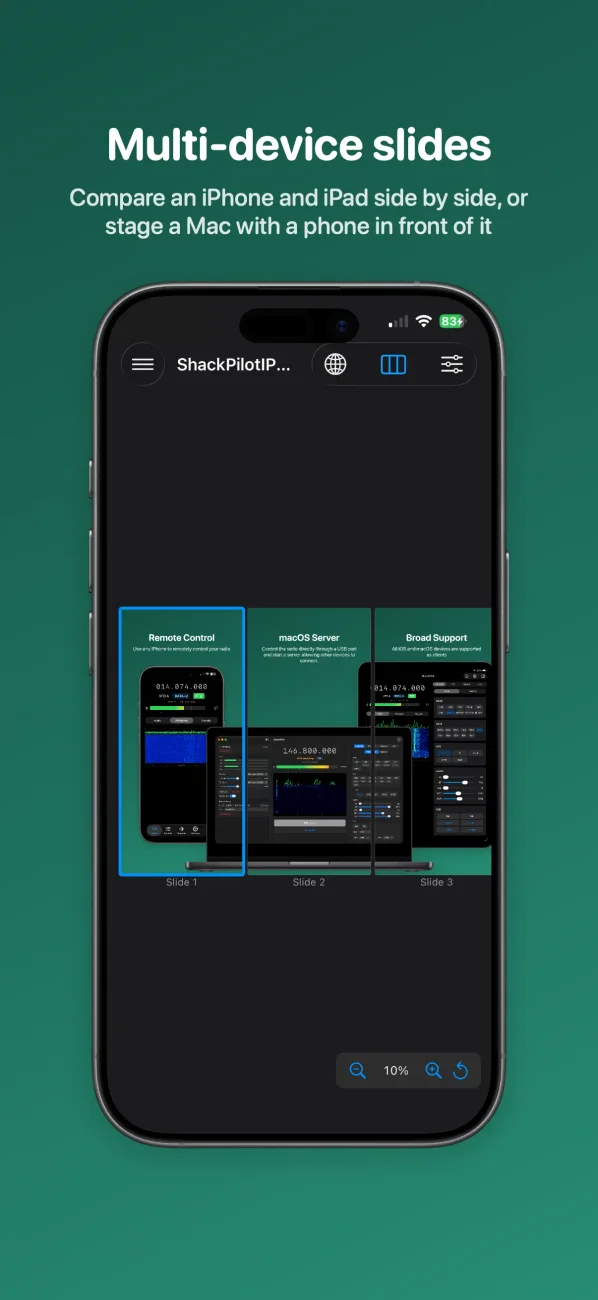
Multi-device slides
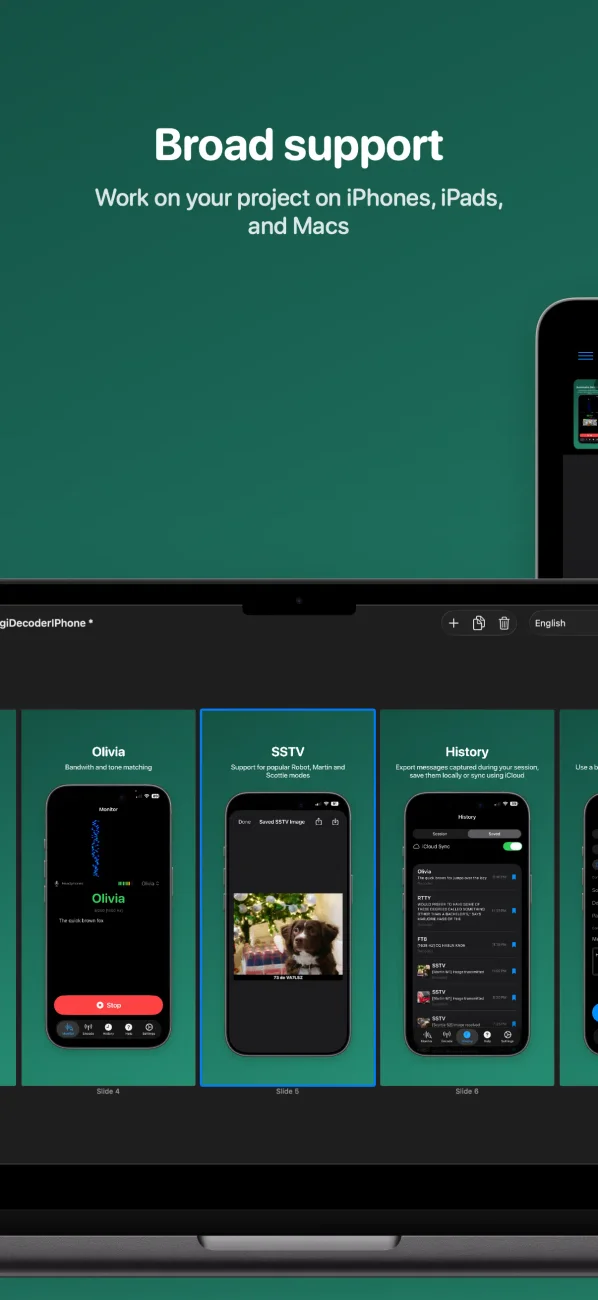
Show more than one device per slide. Compare an iPhone and iPad side by side, or stage a Mac with a phone in front of it. Every device on a slide is independently configurable.
Localized previews
Build one project and produce screenshots for every language your app ships in. Headlines, captions, and screenshots can vary per locale.
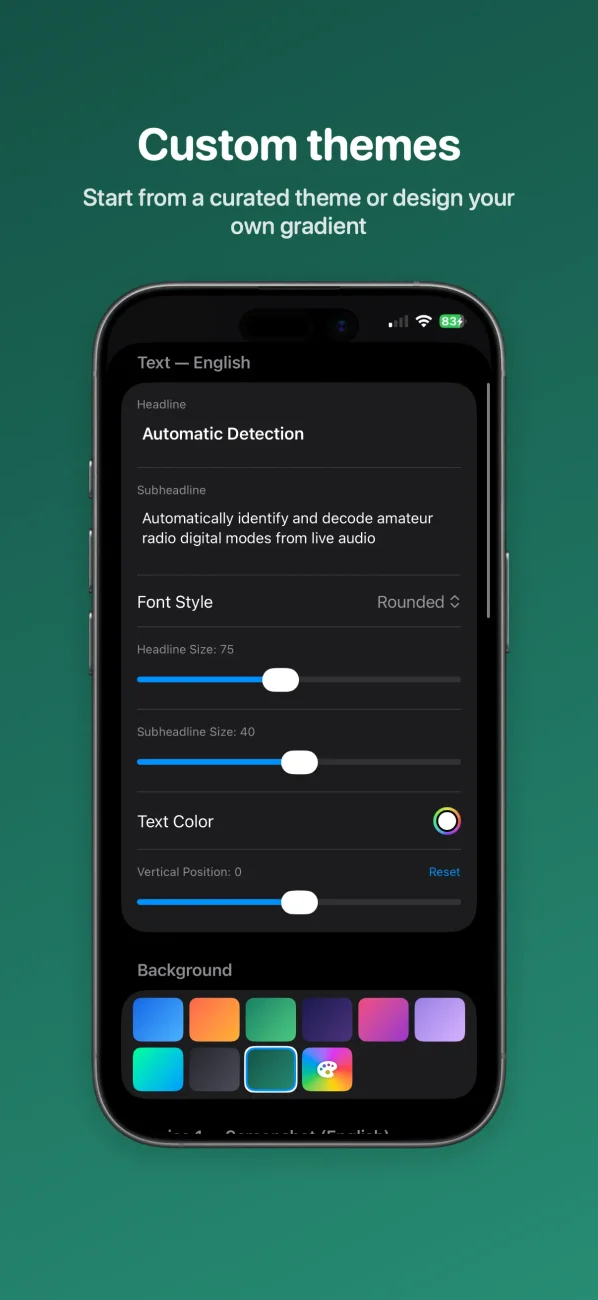
Themes and custom gradients
Start from a curated theme or design your own gradient. Backgrounds, type, and device proportions all stay in sync with the export canvas.
Every App Store size
Export PNGs at the exact dimensions Apple requires for iPhone, iPad, and Mac, ready to upload to App Store Connect.
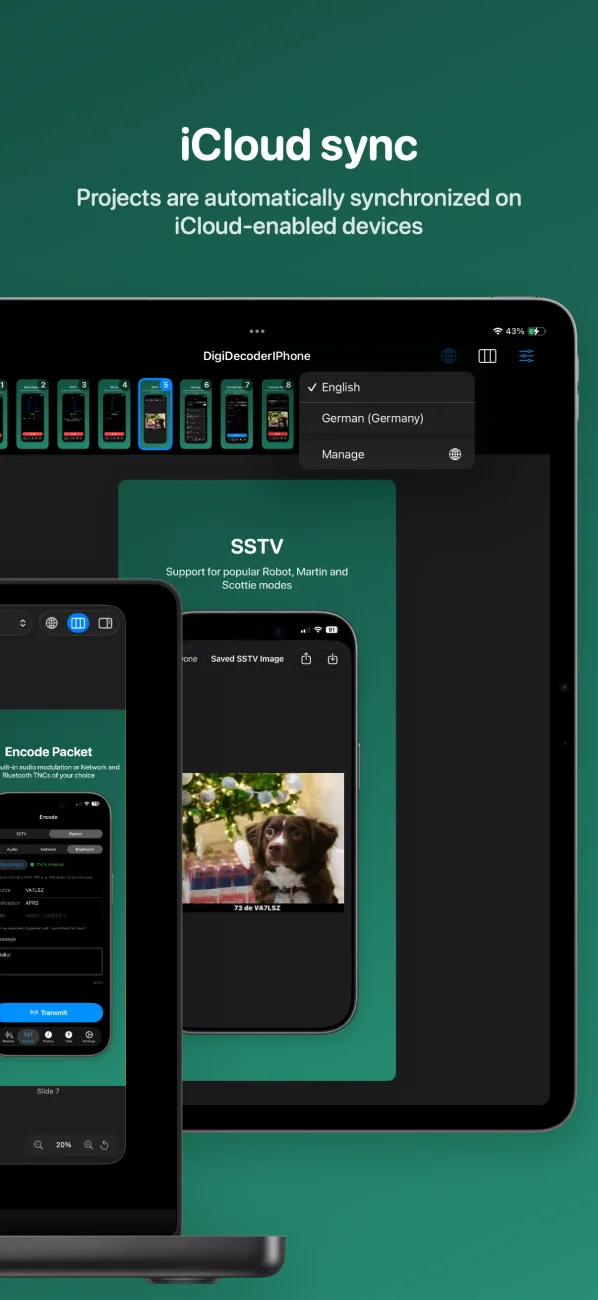
iCloud sync
Projects live in your iCloud Drive. Start a design on your Mac, polish it on iPad, finish on the train. Your project follows you across devices.
Import and export
Share a project file with a teammate or back up your work locally. Open it on any of your devices and pick up where you left off.
Native on macOS 14+ and iOS 17+. Built for developers and indie teams who want App Store assets that look professional without firing up a heavy design tool.
What’s new
Version 1.5 · Nov 14, 2026
iPhone Duo support
App privacy
What Lukasz Skierkowski declares on the App Store about how this app handles data.
-
Data not collected
The developer does not collect any data from this app.
Privacy practices may vary, for example with the features you use or your age.
Information
- Seller
- Lukasz Skierkowski
- Category
- Graphics & Design
- Version
- 1.5
- Updated
- Nov 14, 2026
- Released
- May 15, 2026
- Size
- 5.8 MB
- Requires
- iOS 17.0 or later
- Age rating
- 4+
- Price
- $9.99
- Languages
- English
- Copyright
- © 2026 Lukasz Skierkowski
You might also like
-
 WholeNote: Export NotesComplete PDF & Long Image
-
 SnapFrame - Screenshot FramesDevice mockup for app demos
-
 MockdropScreenshot Editor
-
 Emoji Battery Widget · WattieCharging Animation, Status Bar
-
 ScratchcamMake sticker & collage art
-
 MagicM: Object Remover AIPhoto Eraser & Retouch
-
 Pixel.exe - Retro 1998 PaintClassic retro paint & doodle
-
 Lilacpane: Screenshot DesignPhoto Frames & Promo Graphics
-
 Mockuper: Phone Frame MockupPut screenshoot in phone frame
-
 AI Headshots Pro-Profile ArtAI Outfit, Avatar, Photo Maker