
SnapFrame - Screenshot Frames
Device mockup for app demos
Designed for iPhone
In-app purchases
- Age rating4+
- CategoryGraphics & Design
- Developer雷雷 张
- LanguagesRussian+ 29 more
- Size14.6 MB
Links to the official App Store page
Download.org hosts no file of SnapFrame - Screenshot Frames. The button opens its official App Store page, published by 雷雷 张. Listing last checked on Nov 12, 2026.
Screenshots
About
Turn any screenshot or screen recording into a polished, social-ready post — in seconds.
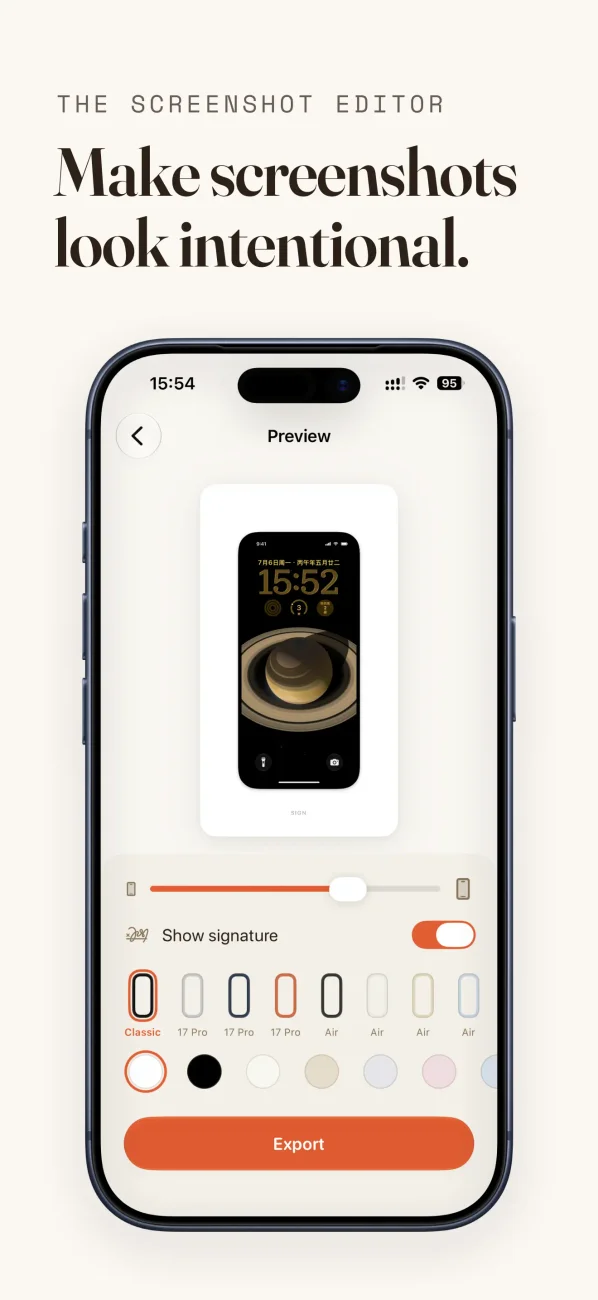
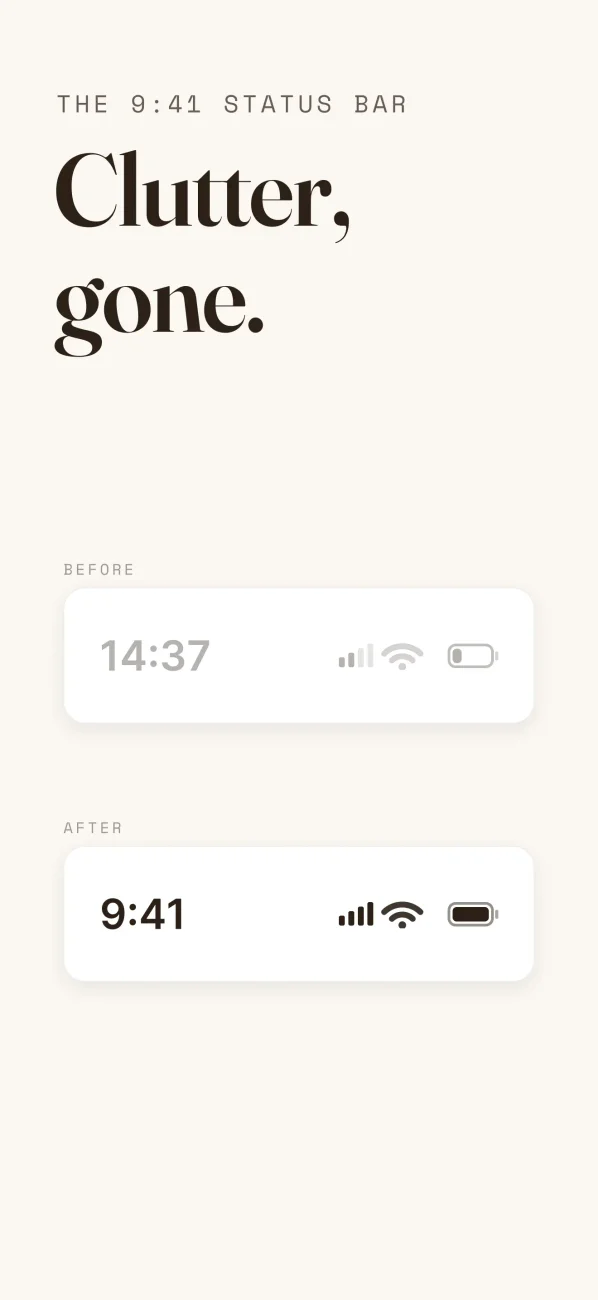
SnapFrame wraps your screenshots in a clean iPhone frame, replaces the messy status bar with the classic 9:41 look, and places everything on a beautiful background optimized for any social feed.
WHY SNAPFRAME
Focused by design
SnapFrame is built for one job: presenting your product screenshots and screen recordings. No stickers, no filters, no flashy effects — just a clean device frame and quiet backgrounds that stay out of the way, so your UI stays the hero.
Real device frame
Your screenshot gets a precise iPhone bezel with Dynamic Island — it looks like a polished product shot, not a raw screen grab. Choose from multiple device styles including iPhone 18 Pro, iPhone 17 Pro, and iPhone Air.
Clean 9:41 status bar
Low battery, no signal, 47 notifications? Gone. SnapFrame seamlessly replaces your status bar with the classic, pristine 9:41 look you see in product launch imagery.
Smart platform sizing
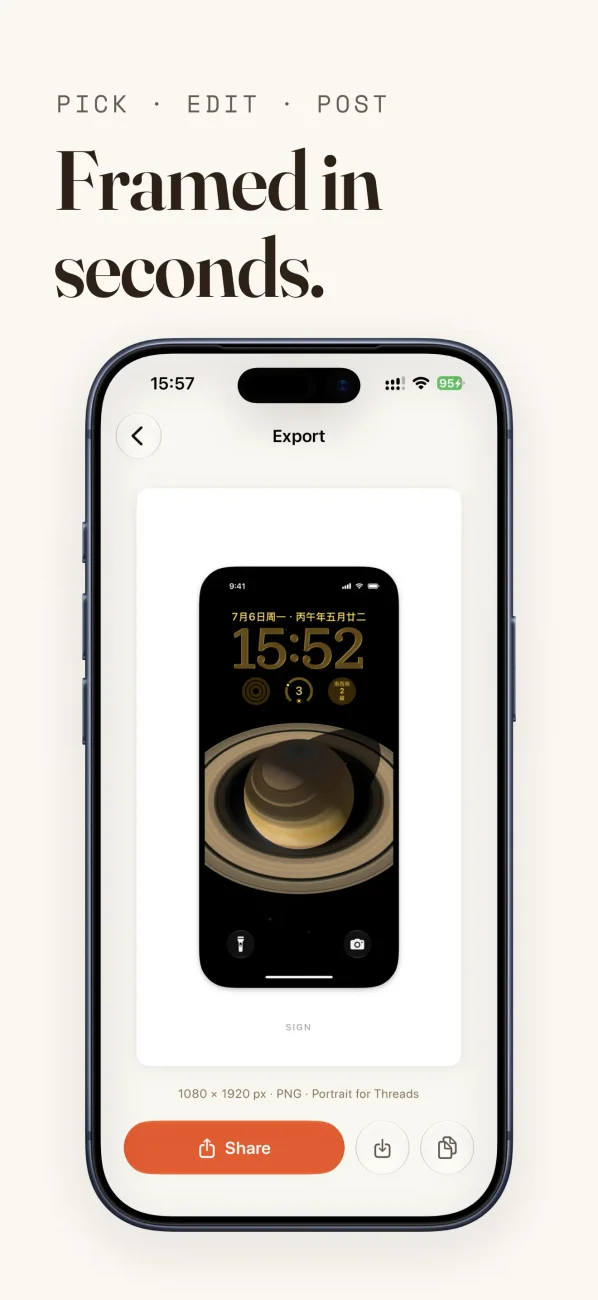
Pick where you’re posting and SnapFrame sets the canvas for you — 4:5 (1080 × 1350) for feed posts, 3:4 (1080 × 1440) for taller feed layouts, or 9:16 (1080 × 1920) for full-screen stories and short videos. No more cropped frames in the timeline.
Videos too
Screen recordings get the same treatment — device frame, clean status bar, styled background — exported as a ready-to-post video.
Batch export
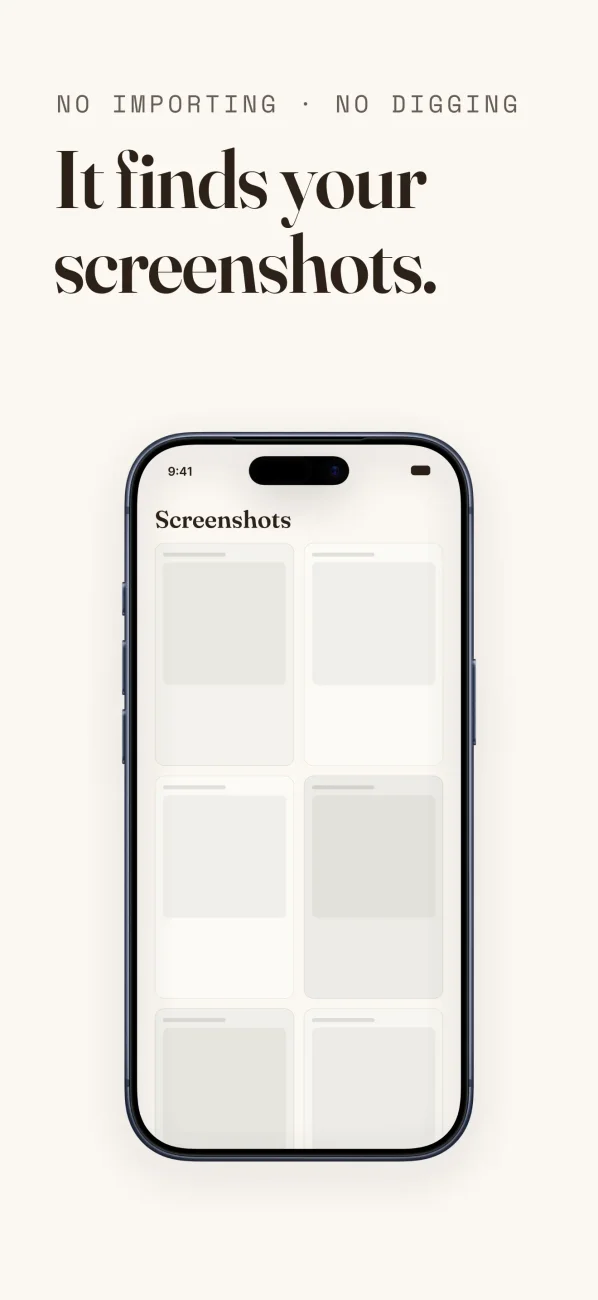
Select up to 9 screenshots at once and finish them in one go. The whole batch shares one look — device frame, background, canvas size, and signature — so every image comes out consistent. Preview each one, export them all with a single tap, and they’re saved straight to Photos. Batch export is for images; screen recordings are exported one at a time.
18 curated backgrounds
From warm cream to bold gradients, every background is hand-picked to make your screenshot stand out in the feed.
Transparent background
Just need the device? Choose a transparent background and export a PNG with only your screenshot and the phone frame — fully transparent around it, no shadow — ready to drop into slides, websites, or your own layouts. Transparent export is for images; videos use a styled background.
Adjustable frame size
Scale the device down to add breathing room, so your full frame stays visible even in cropped feed previews.
Custom signature
Free exports carry a small “Made By SnapFrame” signature. Unlock the full version to write your own (your app name, handle, or brand) — or remove it entirely.
Tidy workflow
After a successful export, SnapFrame offers to delete the original screenshot — your photo library stays clean.
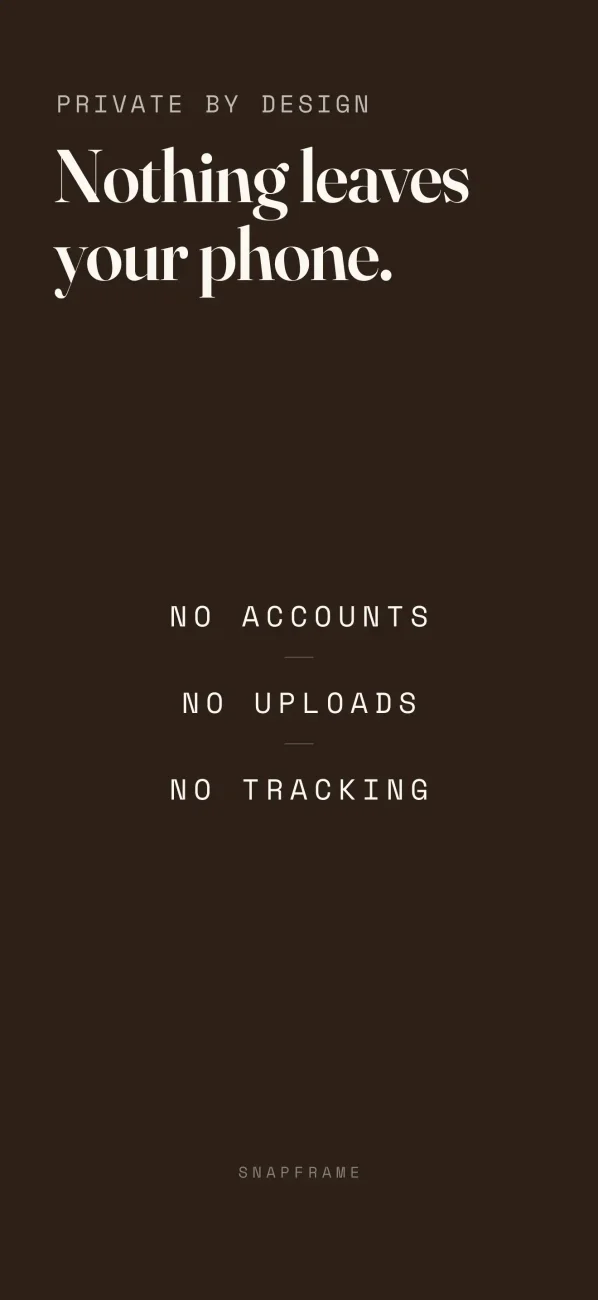
PRIVATE BY DESIGN
Everything happens on your device. No accounts, no uploads, no tracking. Your screenshots never leave your iPhone.
FAIR PRICING
Try SnapFrame free — export as much as you like. Free exports carry a small “Made By SnapFrame” signature. A single one-time purchase lets you customise or remove it forever — no subscription, ever.
Privacy Policy: https://app.notion.com/p/leilei0091/SnapFrame-Privacy-Policy-3945e372803f81248d7ff4cd5401ba68
Terms of Service: https://app.notion.com/p/leilei0091/SnapFrame-Terms-of-Service-3945e372803f811a9dd6d494fe681974
Make every screenshot look intentional. Download SnapFrame and post something beautiful today.
What’s new
Version 1.5.3 · Oct 30, 2026
What's New in 1.5.3
• Adapted for iPhone Duo
App privacy
What 雷雷 张 declares on the App Store about how this app handles data.
-
Data not collected
The developer does not collect any data from this app.
Privacy practices may vary, for example with the features you use or your age.
Information
- Seller
- 雷雷 张
- Category
- Graphics & Design
- Version
- 1.5.3
- Updated
- Oct 30, 2026
- Released
- Jul 16, 2026
- Size
- 14.6 MB
- Requires
- iOS 18.0 or later
- Age rating
- 4+
- In-app purchases
- Yes
- Languages
- Russian, Hindi, Vietnamese, English, Arabic, Hungarian, Dutch, Greek, Danish, Hebrew, Indonesian, Spanish + 18 more
- Copyright
- © 2026 leilei
You might also like
-
 Framely – Mockup StudioTurn screenshots into mockups
-
 Skimra: Screenshot StudioFrame screenshots & recordings
-
 Mockora: Screenshot FramesMockup Maker & Image Editor
-
 FrameShotProWallpaper Prototype Generator
-
 Abstract Wallpaper init.Ditherdither art & pattern generator
-
 Amazing App Mockups - MockheroQuick, Beautiful Phone Mockups
-
 FlickGame16-image minigames :)
-
 MetabindInteractive UI for AI agents
-
 App Mockup Studio: BezelScreenshot maker for apps
-
 shotwell - screenshots & mocksshadows, borders, backgrounds