
Scroll the Volume
Menu Bar Phone Watch Remote
Designed for iPhone, Mac
Free · In-app purchases
- Age rating4+
- CategoryUtilities
- DeveloperStefano Bergamini
- LanguagesEnglish+ 15 more
- Size16.4 MB
Links to the official App Store page
Download.org hosts no file of Scroll the Volume. The button opens its official App Store page, published by Stefano Bergamini. Listing last checked on Nov 12, 2026.
Screenshots


About
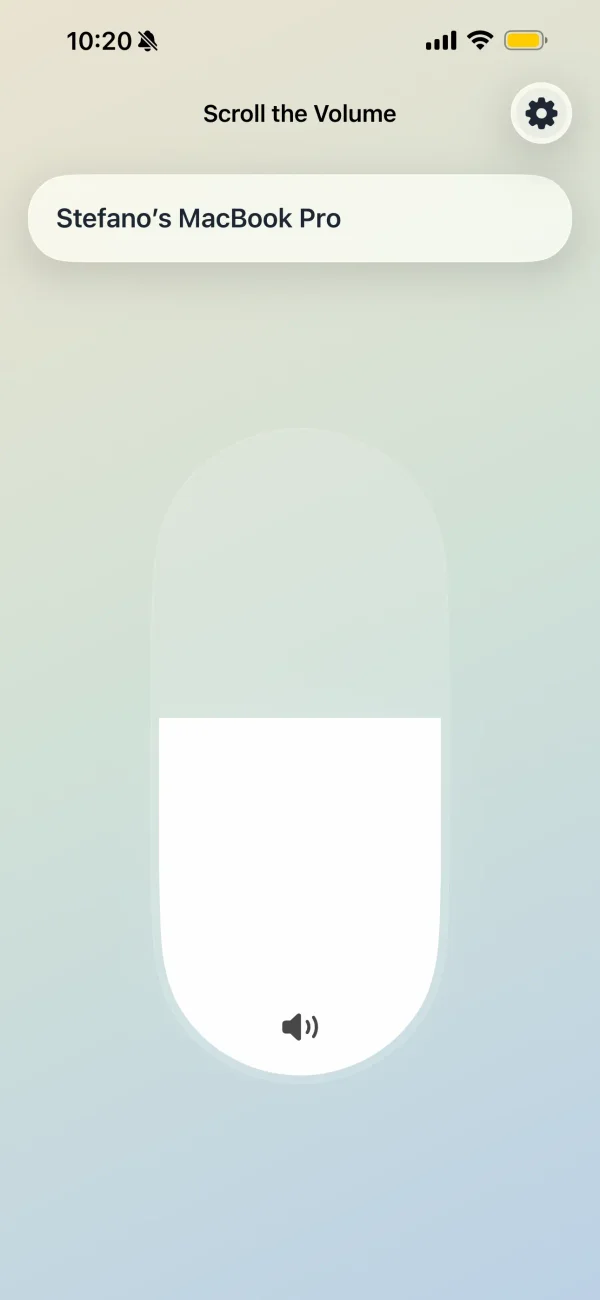
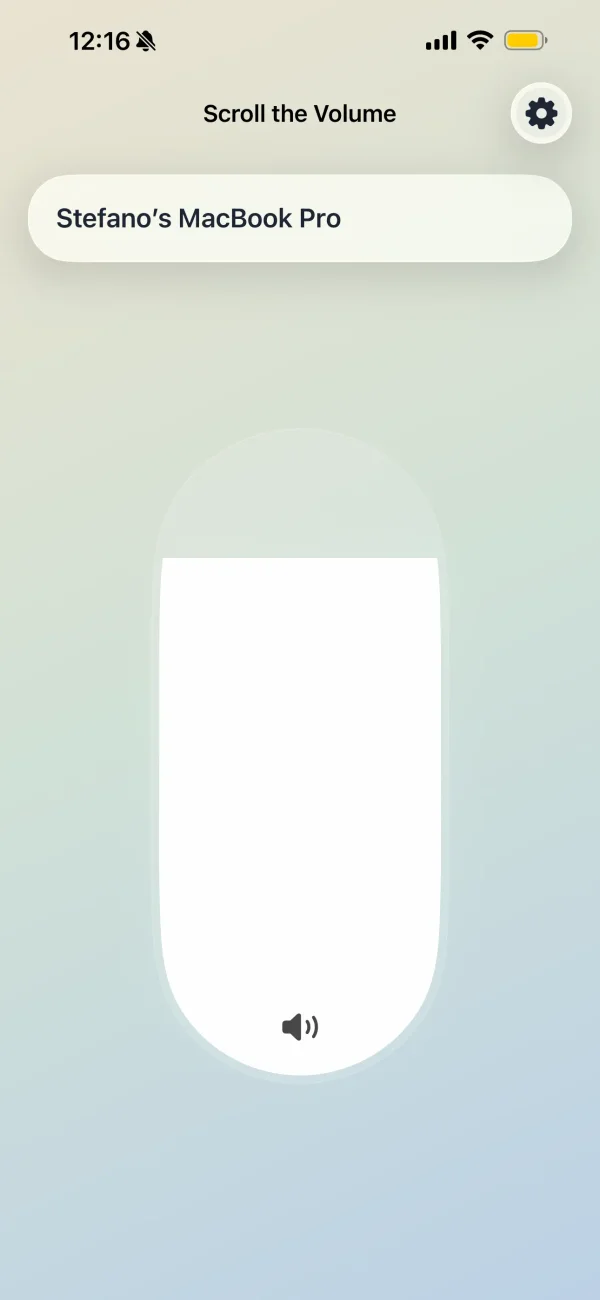
Scroll the Volume Companion lets you control your Mac’s volume from your iPhone and Apple Watch.
Pair your iPhone with Scroll the Volume on Mac, then use your phone as a simple remote for volume control. Apple Watch support works through the iPhone companion, so your watch can adjust your Mac’s volume even when your phone app isn’t open on screen.
Features:
- Control your Mac's volume from iPhone and Apple Watch, even away from Wi‑Fi
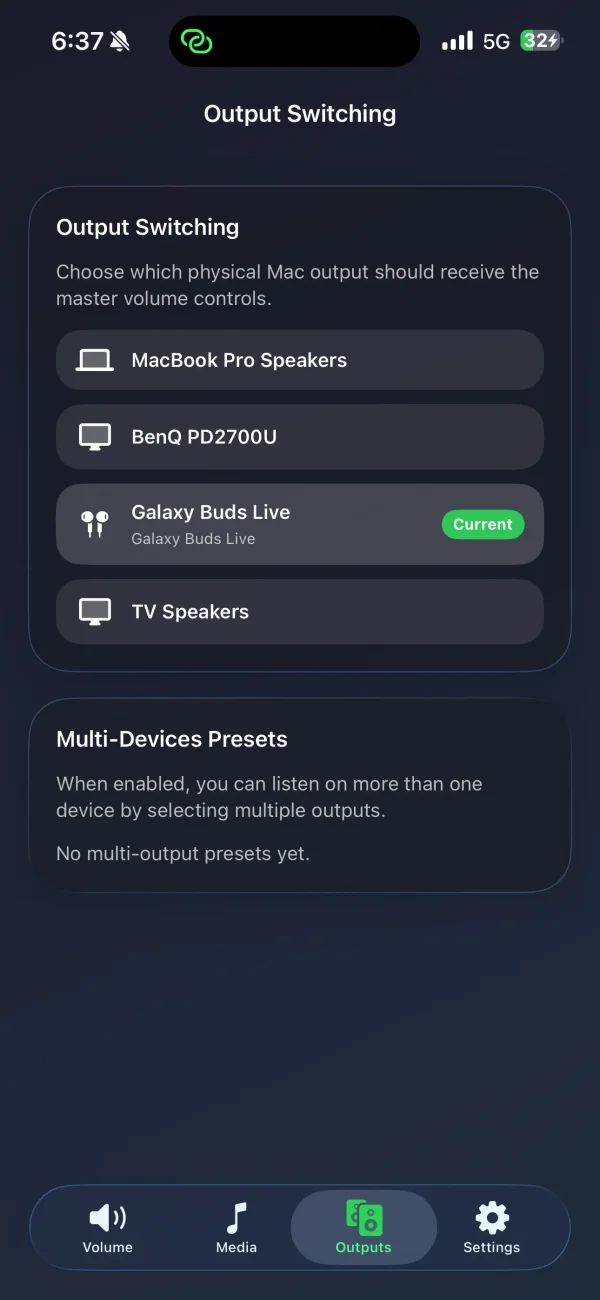
- Switch between available Mac audio outputs
- Activate saved multi-output presets
- Control individual devices inside an active multi-output setup
- Relay Apple Watch volume control through iPhone
- Secure pairing with your Mac
- Fast local-network communication between your own devices
How it works:
- Install Scroll the Volume on your Mac & iPhone
- Open the companion app on iPhone
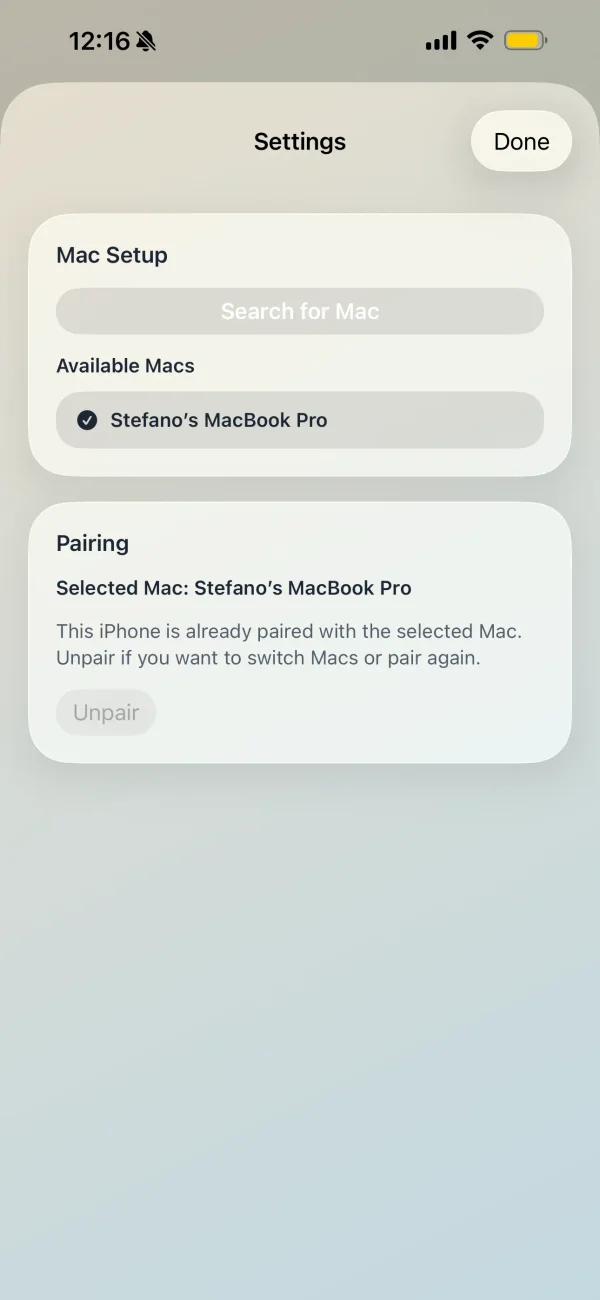
- Search for your Mac and pair using the code shown on Mac
- Control volume from iPhone or Apple Watch
Important:
- The Mac app must have Remote Control enabled
- iPhone and Mac should be on the same local network
- Apple Watch control depends on the iPhone companion
Privacy: Scroll the Volume Companion does not use analytics or advertising tracking. Communication is limited to your own paired devices for remote volume control.
Support URL: https://docs.google.com/forms/d/e/1FAIpQLScHzne1wMDCQtO27eQotUZYKiSl8rKrNkLmVKrtVCrMBfGoNA/viewform?usp=header
Terms of use (EULA): https://www.apple.com/legal/internet-services/itunes/dev/stdeula/
Privacy policy: https://bergs89.github.io/StefanoBergaminiAppsPrivacyStatements/ScrollTheVolumePrivacy.html
What’s new
Version 3.0.3 · Sep 19, 2026
Add Watch Crown sensitivity settings for Apple Watch, in the iPhone app.
App privacy
What Stefano Bergamini declares on the App Store about how this app handles data.
-
Data not collected
The developer does not collect any data from this app.
Privacy practices may vary, for example with the features you use or your age.
Information
- Seller
- Stefano Bergamini
- Category
- Utilities
- Version
- 3.0.3
- Updated
- Sep 19, 2026
- Released
- Mar 15, 2025
- Size
- 16.4 MB
- Requires
- iOS 26.2 or later
- Age rating
- 4+
- Price
- Free
- In-app purchases
- Yes
- Languages
- English, Czech, Dutch, French, German, Hungarian, Italian, Japanese, Korean, Polish, Portuguese, Russian + 4 more
- Copyright
- © 2026 Stefano Bergamini. All rights reserved.
You might also like
-
 Control - Mac Remote ControlRemotely Control Mac Apps
-
 Fine Volume Control – Precise1% Steps, Presets & Widgets
-
 LoudPhone: Increase VolumeVolume Booster & Amplifier
-
 Volume Booster GOODEVAudio EQ & Bass Booster
-
 Volume Master - Volume ControlControl your volume on the go!
-
 Bass Booster and Volume BoostEqualizer & Sound Amplifier
-
 Cast To TV Screen MirrorStream Photos & Videos
-
 Fix: Water Eject Speaker CleanGet Water Out: Phone Cleaner
-
 Remote MouseHandy Computer Remote
-
 Screen Mirroring & CastConnectScreen Mirroring for Smart TV