
- Age rating4+
- CategoryProductivity
- DeveloperJunjiro Kobayashi
- LanguagesJapanese+ 1 more
- Size3.1 MB
Links to the official App Store page
Download.org hosts no file of SekiLoom. The button opens its official App Store page, published by Junjiro Kobayashi. Listing last checked on Nov 12, 2026.
Screenshots

About
SekiLoom makes it easy to create seating arrangements for classrooms, meetings, workshops, and events.
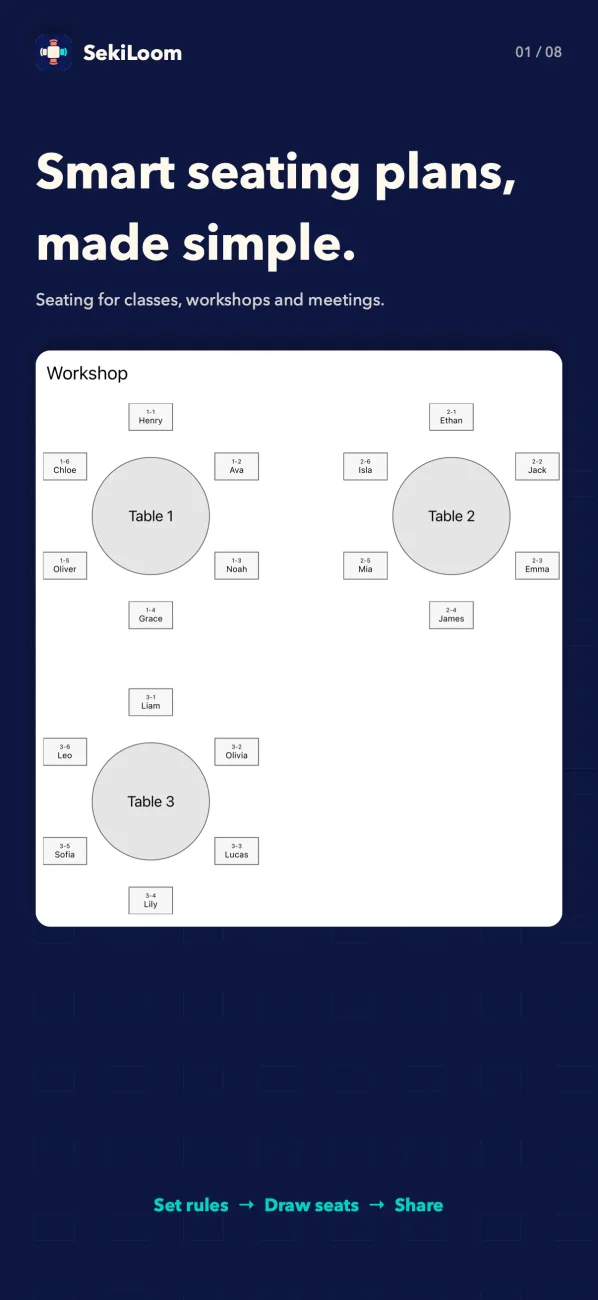
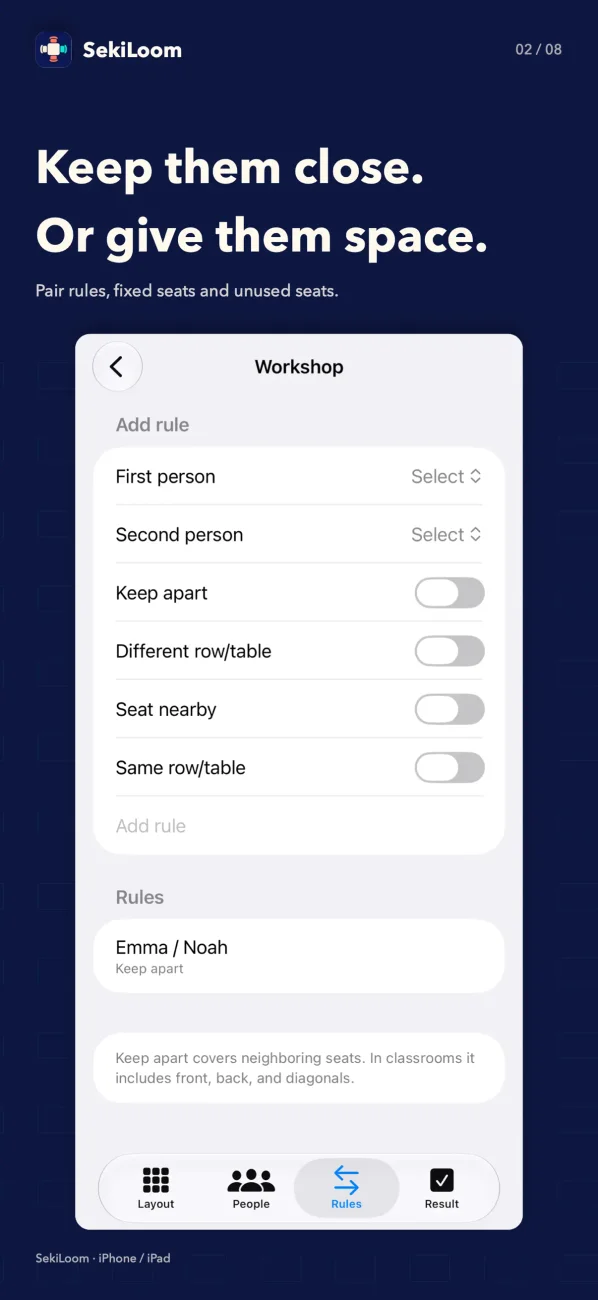
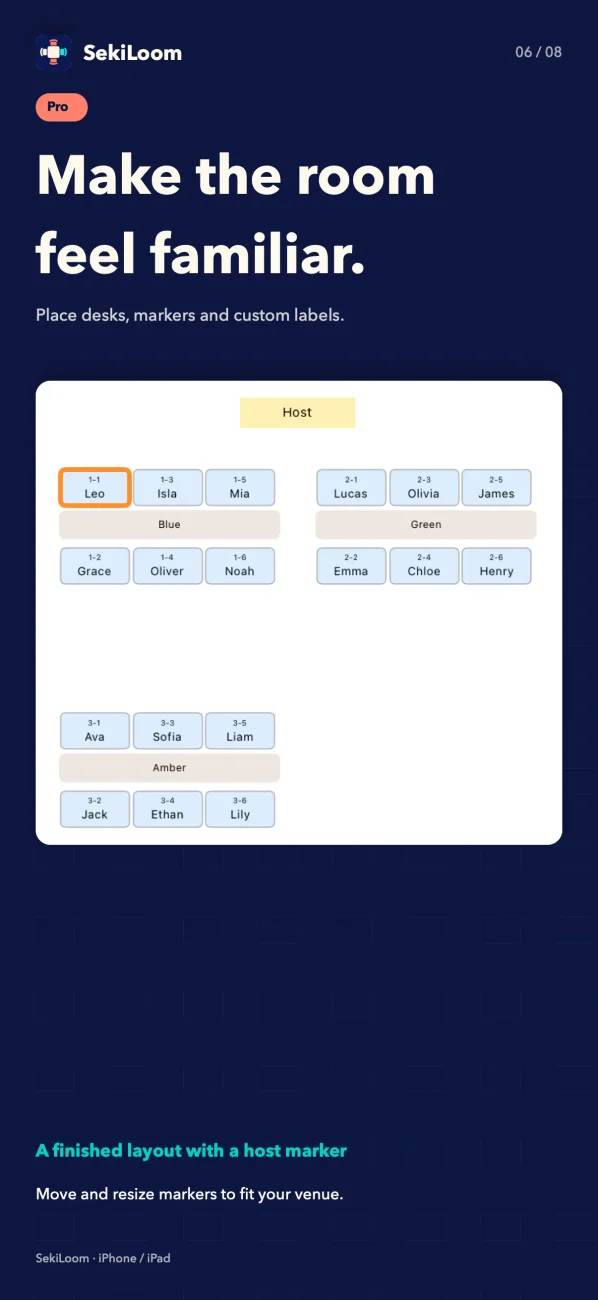
Choose a classroom, round-table, or long-table layout, add participants, and generate a seating plan. Set fixed seats, leave seats empty, and create rules for participants who should sit near or apart.
KEY FEATURES
• Classroom, round-table, and long-table layouts
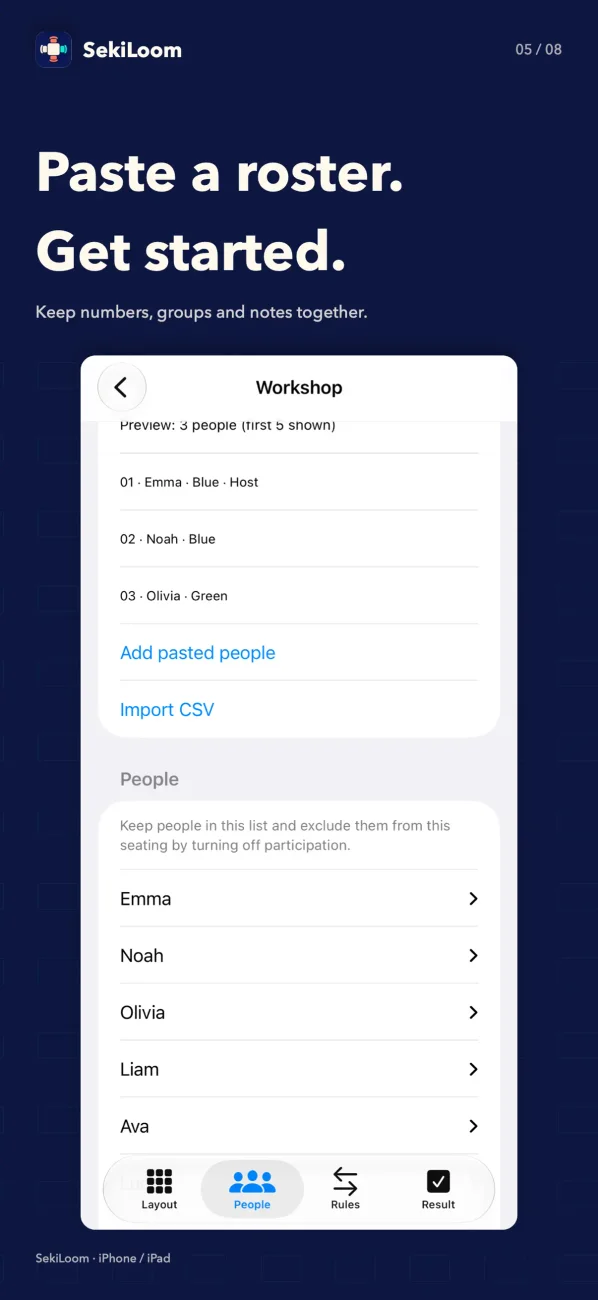
• Bulk participant entry with optional numbers, phonetic names, groups, and notes
• Fixed seats, empty seats, and proximity rules
• Adjustable long-table orientation and custom table names
• Full-screen seating plan viewing
• Saved seating results and history
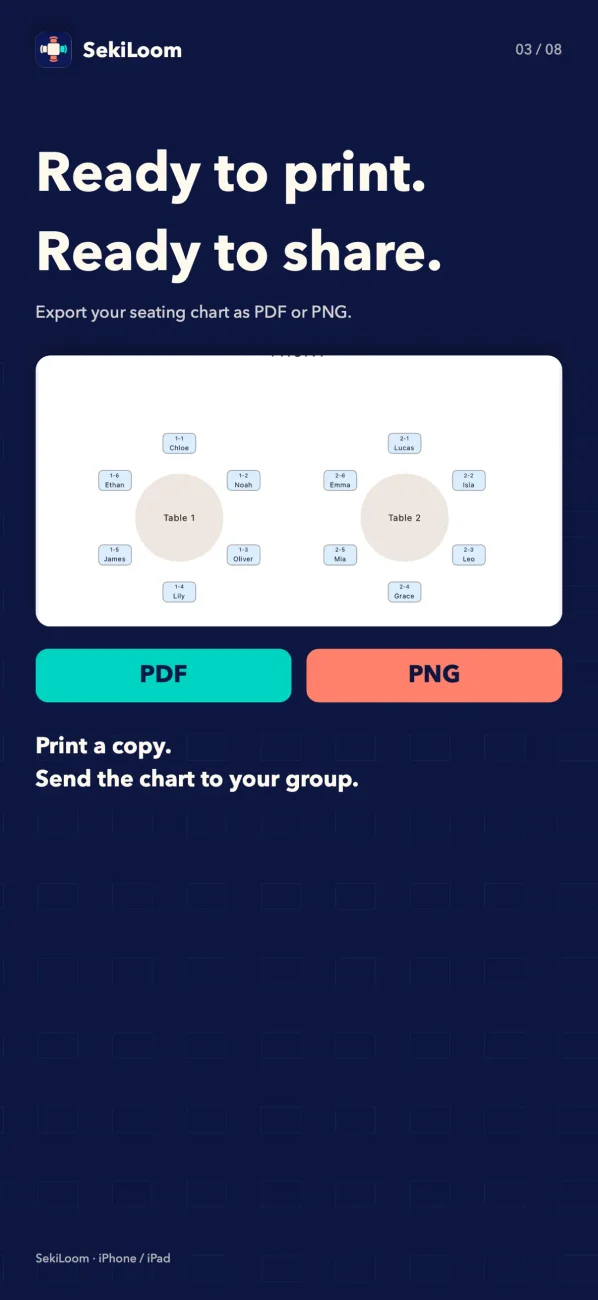
• PDF, PNG image, and participant-list CSV exports
FREE FEATURES
Create and share basic seating plans at no cost.
• Save up to 2 seating setups
• Add up to 3 pair rules per setup
• View the 3 most recent results
• Export basic seating plans as PDF or PNG
SEKILOOM PRO
Unlock more flexibility for complex seating arrangements and customizable exports.
• Unlimited saved seating setups
• Unlimited pair rules
• Access to all saved history
• Freely position venue elements such as podiums and host stations
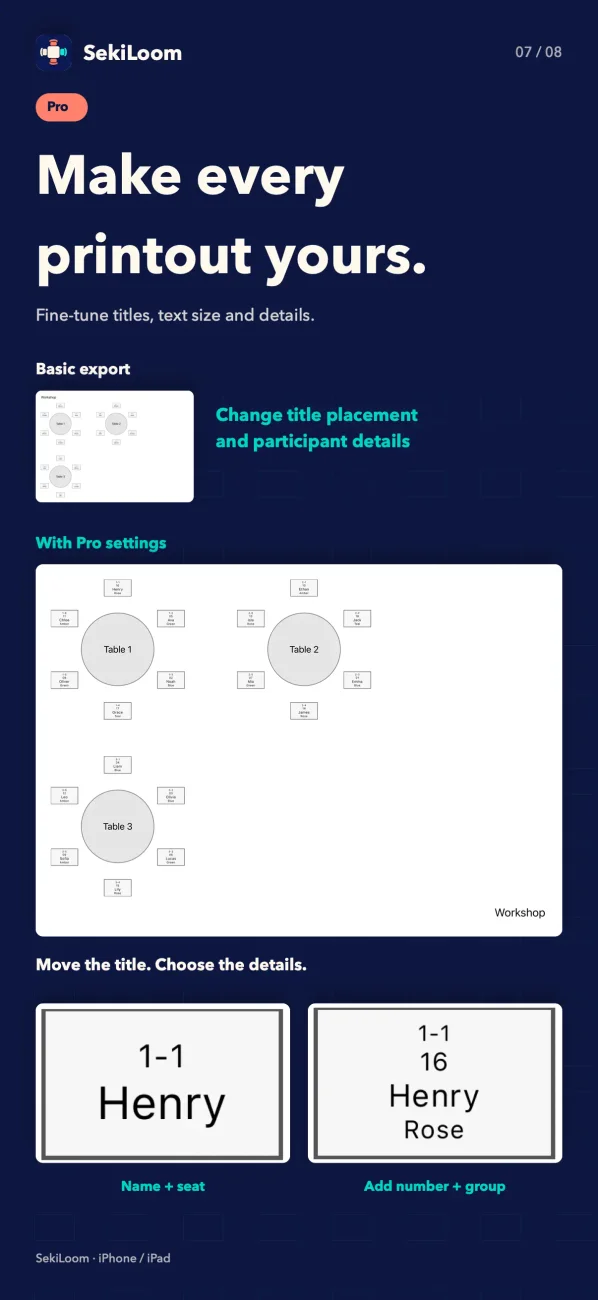
• Customize title placement, font sizes, and displayed information
• Include participant numbers, phonetic names, groups, and notes in seating plans
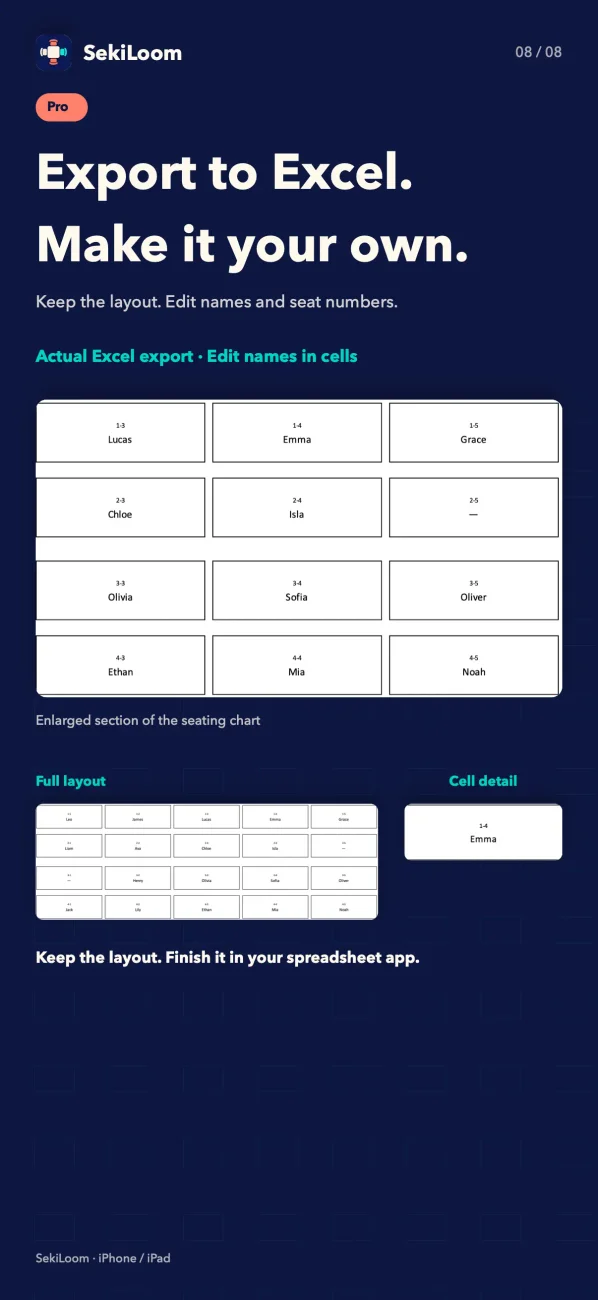
• Export editable seating plans in Excel format
SekiLoom Pro is a one-time purchase, not a subscription.
NO ACCOUNT REQUIRED
No registration is needed. Your seating data is stored locally on your device.
From classroom seating changes to meetings and events, SekiLoom helps you organize seating with less effort.
What’s new
Version 1.1 · Nov 4, 2026
SekiLoom 1.1 brings major improvements to seating plans!
• Customize classroom, round-table, and long-table layouts.
• Add participant numbers, phonetic names, and custom table labels.
• Export seating plans as PDF or PNG.
• Unlock advanced layout customization and editable Excel exports with Pro.
• Enjoy improved full-screen viewing, easier seat settings, and smoother controls.
• Various bug fixes and usability improvements.
App privacy
What Junjiro Kobayashi declares on the App Store about how this app handles data.
-
Data not collected
The developer does not collect any data from this app.
Privacy practices may vary, for example with the features you use or your age.
Information
- Seller
- Junjiro Kobayashi
- Category
- Productivity
- Version
- 1.1
- Updated
- Nov 4, 2026
- Released
- Sep 22, 2026
- Size
- 3.1 MB
- Requires
- iOS 17.0 or later
- Age rating
- 4+
- In-app purchases
- Yes
- Languages
- Japanese, English
- Copyright
- © 2026 Junjiro Apps
You might also like
-
 SeatCraft: Seating ChartSeating plans for any group
-
 Seatly: Seating Chart MakerWedding tables or classroom
-
 Event Hall Organiser Seat FlowWedding Seating Chart Planner
-
 SnapSeat - Seating planSeating chart maker & planner
-
 SeatFlow - Seating Chart MakerWedding & Event Floor Planner
-
 LinkDays: Calendar Sharing AppCalendar with family, friends!
-
 SuwaryProductivity
-
 mo-simDesign dance formations
-
 CONNECT-BIZProductivity
-
 Convert to JPG,HEIC,PNG atOnceHEIF,JPEG format is also OK