SendReady: PDF Redact & Check
Edit, redact & verify PDFs
Designed for iPhone, iPad
In-app purchases
- Age rating4+
- CategoryProductivity
- DeveloperSUJEETH MAHESVARAMOORTHY
- LanguagesEnglish
- Size1.5 MB
Links to the official App Store page
Download.org hosts no file of SendReady: PDF Redact & Check. The button opens its official App Store page, published by SUJEETH MAHESVARAMOORTHY. Listing last checked on Nov 12, 2026.
Screenshots


About
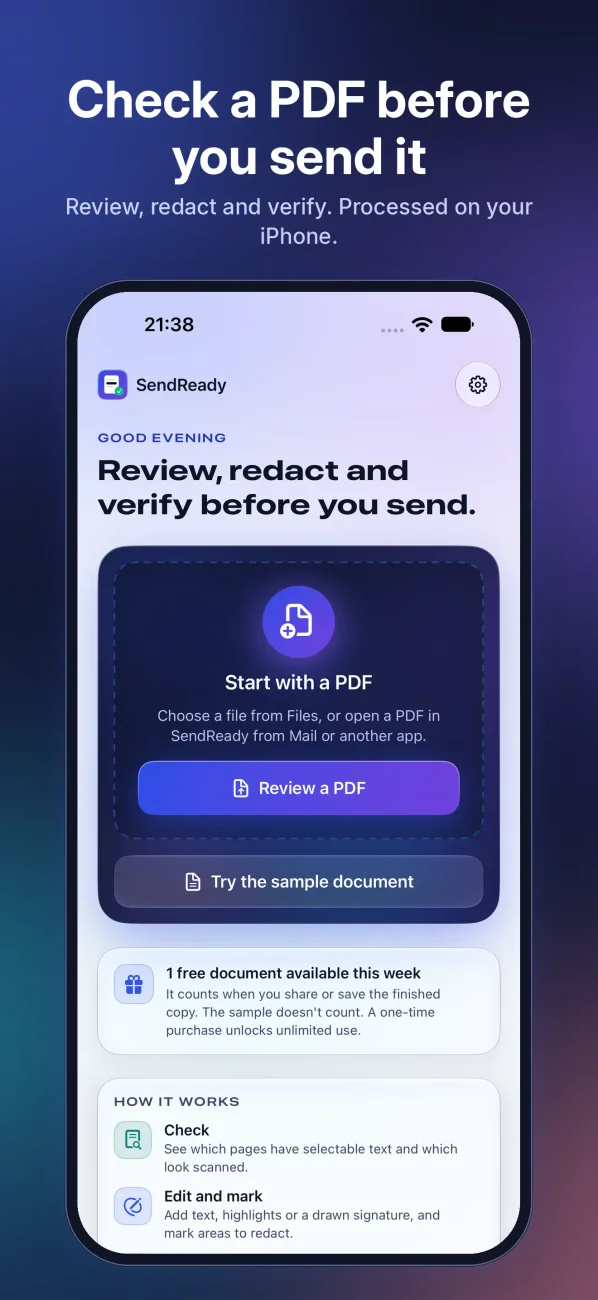
Got a PDF you need to send, but it contains something the other person shouldn't see? SendReady helps you make a quick, careful edit on your iPhone or iPad and then checks the copy you're about to share.
CHECK THE DOCUMENT FIRST
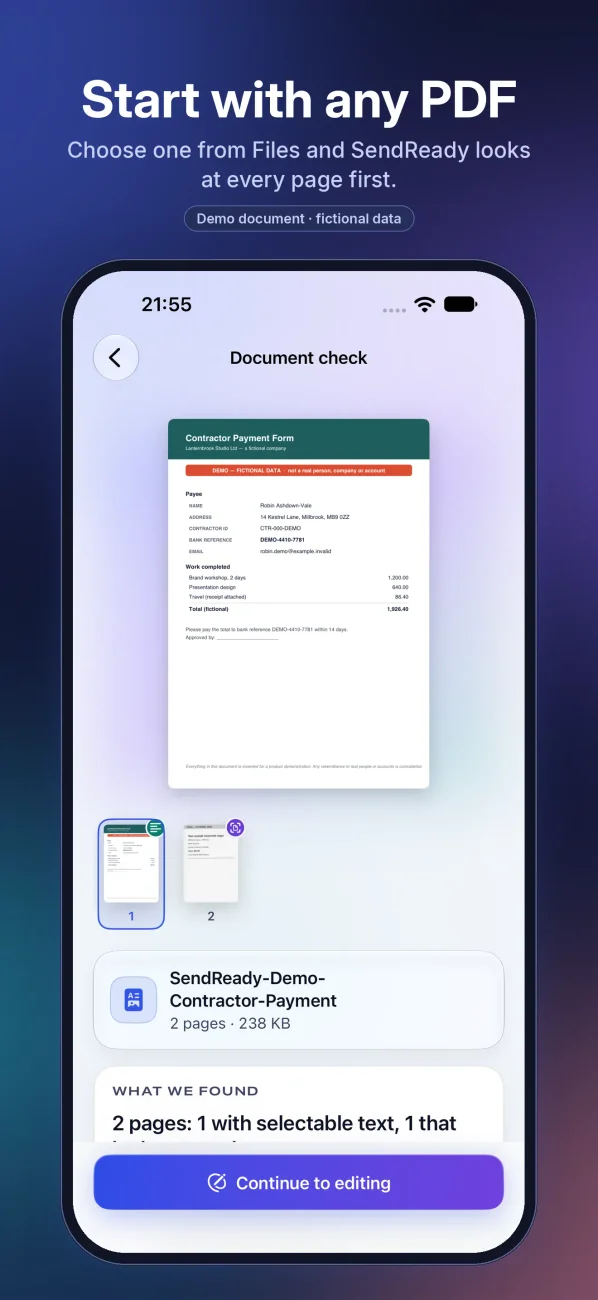
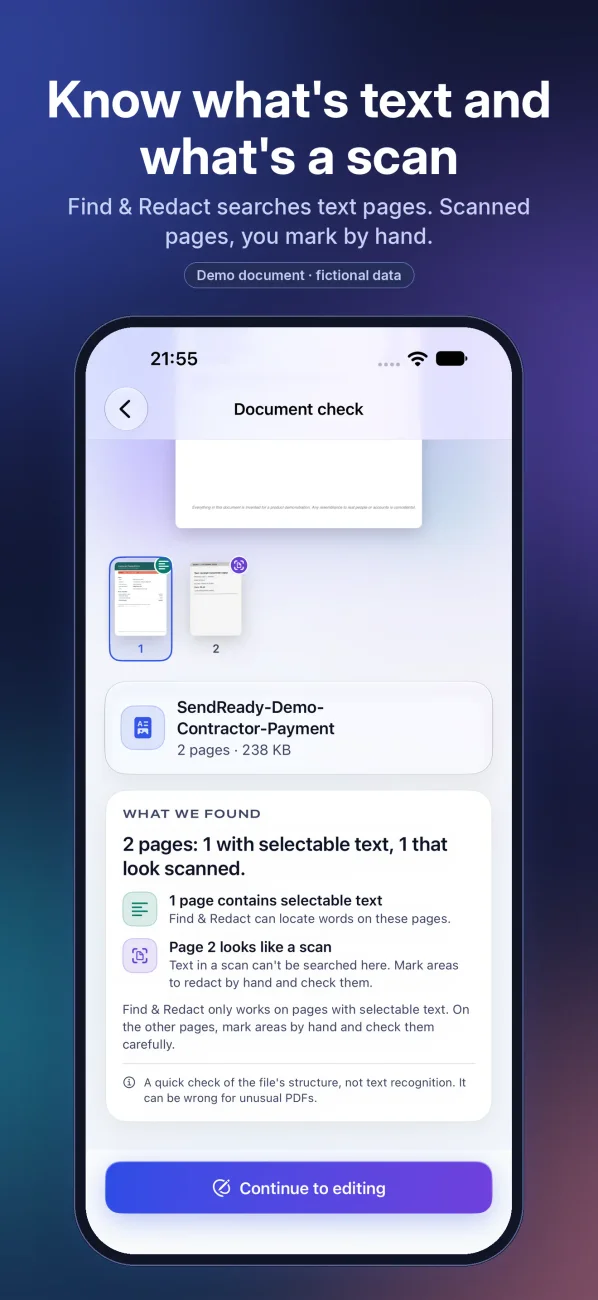
SendReady looks at each page and tells you which ones have selectable text and which look like scanned images, so you know what search can and can't find.
EDIT
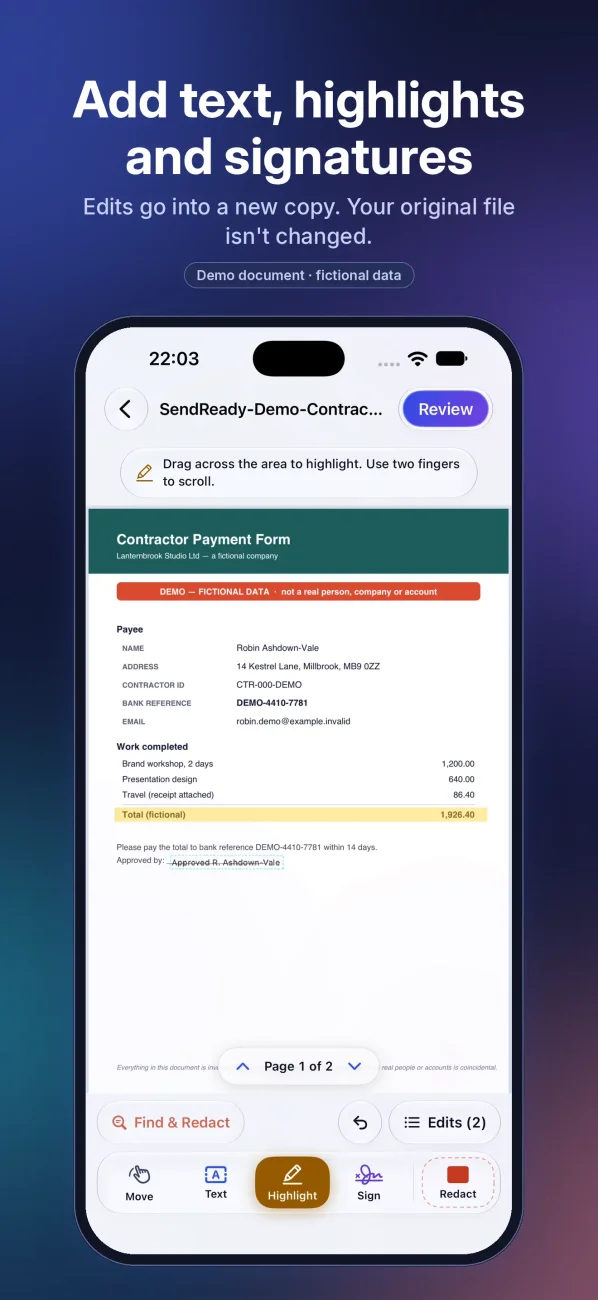
• Add a text box
• Highlight an area
• Place a drawn signature (a picture of your signature, not a certified digital signature)
• Mark areas to redact by hand, or use Find & Redact to mark every match of a word or number
REDACT BY REBUILDING THE PAGE
A black box on top of text isn't a redaction: the text underneath can still be copied. SendReady rebuilds every page that has a redaction as an image with the marked areas filled black, so the covered content isn't in the new file. Text on those pages is no longer selectable.
CHECK THE EXPORTED COPY
Before you share, SendReady checks the new file itself:
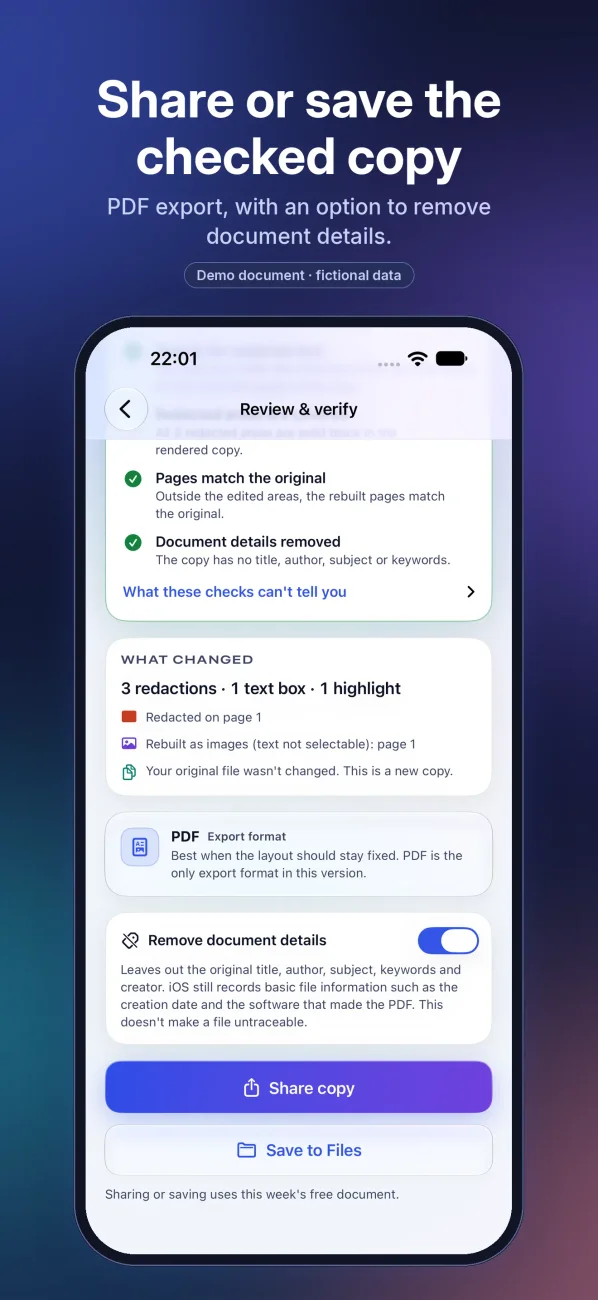
• no selectable text remains on redacted pages
• the text you covered can't be found by search
• every redacted area is solid black when rendered
• the rebuilt pages still line up with the original
If a check can't be completed, SendReady tells you to review the file yourself instead of claiming success.
PRIVATE BY DESIGN
• Documents are processed on your device. No uploads, no accounts, no ads, no analytics.
• Your original file is never changed. You always get a new copy.
• Optionally leave out the title, author and other document details.
FREE TO TRY
Finish one document a week for free, or try the built-in sample at any time. A one-time in-app purchase unlocks unlimited use. No subscription.
Please note: SendReady can't read text inside scanned images, so check those pages yourself. It doesn't make files untraceable and doesn't remove every kind of hidden history. Password-protected PDFs aren't supported in this version.
App privacy
What SUJEETH MAHESVARAMOORTHY declares on the App Store about how this app handles data.
-
Data not collected
The developer does not collect any data from this app.
Privacy practices may vary, for example with the features you use or your age.
Information
- Seller
- SUJEETH MAHESVARAMOORTHY
- Category
- Productivity
- Version
- 1.0
- Updated
- Oct 1, 2026
- Released
- Sep 30, 2026
- Size
- 1.5 MB
- Requires
- iOS 17.0 or later
- Age rating
- 4+
- In-app purchases
- Yes
- Languages
- English
- Copyright
- © 2026 Sujeeth Mahesvaramoorthy
You might also like
-
 PDFiles: PDF Scanner & OCRScan to Files, No Subscription
-
 LiveShift – Shift TrackerWork Hours & Pay Calculator
-
 ChatPDF Backup messages to PDFExport WA chat w PDF converter
-
 Bosch Leveling Remote AppProductivity
-
 PDF Mpjex - Editor for pdfEdit PDF Maker, Scanner Reader
-
 LightPDF: AI Chat PDF, ScannerConvert, Chat, Scan, OCR, Edit
-
 That Girl: Routine PlannerCute Daily Calendar Schedule
-
 SpeakApp AI: Voice NotesTranscribe speech to text
-
 Smallpdf: Scanner & PDF Editorcompress, convert, ocr, sign
-
 Cue: AI Note Taker & RecorderTranscribe, Record & Summarize