
Servey - Remote Desktop
Your desktop, from anywhere
Designed for iPhone, iPad
Free · In-app purchases
- Age rating4+
- CategoryProductivity
- DeveloperJanesh Kapoor
- LanguagesEnglish
- Size48.0 MB
Links to the official App Store page
Download.org hosts no file of Servey - Remote Desktop. The button opens its official App Store page, published by Janesh Kapoor. Listing last checked on Nov 16, 2026.
Screenshots
About
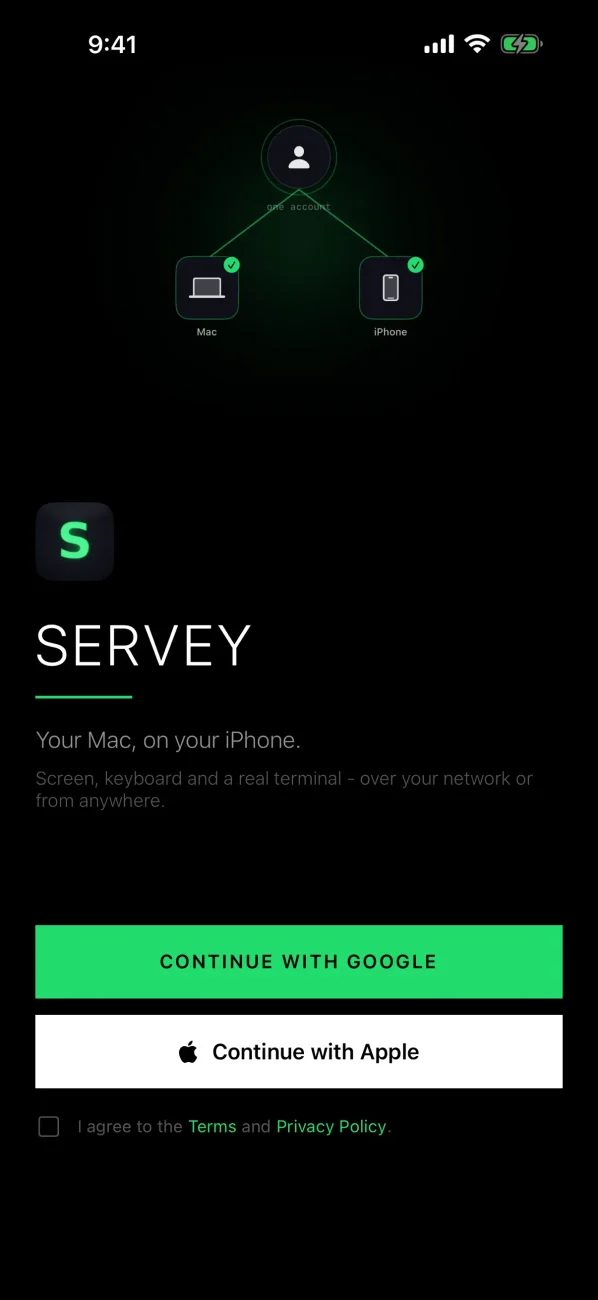
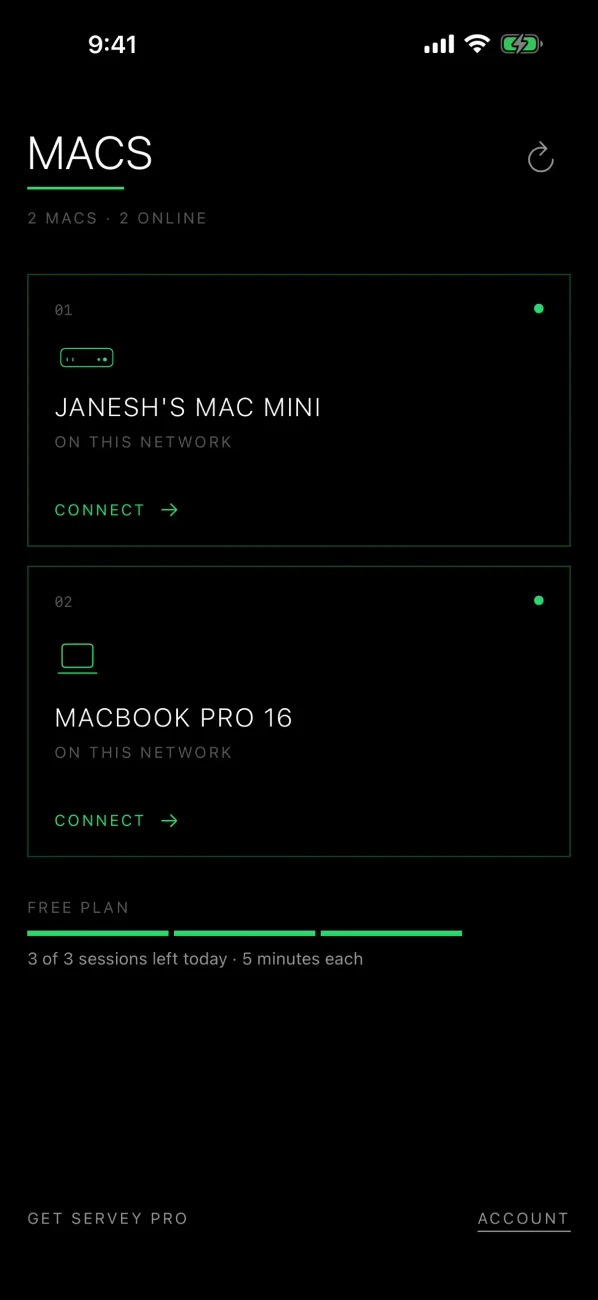
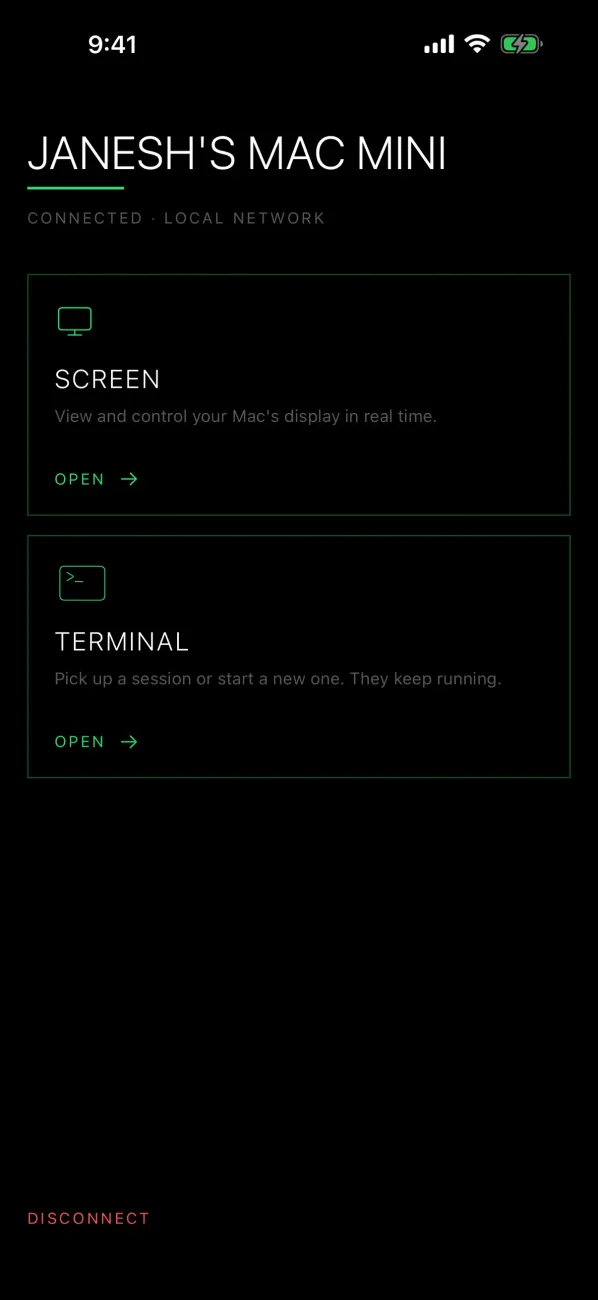
Servey puts your Mac on your iPad and iPhone. See its screen, control it with touch, type with your own keyboard, and open a real terminal - at home on your own network, or from anywhere in the world.
SCREEN AND CONTROL
• Your Mac's full screen, sharp enough to read code and small text
• Tap, drag, scroll and right-click with touch, or use the on-screen trackpad
• Tap a text field on your Mac and your iPad's keyboard opens by itself
• Privacy shield: black out your Mac's own display while you work on it remotely
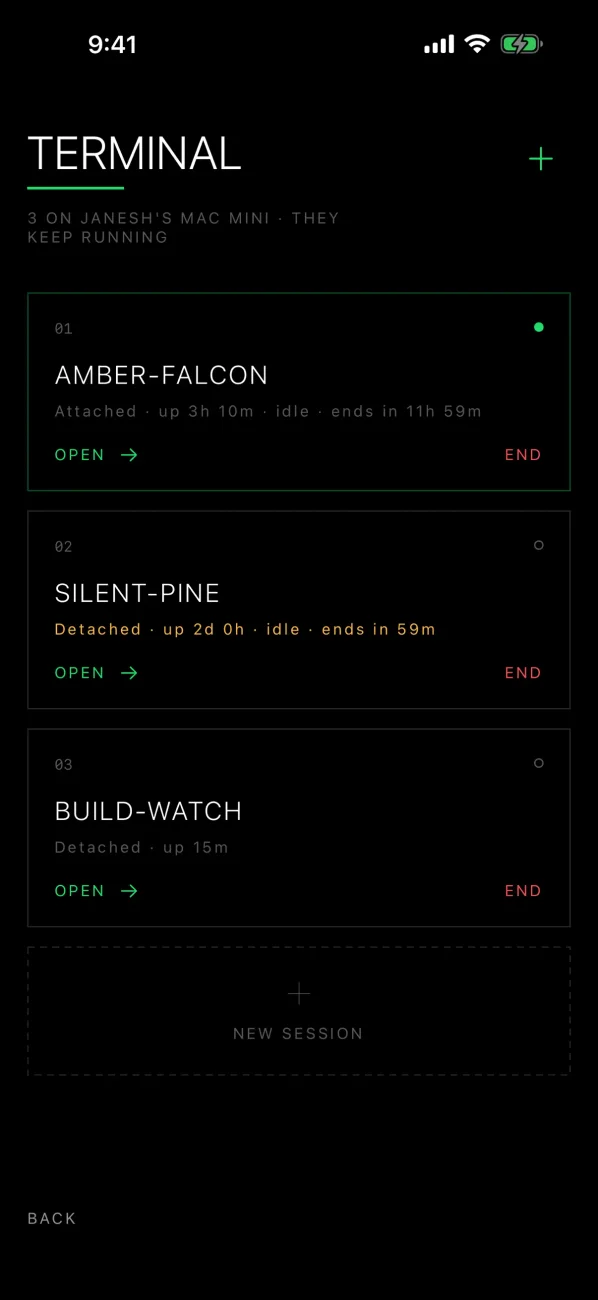
A REAL TERMINAL
• A proper shell on your Mac, with esc, tab, ctrl and arrow keys one tap away
• Sessions keep running when you close the app - come back and pick up where you left off
• Name them, list them, end them from your iPad
WORKS ANYWHERE
• On your own network, Servey connects directly and never leaves the building
• From anywhere else, it connects peer to peer - no VPN, no port forwarding, no static IP
• Your Mac simply appears when you sign in with the same account on both devices
SECURE BY DESIGN
• A master password set on your Mac, asked every time you connect
• Every new device must be approved on the Mac before it can see anything
• Remove a device at any time, and it loses access at once
• Sign in with Apple or Google
HOW IT WORKS
Servey needs its free companion app running on your Mac. Download it from servey.in/mac, sign in with the same account, set a master password, and switch it online.
PLANS
Free: every feature, in sessions of up to 5 minutes, 3 sessions a day.
Servey Pro Terminal: unlimited terminal sessions.
Servey Pro Full Access: unlimited screen sharing, control and terminal.
Subscriptions renew monthly until cancelled. Payment is charged to your Apple Account at confirmation of purchase. Your subscription renews automatically unless cancelled at least 24 hours before the end of the current period. Manage or cancel any time in your Apple Account settings.
Terms of Use: https://servey.in/terms
Privacy Policy: https://servey.in/privacy
App privacy
What Janesh Kapoor declares on the App Store about how this app handles data.
-
Data linked to you
May be collected and linked to your identity.
- Purchases
- Contact info
- Identifiers
- Usage data
Privacy practices may vary, for example with the features you use or your age.
Information
- Seller
- Janesh Kapoor
- Category
- Productivity
- Version
- 1.0
- Updated
- Oct 29, 2026
- Released
- Oct 29, 2026
- Size
- 48.0 MB
- Requires
- iOS 17.0 or later
- Age rating
- 4+
- Price
- Free
- In-app purchases
- Yes
- Languages
- English
- Copyright
- © 2026 Janesh Kapoor
You might also like
-
 But First: Read Then ScrollThe good thing goes first
-
 Teamcamp - Project ManagementProject Management Application
-
 PXS External Screen DesktopYour phone is the computer
-
 Airlist - Notes & TasksProductivity
-
 01 LightProductivity
-
 AI Voice-Memos: Summary, ChatRecord,Transcribe,Note-Taking
-
 Zoho TeamInboxShared inboxes for teams
-
 Prestige GravityManage campus experience
-
 Parchment: Agenda & Daily NoteStay Organized Stay Productive
-
 AdBlocker UltimateBlock ads & protect privacy