Setup & Controller For Sonos
Quick set up for s1, s2 smart
Designed for iPhone, iPad
Free
- Age rating4+
- CategoryUtilities
- DeveloperDLD INNOVATION COMPANY LIMITED
- LanguagesEnglish
- Size61.3 MB
Links to the official App Store page
Download.org hosts no file of Setup & Controller For Sonos. The button opens its official App Store page, published by DLD INNOVATION COMPANY LIMITED. Listing last checked on Nov 23, 2026.
Screenshots

About
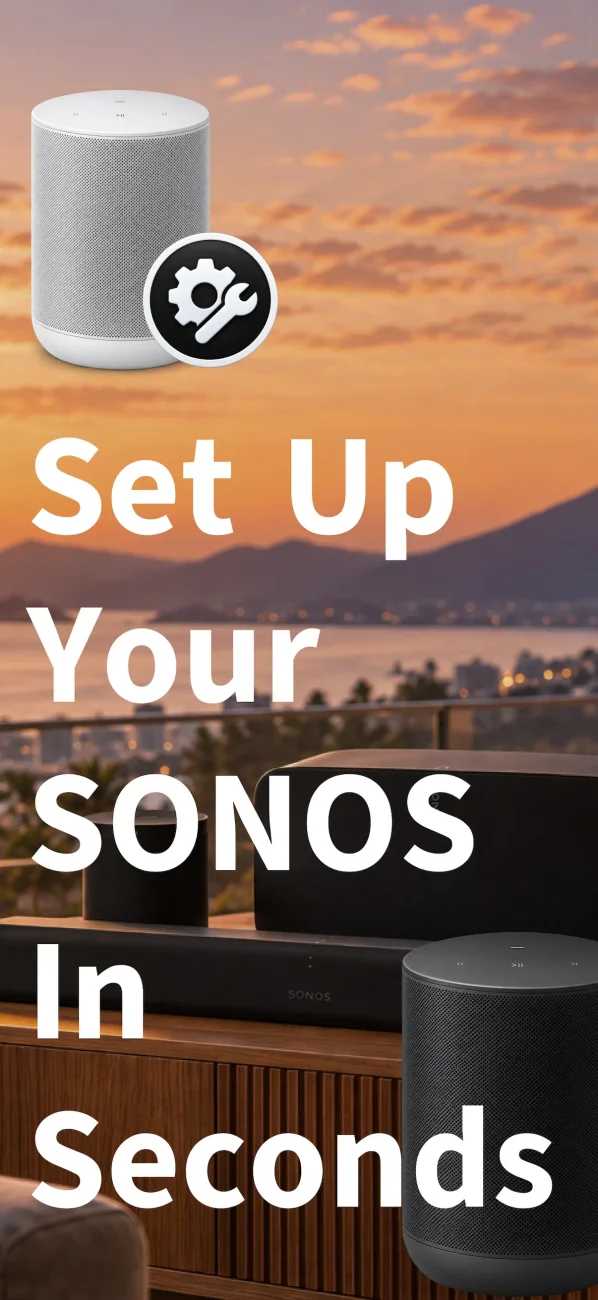
Set up your Sonos speakers with clear, step-by-step guidance, then enjoy your audio and control your connected Sonos system—all in one app.
STEP-BY-STEP SPEAKER SETUP
Find your speaker model and follow a guide tailored to your device. Whether you’re setting up a speaker for the first time or need help along the way, illustrated instructions make each step easier to follow.
• Browse supported products and find your model.
• Follow setup guides with device illustrations.
• Learn about supported connections and setup requirements.
• Understand indicator lights and find troubleshooting help.
• Access official Sonos resources for more information.
• Save your guide progress and return when you’re ready.
• Keep your saved devices together in My Devices.
YOUR AUDIO, YOUR WAY
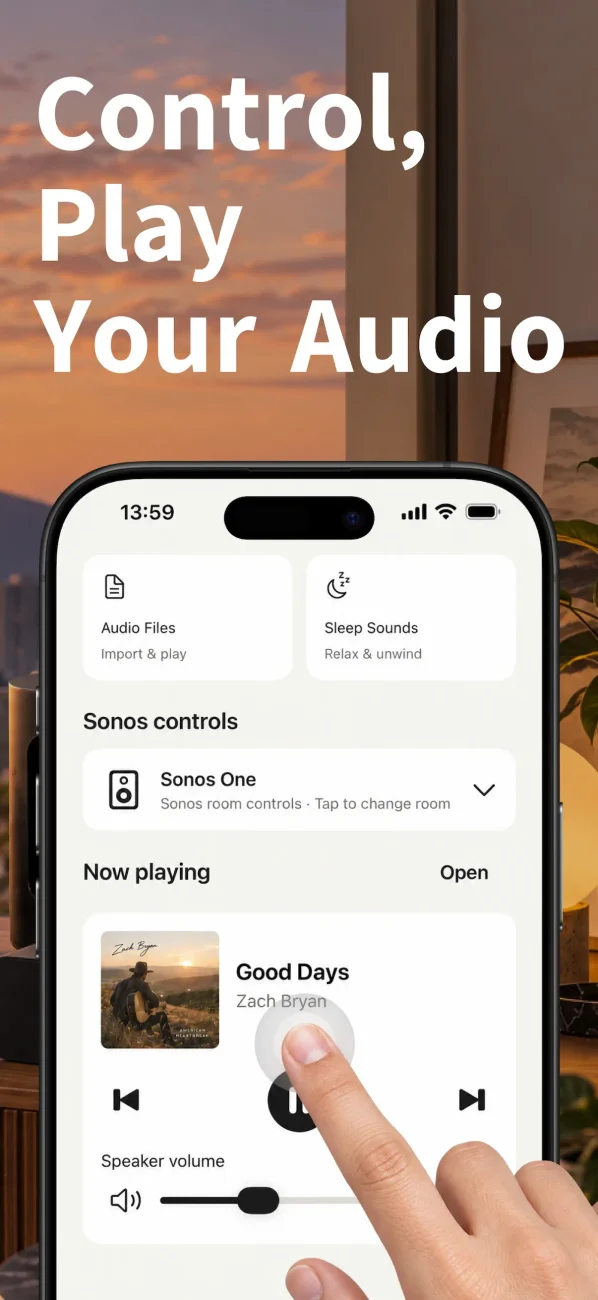
Listen to playable songs from your iPhone music library, import audio files, or unwind with a collection of Sleep Sounds. Use Play All, queue controls, shuffle, and repeat to manage your listening.
Choose an available AirPlay speaker or a connected Bluetooth audio device using the iOS output picker.
VOICE RECORDING & LIVE MICROPHONE
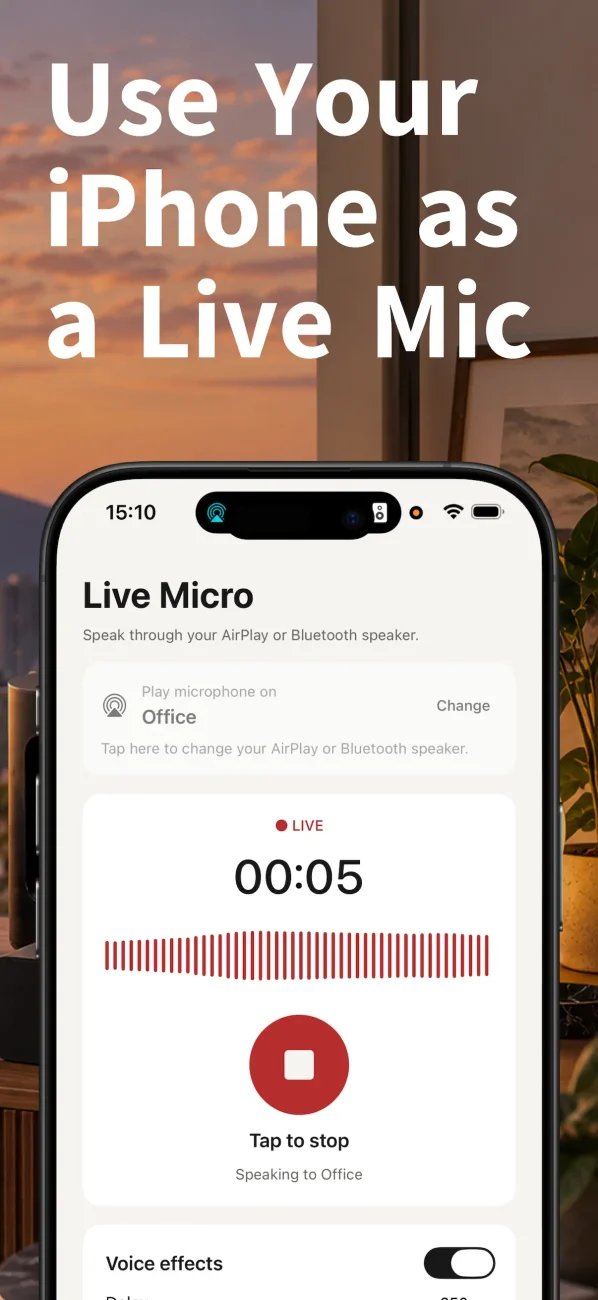
Record and save voice recordings for later playback. Use Live Micro to send your voice to a supported AirPlay or Bluetooth speaker, with adjustable delay, echo, and reverb effects.
SONOS ROOM CONTROLS
Connect your Sonos account to access supported playback and volume controls for your Sonos rooms.
PLEASE NOTE
This is an independent app and is not affiliated with or endorsed by Sonos, Inc. Sonos is a trademark of Sonos, Inc.
Setup guides provide instructions; they do not automatically configure your speakers or verify that setup is complete. Some setup steps require the official Sonos app. Feature availability depends on your speaker model, system configuration, and connection type. AirPlay and Bluetooth playback require compatible devices. Live microphone playback may have an audible delay, especially over AirPlay.
What’s new
Version 1.3.2 · Nov 19, 2026
This update fixes bugs, improves performance, and polishes the interface. Smoother transitions and new Now Playing animations make the app feel more fluid.
App privacy
What DLD INNOVATION COMPANY LIMITED declares on the App Store about how this app handles data.
-
Data not collected
The developer does not collect any data from this app.
Privacy practices may vary, for example with the features you use or your age.
Information
- Seller
- DLD INNOVATION COMPANY LIMITED
- Category
- Utilities
- Version
- 1.3.2
- Updated
- Nov 19, 2026
- Released
- Dec 9, 2022
- Size
- 61.3 MB
- Requires
- iOS 17.0 or later
- Age rating
- 4+
- Price
- Free
- Languages
- English
- Copyright
- © DLD Innovation Company Limited
You might also like
-
 Sonos|S1 & S2 ControllerConnect Headphones & Speaker
-
 SonosTalkIntercom for Sonos
-
 S1 & S2 Speaker Control ProBluetooth Controller Connect
-
 Bluetooth Loudspeakervoice over bluetooth speaker
-
 S1 & S2 Speaker Controller AppConnect Speaker & Play Music
-
 Bluetooth Lost BLE FinderFind My Earbuds & Headphones
-
 S1 & S2 Speaker ControllerBeam music by your own way!
-
 Free Firestick RemoteAI Remote & Instant Connect
-
 Find My Device: Phone, EarbudsBluetooth Scanner & Tracker
-
 Megaphone! - AI Meeting NotesVoice dictation & keyboard