Simple QR: Generator & Scanner
Wi-Fi Code Maker, Photo Reader
Designed for iPhone
Free · In-app purchases
- Age rating4+
- CategoryUtilities
- DeveloperTomash Sugint
- LanguagesEnglish+ 29 more
- Size60.8 MB
Links to the official App Store page
Download.org hosts no file of Simple QR: Generator & Scanner. The button opens its official App Store page, published by Tomash Sugint. Listing last checked on Nov 17, 2026.
Screenshots

About
You need a QR code, or you need to read one. The first app you try is full of ads. The second wants an account. Simple QR skips all of that.
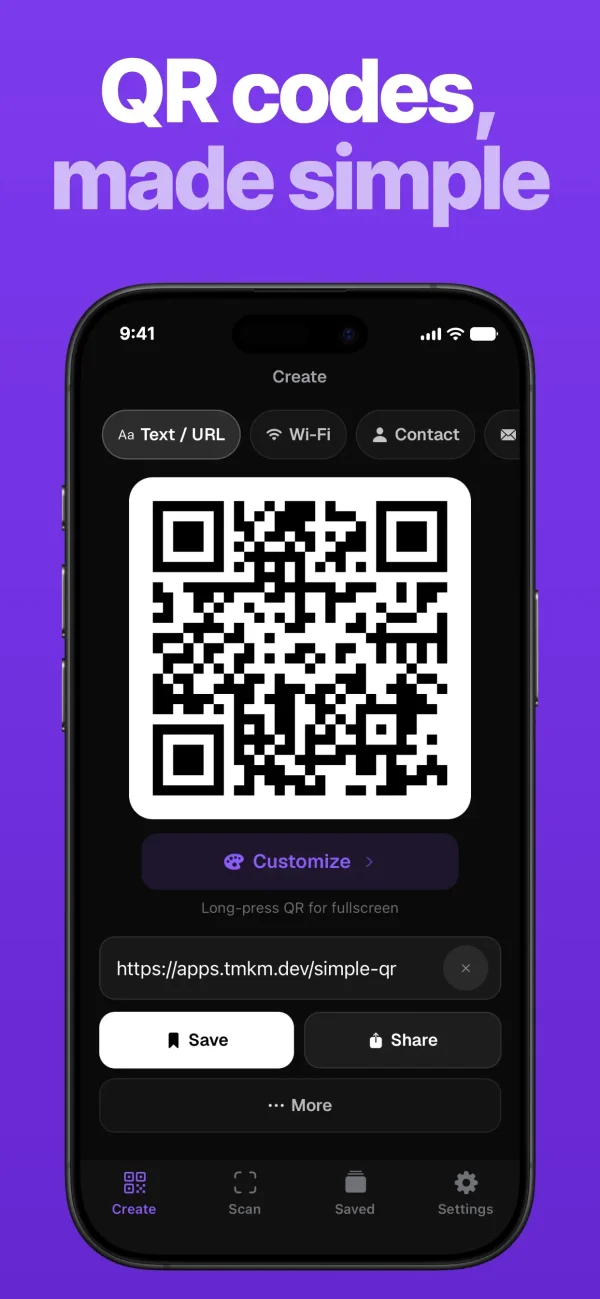
Type or paste anything (a link, plain text, a Wi-Fi password) and the QR appears instantly. Or point the camera at a code and get a result you can act on. That's the whole app.
SCAN
— Free scanning for any QR code or barcode, with no subscription behind it
— Scan with the camera, or pick a photo or screenshot and read the code in it
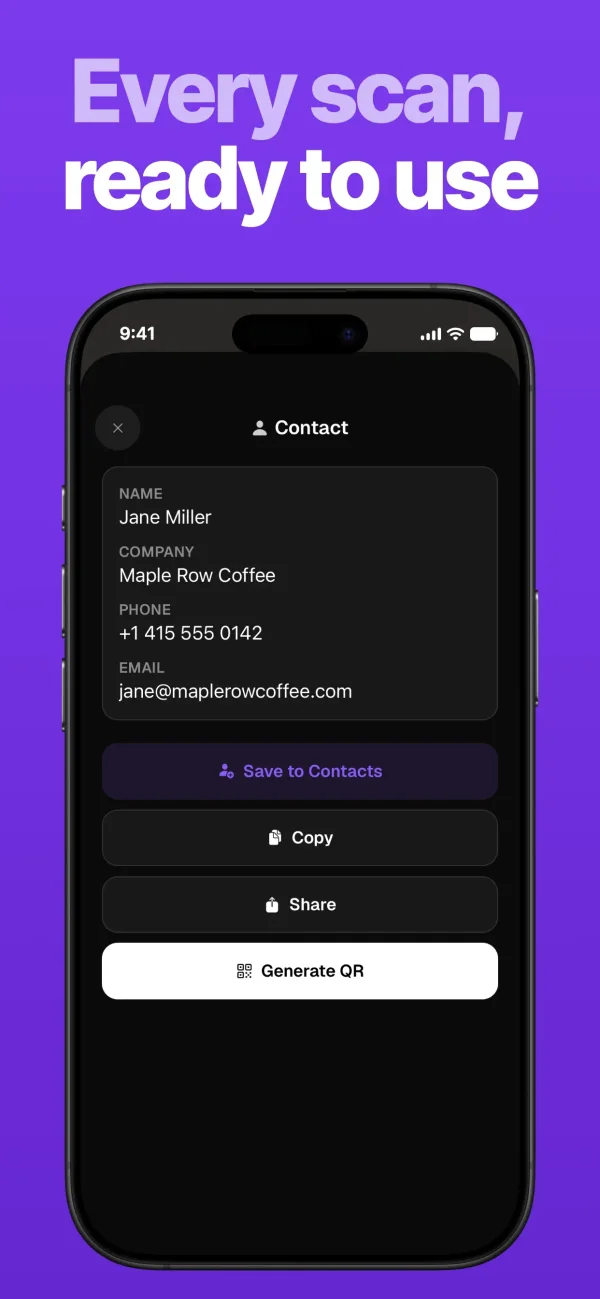
— Wi-Fi, contact, email, SMS, phone, location and link results are read and sorted by type
— Copy a scan, open it, or turn it back into a QR of your own
— Recent scans are kept automatically
GENERATE
— Any text, URL, email, or Wi-Fi password
— The QR updates as you type, no extra taps
— Paste from the clipboard in one tap
— Quick access to the codes you made recently
QR TYPES
— Wi-Fi password, contact card, email, SMS, phone number, location, or Google review link
— Fill in a short form and get a QR that's ready to scan
SHARE & EXPORT
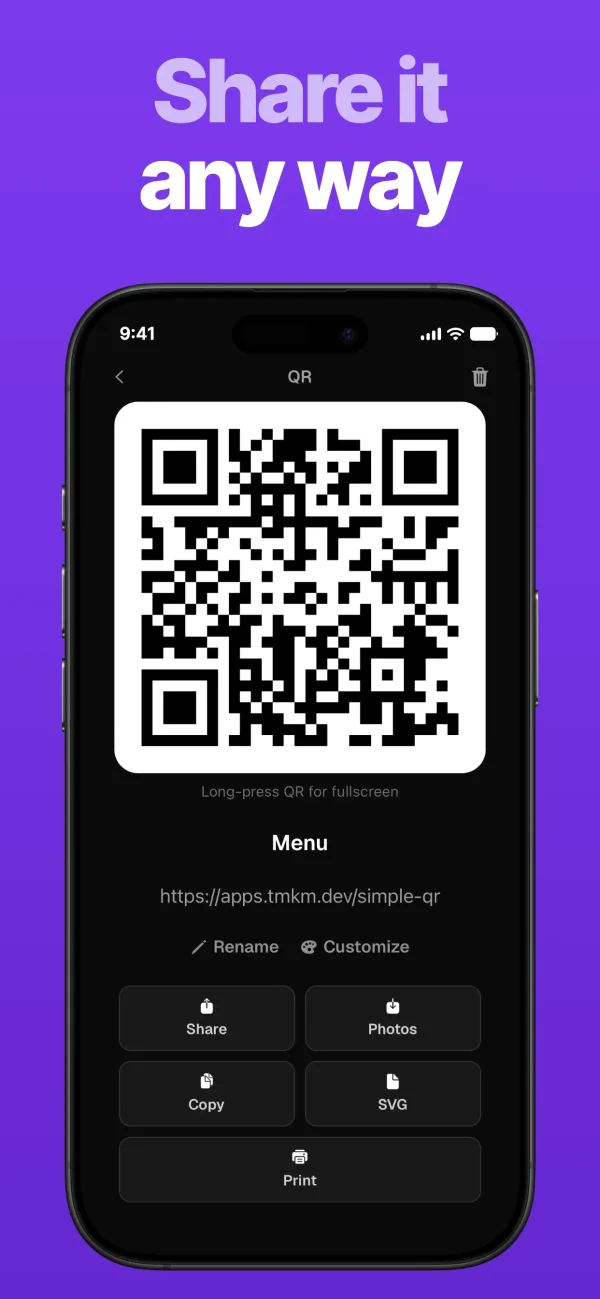
— Share the QR as a clean PNG through the system share sheet
— Send it straight to your photo library with one tap
— Export as SVG when you need it to scale for print
— No watermarks, no branding added to your image
CUSTOMIZE
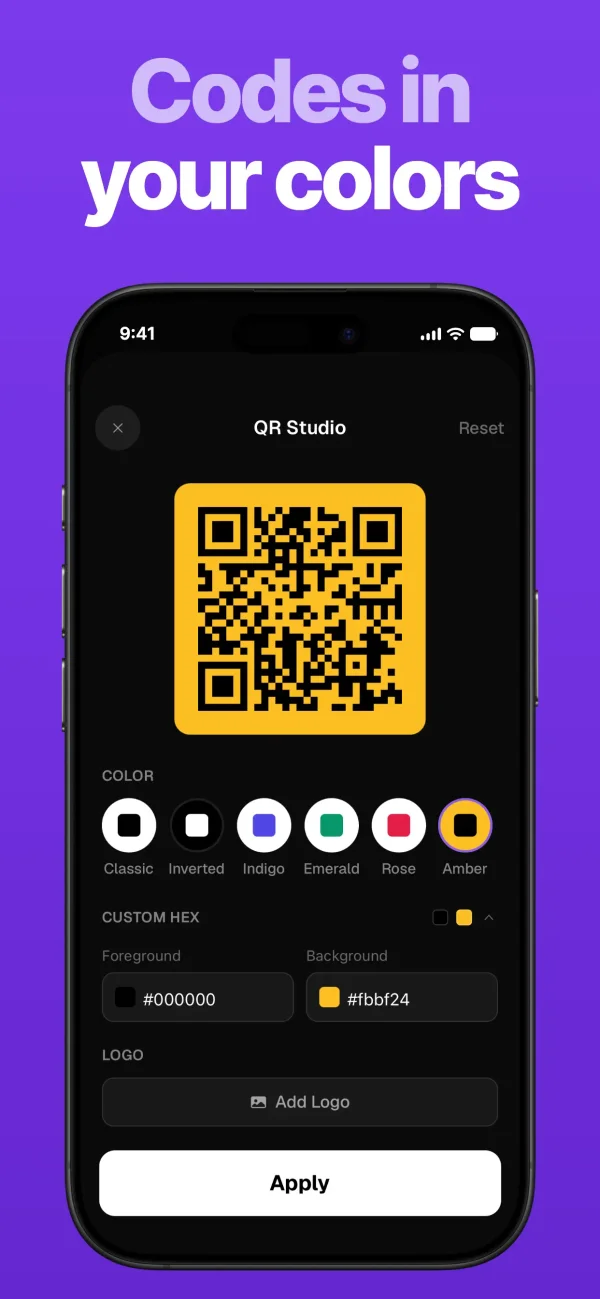
— Custom colors, or pick from the built-in presets
— Put your logo in the center of the code
FOR BUSINESS: PRINT KIT
— Turn any QR into a card you can print: a Wi-Fi sign for the counter, a "leave us a review" card, or a plain "scan me"
— Export a PDF sized for a standard postcard, ready for your printer or a print shop
— Your colors and logo carry over
SAVE
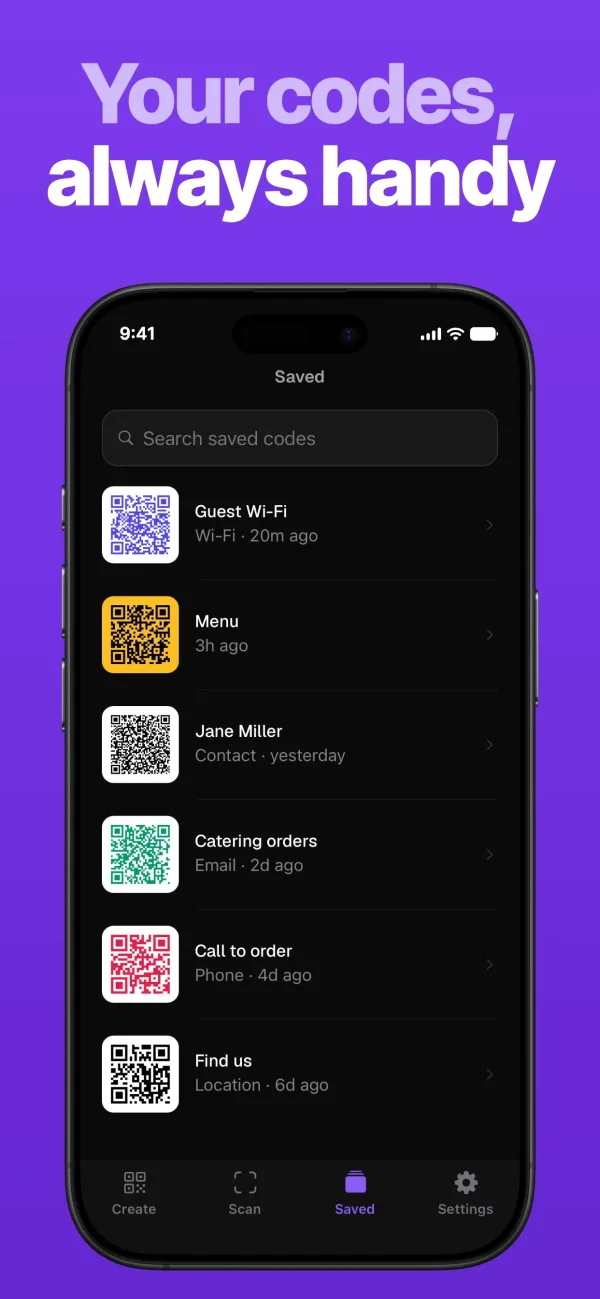
— Keep the codes you use often in a local list
— Reopen a saved QR to share or export it again, or view it fullscreen at max brightness
— Delete it when you no longer need it
PRIVATE BY DEFAULT
Everything stays on your device. Works offline. No account needed. No ads.
SIMPLE QR PRO
Simple QR Pro is a one-time purchase, not a subscription. It unlocks the Wi-Fi, contact, email, SMS, phone, location and review QR types, custom colors and a logo, unlimited saved codes, SVG export, the full scan history with its Wi-Fi and contact actions, and the Print Kit.
The free tier keeps everything else, including the scanner, a limited library of saved codes, and your recent scans.
The price for your region is shown in the app before you buy.
Terms of Use (EULA): https://www.apple.com/legal/internet-services/itunes/dev/stdeula/
Privacy Policy: https://apps.tmkm.dev/simple-qr/privacy
Built for marketers putting QR codes on flyers, cafés printing a Wi-Fi card for the counter, remote workers sharing the office password, and developers testing links. Anyone who needs a clean QR code in either direction, fast.
What’s new
Version 1.6.0 · Nov 11, 2026
New app icon. You can switch between Sticker, Rounded and Classic in Settings.
Saved Wi-Fi and contact codes now show a clear title instead of raw text, so your Wi-Fi password no longer appears on the details screen.
Clearer wording throughout the app, and buttons that no longer get cut off.
App privacy
What Tomash Sugint declares on the App Store about how this app handles data.
-
Data not linked to you
May be collected but is not linked to your identity.
- Purchases
- Identifiers
- Usage data
Privacy practices may vary, for example with the features you use or your age.
Information
- Seller
- Tomash Sugint
- Category
- Utilities
- Version
- 1.6.0
- Updated
- Nov 11, 2026
- Released
- May 27, 2026
- Size
- 60.8 MB
- Requires
- iOS 16.4 or later
- Age rating
- 4+
- Price
- Free
- In-app purchases
- Yes
- Languages
- English, Croatian, Czech, Danish, Dutch, Finnish, French, German, Greek, Hindi, Hungarian, Indonesian + 18 more
- Copyright
- © Tomash Sugint
You might also like
-
 QArt-QR Code Generator & Scan100+ templates, logo, barcode
-
 QR Code FastCreate & Share QR Codes
-
 Qr Code Generator - QRScan, Create & Share QR Codes
-
 QuickQR: QR Code GeneratorScan, Create & Customize Codes
-
 CurrencySpot: Money ConverterExchange Rates & Price Scanner
-
 Qrisp: QR Code GeneratorQR Maker That Never Expires
-
 QRify - Scan & GenerateUtilities
-
 Simple QR AppScan & create QR codes
-
 Countdown - Event & WidgetCountdown, Timer & Reminders
-
 Get My QRUnlimited QR Code Maker