
- Age rating4+
- CategoryUtilities
- Developer清安 陈
- LanguagesEnglish
- Size5.2 MB
Links to the official App Store page
Download.org hosts no file of Skedule. The button opens its official App Store page, published by 清安 陈. Listing last checked on Nov 17, 2026.
Screenshots


About
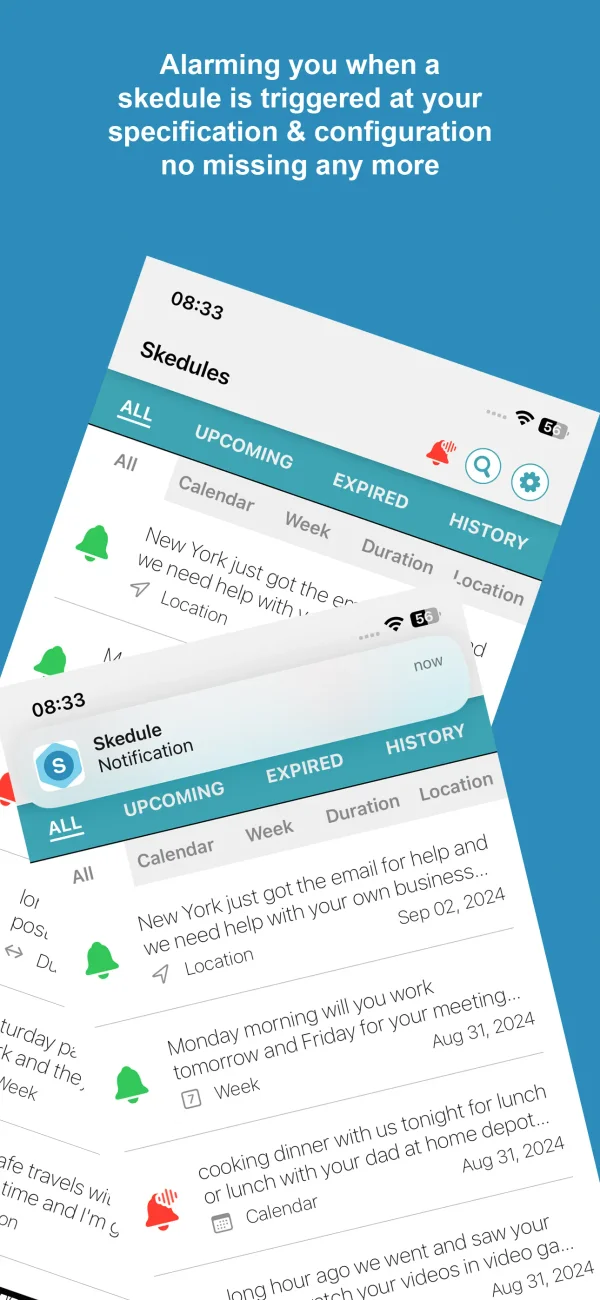
Never miss important events, appointments or moments in your life again!
No matter how well you think your memory is, you did forget some important things to do once for a while for sure. And it is common for many people. Fortunately, there are ways to make sure we remember to check our lists — and to remember to do the things we need to do, whether they’re on a list or not.
In most cases, we need a lot of pushing at first, for example by making a schedule, but eventually we build up enough momentum that doing what needs doing becomes a habit — taking everything under our control timely.
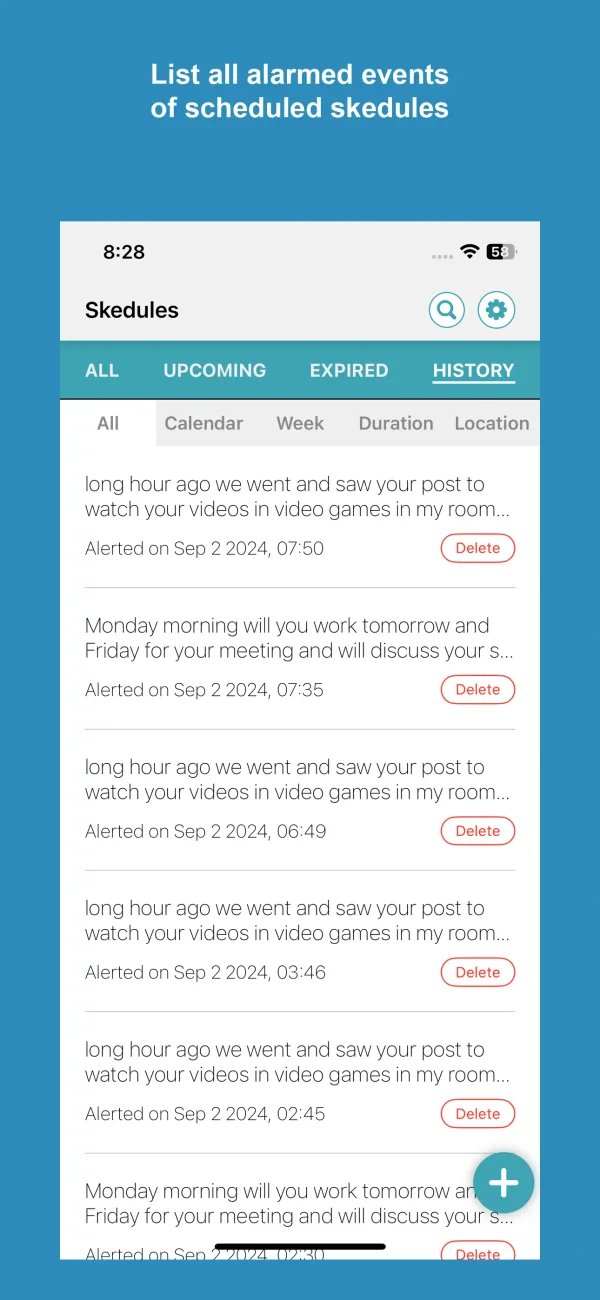
Skedule is an IOS application to help you organize your to-do events, appointments and more and alarm you at customized conditions set by you. Unlike other similar apps, Skedule is easier-to-use and more powerful. With Skedule you will feel more confident in life and won't miss bright moments in future.
Major Features of Skedule
1, Completely run on your local devices without any requirement for outbound Internet connections;
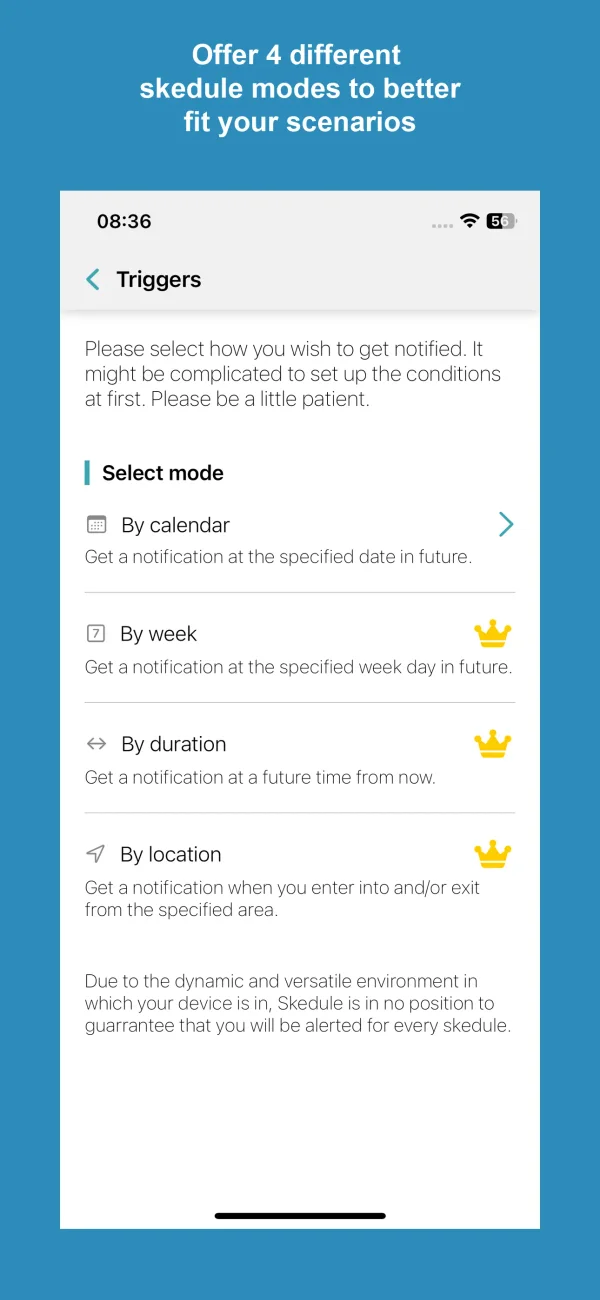
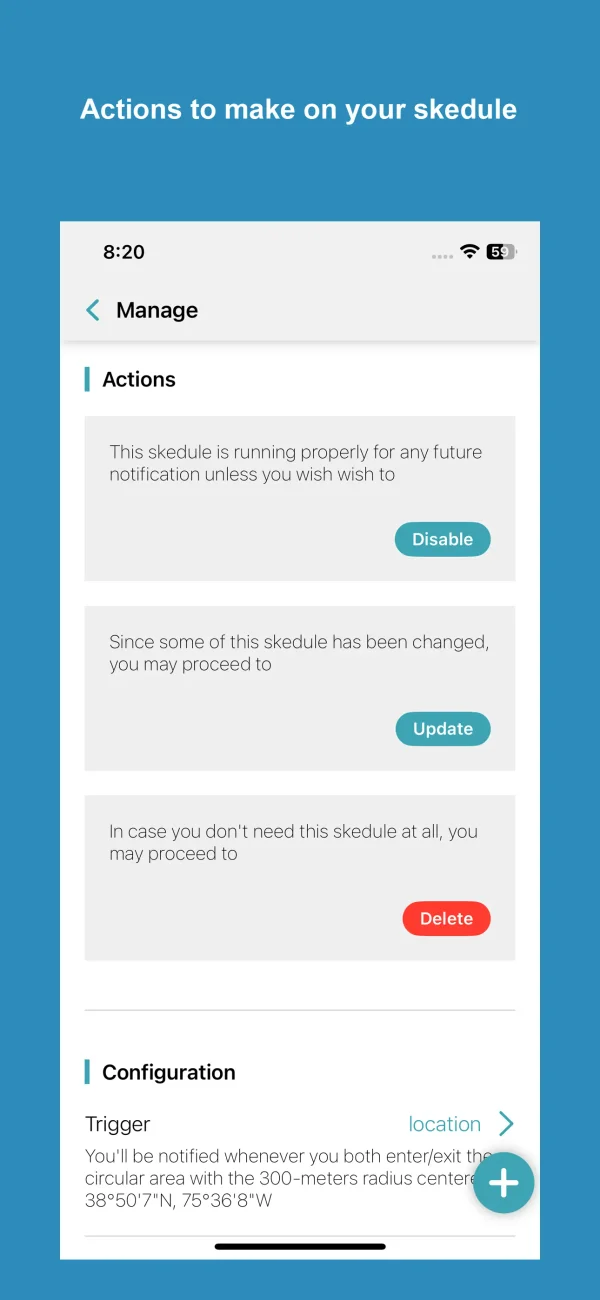
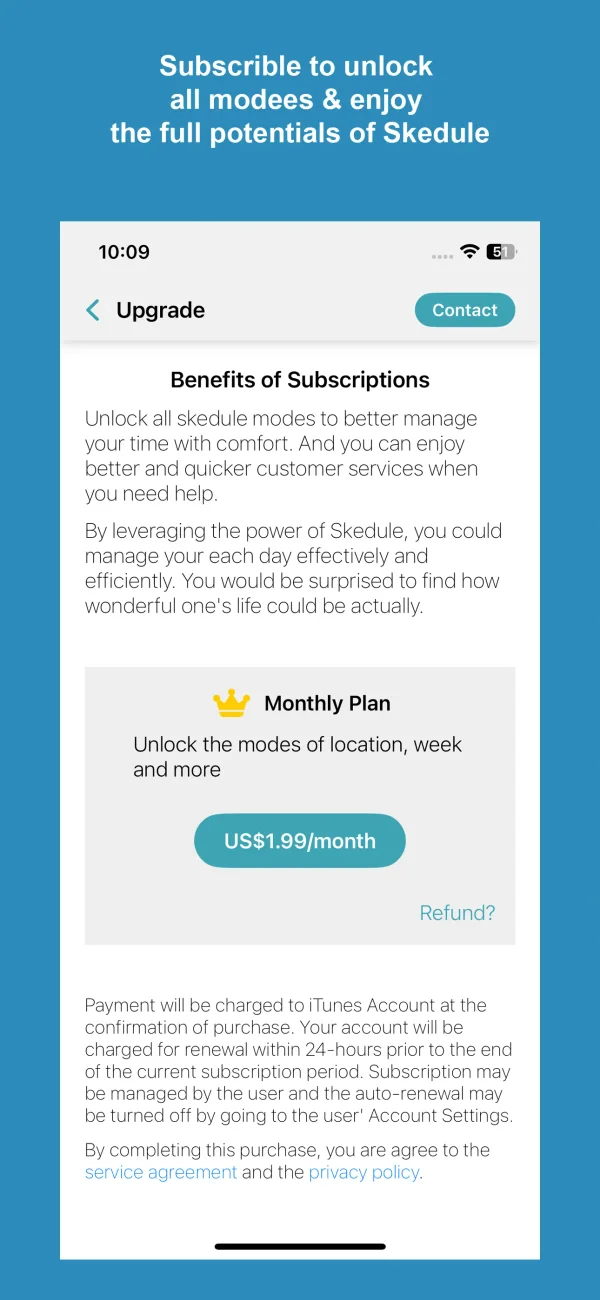
2, Offer various notification modes, e.g. calendar, duration, week and location and more to be added, which could fit your needs at most;
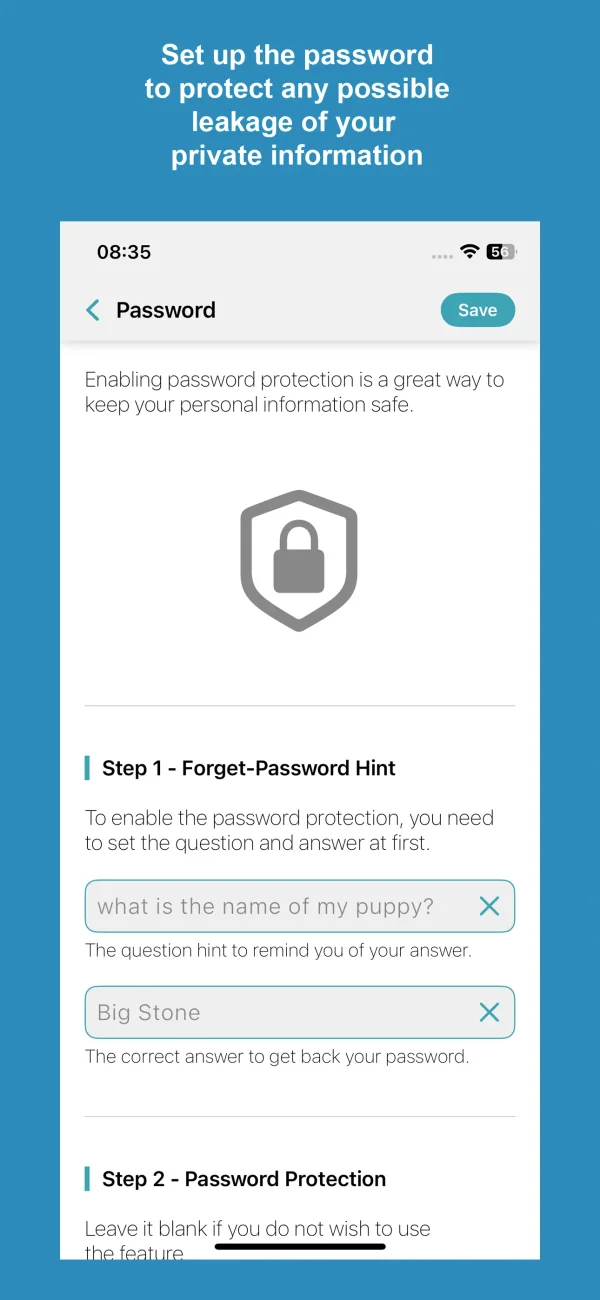
3, Offer the password protection, which could keep your personal information safe;
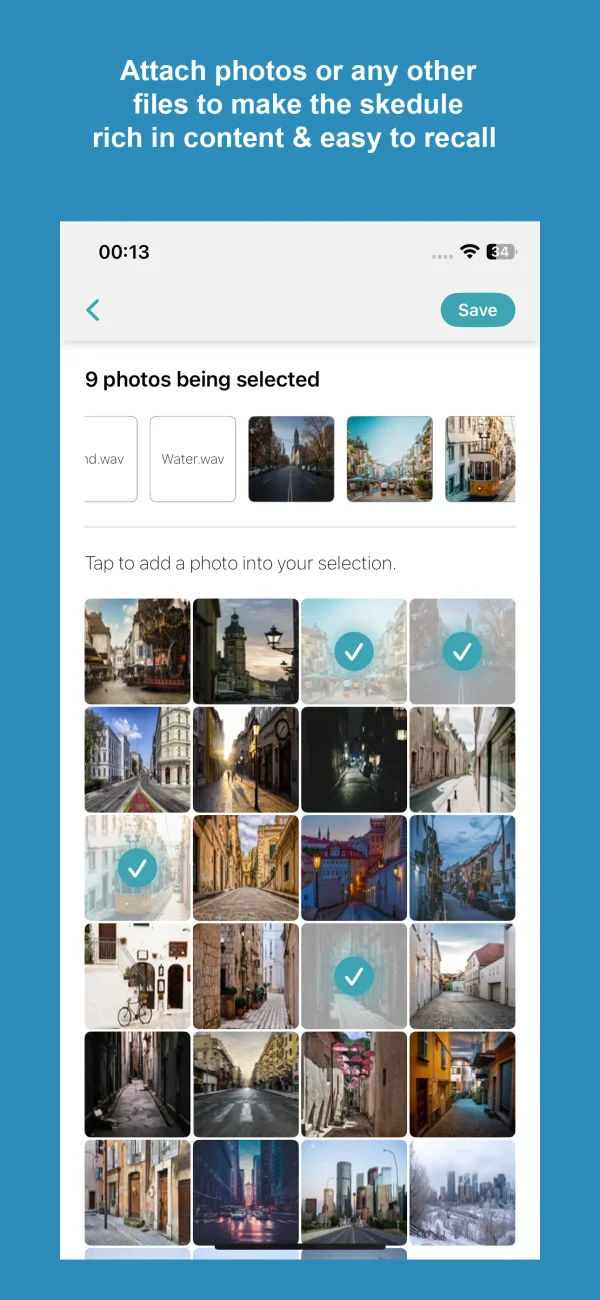
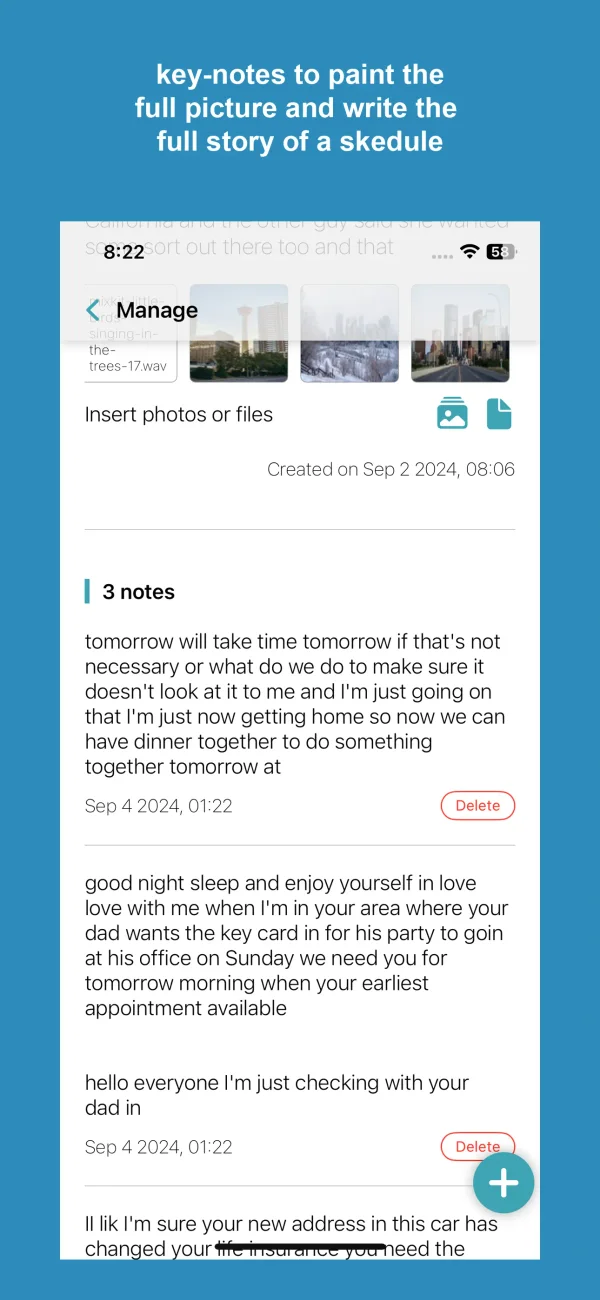
4, Nearly all files could be added to a skedule content, e.g. photos, music, movies, pdf and more;
5, Offer various alert sounds to distinguish Skedule from other apps;
How to Use Skedule
1, Download the app from the Apple store;
2, Open the app and tap the plus button at the right-bottom corner;
3, Set up the trigger conditions and add some contents to the skedule, e.g, photos, files, words;
4, Tap the save button and all is done!
What’s new
Version 3.20240905 · Sep 5, 2024
1, Layout and design is restructured for greater usage and more beautiful look.
2, the backend mechanism is redesigned and rewritten fore more efficiency.
3, some bugs are fixed.
App privacy
What 清安 陈 declares on the App Store about how this app handles data.
-
Data not collected
The developer does not collect any data from this app.
Privacy practices may vary, for example with the features you use or your age.
Information
- Seller
- 清安 陈
- Category
- Utilities
- Version
- 3.20240905
- Updated
- Sep 5, 2024
- Released
- May 5, 2024
- Size
- 5.2 MB
- Requires
- iOS 17.0 or later
- Age rating
- 4+
- Price
- Free
- Languages
- English
- Copyright
- © Qingan Chen
You might also like
-
 Hidden Cameras - Spy DetectorCamera Scanner, Finder App
-
 Hidden Camera - Cam DetectorSpy Finder & Secret Scanner
-
 Hidden Camera Detector Pro.Finder, Scanner & Connect
-
 Hidden Cameras Detector AppCamera Scanner, Finder - Spy
-
 WiFi Analyzer: Network MasterWi Fi Scanner & Speed Tester
-
 Remove Object. Photo EditorEraser: Cut Out Background
-
 Object Removal - Photo RetouchMagic Eraser: Cut Out Editor
-
 Air Finder - Find My EarbudsBluetooth Tracker & Detector
-
 Hidden Camera Detector | SpyCamera Finder & Device Scanner
-
 Auto Clicker: Tapper AssistantOP Automatic Click & Tap App