Smart Printer App: iPrint.
Scan, Print Photos & PDF Docs
Designed for iPhone, iPad
Free · In-app purchases
- Age rating4+
- CategoryBusiness
- DeveloperHassan Ahmad Babar
- LanguagesEnglish+ 7 more
- Size7.3 MB
Links to the official App Store page
Download.org hosts no file of Smart Printer App: iPrint. The button opens its official App Store page, published by Hassan Ahmad Babar. Listing last checked on Nov 15, 2026.
Screenshots
About
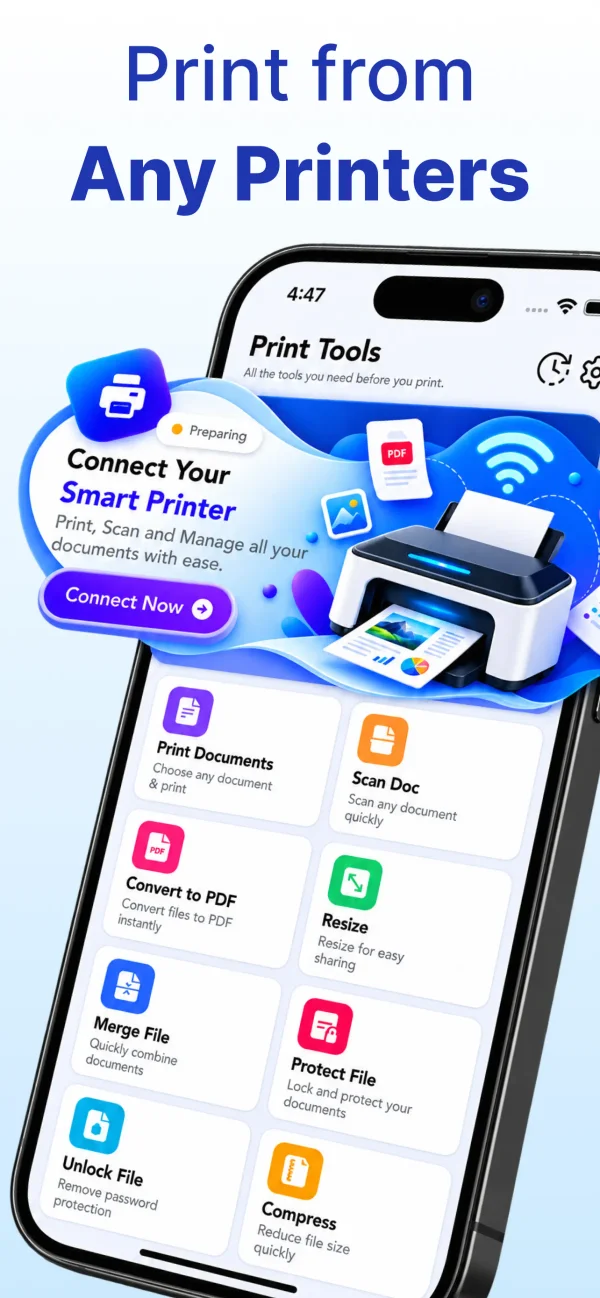
Print, scan, convert, and manage your documents with Smart Printer App. Connect your printer and access a collection of convenient printing and PDF tools designed to make everyday document tasks simple and efficient.
Whether you need to print a document, scan a file, convert files to PDF, or organize your documents, Smart Printer App brings essential tools together in one easy-to-use app.
Key Features
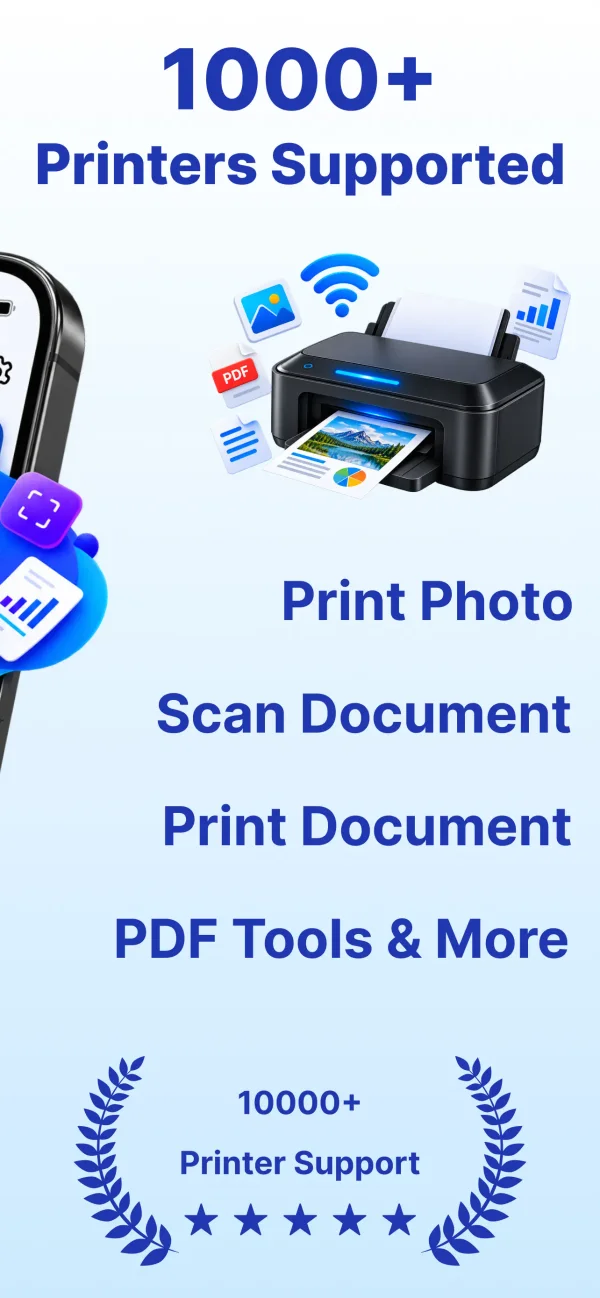
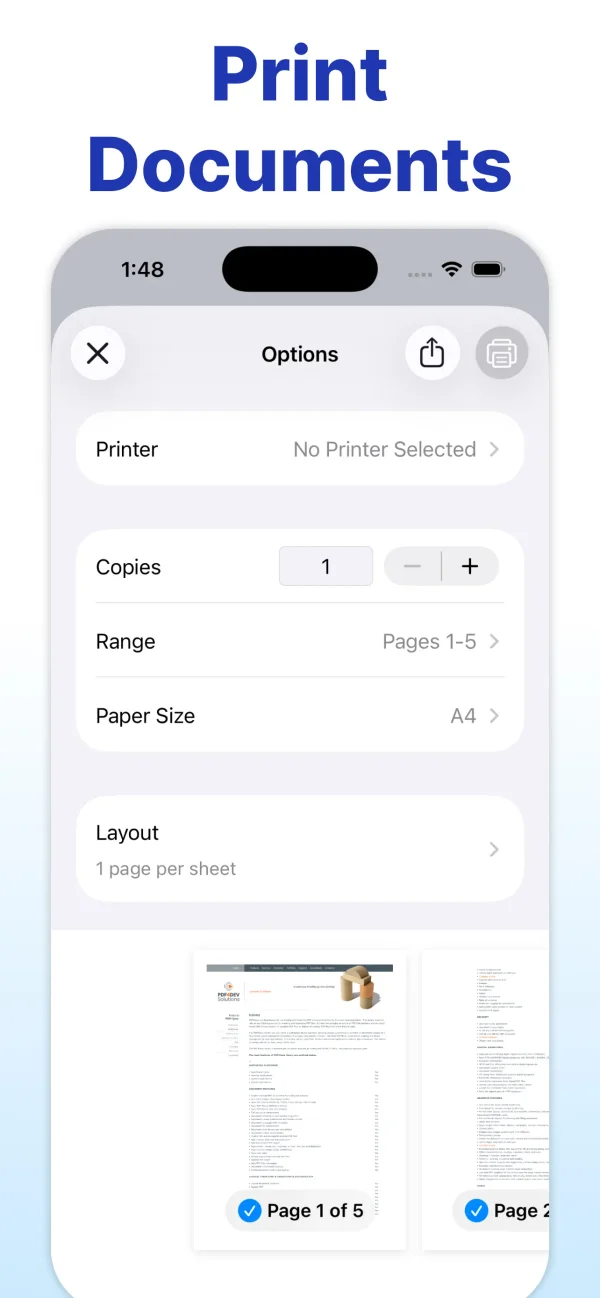
Print Documents
Choose documents and print them directly from your device with a simple workflow.
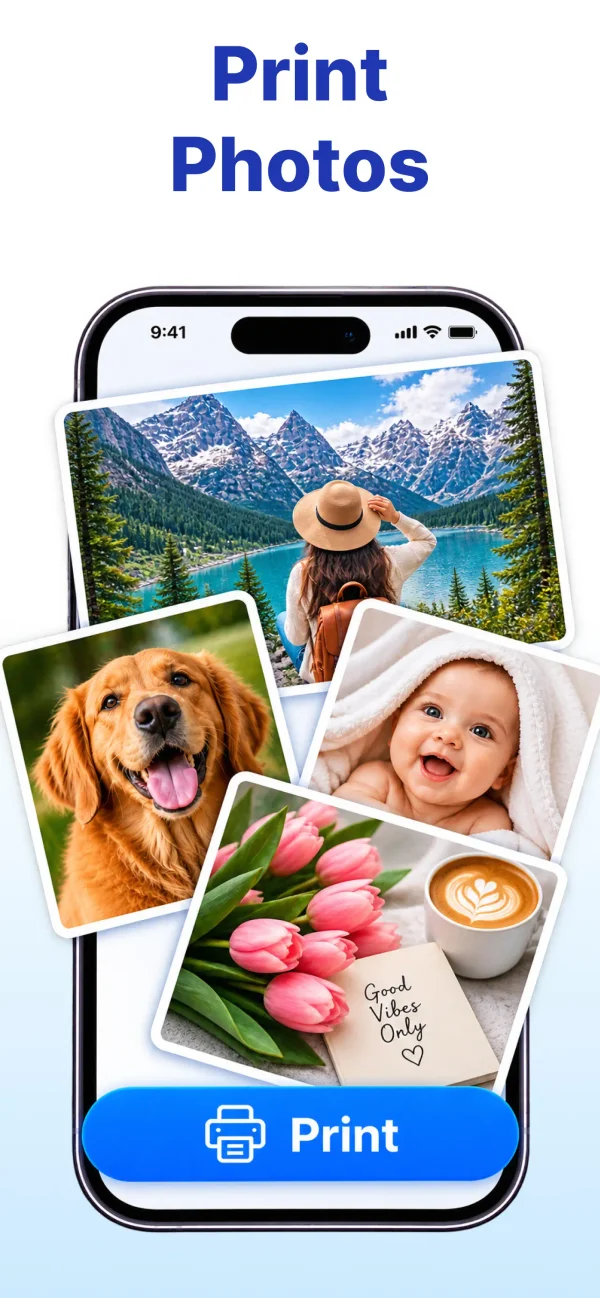
Print Photos
Print your favorite photos quickly and conveniently.
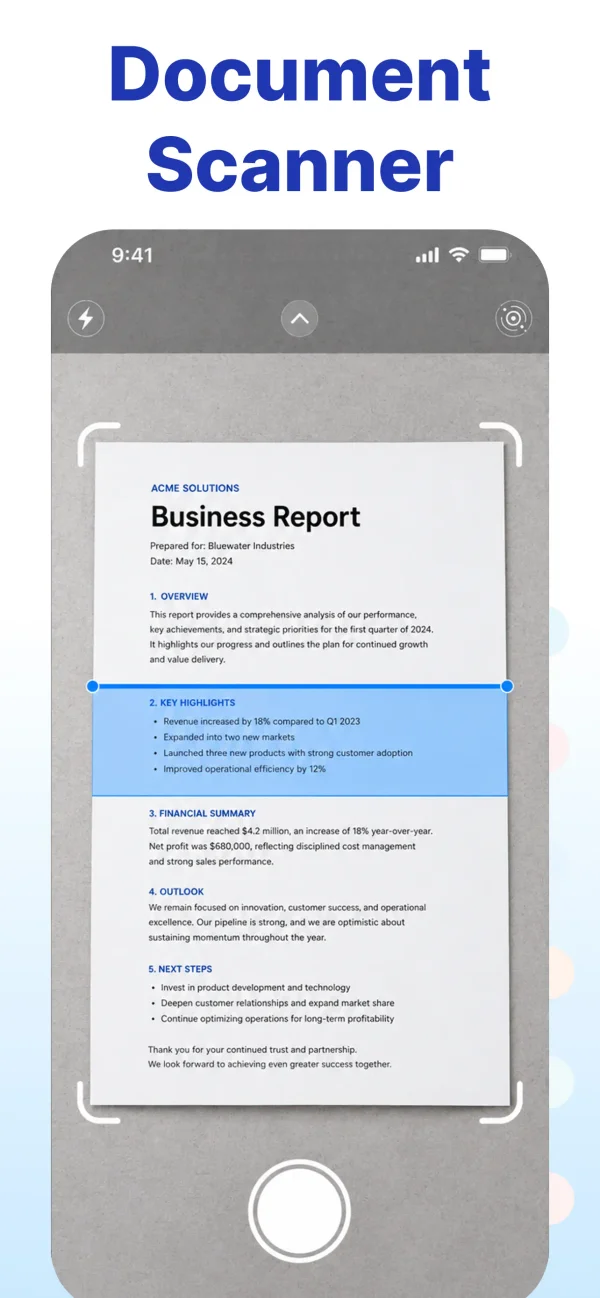
Scan Documents
Scan documents and prepare them for printing, sharing, or saving.
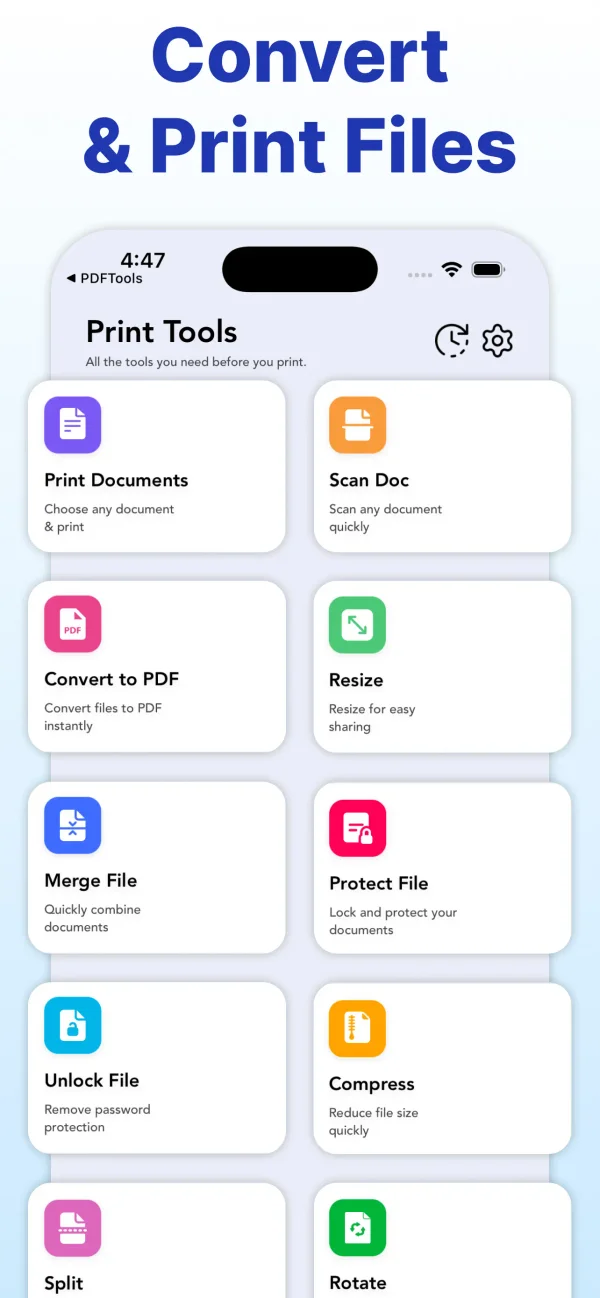
Convert to PDF
Convert supported files and documents into PDF format.
Merge Files
Combine multiple documents into a single file for easier organization and sharing.
Resize Files
Adjust document or image size for convenient sharing and printing.
Protect Files
Help keep important documents protected with file security tools.
Unlock Files
Remove supported document protection when you have permission to access the file.
Compress Files
Reduce file size to make documents easier to store and share.
Split & Rotate
Split documents into separate files and rotate pages when needed.
Simple Printing & Document Tools
Smart Printer App combines everyday printer and document utilities in one place. From preparing a file to printing the final document, you can manage multiple tasks without switching between different apps.
Smart Printer App is designed for students, professionals, home users, and anyone who regularly works with printed documents, PDFs, and photos.
Download Smart Printer App and simplify the way you print, scan, convert, organize, and manage your documents.
Note:
Payment will be charged to iTunes Account at confirmation of purchase. Subscription automatically renews unless auto-renew is turned off at least 24-hours before the end of the current period. The account will be charged for renewal within 24-hours prior to the end of the current period, and identify the cost of the renewal. The cost depends on the selected plan. Subscriptions may be managed by the user and auto-renewal may be turned off by going to the user's Account Settings after purchase. Any unused portion of the free trial will be forfeited when the user purchases a subscription.
Privacy Policy: https://sites.google.com/view/hassan-ahmad-babar/privacy-policy
Terms of Use: https://sites.google.com/view/hassan-ahmad-babar/terms-of-use
What’s new
Version 1.3 · Oct 18, 2026
- Minor Bugs Fixing
App privacy
What Hassan Ahmad Babar declares on the App Store about how this app handles data.
-
Data not collected
The developer does not collect any data from this app.
Privacy practices may vary, for example with the features you use or your age.
Information
- Seller
- Hassan Ahmad Babar
- Category
- Business
- Version
- 1.3
- Updated
- Oct 18, 2026
- Released
- Aug 26, 2026
- Size
- 7.3 MB
- Requires
- iOS 16.6 or later
- Age rating
- 4+
- Price
- Free
- In-app purchases
- Yes
- Languages
- English, French, German, Italian, Japanese, Korean, Portuguese, Spanish
- Copyright
- © Hassan Ahmad Babar @ 2026. All Rights Reserved.
You might also like
-
 Smart Printer App iPrint ScanPrinter App: Print Scan & Fax
-
 ダクト静圧計算・風量測定- Kazamichi 風道Productivity
-
 Smart Printer-Air iPrint scanAI Print PDF,Photos Scanner
-
 NoteCraft - Notes & AI WriterMarkdown, to-dos & writing
-
 防火設備自動計算Productivity
-
 AI Note Taker & RecorderVoice Notes & AI Summary
-
 Smart Print App: Printer, ScanAll-in-One Print & Edit Doc
-
 Private Voice InboxRecord. Transcribe. Organize.
-
 AI Grammar Checker & CorrectorSpell Check & Proofread Tool
-
 App for Epson PrinterCompatible for HP,Canon,Epson