Smart Printer-Air iPrint scan
AI Print PDF,Photos Scanner
Designed for iPhone, iPad, iPod touch
Free · In-app purchases
- Age rating4+
- CategoryBusiness
- DeveloperMomina Khalid
- LanguagesEnglish
- Size10.2 MB
Links to the official App Store page
Download.org hosts no file of Smart Printer-Air iPrint scan. The button opens its official App Store page, published by Momina Khalid. Listing last checked on Nov 13, 2026.
Screenshots


About
# Smart Printer App – Print Anything from Your iPhone
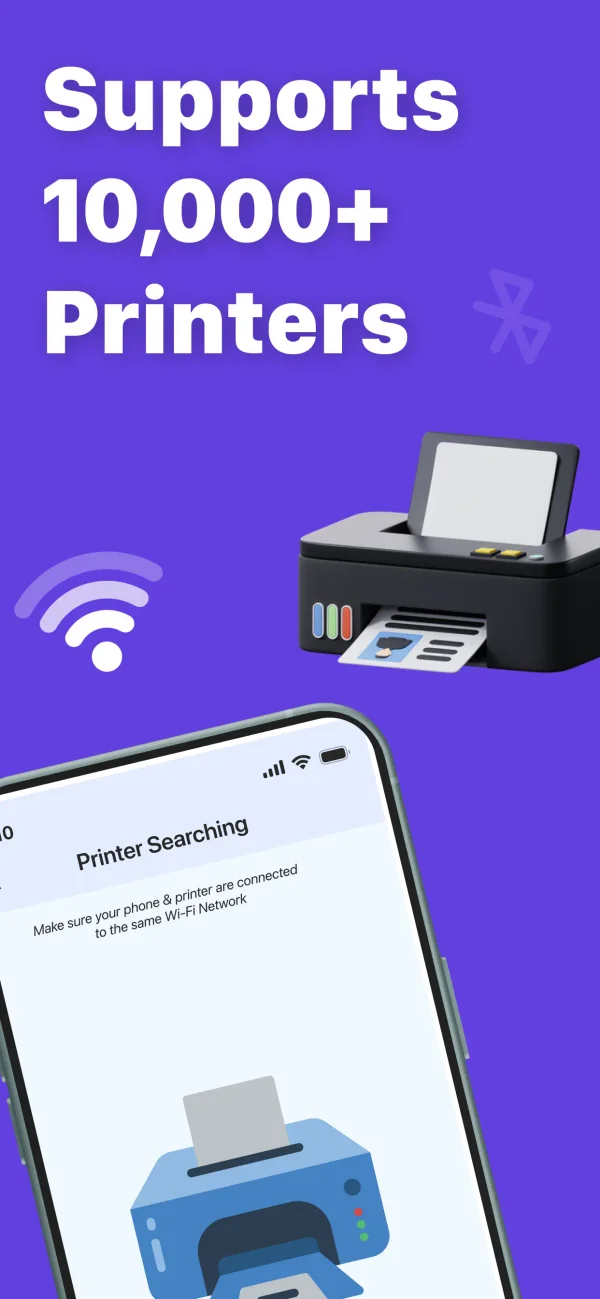
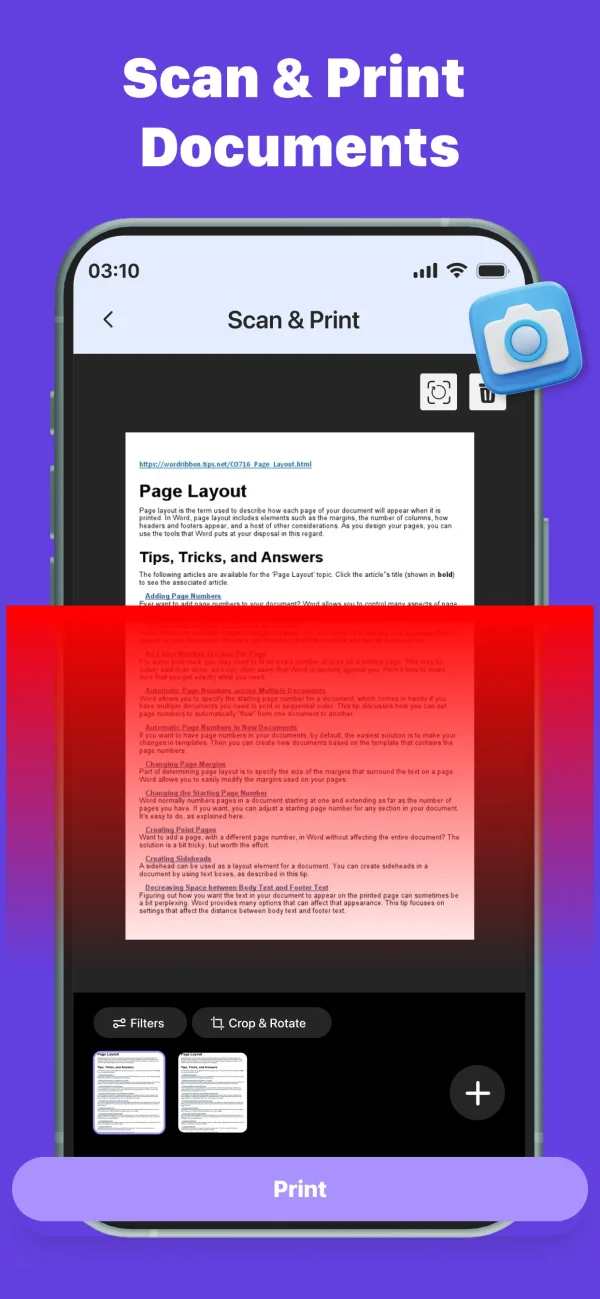
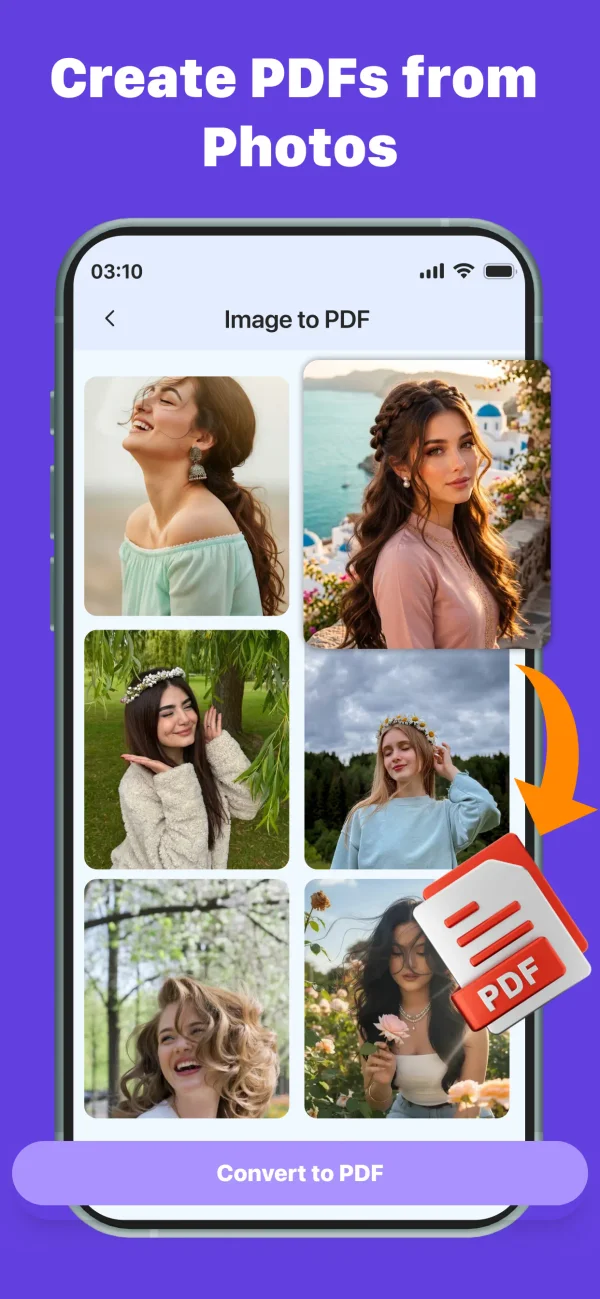
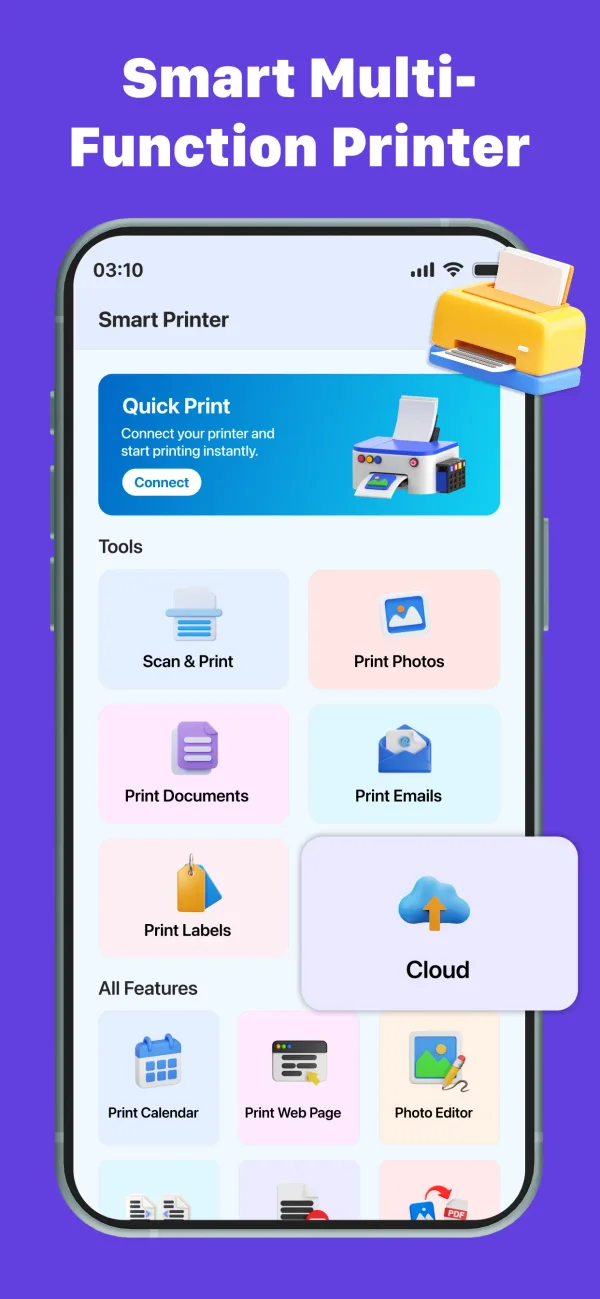
Turn your iPhone or iPad into a powerful wireless printing solution. Smart Printer App lets you print photos, PDF files, Word documents, Excel spreadsheets, presentations, web pages, contacts, notes, calendars, and more in just a few taps.
Designed for speed and simplicity, the app automatically detects compatible Wi-Fi printers so you can start printing without complicated setup.
## Print with Ease
• Print PDF documents instantly
• Print Word, Excel, PowerPoint and TXT files
• Print high-quality photos and images
• Print web pages directly from Safari
• Print contacts, notes and calendars
• Print files from the Files app and cloud storage
• Share documents from other apps and print instantly
## Fast Wireless Printing
Connect to supported Wi-Fi printers and print from anywhere on the same network. No cables or complicated configuration required.
## High Quality Results
Adjust paper size, orientation, color options, number of copies, and other print settings before printing to get the best results every time.
## Simple & User-Friendly
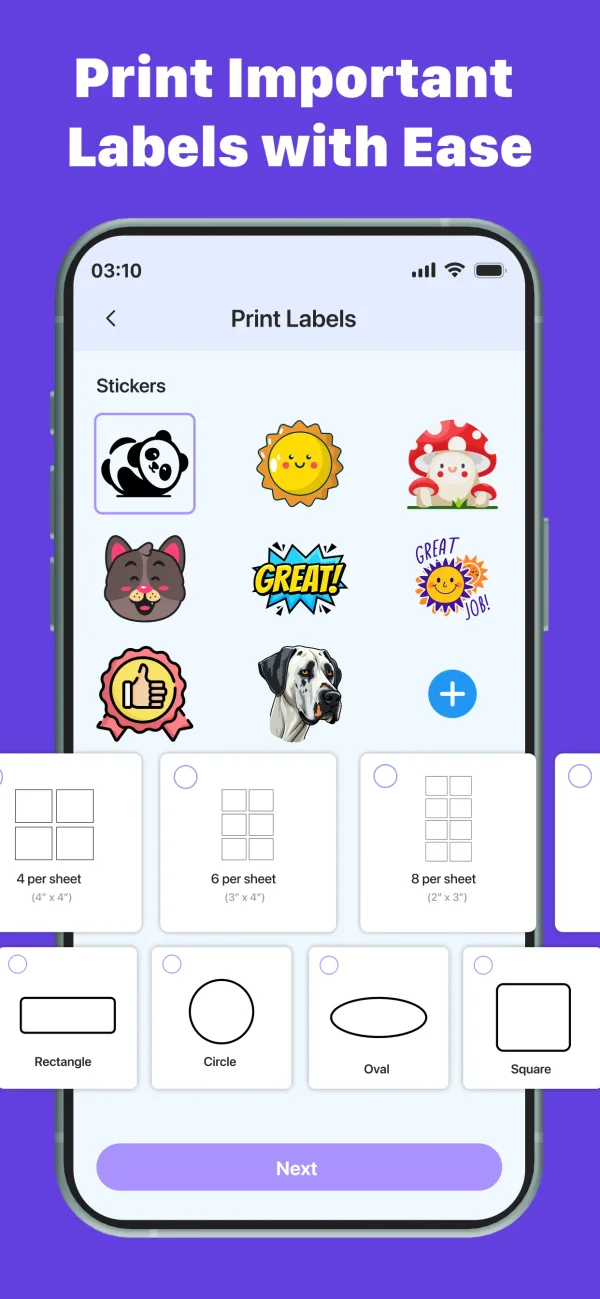
A clean interface makes printing easy for everyone. Whether you're printing school assignments, business documents, travel tickets, invoices, shipping labels, or family photos, everything is just a few taps away.
## Perfect For
• Students
• Teachers
• Professionals
• Small businesses
• Home users
Download Smart Printer App today and enjoy fast, reliable, and convenient wireless printing directly from your iPhone or iPad.
**Subscription Information**
Premium features are available through an auto-renewable subscription. Payment is charged to your Apple ID account after purchase confirmation. Your subscription renews automatically unless canceled at least 24 hours before the end of the current billing period. You can manage or cancel your subscription anytime in your App Store account settings.
Some printer models and features may vary depending on hardware compatibility and network configuration.
Note:
STEP 1: Payment will be charged to your iTunes account at confirmation of purchase. Your subscription will automatically renew unless auto-renew is turned off at least 24 hours before the end of the current subscription period.
STEP 2: Your account will be charged for renewal within 24 hours before the end of the current subscription period. Automatic renewals will cost the same price you were originally charged for the subscription.
STEP 3: You can manage your subscriptions and turn off auto-renewal by going to your Account Settings on the App Store after purchase. Read our terms of service and Privacy Policy for more information.
Terms of Use:
https://sites.google.com/view/namigamesstudio/terms-of-use
Privacy Policy:
https://sites.google.com/view/mominakhalid/home
What’s new
Version 1.1 · Jul 15, 2026
Thanks for using Smart Printer! This update includes:
• Improved printer compatibility
• Enhanced printing performance
• Faster document processing
• UI and stability improvements
• Fixed minor bugs for a smoother experience
App privacy
What Momina Khalid declares on the App Store about how this app handles data.
-
Data used to track you
May be used to track you across apps and websites owned by other companies.
- Location
-
Data not linked to you
May be collected but is not linked to your identity.
- Location
Privacy practices may vary, for example with the features you use or your age.
Information
- Seller
- Momina Khalid
- Category
- Business
- Version
- 1.1
- Updated
- Jul 15, 2026
- Released
- Jul 7, 2026
- Size
- 10.2 MB
- Requires
- iOS 15.0 or later
- Age rating
- 4+
- Price
- Free
- In-app purchases
- Yes
- Languages
- English
- Copyright
- Copyright © 2026 Momina Khalid. All rights reserved.
You might also like
-
 Printer: Print & Scan PhotosWireless Printing for PDFs
-
 Smart Printer App iPrint ScanPrinter App: Print Scan & Fax
-
 Mobile Printer: Print FilesPrint Photos, Docs & PDF
-
 Infor M3 CLM OPBusiness
-
 Smart Printer App: iPrint.Scan, Print Photos & PDF Docs
-
 Smart Printer App・Scan & PrintScan and Print Photos & Docs
-
 Labely: Address LabelsAvery 5160 from Contacts
-
 Smart Printer App․Print & Scan PDF, Photos, Docs
-
 PrintPal: Smart Printer For HPCompatible for HP, Epson
-
 Tila: Recargas Móviles RápidasBusiness