
Smart Printer App iPrint Scan
Printer App: Print Scan & Fax
Designed for iPhone, iPad, Mac
Free · In-app purchases
- Age rating4+
- CategoryBusiness
- DeveloperZubair Saeed
- LanguagesEnglish+ 4 more
- Size45.4 MB
Links to the official App Store page
Download.org hosts no file of Smart Printer App iPrint Scan. The button opens its official App Store page, published by Zubair Saeed. Listing last checked on Nov 17, 2026.
Screenshots
About
-Smart Printer App iPrint Scan
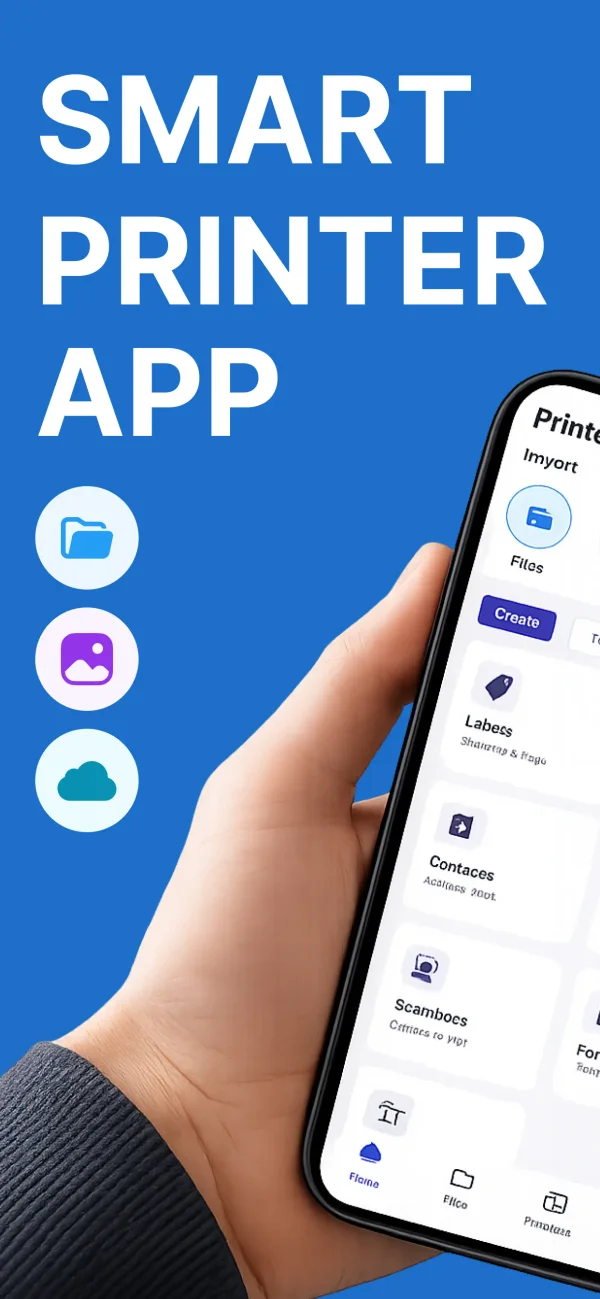
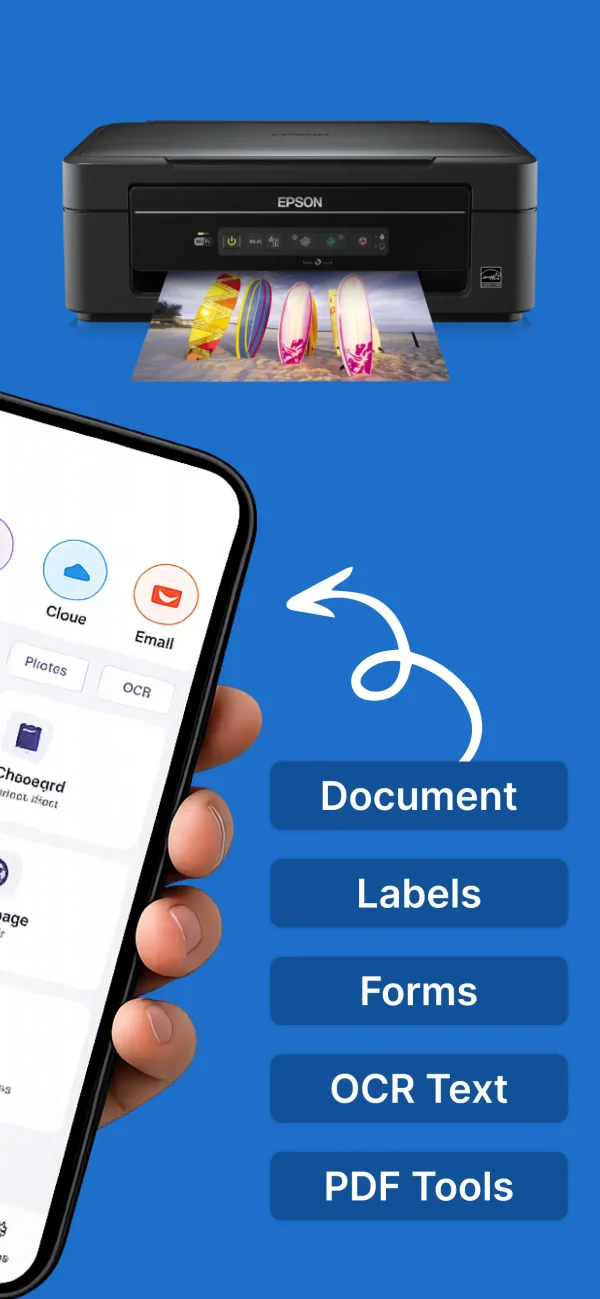
Print, scan, edit, and manage documents from your iPhone with Smart Printer App iPrint Scan. Designed for home, office, and business users, the app makes wireless printing and document management simple with support for a wide range of printer brands, including **HP, Brother, Epson, Canon, Konica Minolta, Lexmark, Kyocera, OKI, Samsung**, and many more.
Whether you're printing documents, scanning paperwork, editing PDFs, or signing contracts, Smart Printer App iPrint Scan provides everything you need in one convenient application.
- Wireless Printing Made Easy
Print documents, PDFs, photos, presentations, web pages, and more directly from your iPhone to compatible printers connected to the same Wi-Fi network.
No complicated setup—just connect and print.
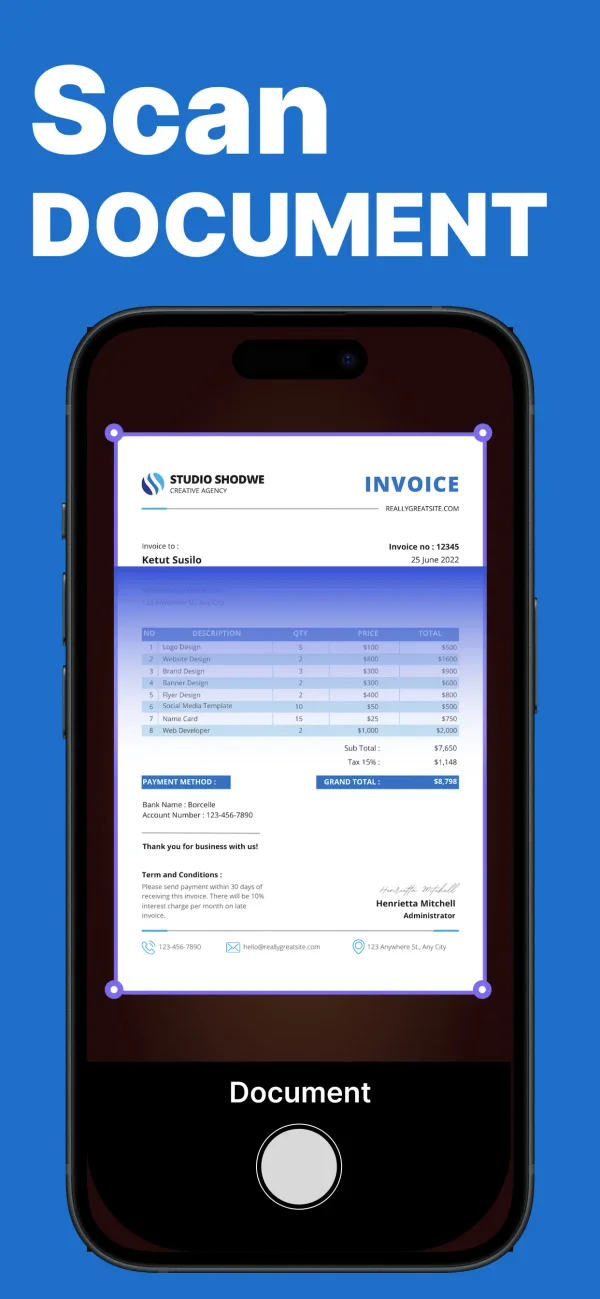
- Powerful Document Scanner
Turn your printer or scanner into a complete document digitization solution.
* Scan receipts, invoices, letters, and contracts
* Save files as PDF or image formats
* Organize important documents digitally
- OCR Text Recognition
Convert scanned documents into editable text using built-in Optical Character Recognition (OCR).
Perfect for:
* Editing scanned documents
* Extracting text from printed pages
* Creating searchable PDFs
- PDF Editor
Manage PDF documents without switching between multiple apps.
Features include:
* Edit PDF files
* Merge multiple PDFs
* Rearrange document pages
* Prepare documents for printing or sharing
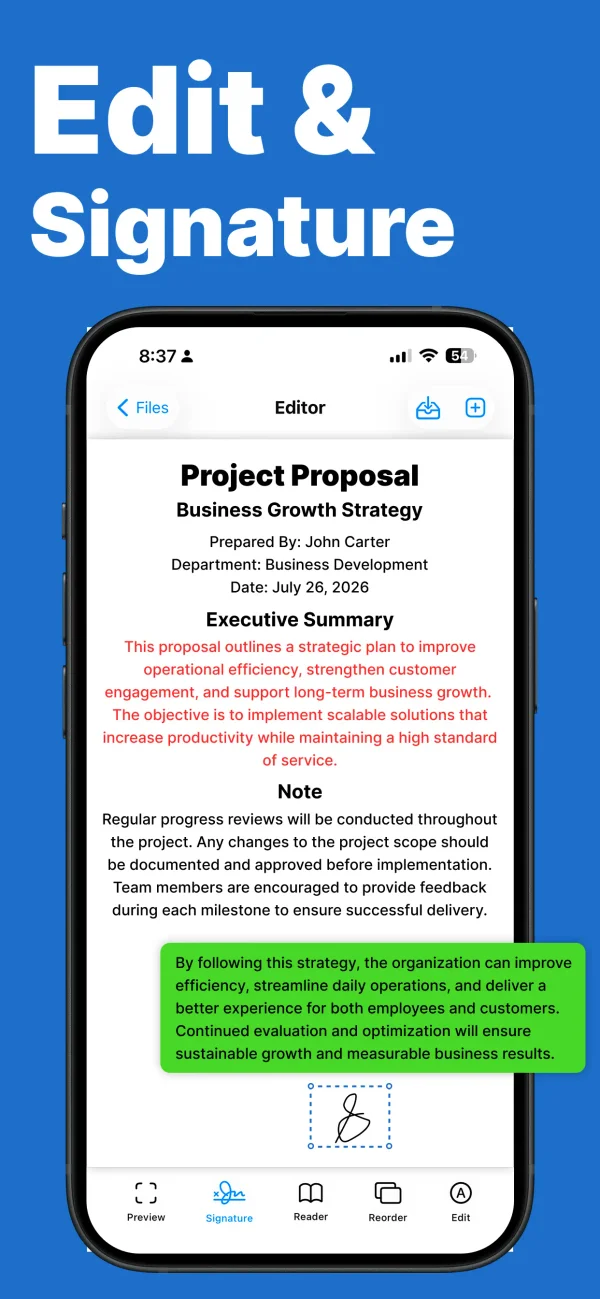
- Electronic Signatures
Sign documents digitally from your iPhone.
Quickly add your signature to contracts, forms, agreements, and other important files without printing or scanning.
- Cloud Storage Integration
Access your documents wherever they're stored.
Connect your cloud accounts to:
* iCloud Drive
* Google Drive
Open, edit, and print files directly from your preferred cloud storage.
- Compatible with Popular Printer Brands
Smart Printer App iPrint Scan supports many leading printer manufacturers, including:
* HP
* Brother
* Epson
* Canon
* Konica Minolta
* Lexmark
* Kyocera
* OKI
* Samsung
* And many more compatible network printers
- Privacy First
Your documents remain yours.
Smart Printer App iPrint Scan is designed with privacy in mind, helping keep your files secure while processing printing, scanning, and document editing tasks.
- Why Choose Smart Printer App iPrint Scan?
* Wireless printing over Wi-Fi
* Fast document scanning
* OCR text recognition
* PDF editing and merging
* Electronic document signing
* Cloud storage integration
* Support for multiple printer brands
* Simple and intuitive iPhone interface
Whether you're working from home, running a business, or managing personal paperwork, Smart Printer App iPrint Scan helps you print smarter, scan faster, and organize documents with ease.
- Subscription Information
Payment will be charged to your Apple ID at confirmation of purchase.
Subscriptions automatically renew unless auto-renew is turned off at least 24 hours before the end of the current billing period. Your account will be charged for renewal within 24 hours before the current subscription expires.
You can manage or cancel your subscription anytime in your Apple Account Settings after purchase.
Privacy Policy:
https://sites.google.com/view/zubairsapps/policy
Terms of Use:
https://sites.google.com/view/zubairsapps/terms
What’s new
Version 1.6 · Aug 27, 2026
We’ve made some improvements to make your experience smoother and more reliable.
• Upgraded the app UI for a cleaner, more intuitive experience
• Enhanced performance for faster and smoother usage
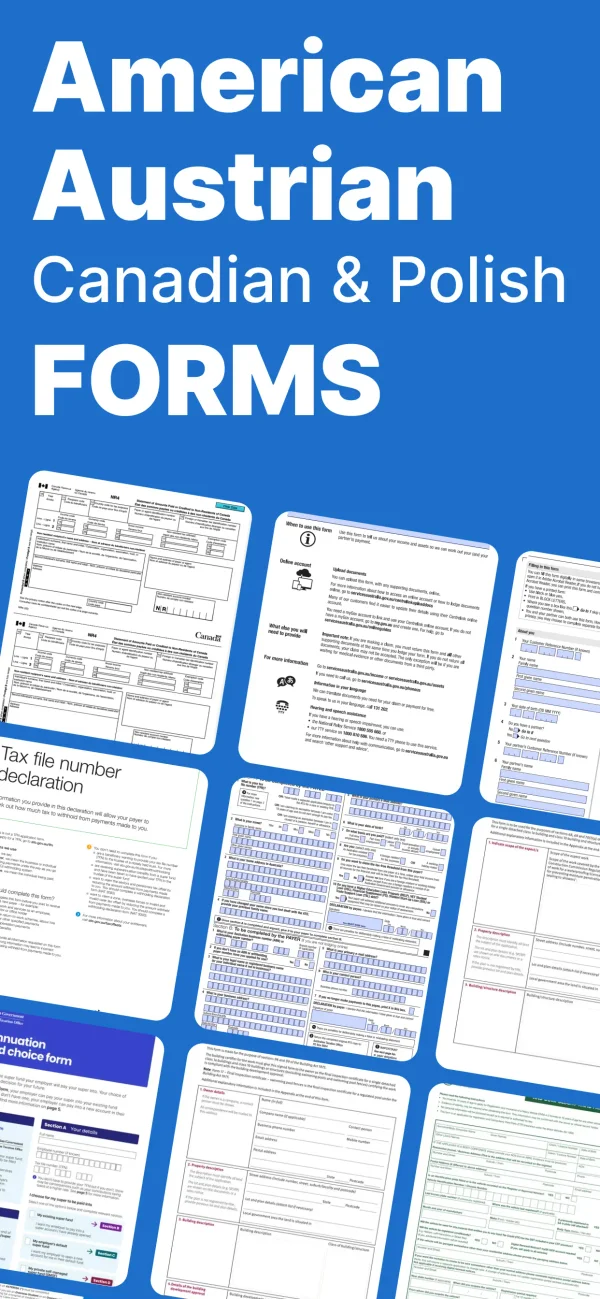
• Improved form editing for easier document management
• Fixed minor bugs and improved overall stability
App privacy
What Zubair Saeed declares on the App Store about how this app handles data.
-
Data not collected
The developer does not collect any data from this app.
Privacy practices may vary, for example with the features you use or your age.
Information
- Seller
- Zubair Saeed
- Category
- Business
- Version
- 1.6
- Updated
- Aug 27, 2026
- Released
- Apr 2, 2026
- Size
- 45.4 MB
- Requires
- iOS 16.0 or later
- Age rating
- 4+
- Price
- Free
- In-app purchases
- Yes
- Languages
- English, Arabic, French, German, Polish
- Copyright
- © 2026 Zubair Apps. All rights reserved.
You might also like
-
 App for Epson PrinterCompatible for HP,Canon,Epson
-
 Smart Printer App- iPrint ScanFor Canon, HP, Epson, Brother
-
 Printer Wireless PrintingiPrint - Smart Mobile Print
-
 iPrint for Epsom Printer AppFor Epson, Canon and HPSmart
-
 Smart Printer - Auto AirPrintPrint to Any Wi-Fi Air Printer
-
 Smart Printer for HP*All-in-One Printing for HP
-
 Printer App: Print & Scan PDFPrint Photos & Scanner App
-
 Smart Printer App Scan — PrintMobile wireless all printing
-
 Air Printer App: Smart PrintSupports All Printers
-
 Tap & Print: Smart Printer AppPrint from iPhone & iPad, Scan