Smart Printer App: PDF Scanner
Print Docs, Photos & PDF
Designed for iPhone, iPod touch
Free · In-app purchases
- Age rating4+
- CategoryBusiness
- DeveloperPDF EDITOR
- LanguagesEnglish+ 7 more
- Size45.6 MB
Links to the official App Store page
Download.org hosts no file of Smart Printer App: PDF Scanner. The button opens its official App Store page, published by PDF EDITOR. Listing last checked on Nov 15, 2026.
Screenshots
About
Smart Printer App: Print easily anytime, anywhere
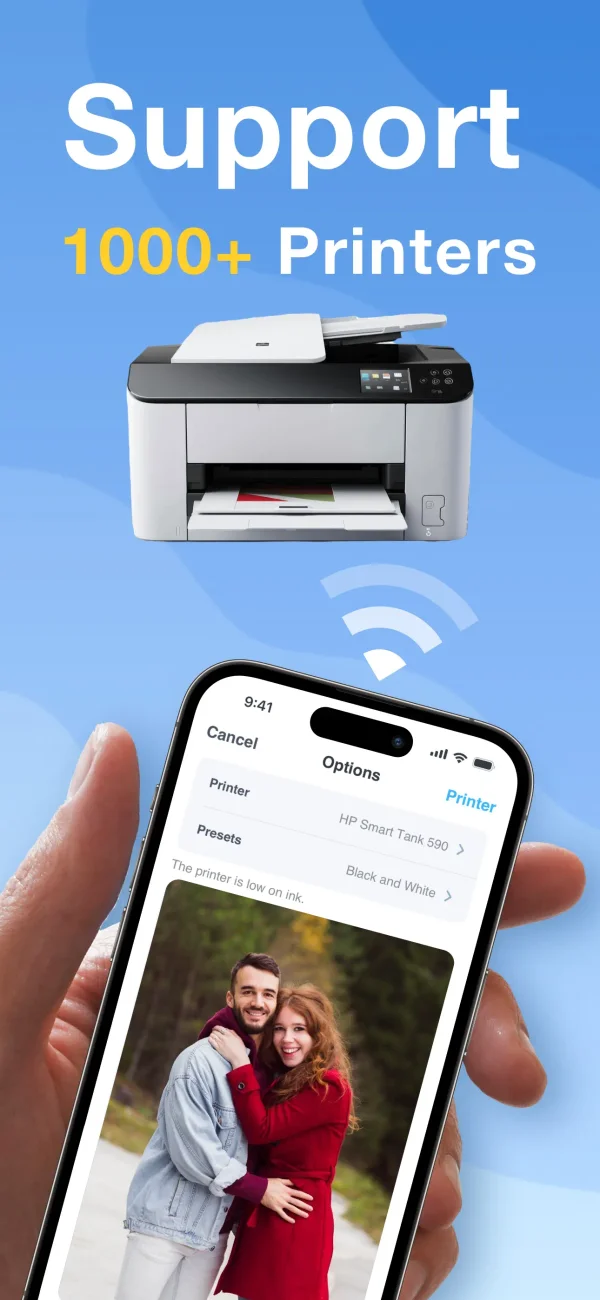
Smart Printer App is a powerful tool designed to make connecting your phone to a printer easier than ever. Whether it’s docs or photos, we have everything you need for printing. Download our app and experience convenient mobile printing services!
- Print various file formats
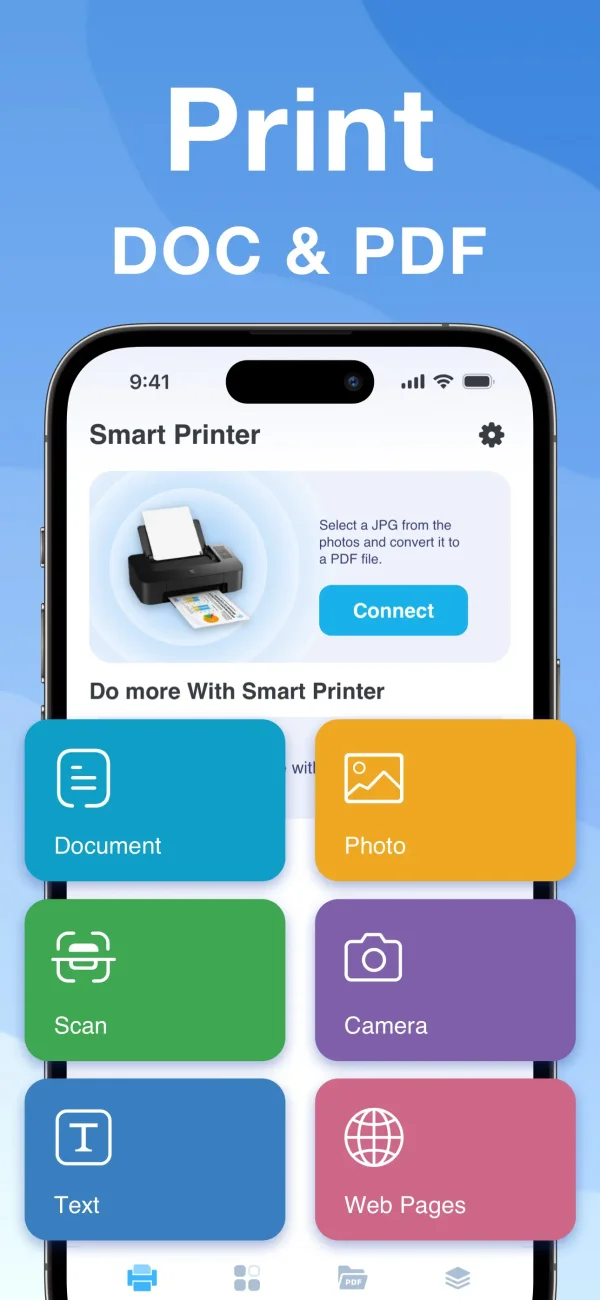
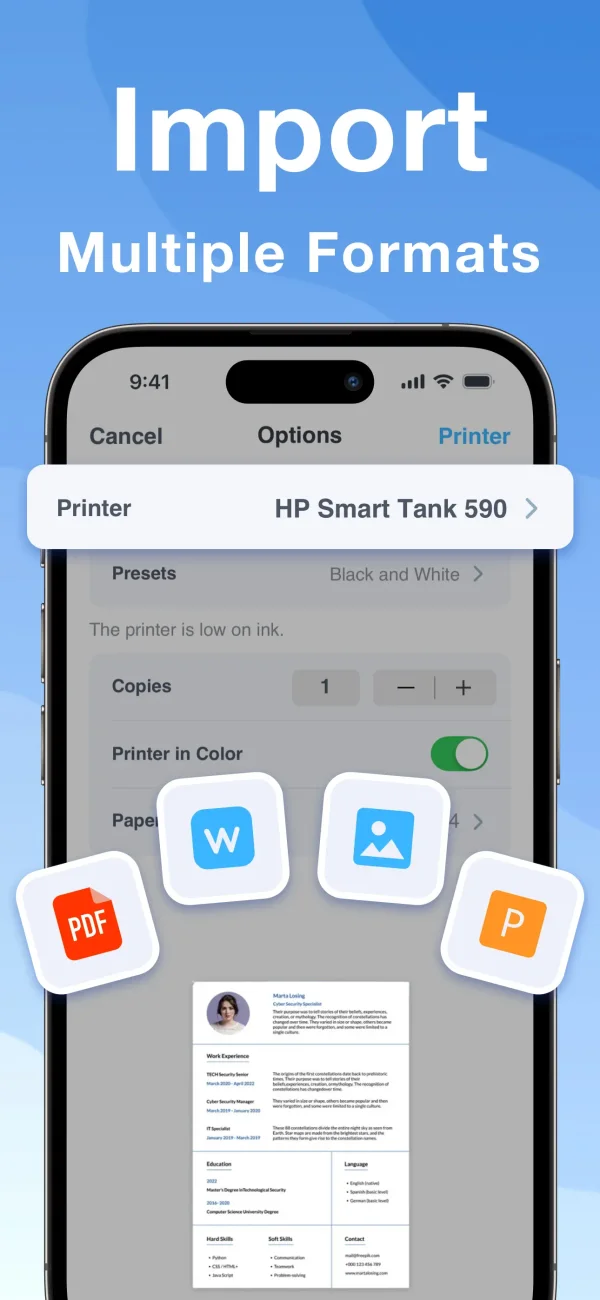
Our App supports printing in a variety of file formats, including Word docs, photos, scanned files, camera pictures, text files, and web content. No matter what type of document you need to print, our app can easily do the job.
- Comprehensive file functionality
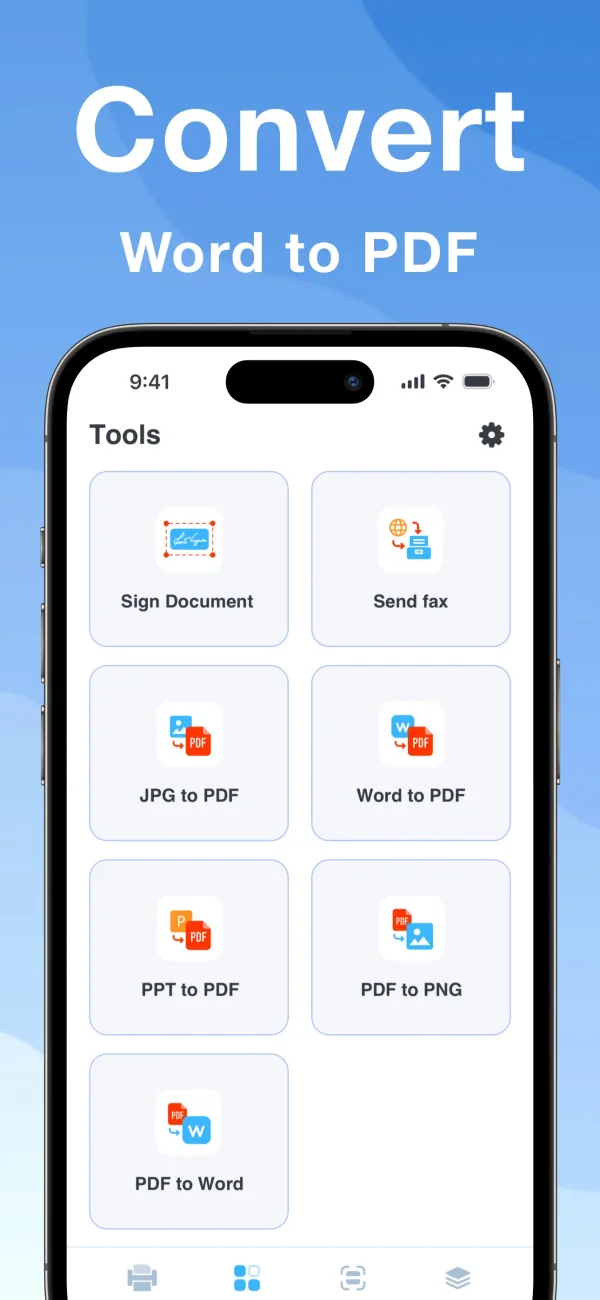
our printer app not only provides printing, but also has a variety of doc processing capabilities. You can use the electronic sign to digitally sign important docs . In addition, we also support a variety of PDF file conversion, improve your office efficiency and flexibility.
- Online scanning with PDF
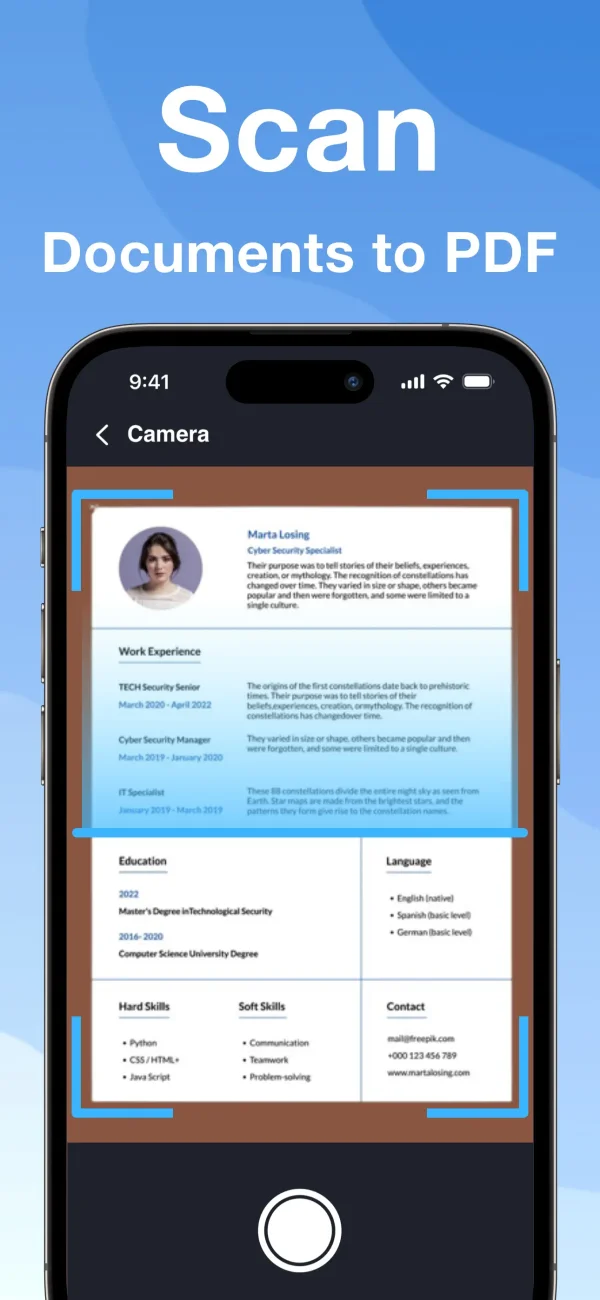
Quickly convert docs to digital form! Our online scanning feature allows you to scan various documents into PDF format and print them directly. This feature ensures that your file storage and sharing process becomes more efficient and convenient.
- Rich printable resources
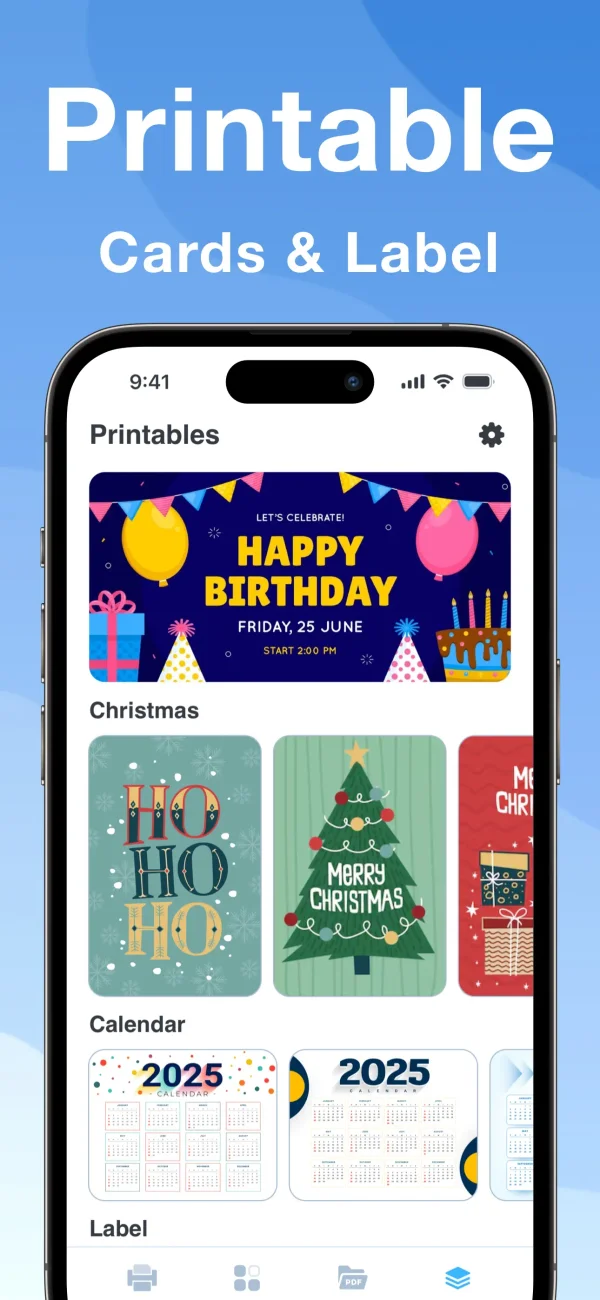
We provide users with a variety of printable resources and label paper printing options, including birthday cards, holiday cards, calendars and more. Add color to your life with these beautiful designs, perfect for personal use or for gifts to friends and family.
Premium Subscriptions:
• Subscribed user has unlimited access to the premium printing services
• User can subscribe for one month or one year auto renewing subscriptions
• Payment will be charged to iTunes Account at confirmation of purchase
• Subscription automatically renews unless auto-renew is turned off at least 24-hours before the end of the current period
• Account will be charged for renewal within 24-hours prior to the end of the current period
• Subscriptions may be managed by the user and auto-renewal may be turned off by going to the user Account Settings after purchase
Privacy Policy: https://api.pdfscript.com/log/pdfscript/page?_k=page1
Terms of service: https://api.pdfscript.com/log/pdfscript/page?_k=page2
Smart Printer App provides you with a one-stop printing solution to help you achieve a smart and efficient printing experience on your phone. Download and install now to make every print a breeze.
What’s new
Version 1.2 · May 21, 2025
This update:
- Optimize the printing process and improve the user experience.
- Add more national languages
Thank you for your support of our printer APP. If you have any questions during use, please feel free to contact us.
App privacy
What PDF EDITOR declares on the App Store about how this app handles data.
-
Data used to track you
May be used to track you across apps and websites owned by other companies.
- Identifiers
-
Data not linked to you
May be collected but is not linked to your identity.
- Identifiers
Privacy practices may vary, for example with the features you use or your age.
Information
- Seller
- PDF EDITOR LTD
- Category
- Business
- Version
- 1.2
- Updated
- May 21, 2025
- Released
- Feb 20, 2025
- Size
- 45.6 MB
- Requires
- iOS 14.0 or later
- Age rating
- 4+
- Price
- Free
- In-app purchases
- Yes
- Languages
- English, Dutch, French, German, Italian, Japanese, Portuguese, Spanish
- Copyright
- © 2025 PDF EDITOR LTD.
You might also like
-
 Printer App ©for all printers, print & scan
-
 Smart Printer: Imprimante aррAirprint Smart Print Master
-
 Smart Printer & Scanner MobilePrint Documents, Photos & more
-
 Smart Air Printer App & ScanPhotos, PDF Scanner & Print
-
 Epsom Printeriprint and scan printer app
-
 Epson DocumentScanProductivity
-
 Smart Mobile Air Printer ProPrint & Scan: Selphy・PDF・Photo
-
 Printer App: Smart Printer •Scan Documents & Print Photos
-
 Smart Printer App: Print, Scanfor all wireless printers
-
 Smart Printer App for HP *All-in-One Wireless Printing