Smart Printer App Print Scan
Print, Scan & PDF Tools
Designed for iPhone, iPod touch
Free · In-app purchases
- Age rating4+
- CategoryUtilities
- DeveloperMATE APP STUDIO
- LanguagesEnglish+ 1 more
- Size46.0 MB
Links to the official App Store page
Download.org hosts no file of Smart Printer App Print Scan. The button opens its official App Store page, published by MATE APP STUDIO. Listing last checked on Nov 24, 2026.
Screenshots



About
Smart Printer Scanner is an all-in-one mobile solution designed to help you print, scan, and manage documents efficiently from your iPhone or iPad. Whether you are working from
home, at the office, or on the go, the app provides a simple and reliable workflow for handling documents.
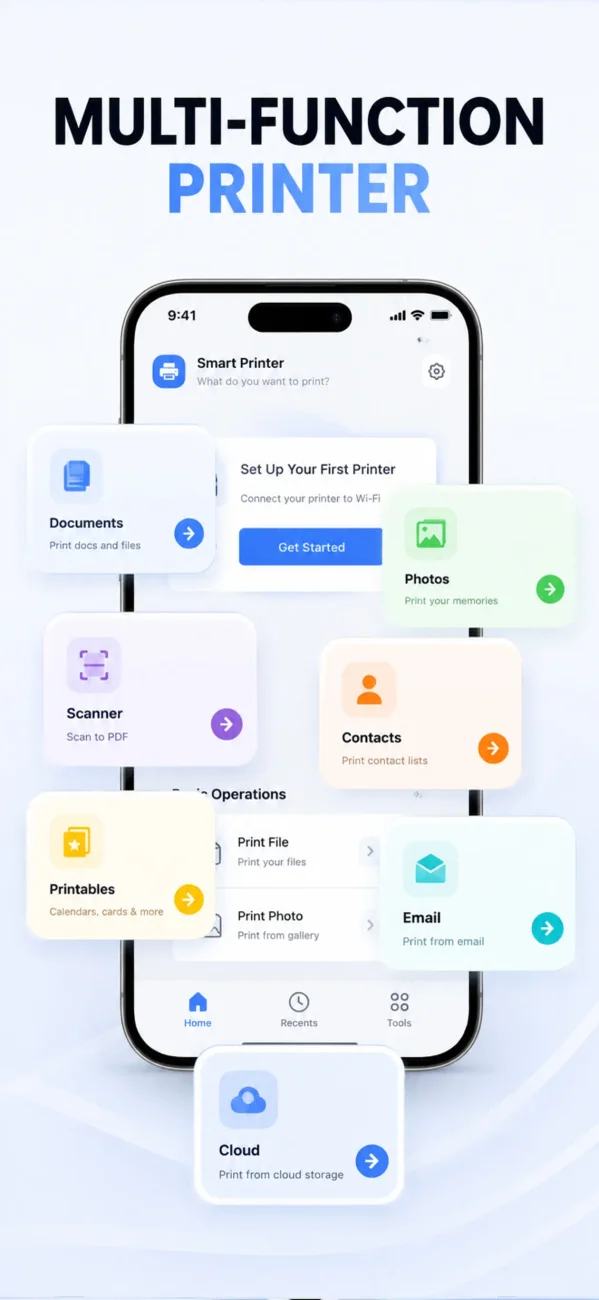
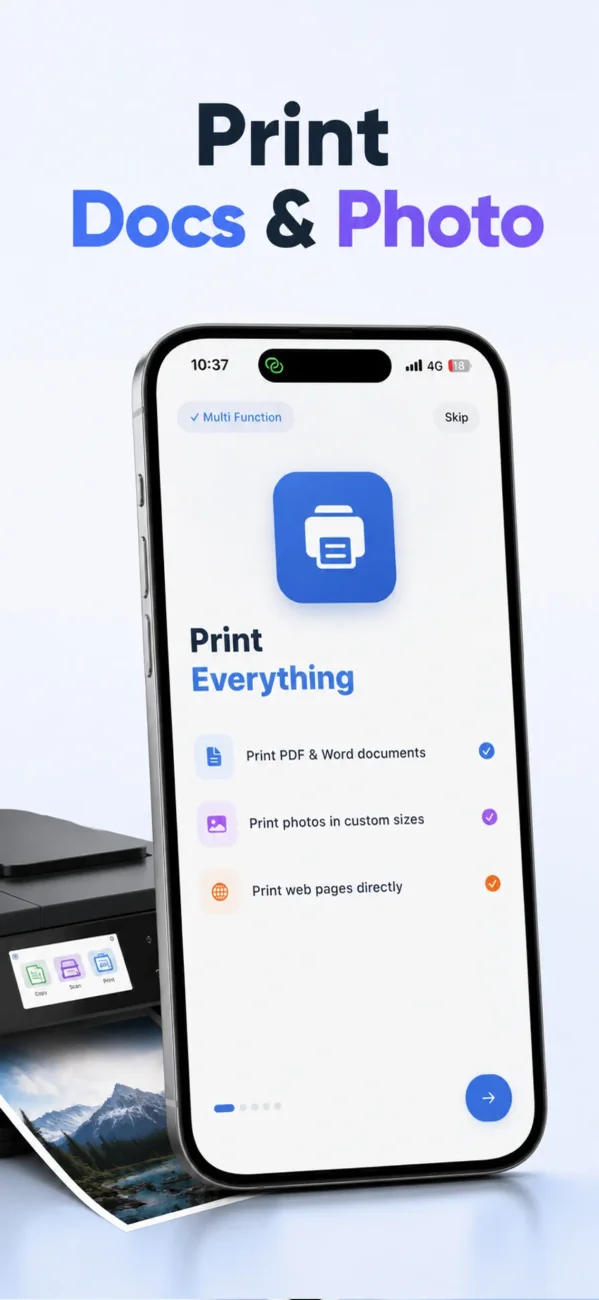
Print photos, documents, web pages, invoices, receipts, and other supported content using the standard iOS system print dialog. Available printers, compatibility, and print
settings are provided and managed by iOS.
The built-in scanner allows you to digitize physical documents using your device’s camera. Scan contracts, notes, business cards, IDs, books, and receipts. Automatic edge
detection helps crop documents, while image enhancement improves readability. Scanned files can be saved as PDF or image files.
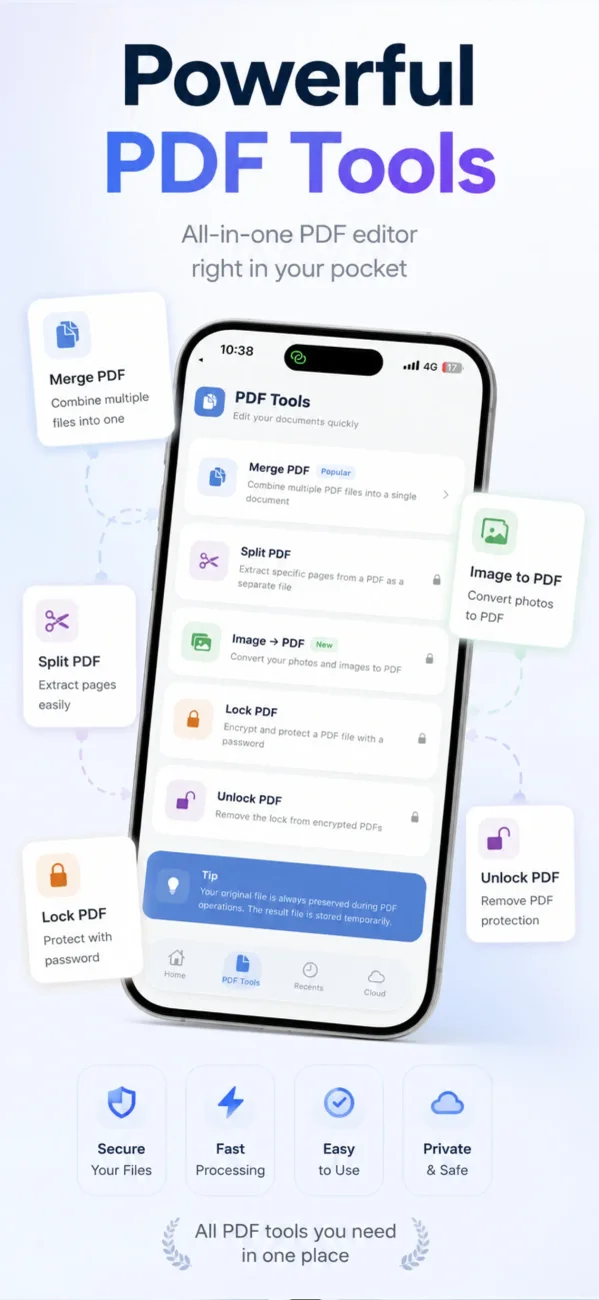
Smart Printer Scanner also includes useful PDF tools. Create PDFs from scans or images, merge multiple documents into a single file, split PDFs, reorder pages, compress file
sizes, and share documents.
Key Features:
Print documents and photos using the standard iOS system print dialog
Scan documents using your camera with automatic edge detection
Save and export files as PDF or image files
Merge, split, reorder, and compress PDF files
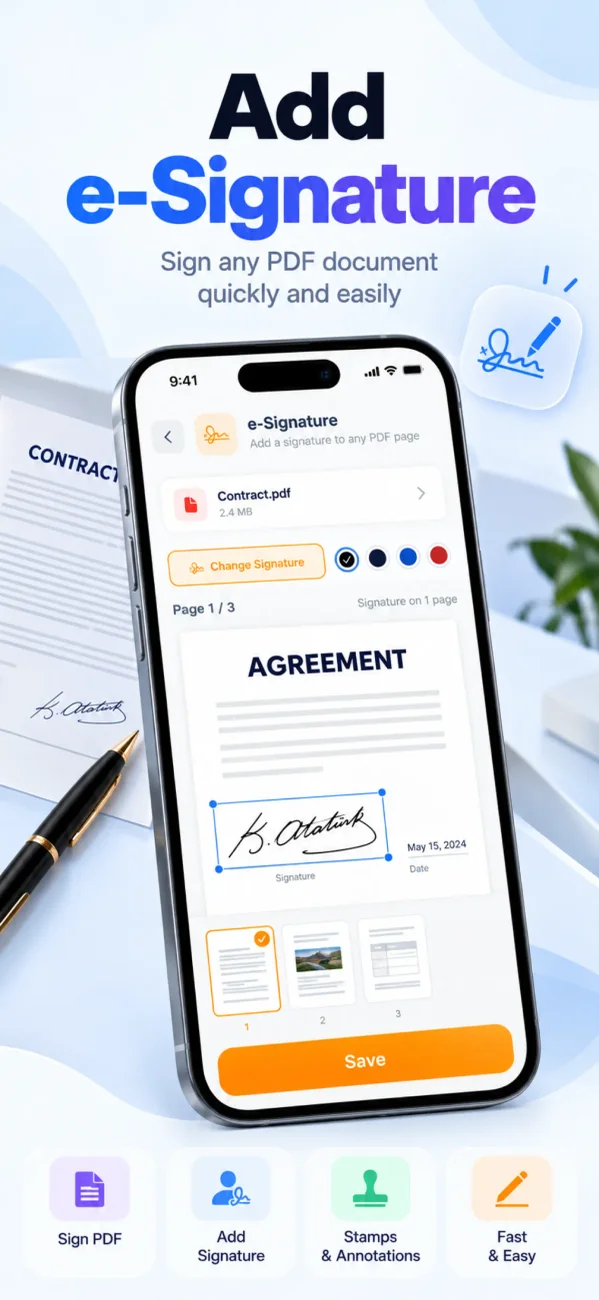
Add signatures, stamps, and watermarks
Share documents through supported apps and services
Organize documents with a simple and user-friendly interface
Smart Printer Scanner is built with privacy in mind. You remain in control of your files and choose when to save, print, or share them.
Download Smart Printer Scanner and simplify the way you print, scan, and manage documents from one app.
Terms of Use:
https://smart-printer-legal.vercel.app/terms-of-use
Privacy Policy:
https://smart-printer-legal.vercel.app/privacy-policy
What’s new
Version 1.0.2 · Sep 29, 2026
Added a 3-day free trial for eligible Weekly Premium subscribers. Improved the subscription purchase experience and overall app stability.
App privacy
What MATE APP STUDIO declares on the App Store about how this app handles data.
-
Data not collected
The developer does not collect any data from this app.
Privacy practices may vary, for example with the features you use or your age.
Information
- Seller
- MATE APP STUDIO YAZILIM BILISIM LIMITED SIRKETI
- Category
- Utilities
- Version
- 1.0.2
- Updated
- Sep 29, 2026
- Released
- Jul 19, 2026
- Size
- 46.0 MB
- Requires
- iOS 15.0 or later
- Age rating
- 4+
- Price
- Free
- In-app purchases
- Yes
- Languages
- English, Turkish
- Copyright
- © 2026 Mate App Studio
You might also like
-
 Smart Air Printer App: PrintzyAirPrint Photo & PDF Scanner
-
 Smart Printer | Print & ScanPhoto, PDF & Document Printing
-
 Tietie Print: Thermal PrinterAd-Free Offline Print Tool
-
 MagicSSH – Server & TerminalSSH, Docker & Live Monitoring
-
 ClipStoryUtilities
-
 Smart打印-通用手机无线智能打印扫描复印终端Utilities
-
 PrintKit: AirPrint & ScannerWireless PDF & Photo Printing
-
 Pulse - System ToolkitSystem Toolkit
-
 Printer ProMaxUtilities
-
 Smart Printer App: Scan ePrintFor HP, Epson, Canon, Brother