Smart Printer App・Scan & Print
Scan and Print Photos & Docs
Designed for iPhone, iPad, iPod touch
Free · In-app purchases
- Age rating4+
- CategoryBusiness
- DeveloperMuhammad Asghar
- LanguagesEnglish+ 33 more
- Size38.4 MB
Links to the official App Store page
Download.org hosts no file of Smart Printer App・Scan & Print. The button opens its official App Store page, published by Muhammad Asghar. Listing last checked on Nov 27, 2026.
Screenshots
About
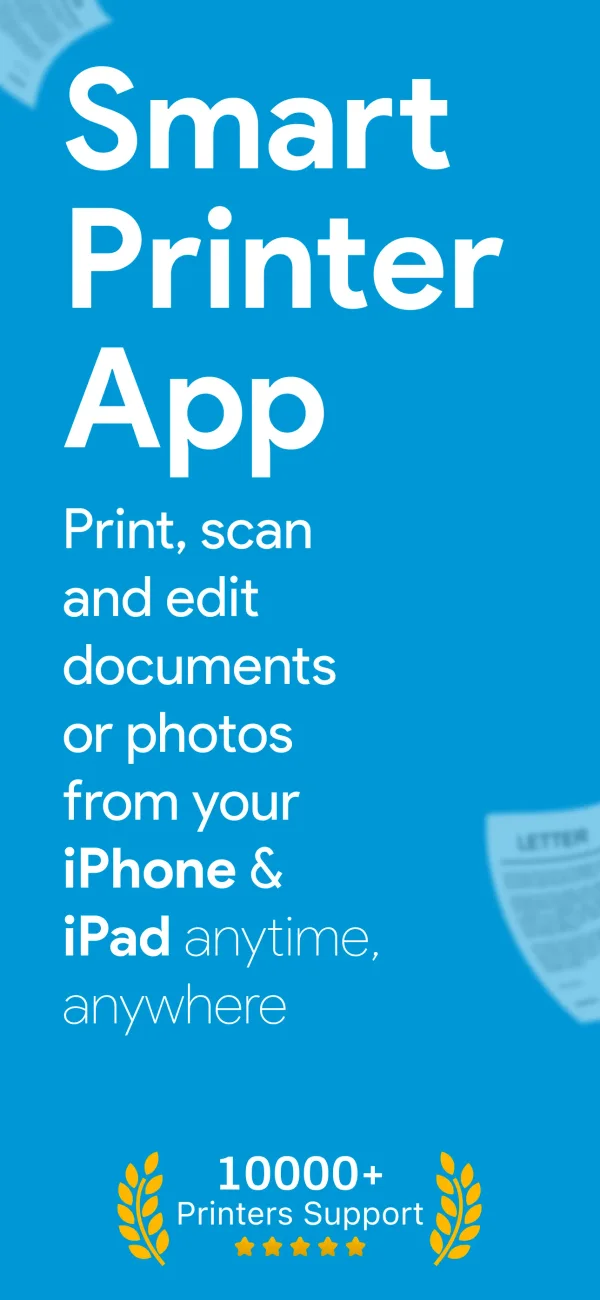
Smart Printer App – Wireless Print & Scan
Print directly from your iPhone or iPad in just a few taps.
Smart Printer is a powerful wireless printer app that lets you print photos, documents, emails, web pages, and files quickly and easily. No complicated setup. No extra drivers. Just connect to your Air Print-enabled printer and start printing.
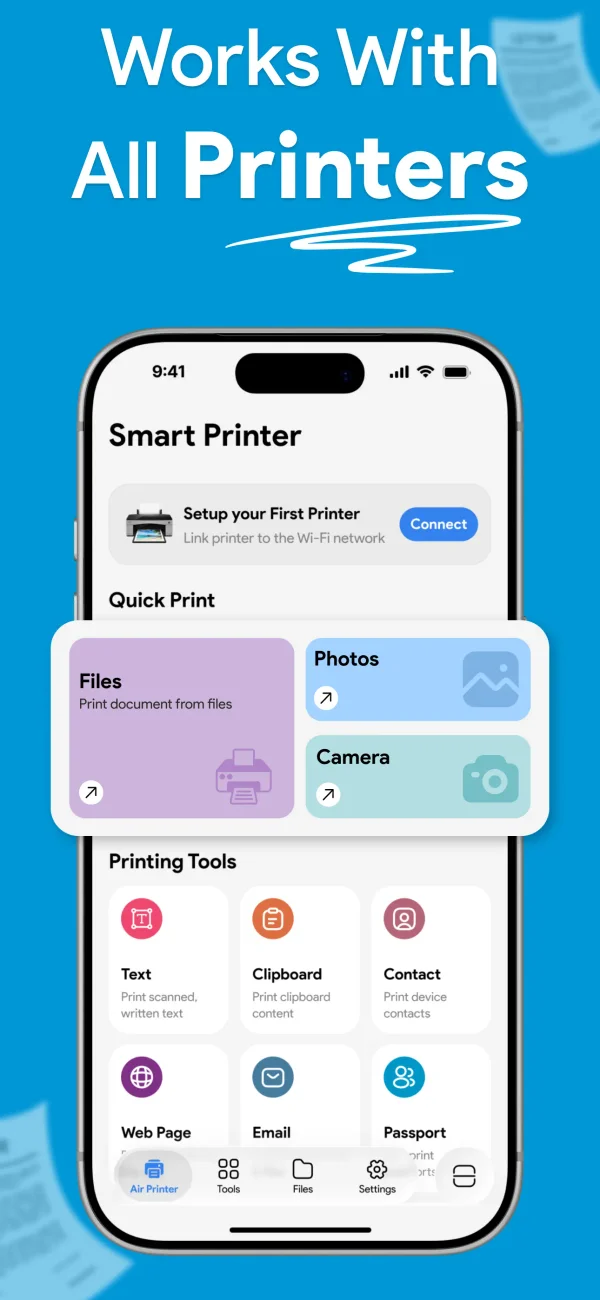
Compatible with thousands of printer models from major brands including HP, Canon, Epson, Brother, Xerox, Ricoh, Dell, Peripage, Nelko, Wepa, Kodak, Phomemo, Liene, Jadens, walkprint, Toshiba, Lexmark, Panasonic and more.
PRINT FROM YOUR IPHONE WITH EASE
- Print PDF, JPEG, PNG and document files
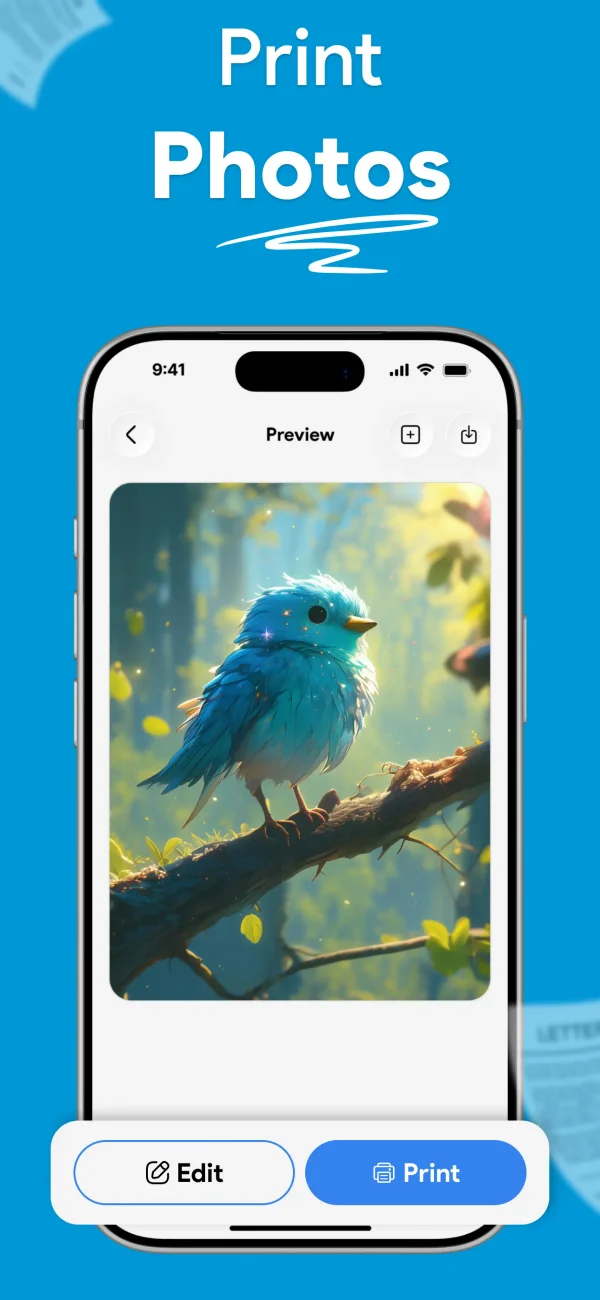
- Print photos from your camera roll
- Print multiple photos on one sheet
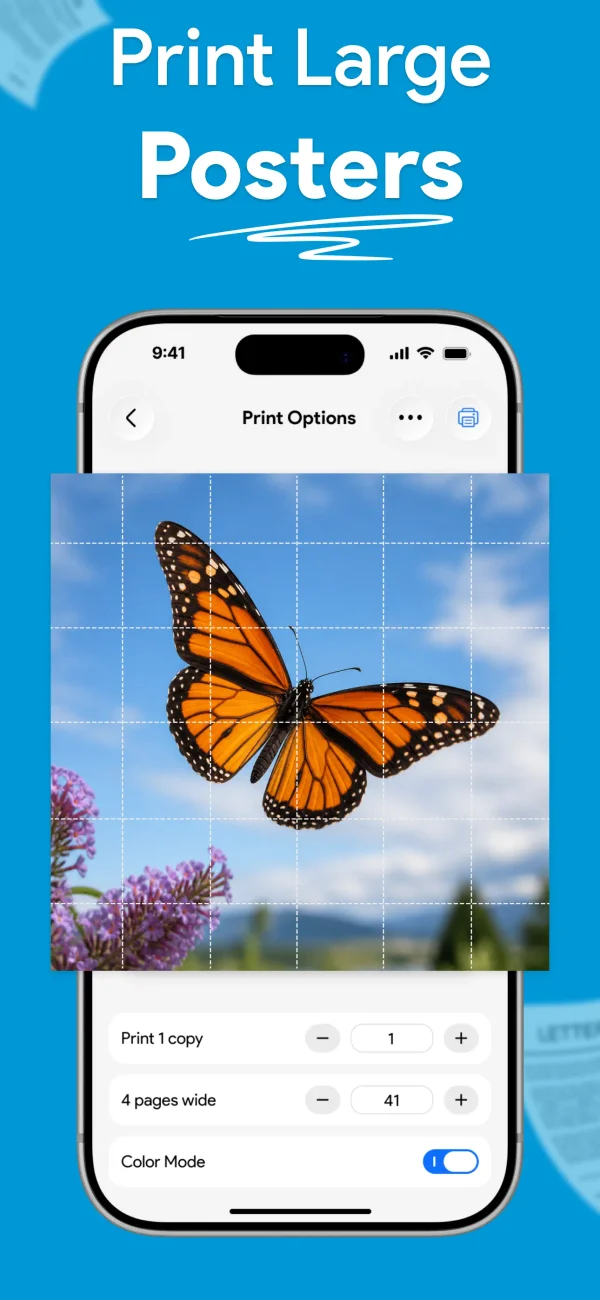
- Create large poster prints across multiple pages
- Print emails and email attachments
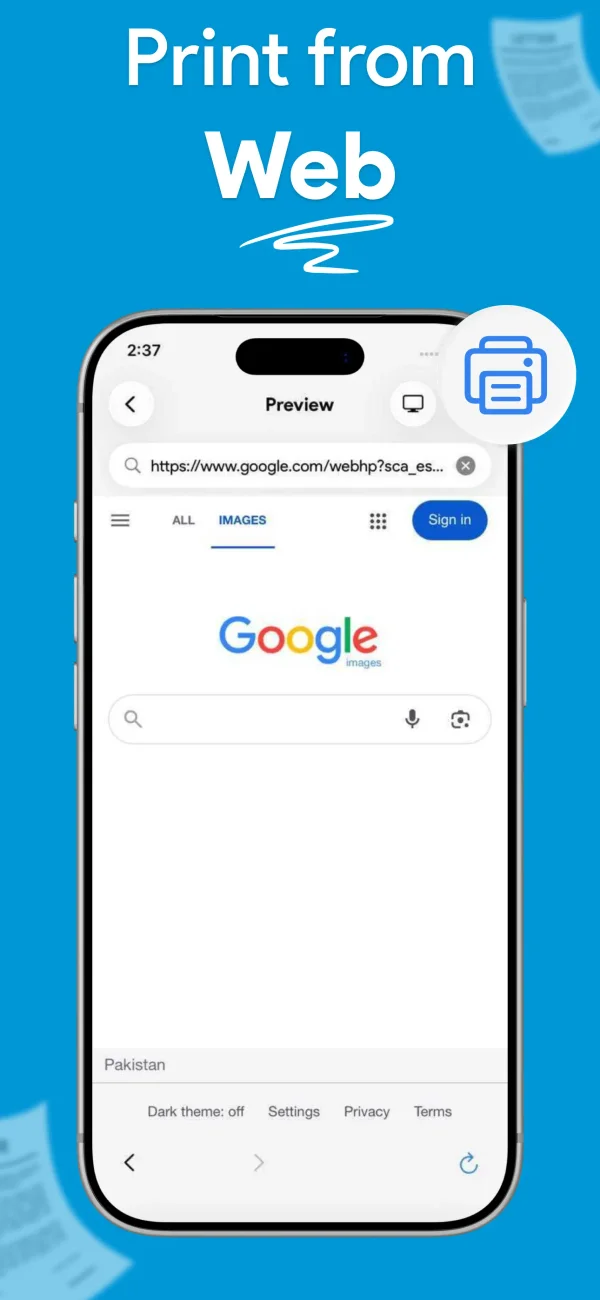
- Print web pages directly
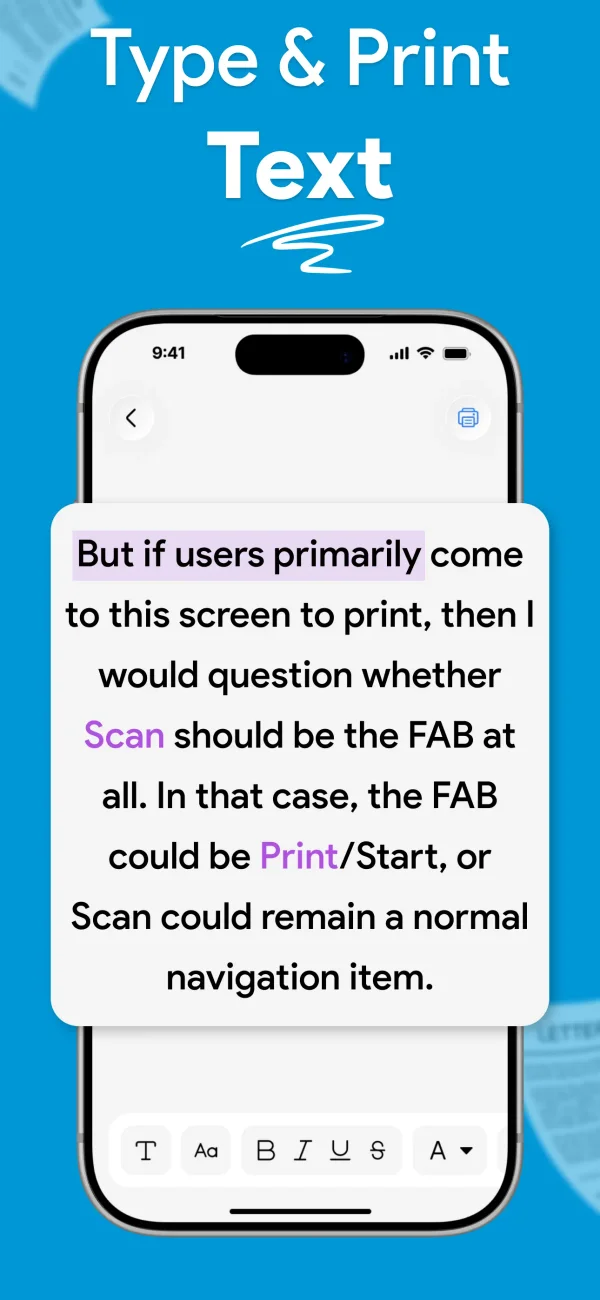
- Print notes and text instantly
- Print contacts when needed
FULL CONTROL OVER EVERY PRINT
Customize your print settings before sending to printer:
- Select number of copies
- Choose specific page range
- Adjust paper size
- Switch portrait or landscape
- Print multiple pages per sheet (2, 4, etc.)
- Color or black & white mode
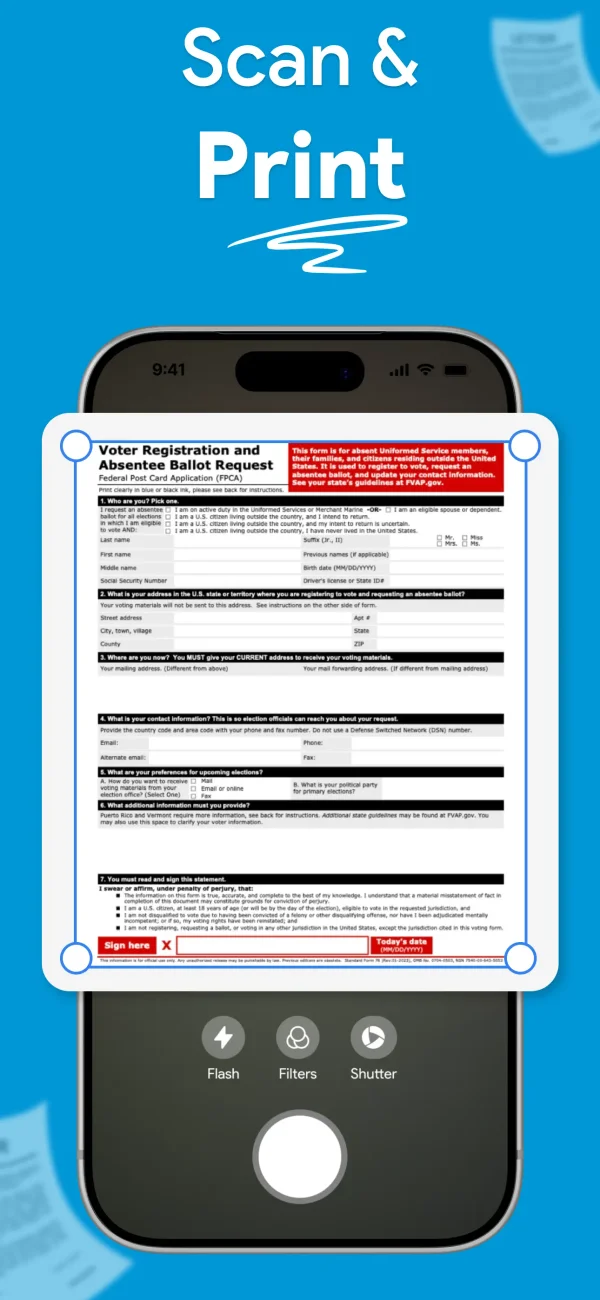
SCAN & PRINT INSTANTLY
Use the built-in scanner to capture documents using your device camera.
- Scan single or multiple pages
- Edit and enhance scans
- Save as PDF
- Print immediately or share
IMPORT & PRINT FROM ANYWHERE
Access files from:
- iCloud
- Files app
- Email attachments
- Other apps on your device
Open and print without switching between multiple apps.
PRINT MORE THAN JUST DOCUMENTS
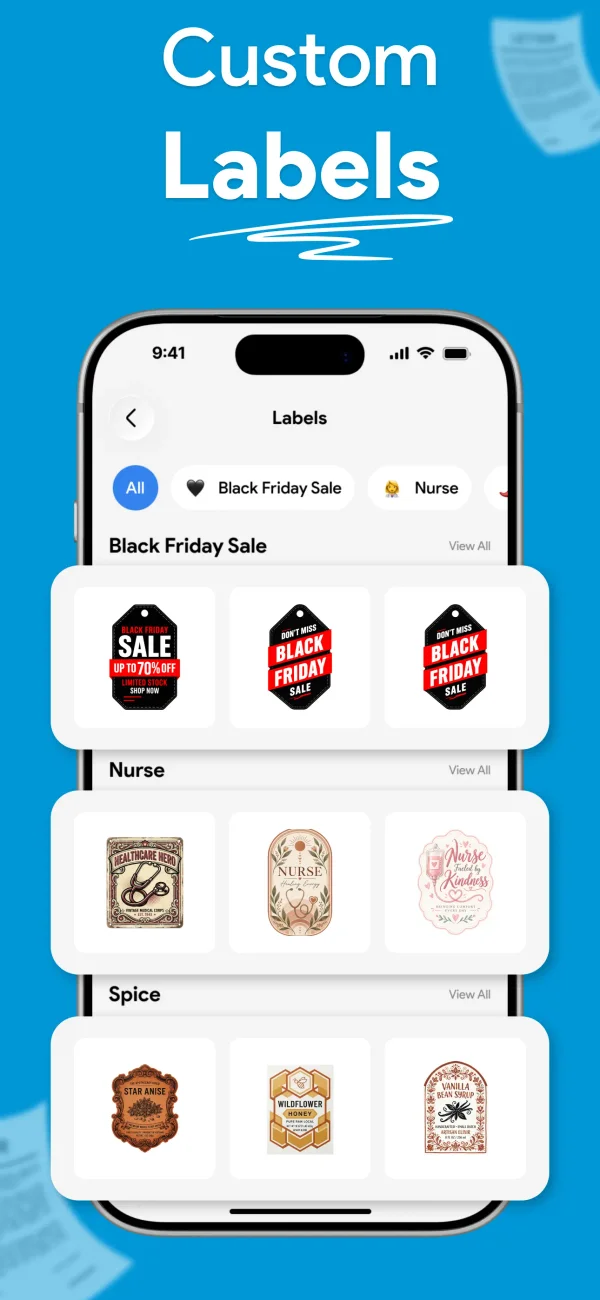
- Design and print labels
- Create custom calendars
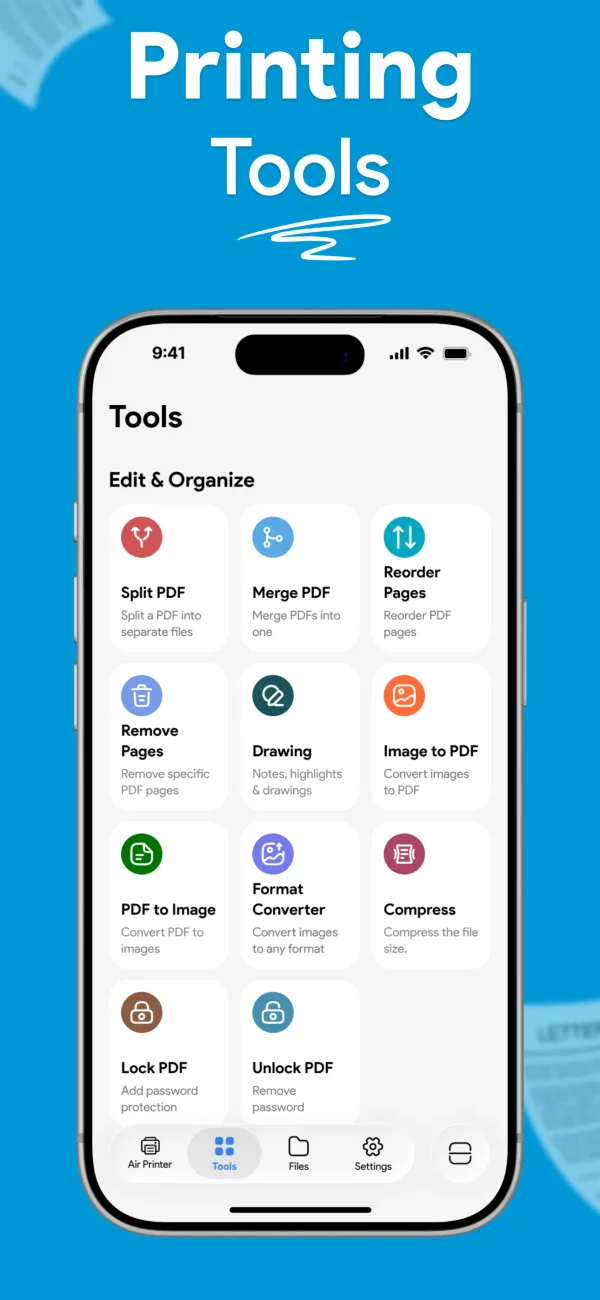
- Print forms and templates
- Print posters
- Add signature before printing
- Stamp documents
COMPATIBILITY
Works with a wide range of wireless and AirPrint enabled printers. Your device and printer must be connected to the same WiFi network for printing to work.
DISCLAIMER
Product, logos and brand names are for identification purposes only and do not indicate endorsement of or affiliation with our application.
NOTE:
Payment will be charged to iTunes Account at confirmation of purchase.Subscription automatically renews unless auto-renew is turned off at least 24-hours before the end of the current period.Account will be charged for renewal within 24-hours prior to the end of the current period, and identify the cost of the renewal. The cost depends on the selected plan.
Subscriptions may be managed by the user and auto-renewal may be turned off by going to the user's Account Settings after purchase. Any unused portion of the free trial will be forfeited when the user purchases a subscription.
Customer Support: https://sites.google.com/view/muhammadabdullah-apps/support
Privacy Policy: https://sites.google.com/view/muhammadabdullah-apps/privacy-policy
Terms of Use: https://sites.google.com/view/muhammadabdullah-apps/terms-of-use
You also agree to Apple's End User License Agreement (EULA).
What’s new
Version 2.1 · Oct 10, 2026
- minor bugs fixing
App privacy
What Muhammad Asghar declares on the App Store about how this app handles data.
-
Data not collected
The developer does not collect any data from this app.
Privacy practices may vary, for example with the features you use or your age.
Information
- Seller
- Muhammad Asghar
- Category
- Business
- Version
- 2.1
- Updated
- Oct 10, 2026
- Released
- Jan 30, 2026
- Size
- 38.4 MB
- Requires
- iOS 15.0 or later
- Age rating
- 4+
- Price
- Free
- In-app purchases
- Yes
- Languages
- English, Arabic, Catalan, Croatian, Czech, Danish, Dutch, Finnish, French, German, Greek, Hebrew + 22 more
- Copyright
- © MA @2026
You might also like
-
 HP Smart Printer App ºHPSmart,Photos,iPrint and Scan
-
 Smart Printer App․Print & Scan PDF, Photos, Docs
-
 Smart Printer - Scan & PrintPrint photos & documents
-
 Second Brain: AI Voice NotesMeeting Transcribe & Decisions
-
 AI Meeting Printer AppYour Meetings, Print-Ready
-
 Farmly: Manage Your FarmFarm Ops For Growers
-
 AI Chatbot: Smart AI ToolsAI Chatbot & Image Generator
-
 Paraphrase Tool - AI HumanizerHumanize AI Detector & Reword
-
 Power Couple - Shared FinancesSavings Planner Budget Tracker
-
 My Contacts Backup & RestoreSync, Export & Transfer Data