
Smart Printer - Scan & Print
Print photos & documents
Designed for iPhone, iPad
Free · In-app purchases
- Age rating4+
- CategoryBusiness
- DeveloperAkashkumar Akabari
- LanguagesEnglish+ 7 more
- Size44.4 MB
Links to the official App Store page
Download.org hosts no file of Smart Printer - Scan & Print. The button opens its official App Store page, published by Akashkumar Akabari. Listing last checked on Nov 17, 2026.
Screenshots

About
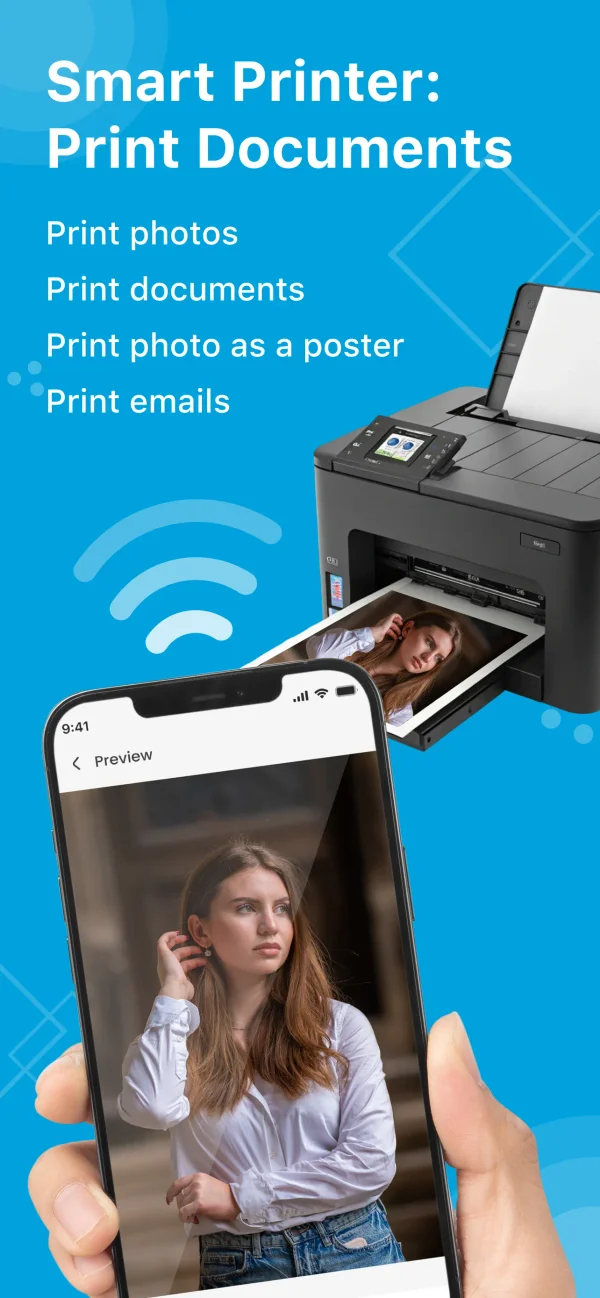
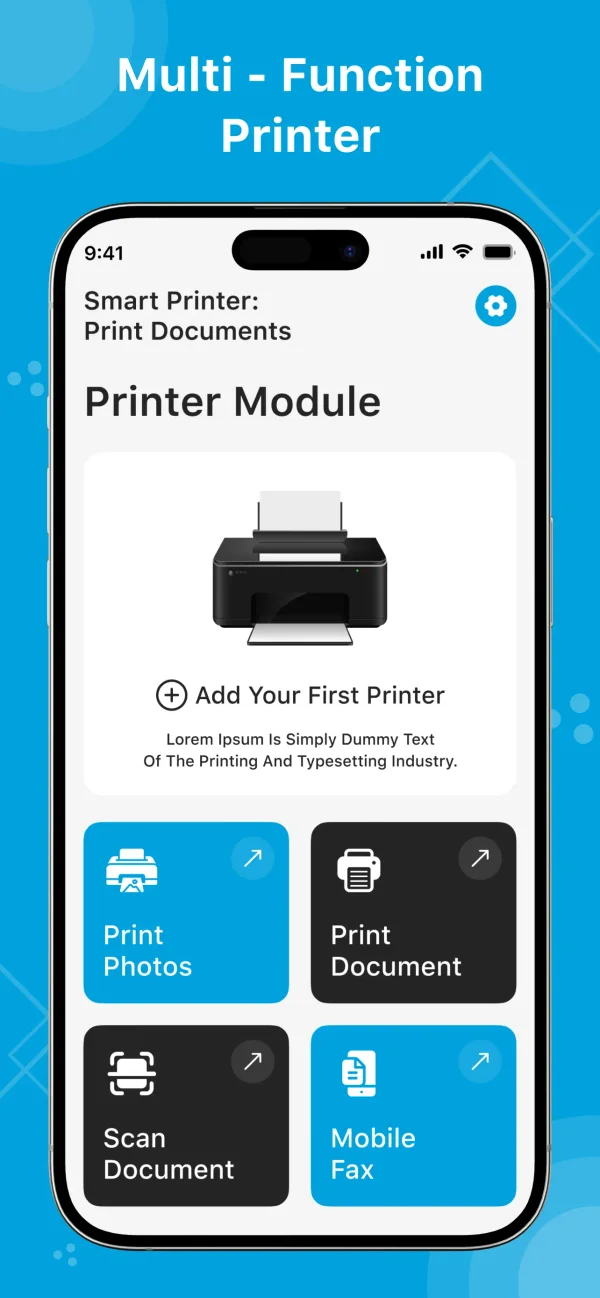
Print photos, documents, PDFs, boarding passes, and more — anytime, anywhere with Smart Printer. This app makes it easy to print and scan directly from your iOS device to most WiFi, Bluetooth, or USB-connected printers.
Smart Printer is a convenient solution that allows you to scan and print files directly from your printer. With this app, you can print images, photos, web pages, PDFs, and Microsoft Office documents without the need for any additional apps or printing tools. Enjoy the flexibility of printing anytime, anywhere, on almost any WiFi, Bluetooth, or USB printer.
Smart Printer - Print Scanner makes printing a breeze, whether your printer is right next to you or located across the world!
- Key Features
Print photos, documents, web pages, and emails
Edit and print multiple photos per sheet
Print posters, cards, calendars, labels, and quizzes
Supports printing PDFs, Microsoft Office files, and HTML content
- Scan & Share
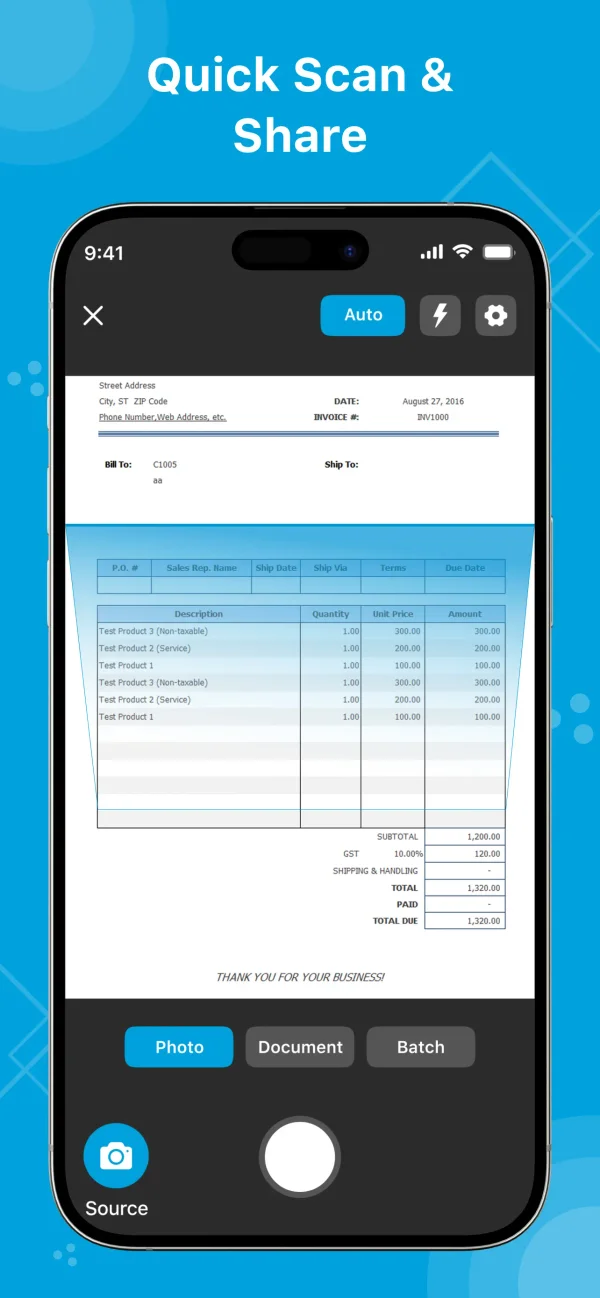
Scan documents using your device camera
Edit scanned files before printing
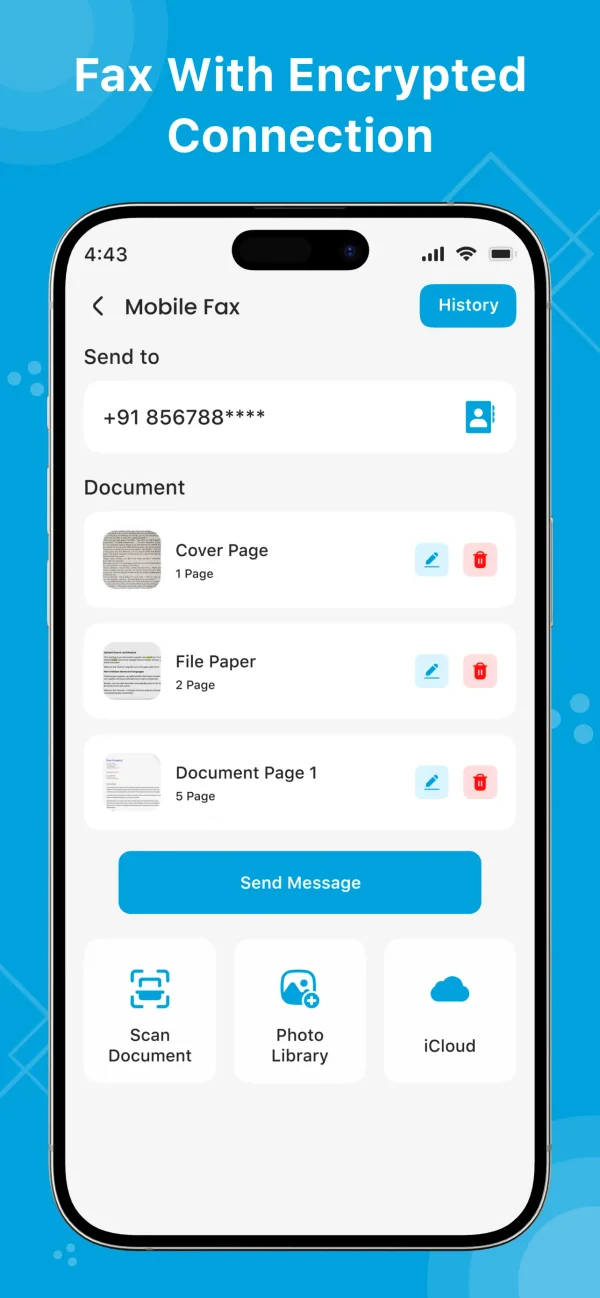
Share via email, cloud storage, or messaging apps
SUBSCRIPTION AND TERMS:
You may purchase an auto-renewing subscription through an In-App Purchase to enjoy all App Features without Ads:
• Auto-renewable subscription.
• Weekly ($2.99), 1 month ($4.99) and 1 year ($29.49) durations.
• Your subscription will be charged to your iTunes account at confirmation of purchase and will automatically renew (at the duration selected) unless auto-renew is turned off at least 24 hours before the end of the current period.
• Current subscription may not be cancelled during the active subscription period; however, you can manage your subscription and/or turn off auto-renewal by visiting your iTunes Account Settings after purchase.
Read our full Terms of Service and our Privacy Policy at:
* Link to Privacy Policy: https://smartprinterscandoc.blogspot.com/2025/07/privacy-policy.html
* Link to EULA: https://smartprinterscandoc.blogspot.com/2025/07/eula.html
* Link to Terms of use: https://smartprinterscandoc.blogspot.com/2025/07/terms-conditions.html
App privacy
What Akashkumar Akabari declares on the App Store about how this app handles data.
-
Data used to track you
May be used to track you across apps and websites owned by other companies.
- Location
- Identifiers
- Usage data
- Diagnostics
-
Data linked to you
May be collected and linked to your identity.
- Location
- Identifiers
- Usage data
- Diagnostics
-
Data not linked to you
May be collected but is not linked to your identity.
- Diagnostics
Privacy practices may vary, for example with the features you use or your age.
Information
- Seller
- Akashkumar Akabari
- Category
- Business
- Version
- 1.0
- Updated
- Sep 22, 2025
- Released
- Sep 22, 2025
- Size
- 44.4 MB
- Requires
- iOS 16.0 or later
- Age rating
- 4+
- Price
- Free
- In-app purchases
- Yes
- Languages
- English, French, German, Japanese, Portuguese, Russian, Simplified Chinese, Spanish
- Copyright
- © Akashkumar Akabari
You might also like
-
 Smart Printer App・Scan & PrintScan and Print Photos & Docs
-
 Smart Print App: Printer, ScanAll-in-One Print & Edit Doc
-
 Printer App - Mobile PrintPrint Photos, PDFs & Documents
-
 Life-NavigatorPlan Life & Improve Decisions
-
 Smart Printer App․Print & Scan PDF, Photos, Docs
-
 Hop Bahamas DriversEarn More Everyday
-
 AerotasaProductivity
-
 PrintPal: Smart Printer For HPCompatible for HP, Epson
-
 HP Smart Printer AppWi-Fi Help & Photo Printing
-
 HP Smart Printer App ºHPSmart,Photos,iPrint and Scan