HP Smart Printer App º
HPSmart,Photos,iPrint and Scan
Designed for iPhone, iPad, iPod touch
Free · In-app purchases
- Age rating4+
- CategoryBusiness
- DeveloperMUHAMMAD ASIF
- LanguagesEnglish+ 33 more
- Size49.1 MB
Links to the official App Store page
Download.org hosts no file of HP Smart Printer App º. The button opens its official App Store page, published by MUHAMMAD ASIF. Listing last checked on Nov 24, 2026.
Screenshots


About
Smart Printer App : Print, Scan & PDF
Make printing, scanning, and document management easier with Smart Printer, your all-in-one mobile printing solution for iPhone and iPad. Print photos, documents, web pages, notes, and more, scan paper documents, extract text with OCR, and manage PDF files—all from one convenient app.
Whether you're a student, teacher, professional, or home user, Smart Printer helps you handle everyday printing tasks quickly and conveniently.
PRINT PHOTOS & DOCUMENTS
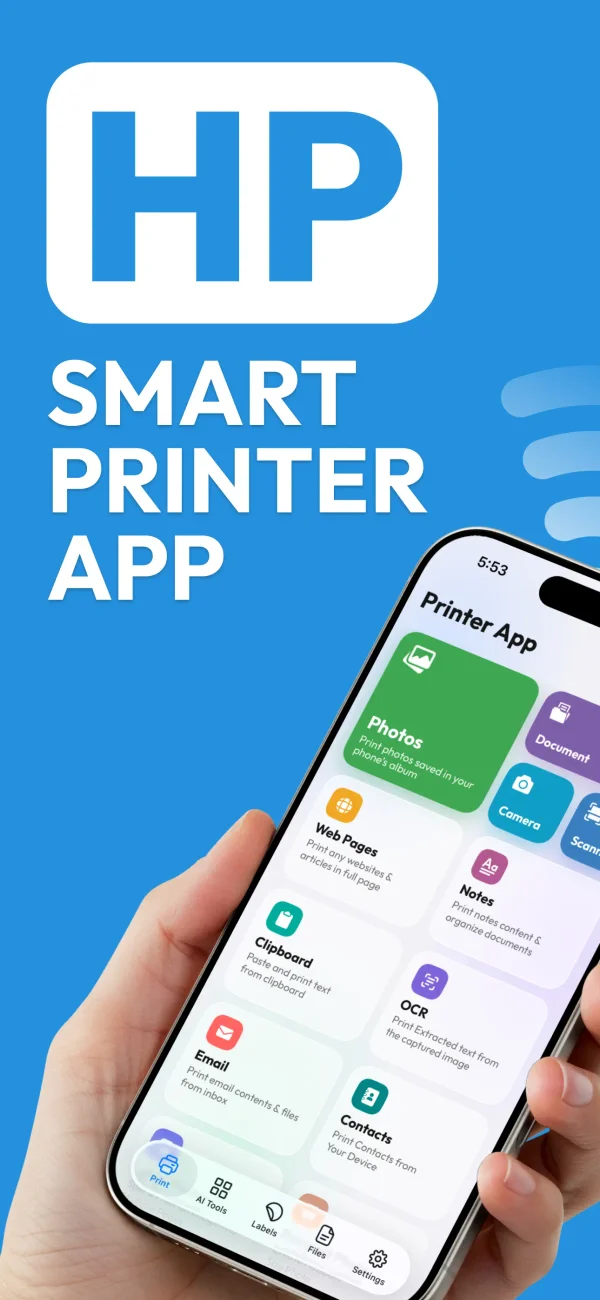
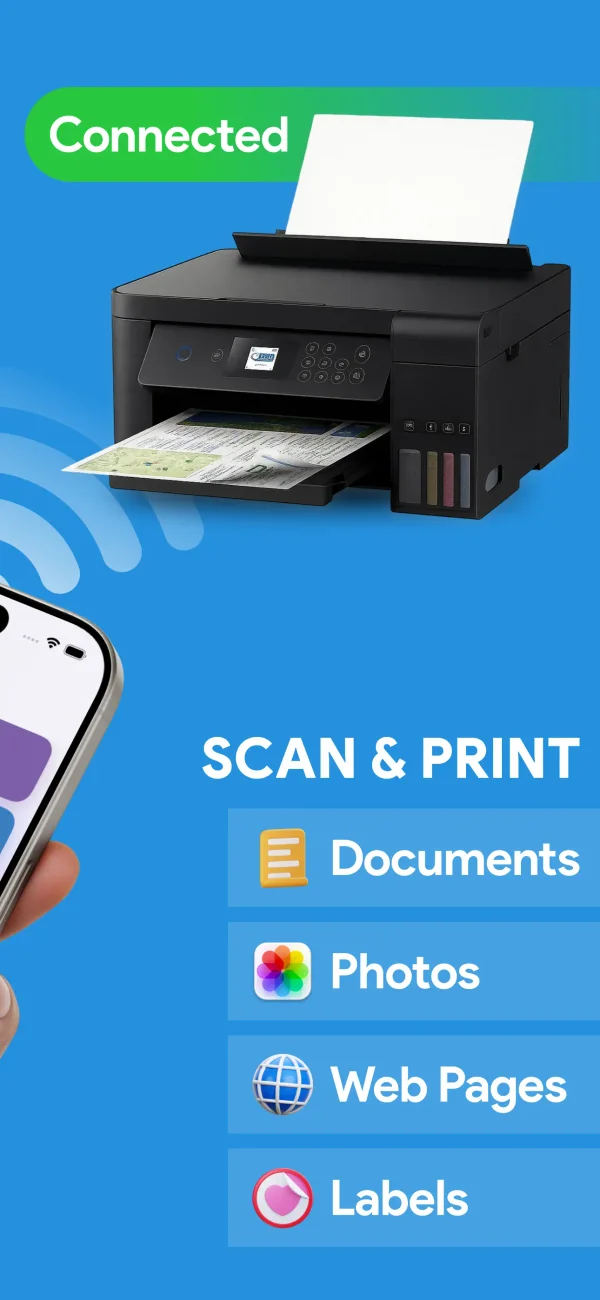
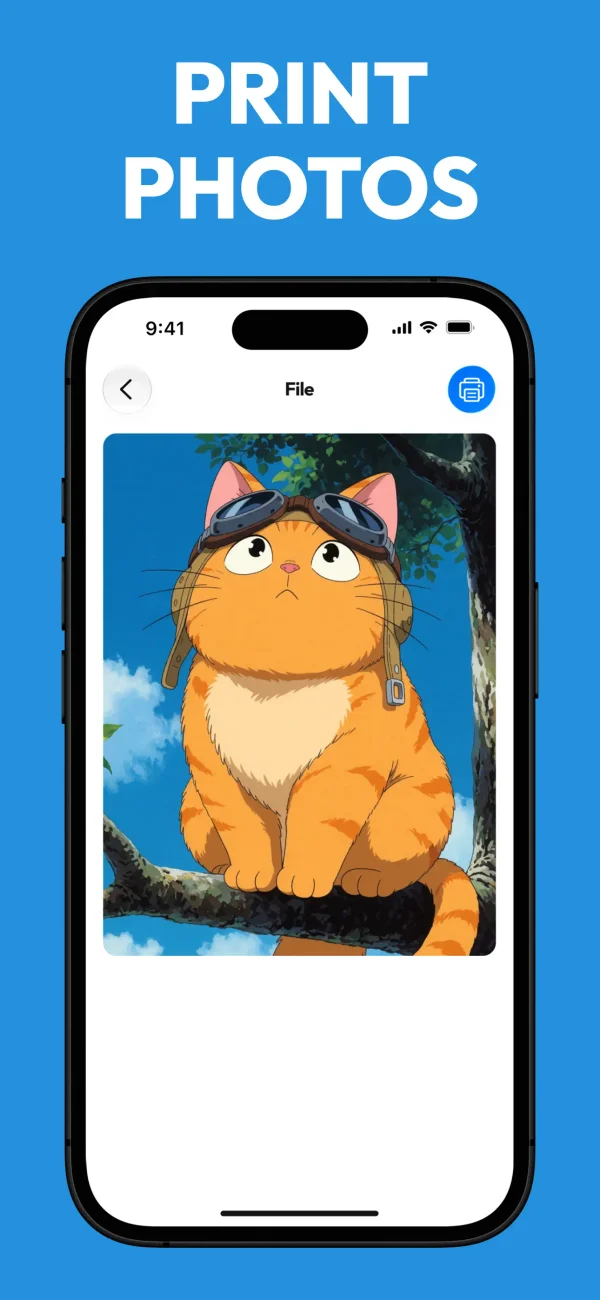
- Photo Printing: Print pictures from your photo library.
- Document Printing: Print documents and supported files.
- Camera Printing: Capture content with your camera for printing.
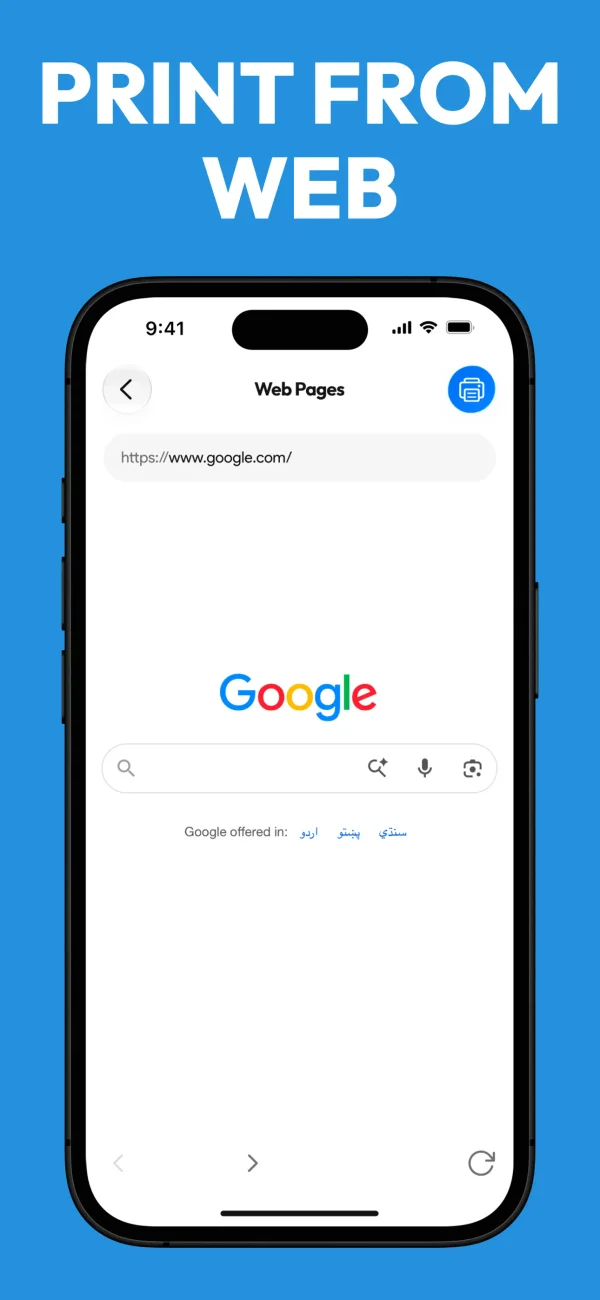
- Web Page Printing: Print websites and articles in full-page format.
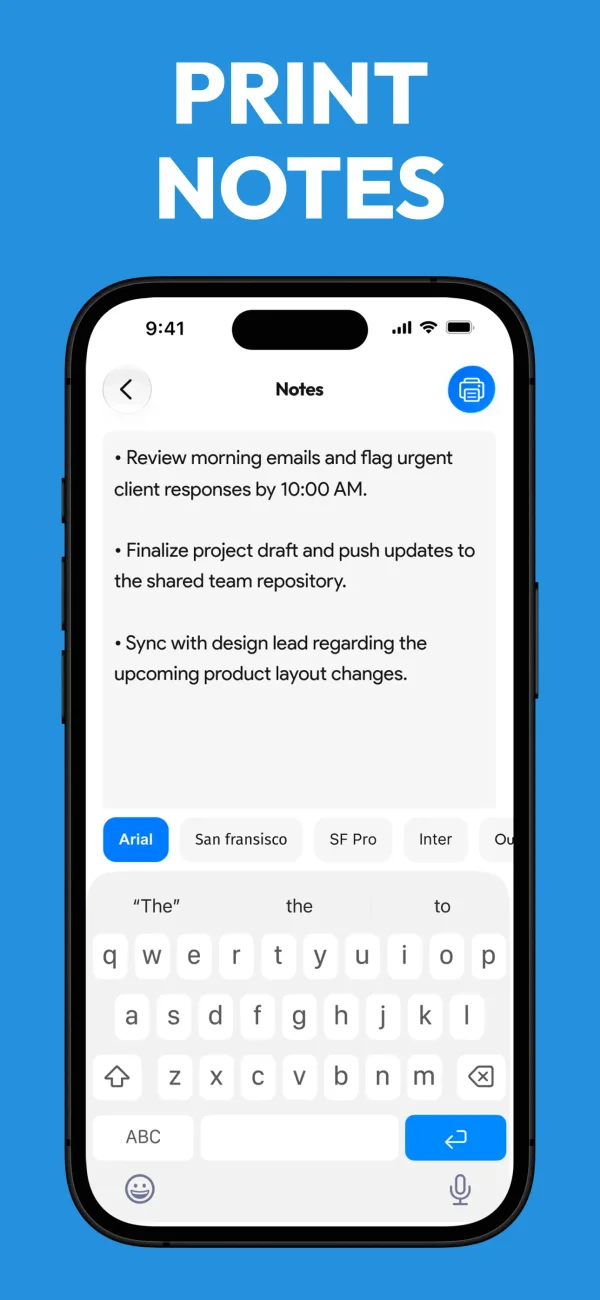
- Notes & Clipboard: Print notes and copied text.
- Email Printing: Print email content and supported attachments.
- Contact Printing: Print contact information from your device.
- OCR Printing: Extract text from captured images and prepare it for printing.
SCAN & MANAGE PDF FILES
- Scan Documents: Capture paper documents and photos with your camera.
- PDF to Photo: Convert PDF pages into images.
- Photo to PDF: Create PDF files from images.
- Merge PDFs: Combine multiple PDF files.
- Split PDF: Separate pages from a PDF.
- Rotate PDF: Adjust page orientation.
- Reorder Pages: Organize PDF pages.
- Delete Pages: Remove unwanted pages.
- Lock & Unlock PDF: Manage PDF protection where supported.
SMART TOOLS FOR EVERYDAY TASKS
- OCR Text Extraction: Extract readable text from captured images.
- AI Essay Writer: Get help drafting essays and written content.
- Text Summarizer: Create concise summaries of longer text.
- Prompt Enhancer: Improve prompts for clearer results.
- To-Do List: Organize tasks and reminders.
- Large Poster Printing: Split an image across multiple pages.
- Photo Collage: Arrange multiple photos on the same sheet.
- Passport Photo: Prepare photos in passport-style dimensions.
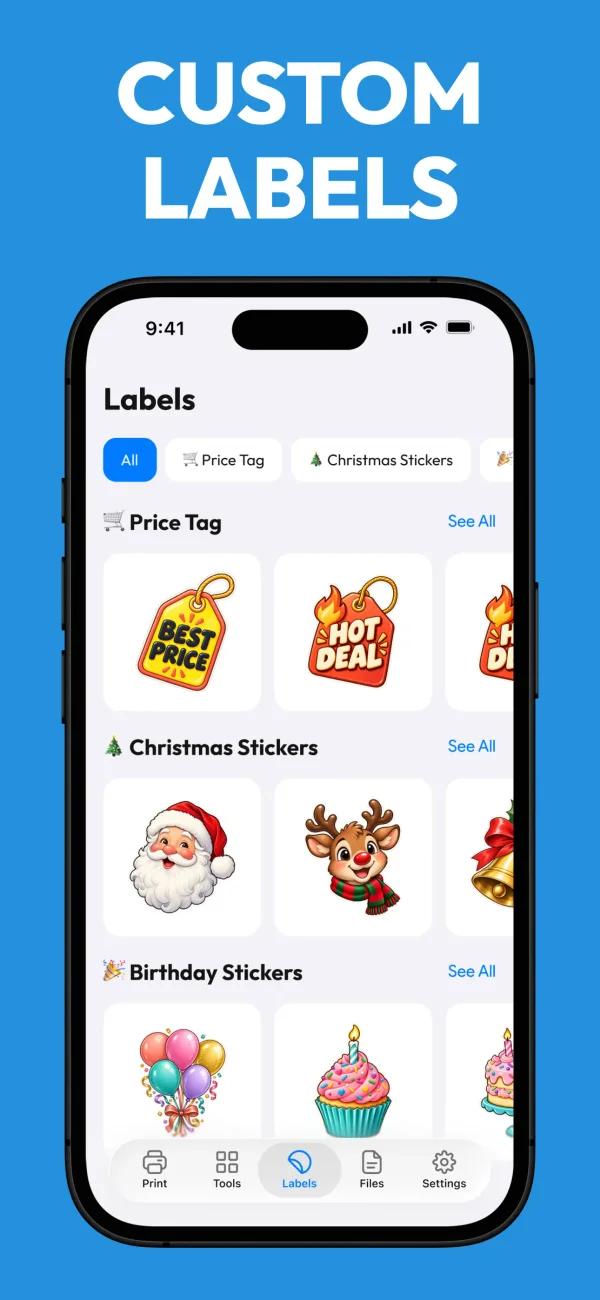
- Labels & Stickers: Explore creative designs for price tags, birthdays, holidays, and more.
SIMPLE, CONVENIENT & VERSATILE
Smart Printer brings printing, scanning, PDF management, and useful productivity tools together in one place. Its organized interface makes it easy to find the tool you need, whether you're preparing school assignments, handling office documents, printing photos, or organizing personal paperwork.
GET STARTED TODAY
Download Smart Printer and simplify your everyday document tasks. Explore the available features for free, with optional in-app purchases or premium subscriptions for additional features.
SUBSCRIPTION INFORMATION
Payment will be charged to your Apple Account upon confirmation of purchase. Subscriptions automatically renew unless canceled at least 24 hours before the current period ends. Renewal charges are applied within 24 hours before the end of the current period at the applicable subscription price. You can manage or cancel your subscription in your Apple Account settings.
SUPPORT & LEGAL
Privacy Policy: https://sites.google.com/view/maapplications/privacy-policy
Terms of Use: https://sites.google.com/view/maapplications/terms-of-use
Support: https://sites.google.com/view/maapplications/support
Apple Standard EULA: https://www.apple.com/legal/internet-services/itunes/dev/stdeula
Contact: masifcustomersupport@gmail.com
What’s new
Version 2.0 · Nov 8, 2026
- minor bugs fixing
App privacy
What MUHAMMAD ASIF declares on the App Store about how this app handles data.
-
Data not collected
The developer does not collect any data from this app.
Privacy practices may vary, for example with the features you use or your age.
Information
- Seller
- MUHAMMAD ASIF
- Category
- Business
- Version
- 2.0
- Updated
- Nov 8, 2026
- Released
- Feb 11, 2026
- Size
- 49.1 MB
- Requires
- iOS 15.0 or later
- Age rating
- 4+
- Price
- Free
- In-app purchases
- Yes
- Languages
- English, Arabic, Catalan, Croatian, Czech, Danish, Dutch, Finnish, French, German, Greek, Hebrew + 22 more
- Copyright
- Copyright © 2025 All rights reserved.
You might also like
-
 HP Smart Printer AppWi-Fi Help & Photo Printing
-
 HP Smart Printer App ⁃ iPrintfor HP, Canon, Epson, Brother
-
 HP Smart Printer Free AppSmart Printer For HP & iPrint
-
 HP Smart Printer App+ HPSmartPrint Photo & PDF Documents
-
 Smart Printer App WirelessWireless Smart HP Printer App
-
 Smart Printer-Support for HPFor HP, Canon, Epson, Brother
-
 Setup for HP Smart Printer AppInstant Setup, Print & Scan
-
 Smart Printer for HP*All-in-One Printing for HP
-
 Smart Printer App for HP *All-in-One Wireless Printing
-
 Smart Printer - Auto AirPrintPrint to Any Wi-Fi Air Printer