Smart Switch: Copy Data
Phone to Phone Data Transfer
Designed for iPhone, iPod touch
Free · In-app purchases
- Age rating4+
- CategoryUtilities
- DeveloperAbida Zahid
- LanguagesEnglish+ 7 more
- Size20.5 MB
Links to the official App Store page
Download.org hosts no file of Smart Switch: Copy Data. The button opens its official App Store page, published by Abida Zahid. Listing last checked on Nov 16, 2026.
Screenshots

About
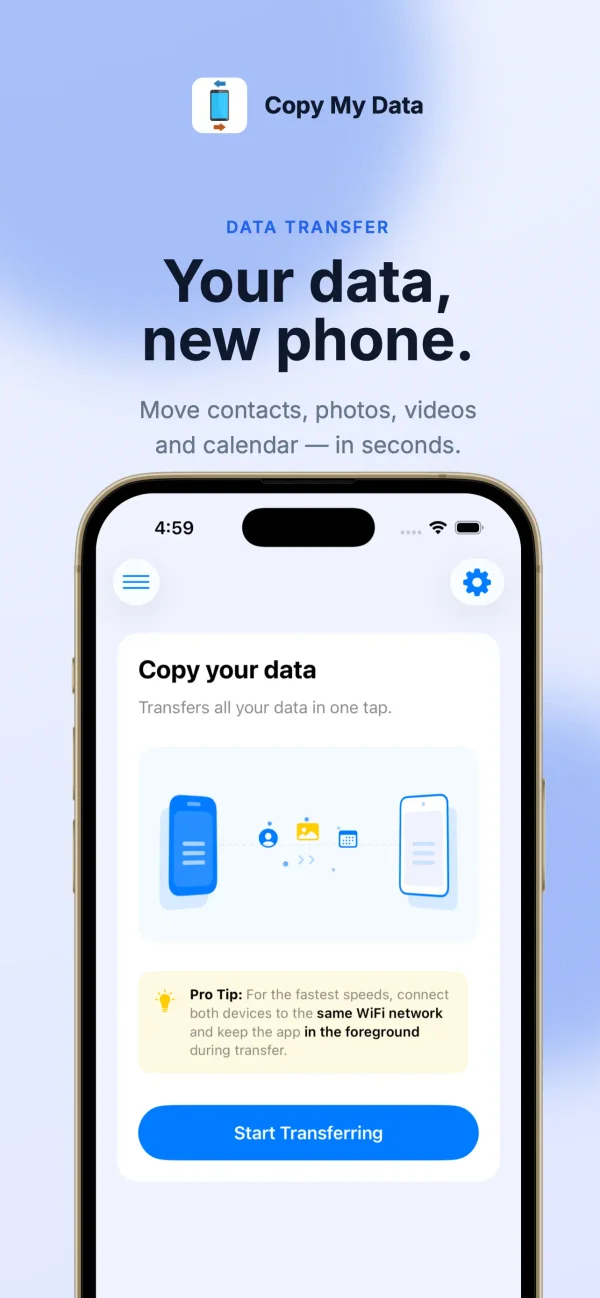
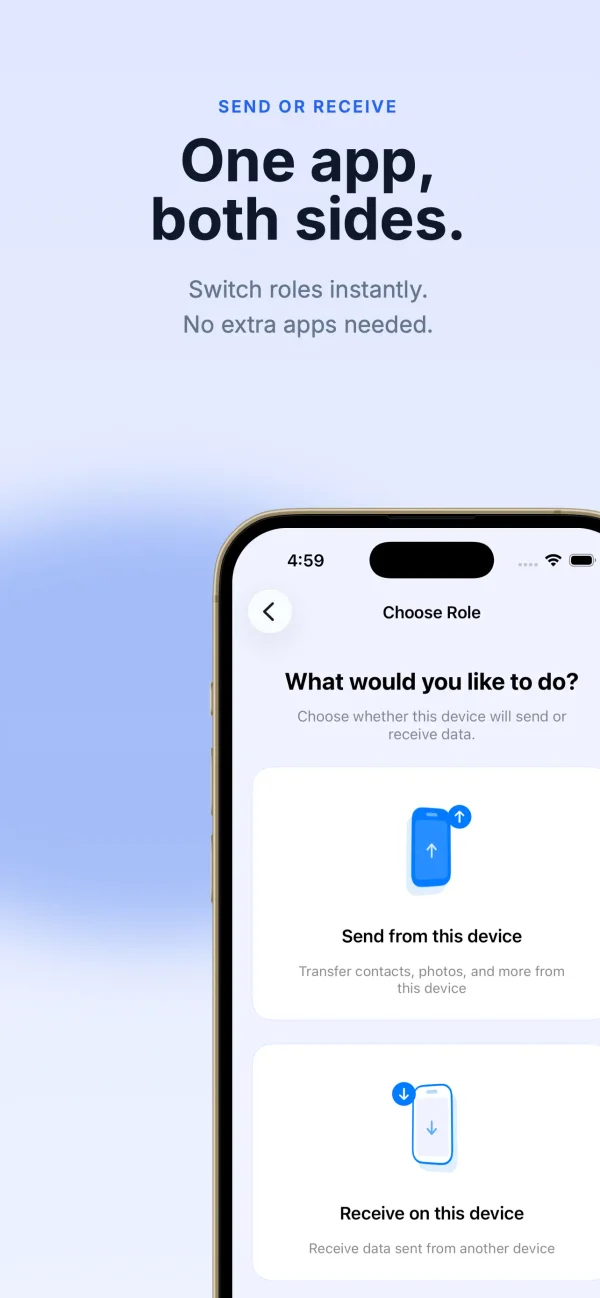
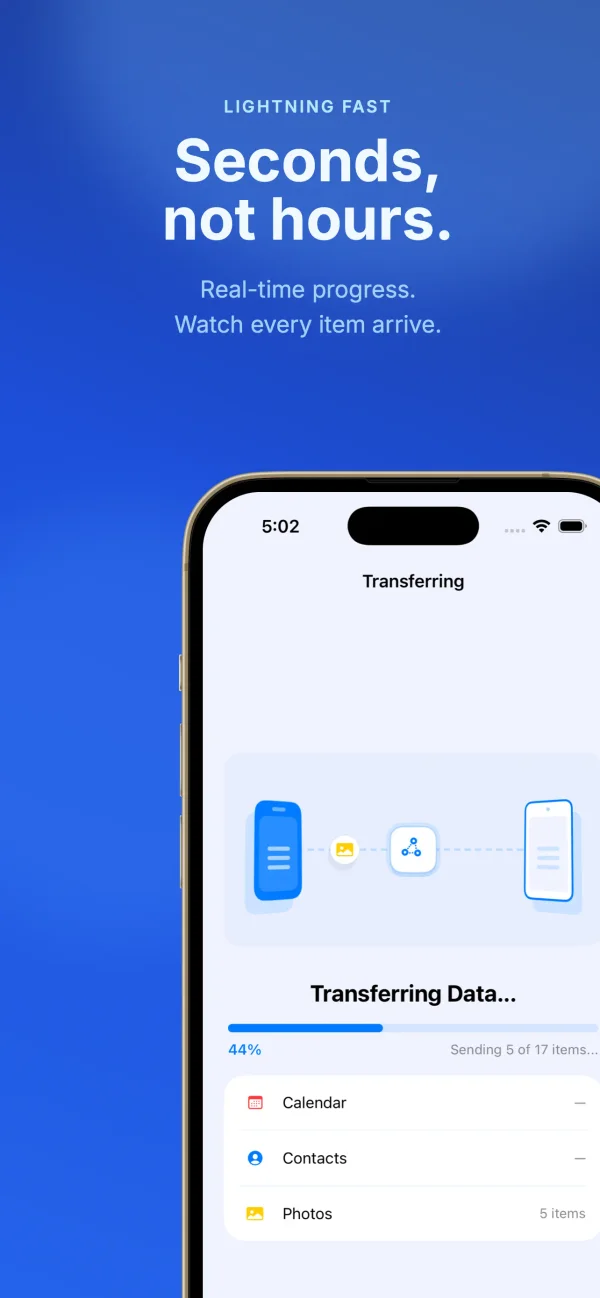
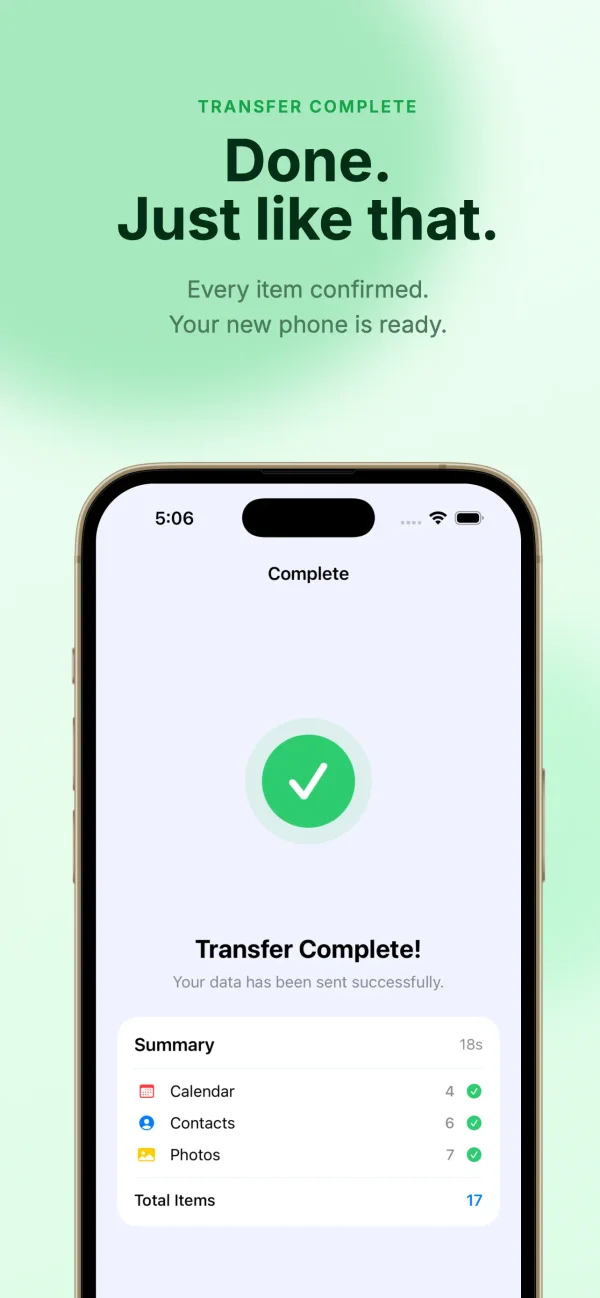
Smart Switch: Copy Data makes it effortless to transfer your data between iPhone, iPad, Samsung, Pixel, and more — no cables, no computer, no iCloud required.
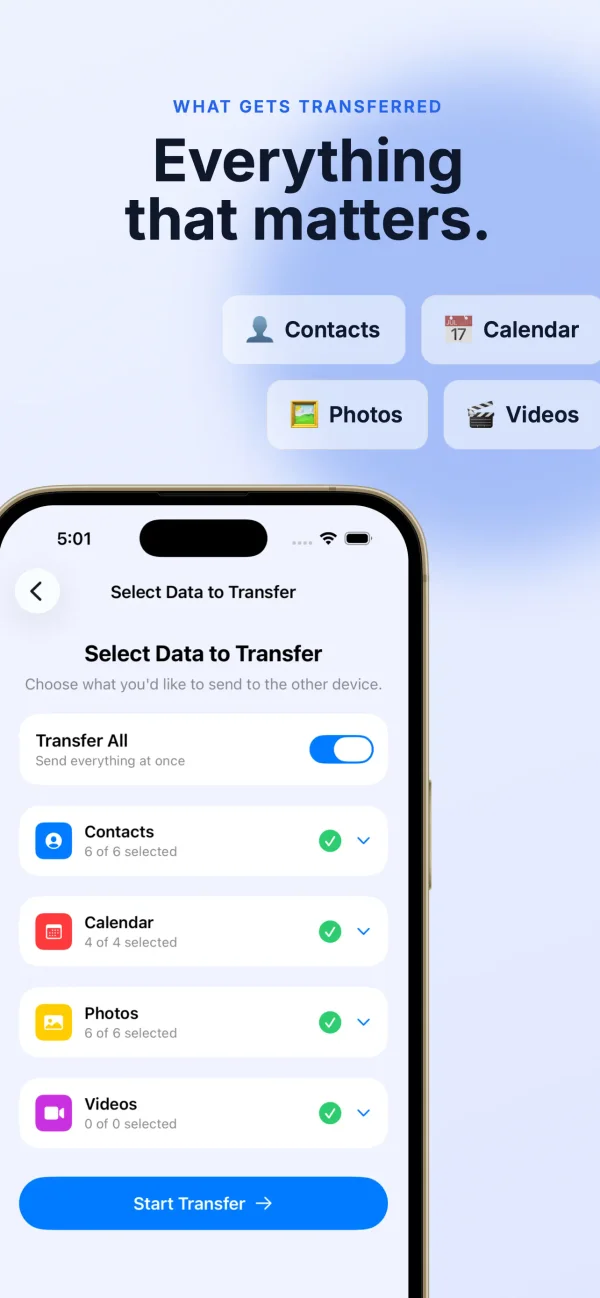
WHAT YOU CAN TRANSFER
• Contacts
• Photos & Videos
• Calendar Events
• Files & Documents
TWO WAYS TO TRANSFER
WiFi Transfer — Ultra-fast, direct device-to-device transfer over your local WiFi network. No internet needed. Just open the app on both devices, pair with a QR code and verification code, and your data moves
instantly.
Link Transfer — No shared WiFi? No problem. Generate a secure transfer link and share it however you like. Works across different WiFi networks and even cross-platform.
WHY SMART SWITCH: COPY DATA
• No account or sign-up required
• Works iPhone to iPhone, iPhone to iPad, and iPhone to Samsung, Pixel & more
• Selective transfer — choose exactly what you move
• Secure pairing with QR code + numeric verification
• Clean, simple interface — done in minutes
GO PRO — UNLIMITED TRANSFERS
Upgrade to Pro for unlimited transfers with no restrictions.
• Weekly Plan
• Monthly Plan
• Lifetime — one-time purchase, unlimited forever
Subscription automatically renews unless cancelled at least 24 hours before the end of the current period. Manage or cancel anytime in iOS Settings → Apple ID → Subscriptions.
---
Changes made:
- Opening line: "Android devices" → "Samsung, Pixel, and more"
- Link Transfer bullet: "across platforms" → "cross-platform"
- Why section: "iPhone to Android" → "iPhone to Samsung, Pixel & more"
Privacy Policy: https://muneeebb.github.io/copyMyData_legal/privacy_policy.html
Terms of Use: https://muneeebb.github.io/copyMyData_legal/terms.html
EULA: https://muneeebb.github.io/copyMyData_legal/eula.html
What’s new
Version 1.1.5 · Jun 29, 2026
Bug fixes and Performance Improvements
App privacy
What Abida Zahid declares on the App Store about how this app handles data.
-
Data used to track you
May be used to track you across apps and websites owned by other companies.
- Identifiers
-
Data not linked to you
May be collected but is not linked to your identity.
- Identifiers
- Usage data
- Diagnostics
Privacy practices may vary, for example with the features you use or your age.
Information
- Seller
- Abida Zahid
- Category
- Utilities
- Version
- 1.1.5
- Updated
- Jun 29, 2026
- Released
- May 13, 2026
- Size
- 20.5 MB
- Requires
- iOS 15.4 or later
- Age rating
- 4+
- Price
- Free
- In-app purchases
- Yes
- Languages
- English, Arabic, Dutch, German, Hindi, Italian, Spanish, Turkish
- Copyright
- © 2026 Gaming Geek Studio
You might also like
-
 Smart Switch - Transfer filescopy my data, photo & video
-
 Smart Switch: Clone PhoneSmart Switch Data Transfer
-
 Smart Switch | Copy My DataMove to iOS, Phone Transfer
-
 Smart Switch: Transfer My DataSmart Transfer with Clone App
-
 Smart Switch- Mobile transferSmart data transfer app.
-
 Quick Start - Tranfer DataMove data to your new device
-
 Transfer My ContactsContacts Backup
-
 Smart Switch: Copy my dataEffortless Data Transfer App
-
 Smart Transfer AppCopy Contacts, Photos & Videos
-
 Smart Switch - Phone CloneFast Data, Wifi Transfer