Smart TV Remote – Universal
Control every brand and model
Designed for iPhone
Free · In-app purchases
- Age rating12+
- CategoryUtilities
- DeveloperFlorea Media SRL
- LanguagesEnglish+ 9 more
- Size121.9 MB
Links to the official App Store page
Download.org hosts no file of Smart TV Remote – Universal. The button opens its official App Store page, published by Florea Media SRL. Listing last checked on Nov 16, 2026.
Screenshots

About
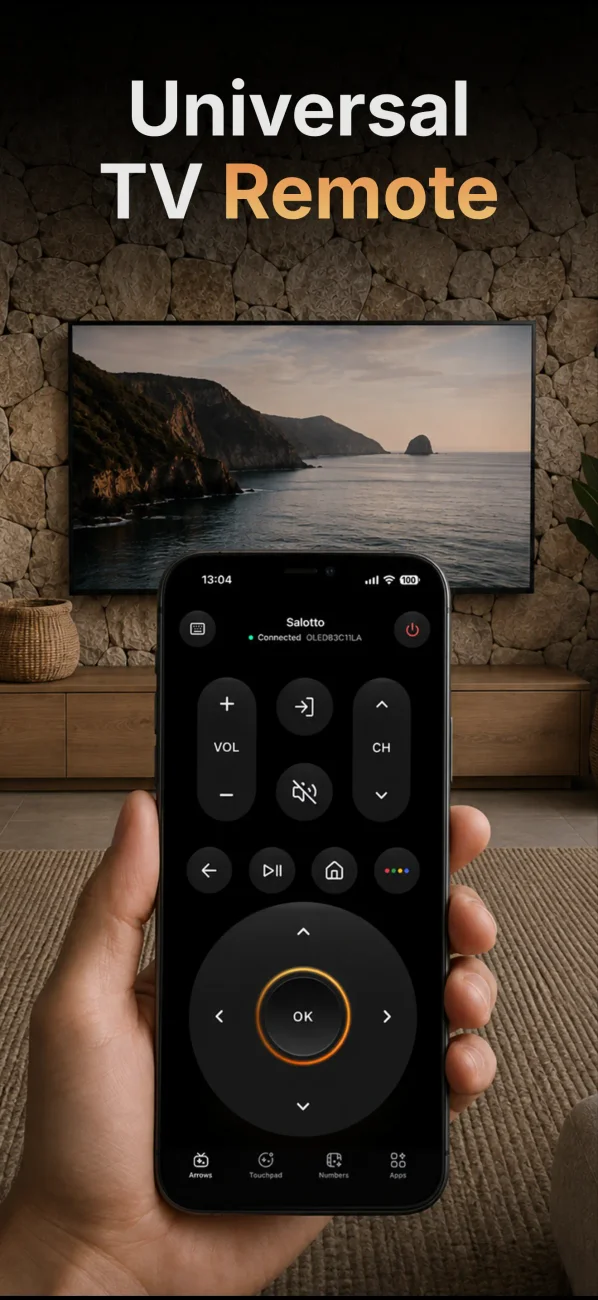
Turn your iPhone into the remote for every smart TV in the house. The app finds the TV on your Wi-Fi, pairs the way the TV asks, and gives you every key, a touchpad, a keyboard and your apps, all in one place that never ends up under the sofa.
Works With the TVs People Actually Own
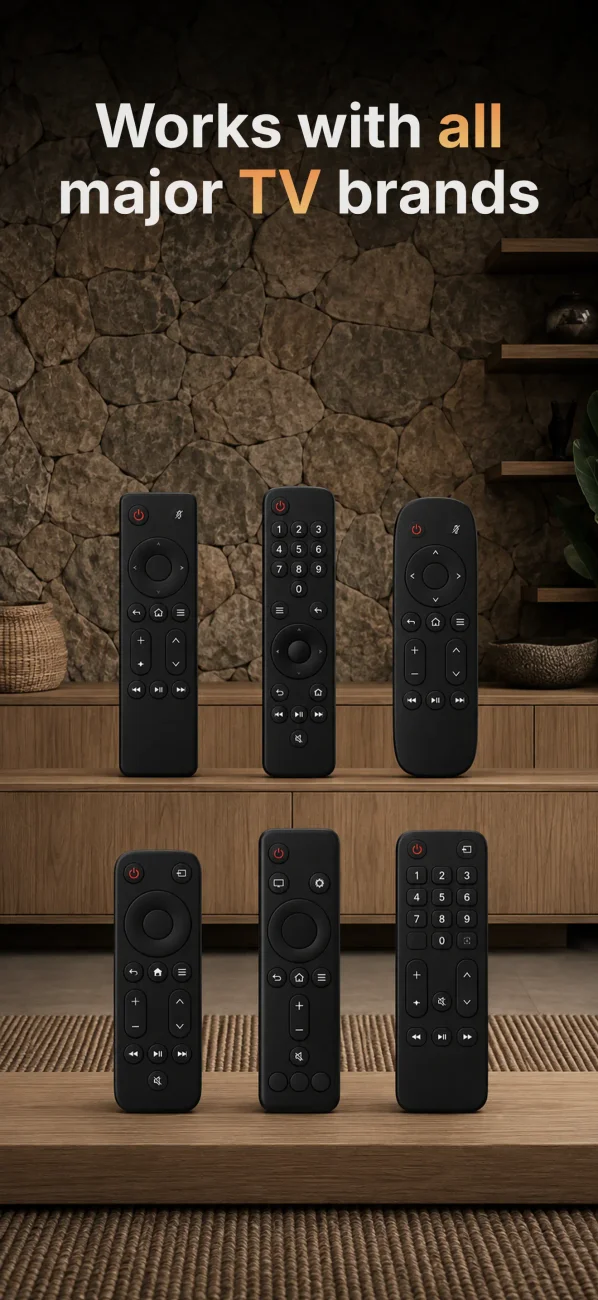
Samsung, LG, Sony Bravia, Roku, Vizio, Philips, Panasonic, Amazon Fire TV, and the Android TV and Google TV sets made by TCL, Hisense, Xiaomi and many others. Each brand is spoken in its own language, so the keys respond the way the original remote does.
Ready in a Minute
Put the phone on the same Wi-Fi as the TV and open the app. The TV appears within seconds. The first time, the TV shows a code or asks for permission on its screen, once; after that the connection is automatic whenever you open the app.
Every Key of the Remote
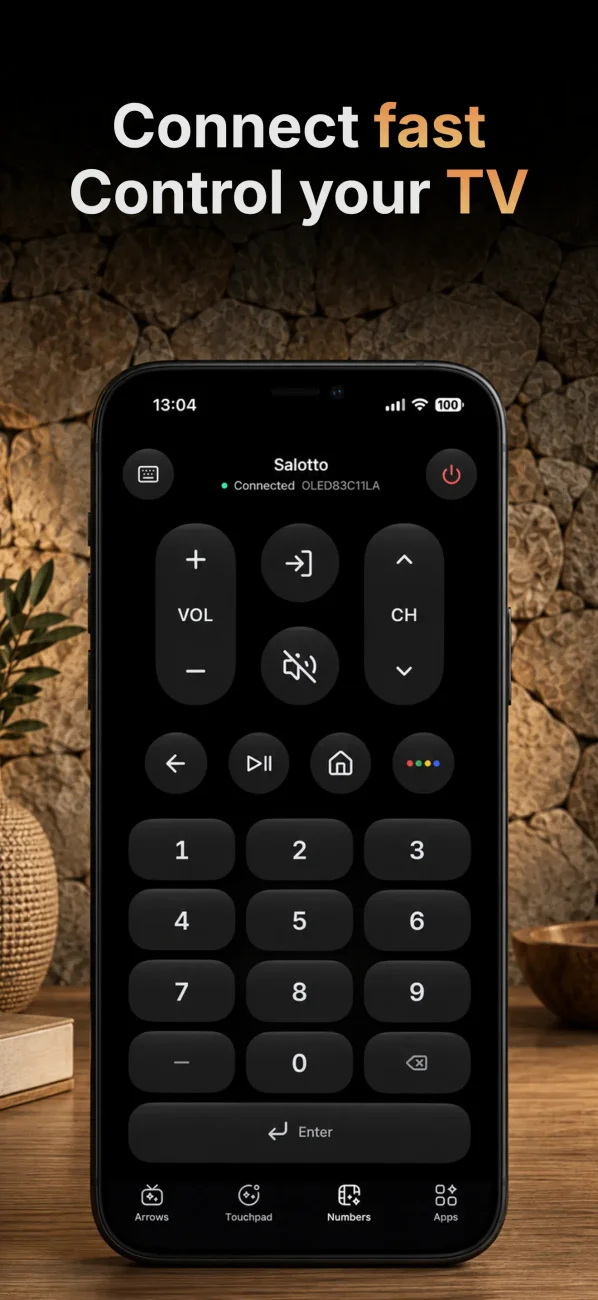
Power, volume and mute, channels and numbers, inputs, arrows and OK, play and pause, home and back. The keys are laid out like a real remote, with haptic feedback on every press, and the phone's own volume buttons control the TV.
Touchpad and Keyboard
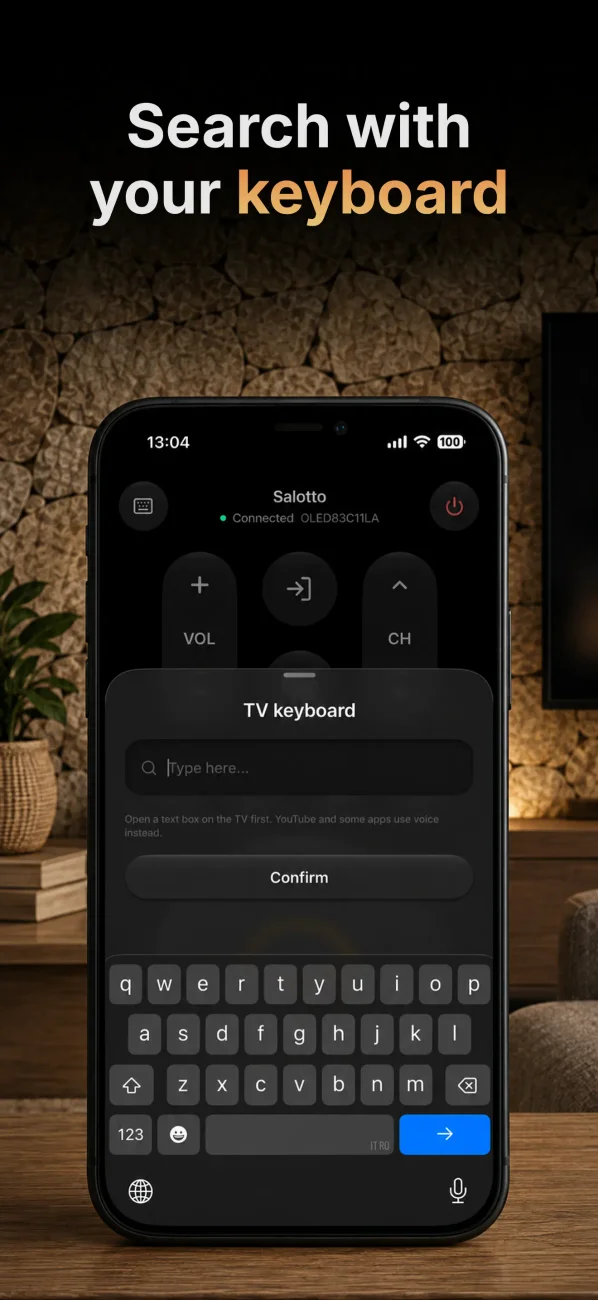
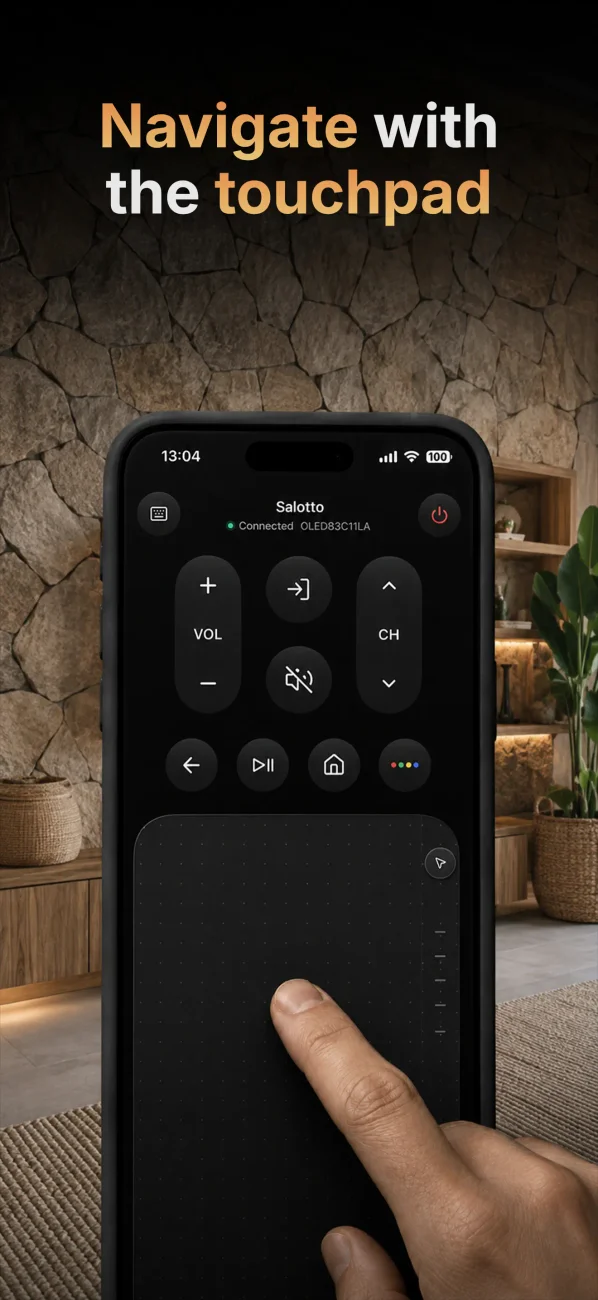
Swipe across the touchpad to move through menus and tap to select. On TVs with a pointer, the cursor follows your finger. When it is time to search, type on your phone's keyboard instead of hunting for letters on the screen one at a time.
Your Apps in One Tap
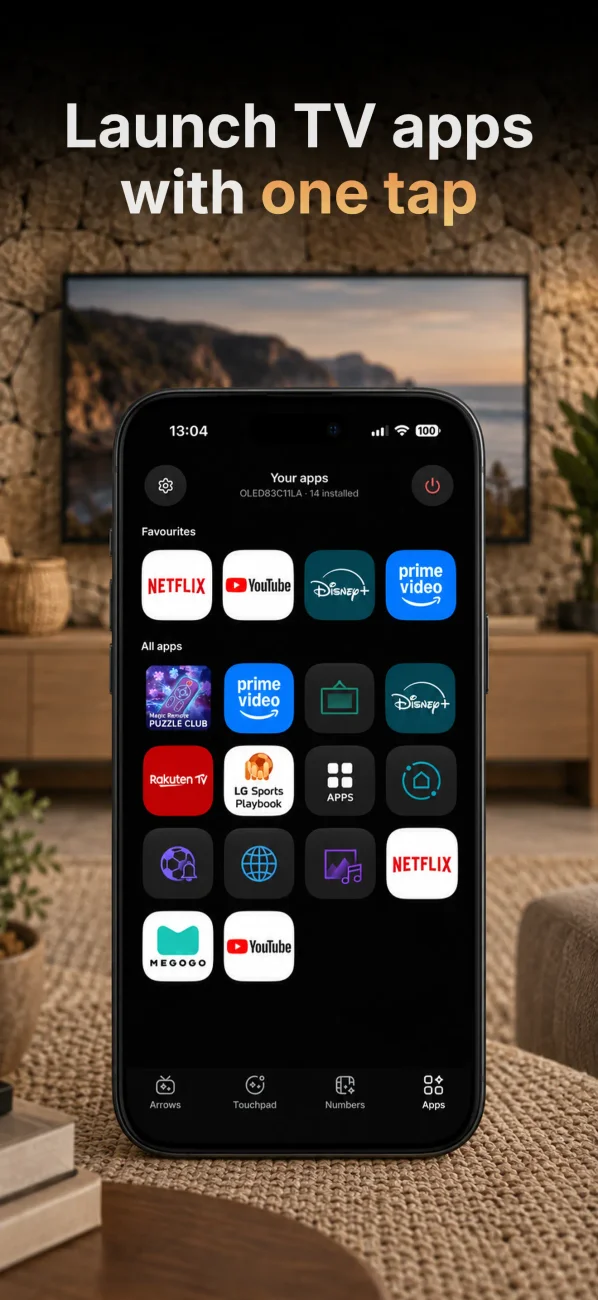
Netflix, YouTube, Disney+, Prime Video and everything else installed on the TV, opened straight from the phone. Keep your favorites at the top of the remote.
Turn the TV On From the Couch
Most recent smart TVs can be woken over the network. Once the app has paired with the TV, it can turn it on for you, even from standby, and it helps you switch the setting on when the TV needs it.
Every TV in the House
Living room, bedroom, kitchen: save each TV once and switch between them in a tap. Rename them, forget them, add a new one whenever you like.
Private by Design
There is no account and no server between you and your TV. The app talks to the TV directly over your home network. No ads, and no tracking of what you watch.
Premium
The remote itself is free, with no limits: arrows and OK, volume and mute, channels, power, inputs, play and pause. Premium unlocks the touchpad, the number pad, launching apps and the keyboard, and you can try each of them for free a few times first. Choose a weekly or yearly subscription, or pay once with Lifetime. Prices are shown in the app before you buy.
Subscriptions renew automatically unless cancelled at least 24 hours before the end of the current period. Payment is charged to your Apple ID account at confirmation of purchase. Manage or cancel anytime in your App Store account settings.
This app is not affiliated with or endorsed by Samsung, LG, Sony, Roku, Vizio, Philips, Panasonic, Amazon, Google or any other brand mentioned.
Privacy Policy: https://tvremote.org/privacy
Terms of Use: https://tvremote.org/terms
What’s new
Version 1.0.6 · Oct 31, 2026
Turning the TV on from the phone is more patient: a TV that has been off for hours now connects as soon as it is ready, without a false error in between. The remote no longer flashes a "Not connected" chip when you come back to the app.
App privacy
What Florea Media SRL declares on the App Store about how this app handles data.
-
Data used to track you
May be used to track you across apps and websites owned by other companies.
- Purchases
- Identifiers
- Usage data
-
Data not linked to you
May be collected but is not linked to your identity.
- Purchases
- Identifiers
- Usage data
- Diagnostics
Privacy practices may vary, for example with the features you use or your age.
Information
- Seller
- Florea Media SRL
- Category
- Utilities
- Version
- 1.0.6
- Updated
- Oct 31, 2026
- Released
- Sep 11, 2026
- Size
- 121.9 MB
- Requires
- iOS 16.4 or later
- Age rating
- 12+
- Price
- Free
- In-app purchases
- Yes
- Languages
- English, French, German, Italian, Japanese, Korean, Portuguese, Romanian, Spanish, Turkish
- Copyright
- © 2026 Florea Media SRL
You might also like
-
 Universal TV Remote: Smart TVsSmart TV & Streaming Control
-
 Universal TV Remote: WandFor Roku, Fire TV, Vizio & LG
-
 TV Remote Control for TV APPSmart TV Remote
-
 Universal TV Remote: SmartCtrlFor Samsung, LG, Roku, Fire TV
-
 Remote Control (TV)1,000+ Smart TV Models
-
 Zap: Universal TV RemoteSamsung, LG, Roku, Google TV
-
 9Remote - Universal TV RemoteControl Smart TVs, Cast Media
-
 Universal Remote TV ControlerSamsung, LG, Roku & Firestick
-
 TV Remote Control | UniversalRemote Control for Smart TV
-
 Universal: TV Remote ControlSmart Cast, Keyboard & Wi-Fi