
SmartDaddy Child Screen Time
Parental control for kids
Designed for iPhone, iPad
Free
- Age rating4+
- CategoryLifestyle
- DeveloperSmartDaddy
- LanguagesEnglish
- Size13.3 MB
Links to the official App Store page
Download.org hosts no file of SmartDaddy Child Screen Time. The button opens its official App Store page, published by SmartDaddy. Listing last checked on Nov 13, 2026.
Screenshots

About
This app is a companion app for devices paired with the 'Parental Control: SmartDaddy' app. It is specifically designed for parents or guardians to monitor and manage their child's device. The app enables parental control features to promote safe and responsible device usage. Please note: This app is not intended for installation on a parent’s device.
SmartDaddy Child Monitoring and Parental Control App is a comprehensive tool designed to ensure your child's online safety. As the kids' app, it needs to be installed on your child's phone to provide complete peace of mind by creating a secure virtual space for your family. It offers a wide range of features to keep your child safe both online and offline.
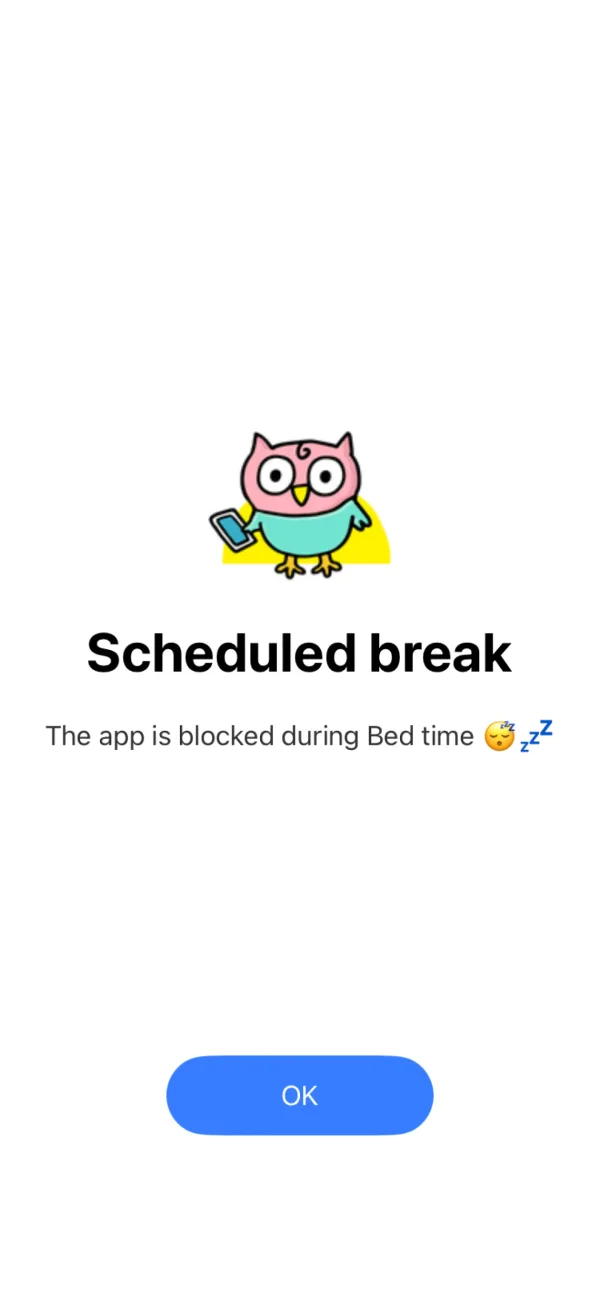
With our app, you can limit screen time for specific apps and create custom schedules to balance screen time with other activities. Our Instant Pause and Free Play features allow you to take a break or reward extra screen time. You can also create to-do lists for your child and grant screen time as they complete them.
Moreover, our child safe kit of software features provides full peace of mind with live location tracking and kid monitoring. You can monitor and block app usage for live protection 24/7.
SmartDaddy provides seamless real-time tracking, safety, and an easy-to-use interface. It's always on guard, providing benefits such as:
◉ Screen time control
◉ App/game blocker and schedule
◉ Instant Pause and Free Play
Our child monitoring app is affordable with packages that suit your family's size and can be adjusted at any time. Upgrade to a bigger package or switch to a lower one with complete ease.
To get started, first download the Parent App from the store (Parental Control: SmartDaddy). Set up your account, choose a subscription plan that fits your family, and create a child profile. Once that's done, link it to this Child App. The setup is quick and easy—just a few minutes on your child's phone. Sign in and start monitoring!
If you have any issues, please take a look at our help pages or contact us via the contact page of our website:
SmartDaddy Child App Help: https://smartdaddy.app/help
SmartDaddy Child App Contact: https://smartdaddy.app/contact-us
Please make sure you have read the following before you use SmartDaddy Child App:
Privacy Policy: https://smartdaddy.app/privacy
Terms of Service: https://smartdaddy.app/terms
App privacy
What SmartDaddy declares on the App Store about how this app handles data.
-
Data used to track you
May be used to track you across apps and websites owned by other companies.
- Identifiers
-
Data linked to you
May be collected and linked to your identity.
- Identifiers
Privacy practices may vary, for example with the features you use or your age.
Information
- Seller
- SMARTDADDY LLP
- Category
- Lifestyle
- Version
- 1.0
- Updated
- Jan 9, 2025
- Released
- Jan 8, 2025
- Size
- 13.3 MB
- Requires
- iOS 16.4 or later
- Age rating
- 4+
- Price
- Free
- Languages
- English
- Copyright
- © 2024 SMARTDADDY LLP
You might also like
-
 Parental Controls: TapGuardianScreen Time, App Blocker, Web
-
 Kidoks - Parental Control AppScreen Time & Kid's Location
-
 Ourlittlebird Parent ControlLifestyle
-
 Ourlittlebird ParentLifestyle
-
 Zentime: Parental Control AppFamily Screen Time, App Limits
-
 Parental Control App NannyHereKeep Kids Safe Online
-
 ParentalEdge: Parental ControlScreen Time, Family & Safety
-
 OneLimit: Parental ControlsiPhone, PS5, Switch, Xbox, PC
-
 Parental Control: Screen TimeSocial Media & App Blocker
-
 Device App KiddenLifestyle