- Age rating4+
- CategoryProductivity
- DeveloperRoxwin Vietnam Technologies Company Limited
- LanguagesTraditional Chinese+ 15 more
- Size9.8 MB
Links to the official App Store page
Download.org hosts no file of SnapScanner+ PDF, Docs & Cards. The button opens its official App Store page, published by Roxwin Vietnam Technologies Company Limited. Listing last checked on Nov 11, 2026.
Screenshots


About
SnapScanner – Your AI-Powered Document & QR Scanner
Turn your iPhone into a powerful scanner. SnapScanner captures crisp, professional-looking scans, reads the text on every page, and keeps all your documents organized, private and ready to share.
KEY FEATURES:
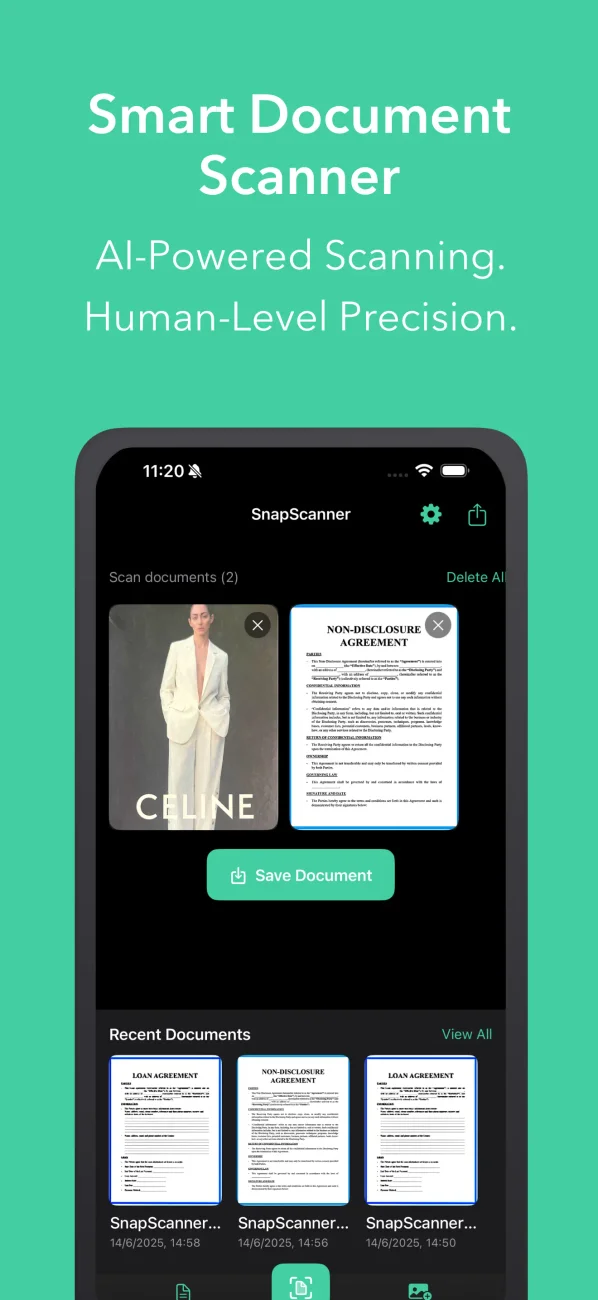
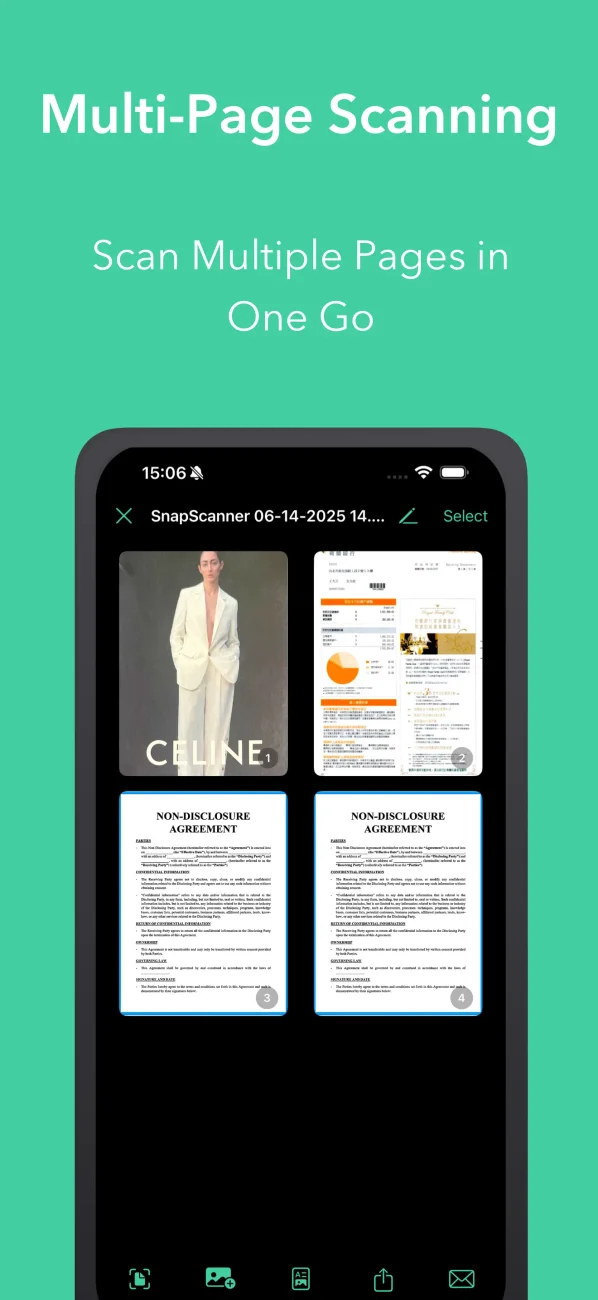
Smart Document Scanning
• Automatic edge detection and perspective correction
• Multi-page scanning in one session
• Import photos from your library, and documents are detected and straightened automatically
• Great for receipts, contracts, notes, forms, ID cards and more
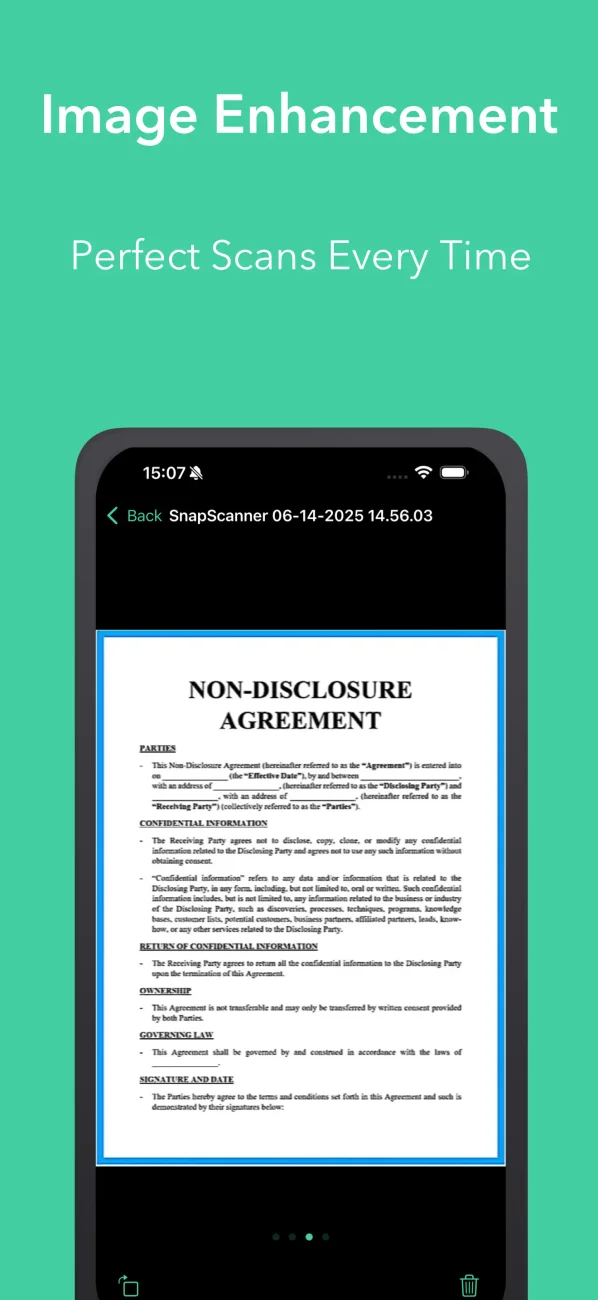
Edit Every Page
• Crop edges by hand with precise corner handles
• Filters: Original, Enhanced, Grayscale and Black & White
• Apply a filter to one page or the whole document
• Rotate and reorder pages with drag and drop
• Non-destructive editing: re-crop or change filters anytime without losing quality
Text Recognition (OCR)
• Extract text from any scan, then select, copy and share it
• Create searchable PDFs: find and copy text inside exported files
• Search your documents by the words written in them, not just by name
Markup & Signatures
• Draw, write and highlight directly on pages
• Create your signature once and sign documents in seconds
• Saved signatures are ready to reuse anytime
AI Business Card Scanner
• Scan business cards and extract name, phone, email, company and more
• Review and edit details before saving
• Save to Contacts or share as a vCard
QR & Barcode Tools
• Scan QR codes and barcodes instantly, from the camera or a photo
• Copy or share scanned content in one tap
• History of scanned codes for quick access
• Create your own QR codes with custom colors and logos
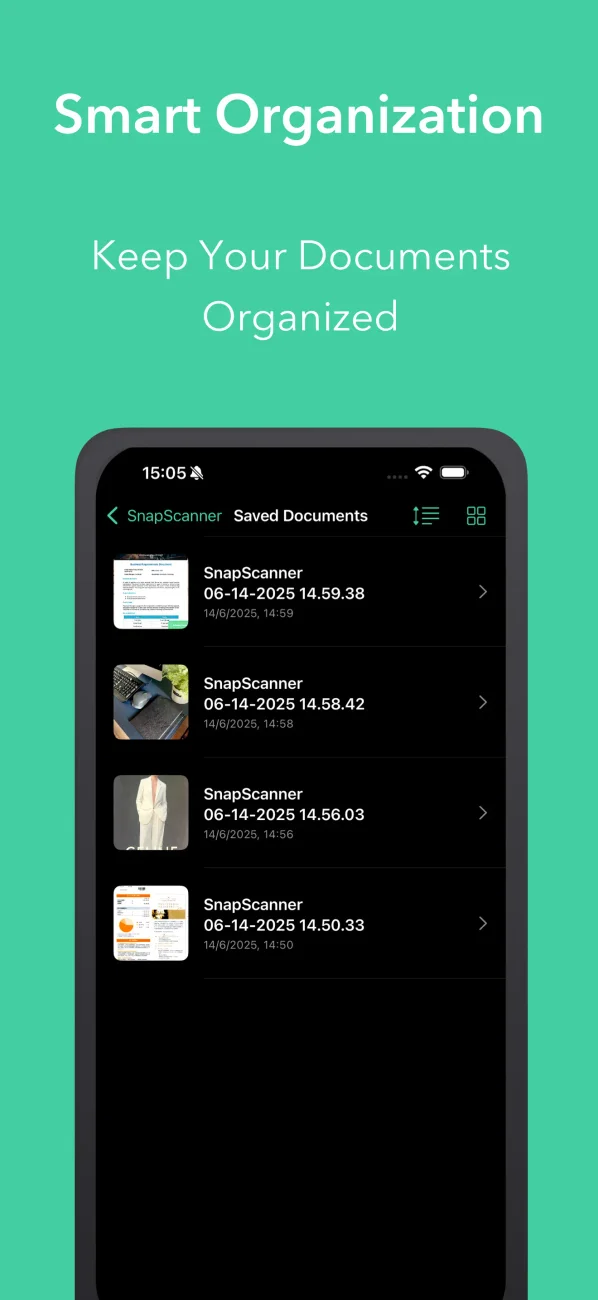
Smart Organization
• Folders to keep documents tidy
• Move documents between folders easily
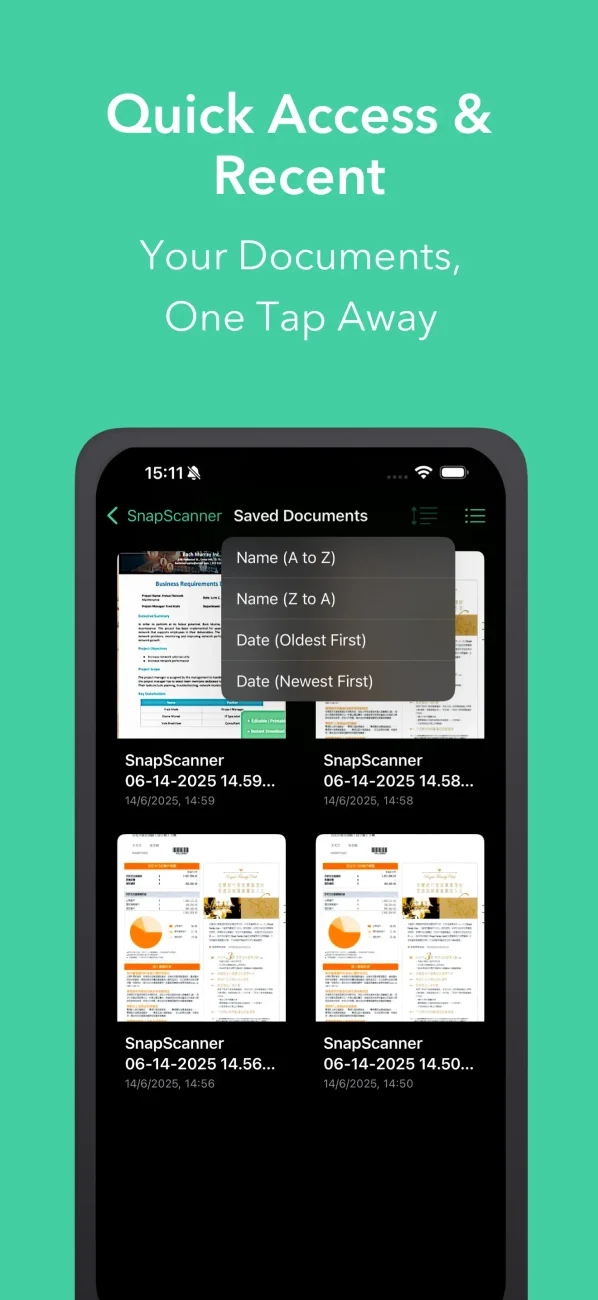
• Sort by name or date, in grid or list view
• Quick access to recent documents
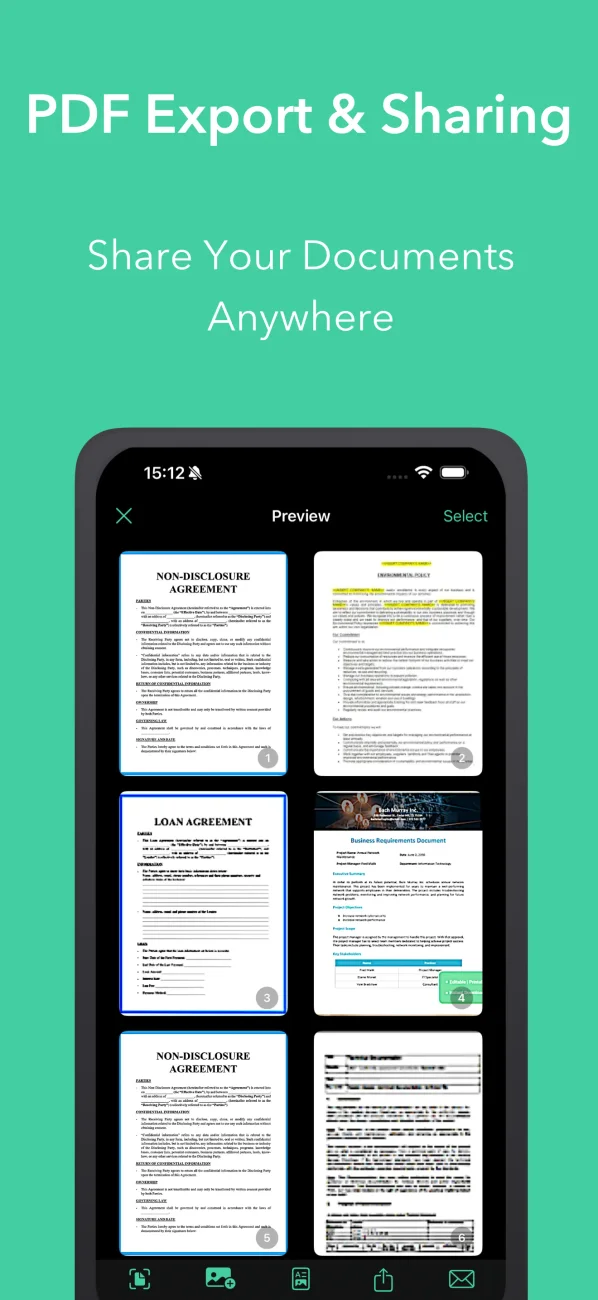
Export & Sharing
• Export as PDF, images or one long image
• Customizable PDFs: page size, orientation, margins, page numbers and background
• Choose export quality for smaller files or full resolution
• Password-protect your PDFs
• Share via email, messaging apps, AirDrop or cloud storage
Privacy & Security
• Documents are stored on your device
• Lock the app with Face ID, Touch ID or your passcode
• PDF passwords are kept safely in the iOS Keychain
Additional Features
• Dark mode and light mode
• Available in 16 languages
• Regular updates and improvements
Perfect for:
• Students and educators
• Business professionals and office workers
• Freelancers signing contracts on the go
• Home organization and personal paperwork
Download SnapScanner today: scan, edit, sign and organize your documents, all in one place!
What’s new
Version 2.2.8 · Sep 16, 2026
Big update: SnapScanner is now a complete document workspace.
• Edit every page: crop edges by hand, rotate, and choose Original, Enhanced, Grayscale or B&W
• Extract text from any scan: select, copy and share it in one tap
• Searchable PDFs: find and copy text right inside your exported PDFs
• Search by content: find documents by the words written in them, not just by name
• Folders: organize your documents and move them around easily
• Markup & signatures: draw, highlight and sign pages, with signatures saved for reuse
• Face ID lock: keep your documents private
• Choose export quality to get smaller files or full resolution
• Smarter photo import: regular photos keep their original shape
• Faster, more reliable storage and many bug fixes
App privacy
What Roxwin Vietnam Technologies Company Limited declares on the App Store about how this app handles data.
-
Data not collected
The developer does not collect any data from this app.
Privacy practices may vary, for example with the features you use or your age.
Information
- Seller
- Roxwin Vietnam Technologies Company Limited
- Category
- Productivity
- Version
- 2.2.8
- Updated
- Sep 16, 2026
- Released
- Jun 14, 2025
- Size
- 9.8 MB
- Requires
- iOS 17.6 or later
- Age rating
- 4+
- Languages
- Traditional Chinese, Vietnamese, Russian, Catalan, Indonesian, Hebrew, German, Japanese, French, Thai, Simplified Chinese, English + 4 more
- Copyright
- Copyright © 2025 MagicOne · All rights reserved
You might also like
-
 Smart Scan XPDF Scanner & OCR
-
 PDFs: Merge & SplitWatermark, Lock & Unlock PDF
-
 PDF Reader - PDF Viewer,EditPDF Viewer
-
 Zip Unzip - Unrar Tool PROPro Unzip Tool
-
 A4Pad – Annotate, Merge PDFCreate from documents & photos
-
 PDFy: The PDF Converter ApрConvert Picture, Word, & eSign
-
 ScanKit: Document & QR ScannerScan, OCR, QR & Create PDFs
-
 Convert Picture to PdfJpeg,jpg,heic photo convertor
-
 Business Card Digital ScanneriConnectNet: QR Code Reader
-
 GlobalScan Pro: PDF ScannerExport Documents to Word & PDF