- Age rating4+
- CategoryProductivity
- DeveloperGrzegorz Rakoca
- LanguagesEnglish
- Size42.4 MB
Links to the official App Store page
Download.org hosts no file of PDF Reader - PDF Viewer,Edit. The button opens its official App Store page, published by Grzegorz Rakoca. Listing last checked on Nov 9, 2026.
Screenshots

About
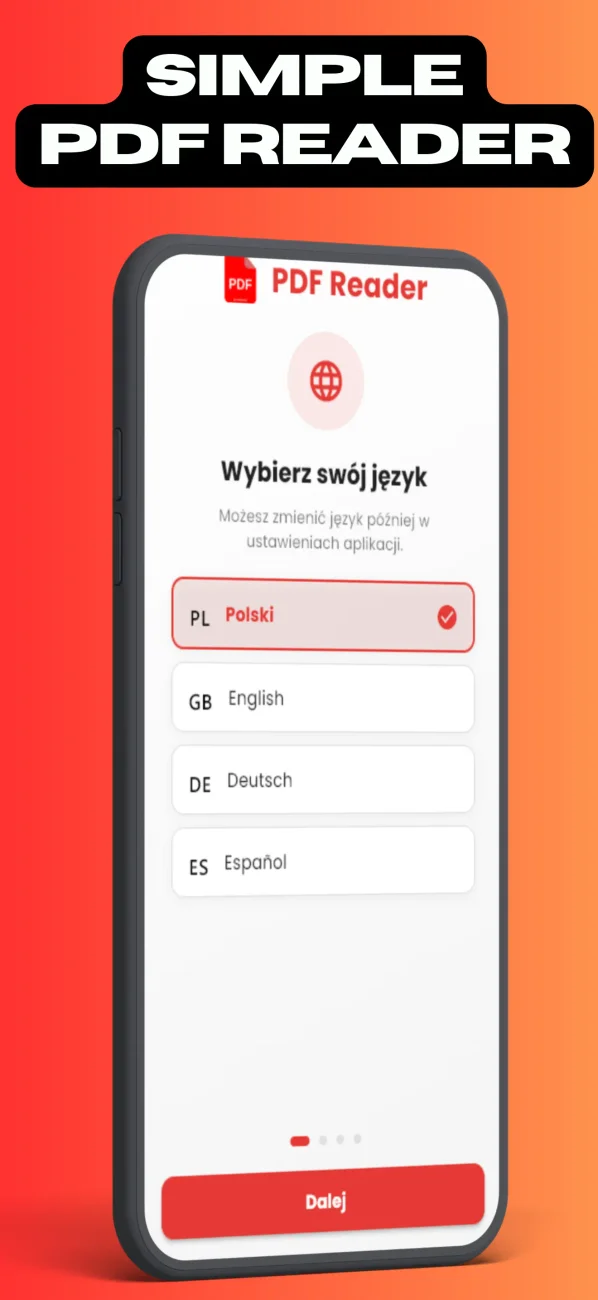
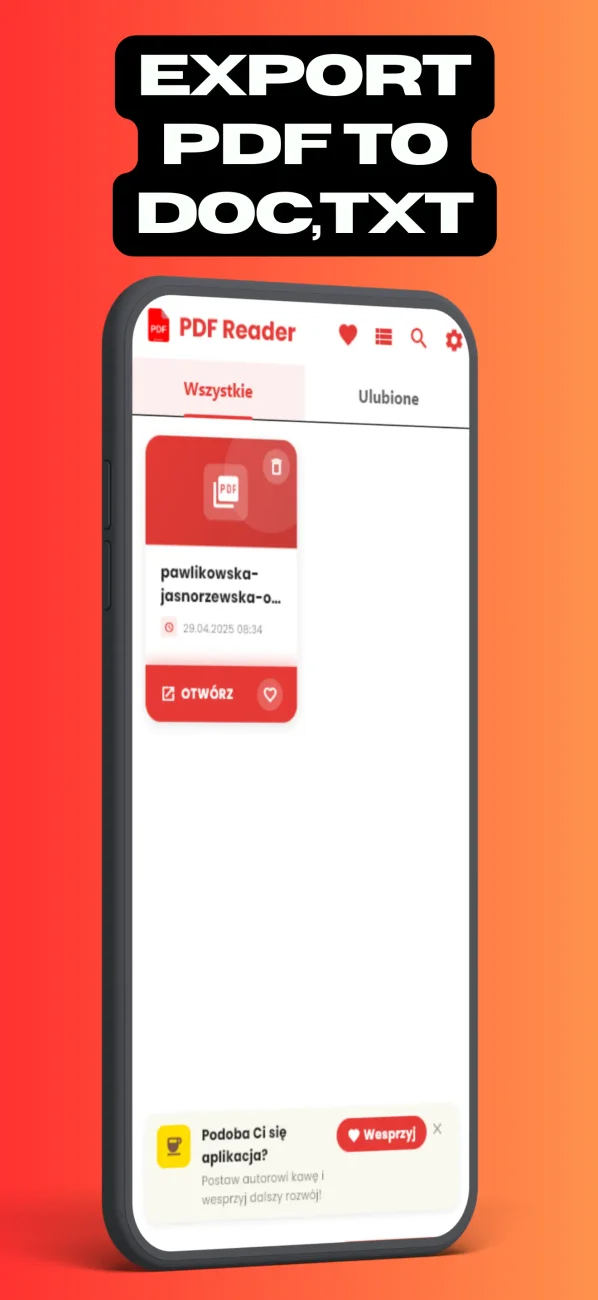
PDF Reader is the perfect solution for you! It automatically scans your device, finds all PDF files and presents them in a convenient list. It allows you to open, browse and manage documents in one place in no time.
Versatile PDF reader
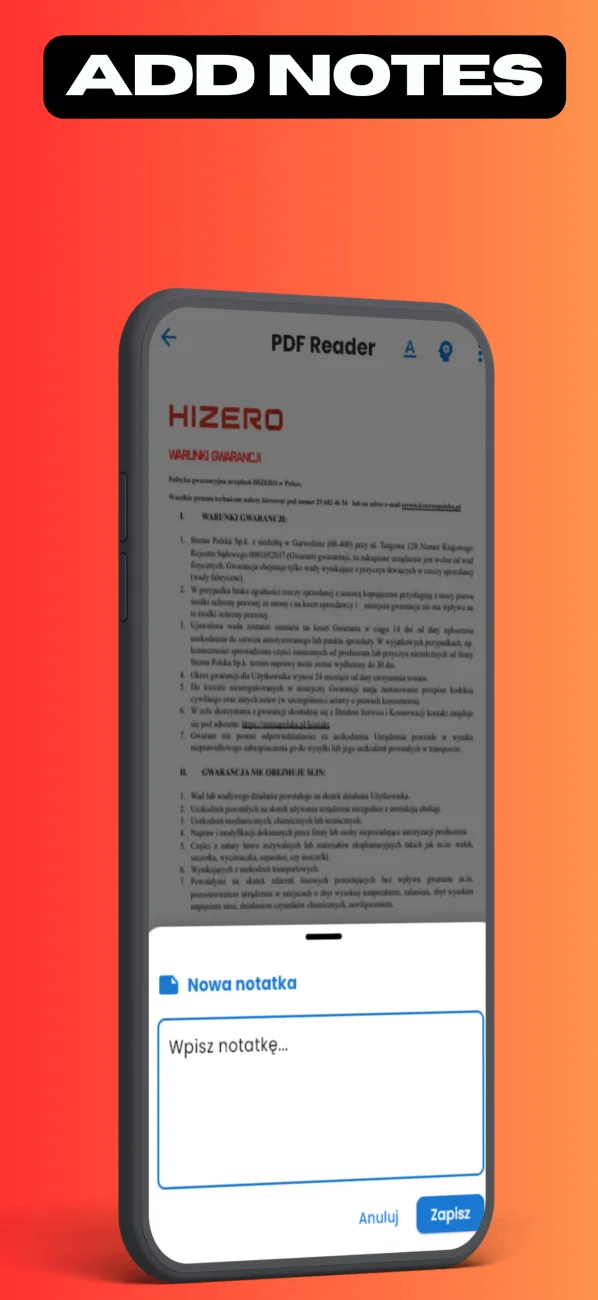
The app allows you to quickly read files in various formats - documents, receipts, photos, business cards and notes. In addition to reading, you can highlight text, take notes, add electronic signatures, bookmarks and share PDF files with other users.
Download now and increase your efficiency!
PDF Reader is a combination of a PDF viewer, e-book reader and PDF editor - lightweight, free and extremely user-friendly. Perfect for work and study!
Download PDF Reader and use all the features for free!
PDF Reader Key Features
- Convenient document browsing
- Browsing page by page or in continuous scrolling mode
- Support for portrait and landscape orientation
- Reflow mode for smooth reading
- Quickly jump to the selected page
- Search and copy text from a document
- Intuitive zooming in and out of pages
Fast and free PDF support
- Automatic scanning and detection of PDF files in the phone's memory
- Quickly search for documents and content by keywords
- Clear lists of PDF files for easy access
- Instantly open and browse documents
- Add bookmarks to PDF pages
- Light and dark mode switched with a single click
PDF editing features
- Highlighting text fragments with different colors
- Creating notes and highlights (e.g. underline, strikethrough)
- Adding electronic signatures and filling out PDF forms (coming soon)
- Drawing directly on PDF documents
- Creating annotations and comments
- Copying any text fragments from documents
Advanced PDF tools
- Convert photos to PDFs
- Split and combine PDFs
- Add your own texts to PDFs
- Compress PDFs to reduce size (feature in the works)
Professional document management
- Quick access to recently opened files
- Password protection of documents against unauthorized access
- Options to rename, delete and mark files as favorites
- Easily share documents with other users
- Support for printing PDFs directly from your phone
What’s new
Version 1.0.12 · Feb 26, 2026
Improved application performance
App privacy
What Grzegorz Rakoca declares on the App Store about how this app handles data.
-
Data not collected
The developer does not collect any data from this app.
Privacy practices may vary, for example with the features you use or your age.
Information
- Seller
- Grzegorz Rakoca
- Category
- Productivity
- Version
- 1.0.12
- Updated
- Feb 26, 2026
- Released
- Apr 30, 2025
- Size
- 42.4 MB
- Requires
- iOS 12.0 or later
- Age rating
- 4+
- Languages
- English
- Copyright
- © Grzegorz Rakoca
You might also like
-
 SnapScanner+ PDF, Docs & CardsAI-Powered Scanner
-
 PDF Print - TemplatesPDF Page Layout - Multi-Print
-
 PDFix: Edit, Sign, Convert PDFScan Documents & Image to PDF
-
 1Contact Pro: Clean & BackupBackup, Clean & Merge Contacts
-
 Smart Scan XPDF Scanner & OCR
-
 Memio AI Voice Notes & JournalNote Taking Agent Audio & Text
-
 Video Transcriber - TranscriptExtract Text from Audio/Video
-
 BoltPDF: Fill, Sign & Edit PDFScan, Convert, Compress & OCR
-
 SparkPDF: Scan, Sign & FillPDF Filler & Document Scanner
-
 QRat - QR Code GeneratorMake attractive QR codes